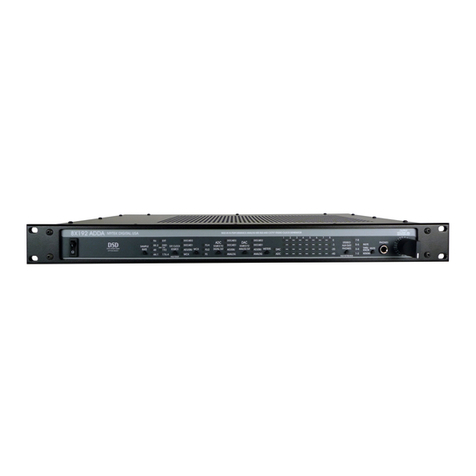
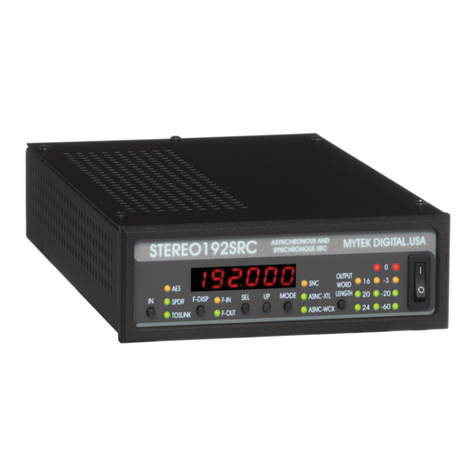
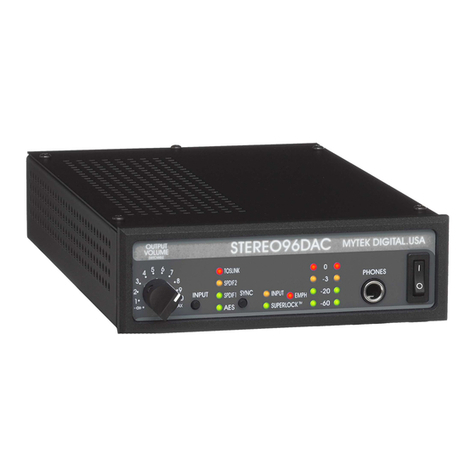
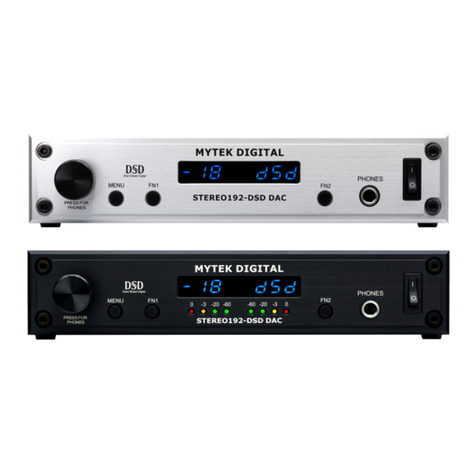
Before using the interface you need to align its analog inputs and outputs. You have to arbitrarily decide what
will be your "0 VU" reference level. It is usually between -20 and -14dB. It defines how much headroom you
have left over the normal operating "0 VU" level. You may set it at the same level as the other piece of
equipment. For example Panasonic 3700 is fixed at -18dB (which is btw low for most rock and roll
recordings). ADAT is fixed at -15dB which is an optimal level.
There are two ways of precise alignment of in/out level. One requires a reference level tape or CD, while the
other requires hi-res digital meter such as Mytek DDD-603. The reference tape containing various tests
signals is available from Mytek .
Alignment of in/out level using a reference level tape or CD.
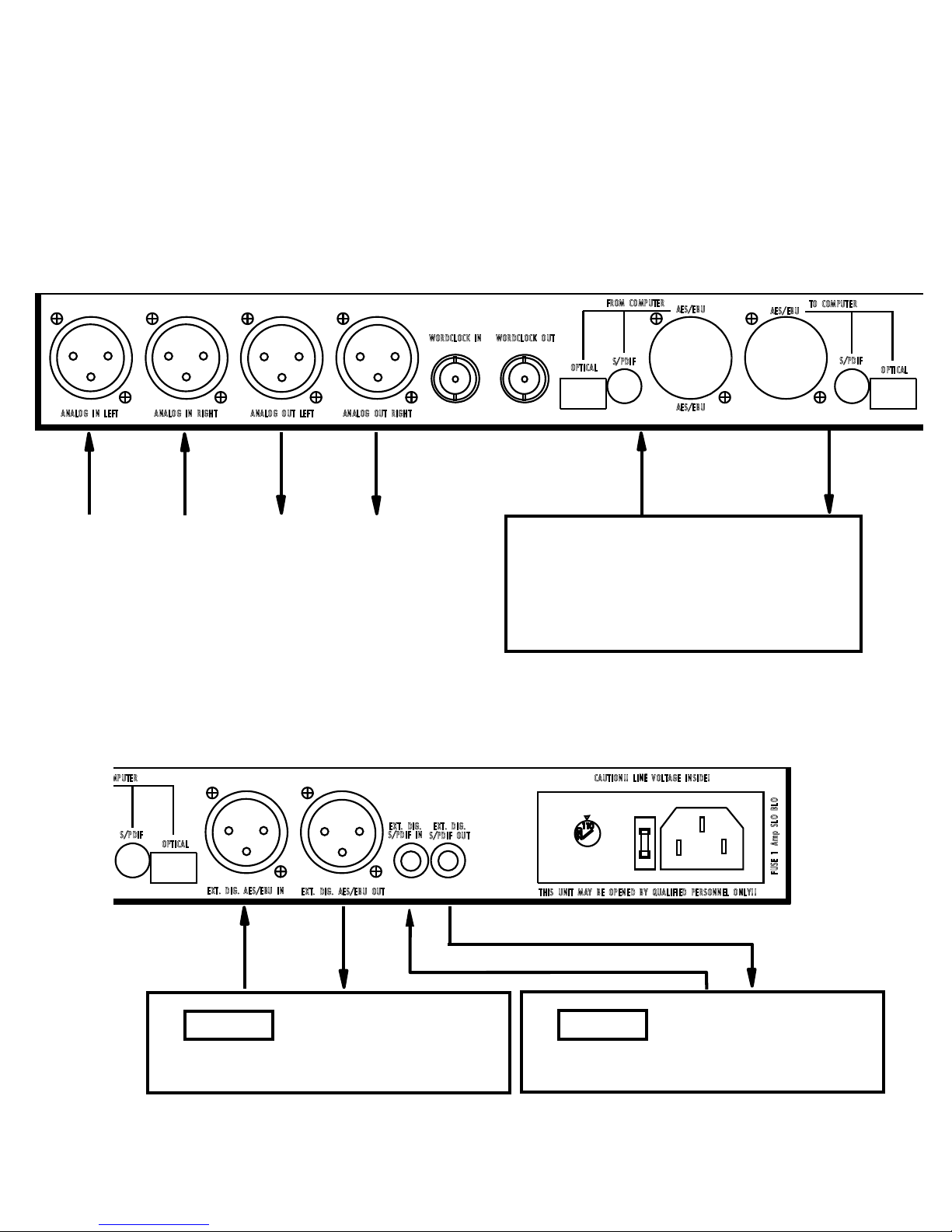
1. Connect the DAT machine or the CD player digital output to one of the external digital inputs.
2. Select the appropriate digital input. Set the monitor switch to “input” and ADC sync to "internal".
3. Play the tape. You have to select the signal that is approx. 1kHz at the operating level you have chosen
(let's say you have chosen -15dB).
4. Send the signal from the analog output to the console VU meter. If you don't have a VU meter you can use
an AC voltmeter set to measure AC RMS values. "0 VU" at + 4dB corresponds to 1.225 Volts RMS measured
between pin 2 and 3 of the output XLRs.
5.Using a tweaker or a small screwdriver adjust the analog outputs so the VU meter reads "0 VU".
6.Set the oscillator in your console at 1kHz and "0 VU". Send the oscillator to the interface analog input.
7.Select the "analog input". Send the signal from the analog output to the VU meter.
8. Adjust the analog input level to get "0 VU" reading at the VU meter.
You now have done the alignment and the interface is set at unity gain. Check the alignment always before
performing important work.
Alignment of in/out level using a hi-res digital meter. You can try using the DAT machine meters but this will
not give you the needed accuracy.
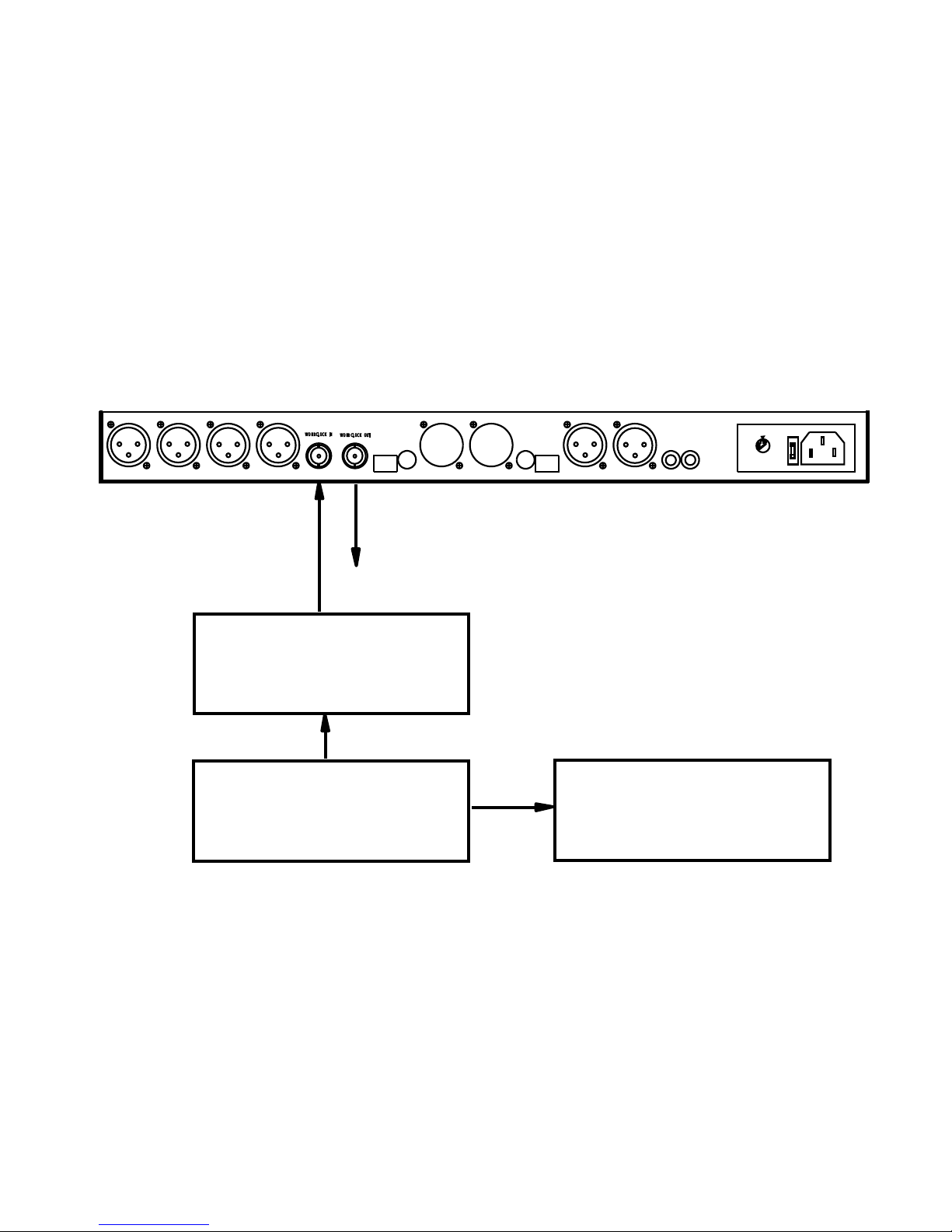
1.Set the oscillator in your console at 1kHz and "0 VU". Send the oscillator to the interface analog input.
2.Select the "analog input". Connect the digital meter to a digital output.
3. Adjust the analog input level to get appropriate reading of the meter (for example -15dB). Use hi-res
calibration mode.
4. Send the analog outputs to the VU meter.
5. Adjust the analog output level to get "0 VU" reading of the VU meter.
You now have done the alignment and the interface is set at unity gain. Check the alignment always before
performing important work..
3. In/out alignment.
5