manuals.online logo
Brands
  1. Home
  2. •
  3. Brands
  4. •
  5. NAV TOOL
  6. •
  7. Automobile Accessories
  8. •
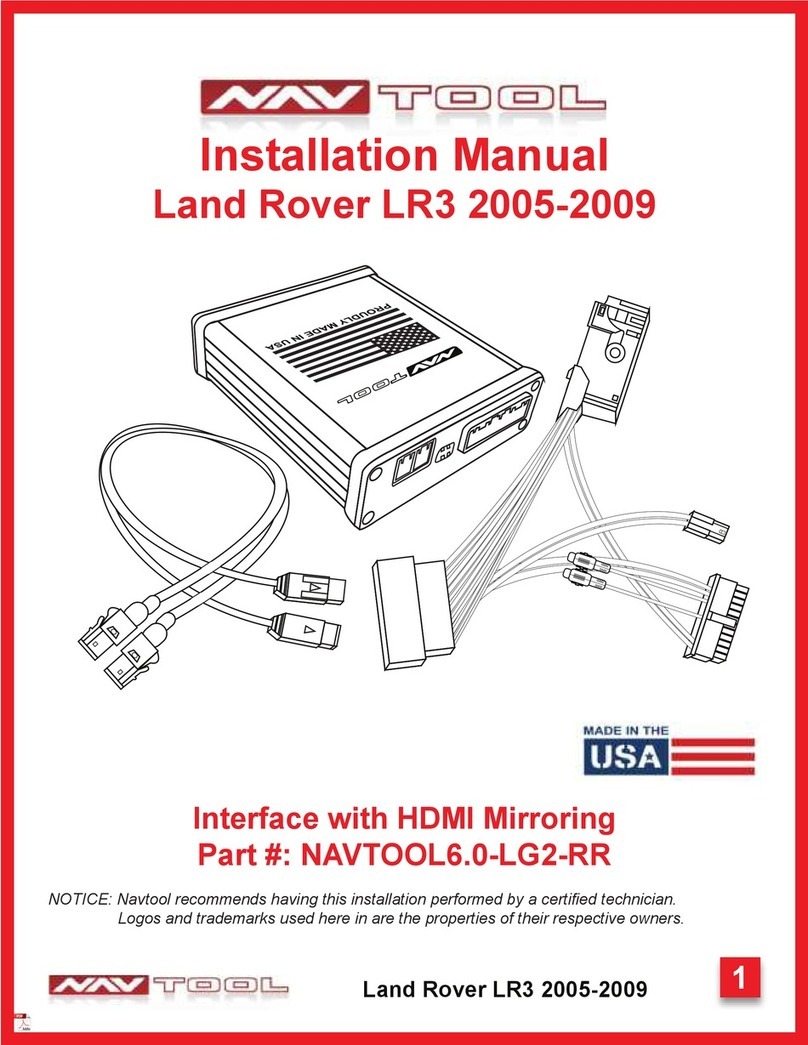
  9. NAV TOOL NAVTOOL6.0-LG2-RR User manual

NAV TOOL NAVTOOL6.0-LG2-RR User manual

Other NAV TOOL Automobile Accessories manuals

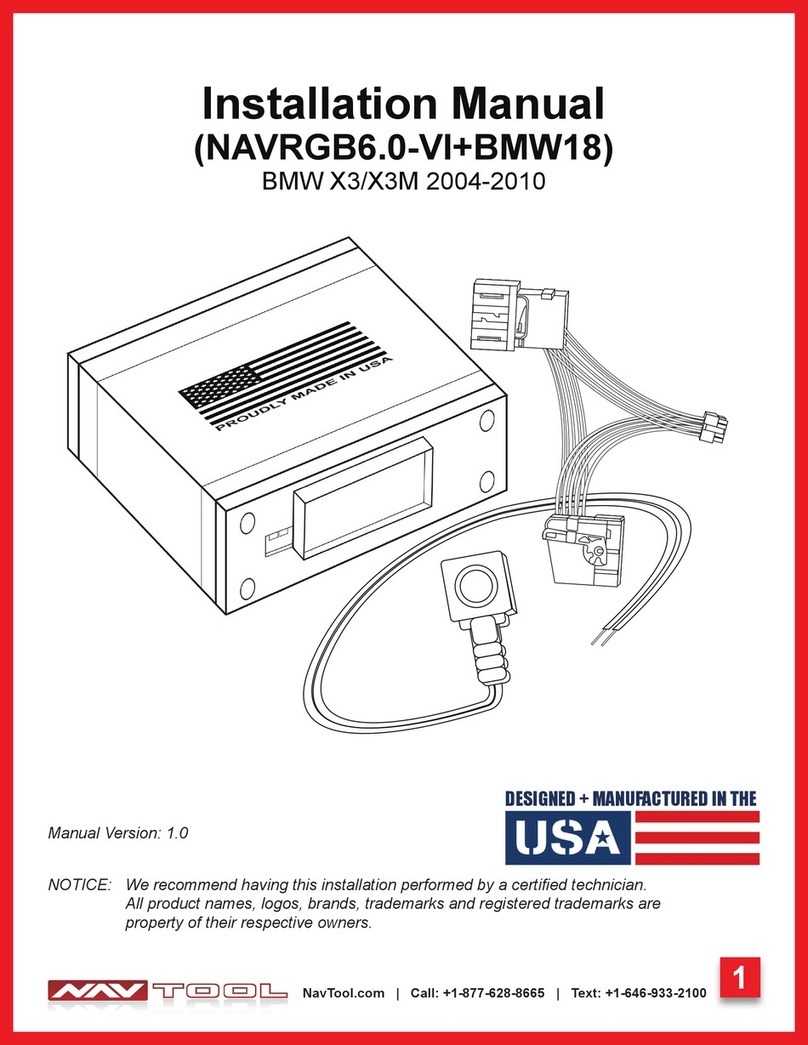
NAV TOOL NAVRGB6.0-VI User manual

NAV TOOL

NAV TOOL NAVRGB6.0-VI User manual

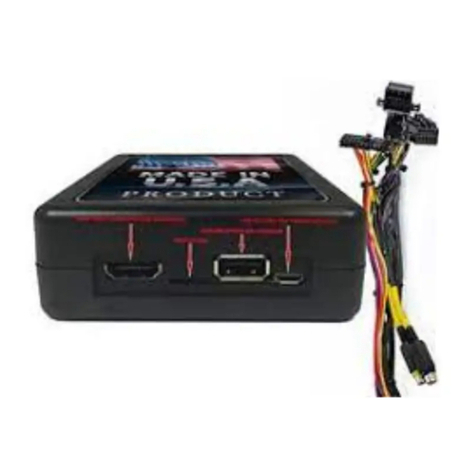
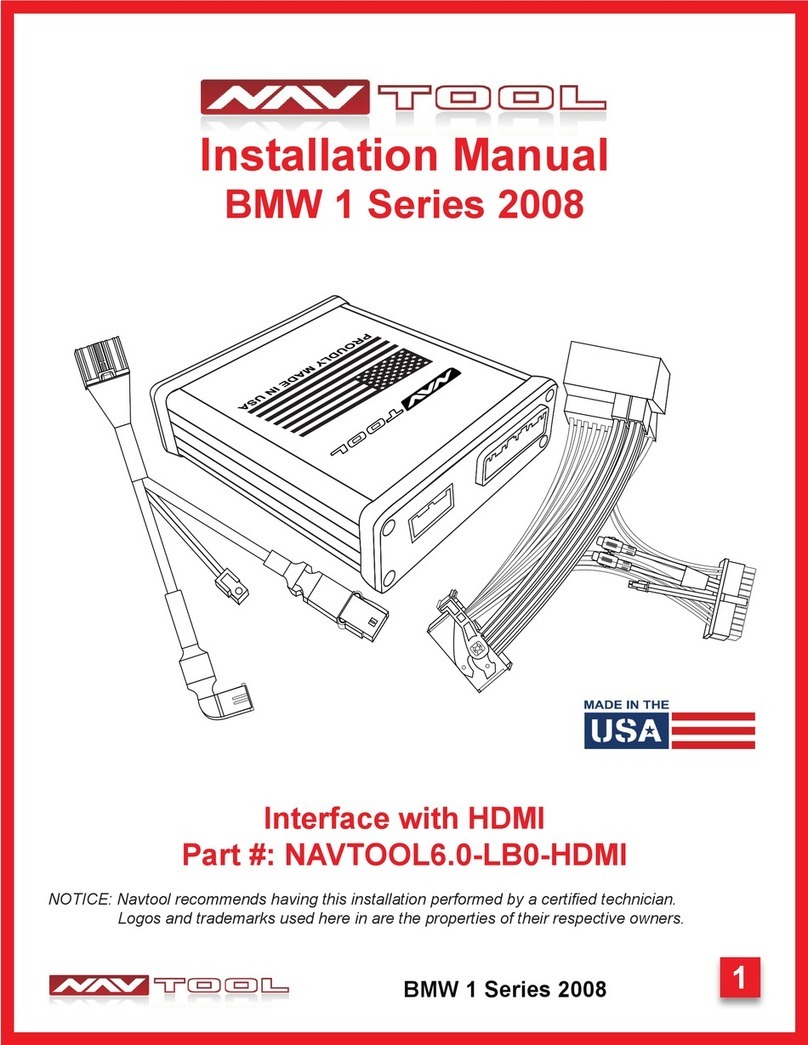
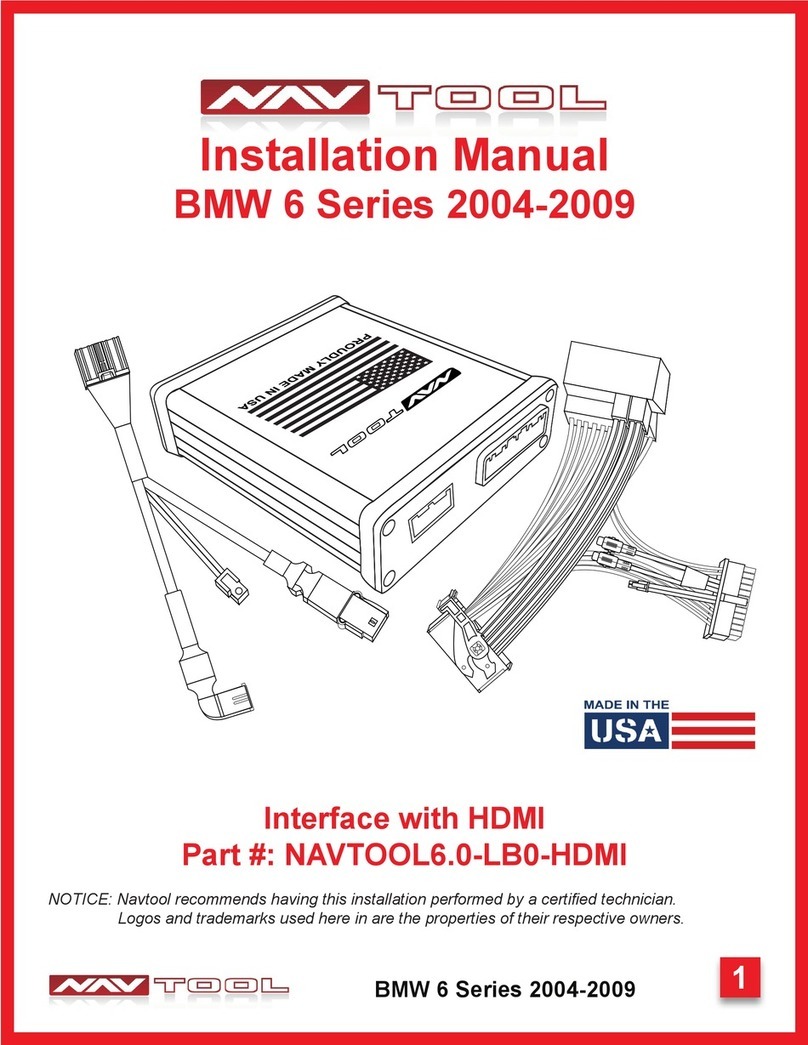
NAV TOOL 6.0-LB0-HDMI User manual

NAV TOOL

NAV TOOL 6.0-LB0-HDMI User manual

NAV TOOL NAVRGB6.0-VI+MBCIRC User manual

NAV TOOL

NAV TOOL NAVRGB6.0-VI+MBCIRC User manual

NAV TOOL 6.0-LG2-RR User manual

NAV TOOL

NAV TOOL 6.0-LG2-RR User manual

NAV TOOL NAVRGB6.0-VI User manual

NAV TOOL

NAV TOOL NAVRGB6.0-VI User manual

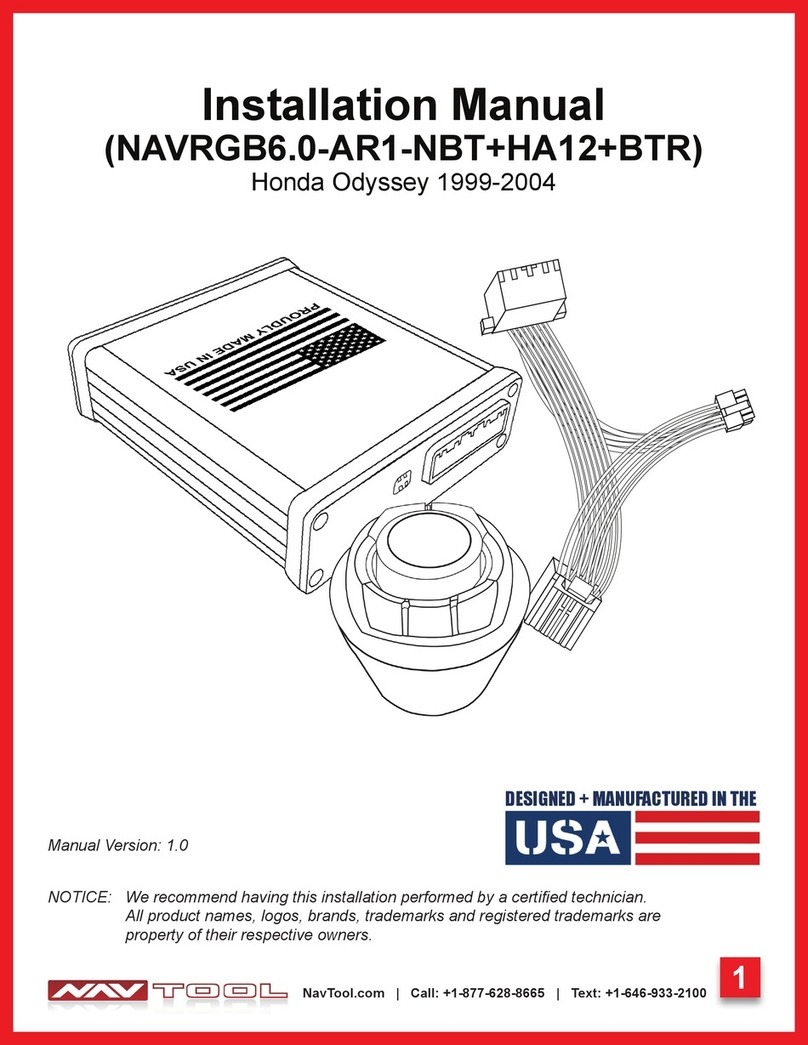
NAV TOOL NAVRGB6.0-AR1-NBT+HA12+BTR User manual

NAV TOOL

NAV TOOL NAVRGB6.0-AR1-NBT+HA12+BTR User manual

NAV TOOL NAVTOOL6.0-AR2-HDMI User manual

NAV TOOL

NAV TOOL NAVTOOL6.0-AR2-HDMI User manual

NAV TOOL NAVRGB6.0-VI User manual

NAV TOOL

NAV TOOL NAVRGB6.0-VI User manual

NAV TOOL LR3 User manual

NAV TOOL

NAV TOOL LR3 User manual

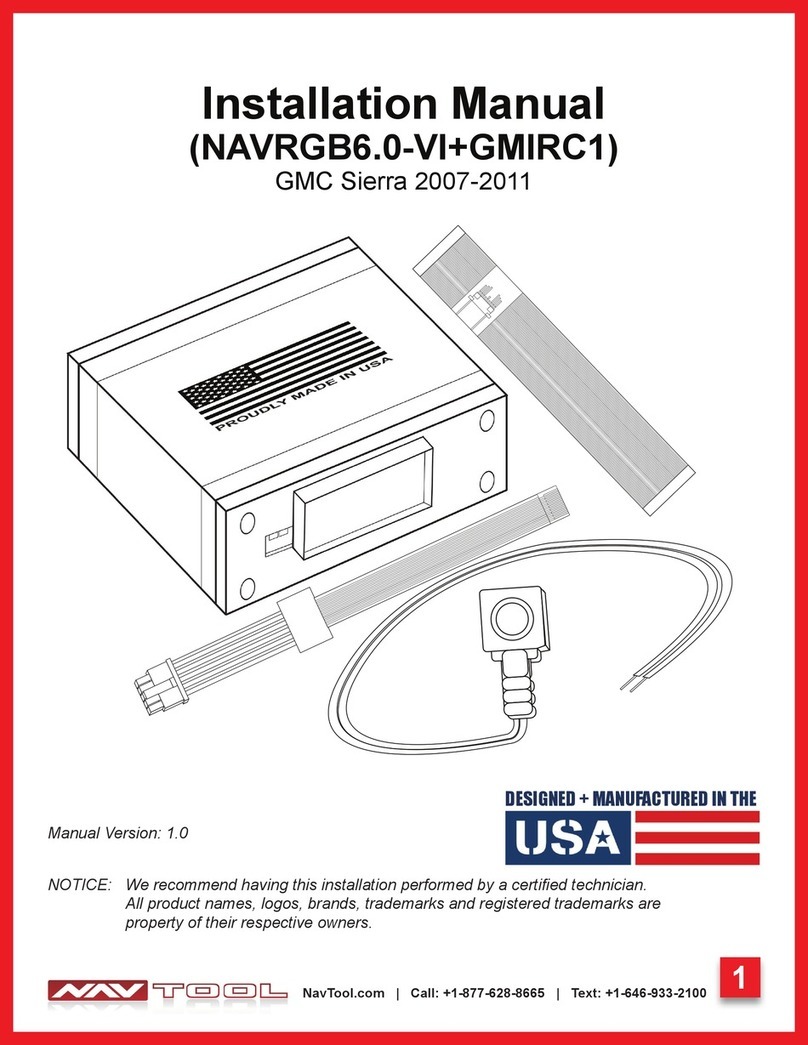
NAV TOOL NAVRGB6.0-VI+GMIRC1 User manual

NAV TOOL

NAV TOOL NAVRGB6.0-VI+GMIRC1 User manual

NAV TOOL NAVRGB6.0-VI User manual

NAV TOOL

NAV TOOL NAVRGB6.0-VI User manual

NAV TOOL NAVRGB6.0-VI User manual

NAV TOOL

NAV TOOL NAVRGB6.0-VI User manual

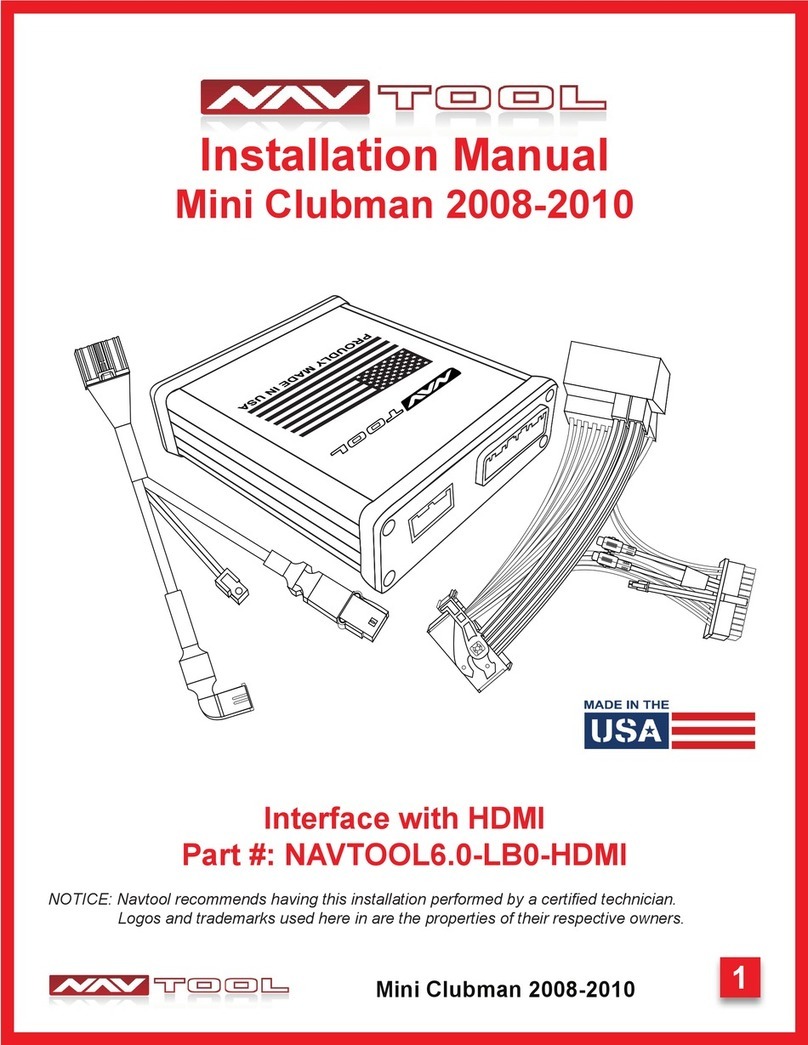
NAV TOOL Mini Clubman 2008-2010 User manual

NAV TOOL

NAV TOOL Mini Clubman 2008-2010 User manual

NAV TOOL NAVTOOL6.0-LB0-HDMI User manual

NAV TOOL

NAV TOOL NAVTOOL6.0-LB0-HDMI User manual

NAV TOOL NAVTOOL6.0-LG1 User manual

NAV TOOL

NAV TOOL NAVTOOL6.0-LG1 User manual

NAV TOOL NAVRGB6.0-VI User manual

NAV TOOL

NAV TOOL NAVRGB6.0-VI User manual

Popular Automobile Accessories manuals by other brands

Magneti Marelli AC161 Installation instruction

Magneti Marelli

Magneti Marelli AC161 Installation instruction

FDI uEZ GUI Start here

FDI

FDI uEZ GUI Start here

JCROffroad JT Install instructions

JCROffroad

JCROffroad JT Install instructions

Rostra VOXXElectronics 250-1930 owner's guide

Rostra

Rostra VOXXElectronics 250-1930 owner's guide

TOP VEHICLE TECH GR3FORD5 installation manual

TOP VEHICLE TECH

TOP VEHICLE TECH GR3FORD5 installation manual

Safe Fleet PRIME DESIGN AR-2000-BLK manual

Safe Fleet

Safe Fleet PRIME DESIGN AR-2000-BLK manual

Skoda Fabia Combi 5J Fitting instructions

Skoda

Skoda Fabia Combi 5J Fitting instructions

Camcar 40077 Al Mounting instructions

Camcar

Camcar 40077 Al Mounting instructions

Camcar 40089 AL Mounting instructions

Camcar

Camcar 40089 AL Mounting instructions

Impac Tradesman 2000 installation manual

Impac

Impac Tradesman 2000 installation manual

DVB OFFROAD BRSB-01 installation manual

DVB

DVB OFFROAD BRSB-01 installation manual

Safari Snorkel SS385HF installation guide

Safari Snorkel

Safari Snorkel SS385HF installation guide

ULTIMATE SPEED 279746 Assembly and Safety Advice

ULTIMATE SPEED

ULTIMATE SPEED 279746 Assembly and Safety Advice

SSV Works DF-F65 manual

SSV Works

SSV Works DF-F65 manual

ULTIMATE SPEED CARBON Assembly and Safety Advice

ULTIMATE SPEED

ULTIMATE SPEED CARBON Assembly and Safety Advice

Witter F174 Fitting instructions

Witter

Witter F174 Fitting instructions

WeatherTech No-Drill installation instructions

WeatherTech

WeatherTech No-Drill installation instructions

TAUBENREUTHER 1-336050 Installation instruction

TAUBENREUTHER

TAUBENREUTHER 1-336050 Installation instruction

manuals.online logo
manuals.online logoBrands
  • About & Mission
  • Contact us
  • Privacy Policy
  • Terms and Conditions

Copyright 2025 Manuals.Online. All Rights Reserved.

1
Land Rover LR3 2005-2009
Installation Manual
Land Rover LR3 2005-2009
NOTICE: Navtool recommends having this installation performed by a certied technician.
Logos and trademarks used here in are the properties of their respective owners.
Interface with HDMI Mirroring
Part #: NAVTOOL6.0-LG2-RR
2
Land Rover LR3 2005-2009
Table of Contents
Precautions
What’s In The Box
Interface Connectors Description
Universal Harness Description
NEED HELP?
WELCOME
IMPORTANT WARNING
This product includes instructions for
installation, which must be carefully
followed. The instructions are worded
in such a manner to assume that
the installer is capable of completing
these types of electronic installations.
Suppose you are unclear about what
you are instructed to do or believe
you do not understand the instruc-
tions to complete the installation
properly and safely. In that case, you
should consult a technician who has
this knowledge and understanding.
Failure to follow these instructions
carefully and install the interface as
described could cause harm to the
vehicle or safety systems on the
vehicle. Interference with specic
safety systems could cause damage
to persons as well.
Open the camera app on your smart-
phone and point your rear camera at
the QR-Code to scan it. Finally, tap
the pop up banner to open support
website.
Quick Connection Guide
Installation Instructions
Testing and Settings
3
4
5
6
7-8
9-16
17-20
Installation Instructions
Video Interface Menus
Connect Rear Screens With AV Input
Connect Rear Screens With HDMI Input
22-28
29
30
Extra Details
Vehicle Reassembly Checklist 21
User Manual
User Manual End Pages 1-4
Print End Pages 1-4
and give them to the customer

3
Land Rover LR3 2005-2009
PLEASE READ BEFORE YOU START THE INSTALLATION
• Please study these instructions carefully before installing NavTool interface.
• Many new vehicles use low-voltage or data-bus systems that can be damaged by test lights and
logic probes. Test all circuits with a digital multi-meter before making connections.
• Do not disconnect the battery if the vehicle has an anti-theft-coded radio, unless you have the radio
code.
• If installing an external push button switch, check with the customer about where to install the

switch.
• To avoid accidental battery drainage turn off the interior lights or remove the dome light fuse.
• Roll down a window to avoid being locked out of the car.
• Use of this product in a manner different to its intended way of operation may result in property
damage, personal injury, or death.
• Set Parking brake.
• Remove the negative battery cable.
• Protect fenders before starting.
• Using protective blankets to cover front seats, interior of the vehicle and center console.
• Always install a fuse 6-12 inches away from NavTool interface, 5 amp fuse should be used.
• Always secure NavTool interface with Velcro or double side tape to prevent rattling of the interface.
• When securing NavTool interface make sure that panels can be closed back easily.
• Use electrical tape on all you connections and splices, do not leave any exposed connections.
• Route all wires along factory harnesses, try not to drill or make any unnecessary holes.
• Make sure you are not connecting to any data wires; always check your connections with a multi-
meter.
• Always use help of a professional installer to prevent any damage to the vehicle or NavTool
interface.
Precautions
4
Land Rover LR3 2005-2009
What’s In The Box?
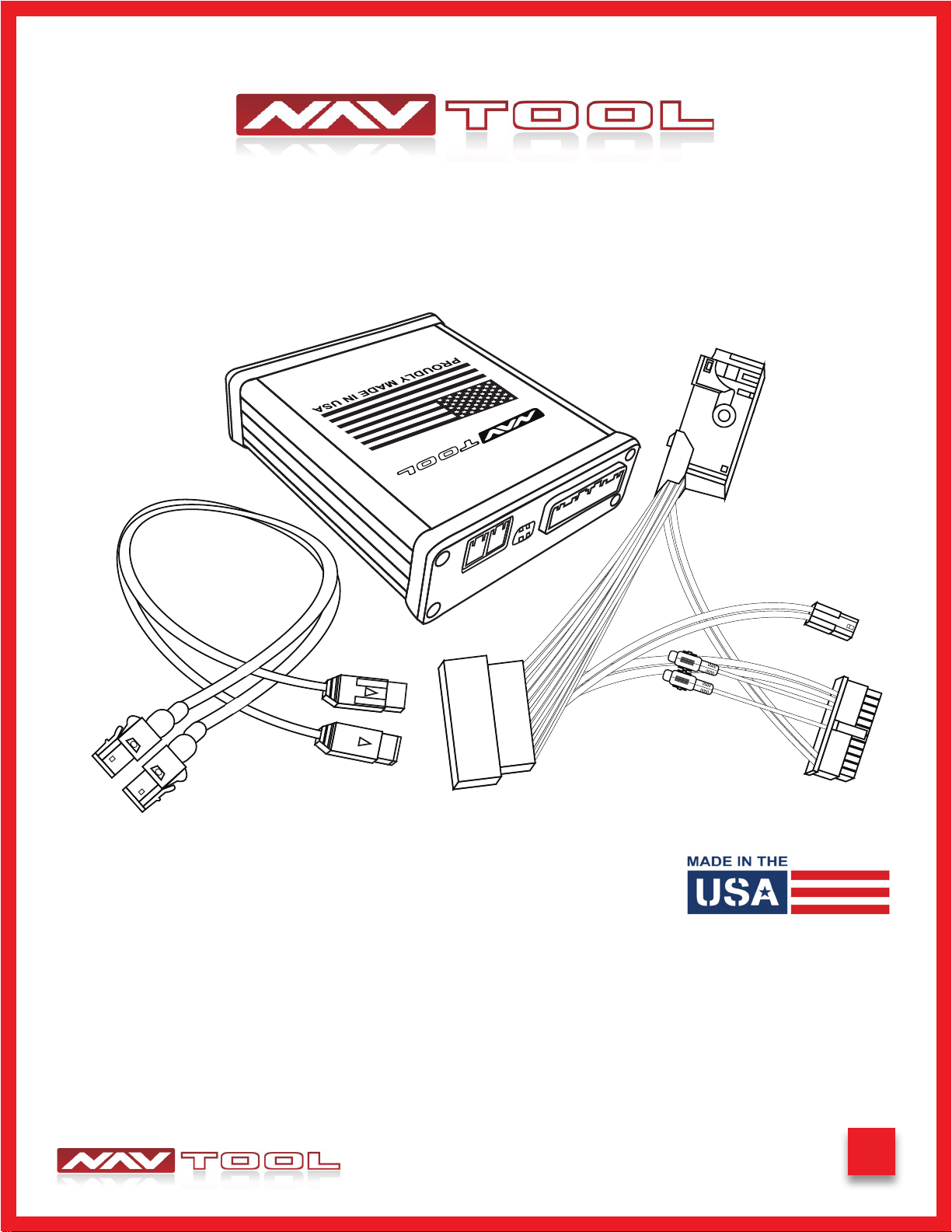
NavTool Interface
(Part # NAVTOOL6.0-LG2)
NavTool LVDS Cables
(Part # NT-RR-LVDS)
NavTool Interface Harness
(Part # NT-WHNT6)
NavTool Vehicle Specic
Plug and Play Harness
(Part # NT-RRSPL)
USB Conguration Cable
(Part # NT-USB-CNG)
5
Land Rover LR3 2005-2009
Interface Connectors Description
USB Port for
Apple CarPlay and
Android Auto
Conguration Port HDMI Port
Main Connector for
Universal Interface Harness
Data LED
Power LED
HDMI LED
Main Connector for Universal Interface Harness- This port is dedicated for a connection of a universal wiring harness
LVDS Cables Input and Output- This port is dedicated for the LVDS cables.
Dip Switches- Set dip switches to ON positio, see page 7, ON position is DOWN.
Conguration Port- This USB port is dedicated for the interface conguration only.
Data LED- Normal operation of the interface must have blue LED blinking. If the blue LED is not blinking, the interface is
not receiving data from the vehicle. If the blue LED is not blinking, the interface will not operate properly.
Power LED- Normal operation of the interface must have a green LED ON. If the green LED is not ON, the interface is
not receiving power. If the green LED is not ON, the interface will not work, and your vehicle radio may also stay OFF.
HDMI LED- Normal operation of the interface must have a green LED ON. If the green LED is not ON, the interface HDMI
is not receiving power. If the green LED is not ON, the interface HDMI port will not work.
USB Port for Apple CarPlay and Android Auto- Not Used
HDMI Port- HDMI port is dedicated for connecting video sources such as iPhone mirroring, Android Mirroring, Apple TV,
Roku, FireStick, Chromecast, PlayStation, Xbox, or similar devices.
NavTool Interface
(Part # NAVTOOL6.0-LG2)
LVDS Cables
Input and Output
ON 1 2
Dip Switches
6
Land Rover LR3 2005-2009
Universal Harness Description
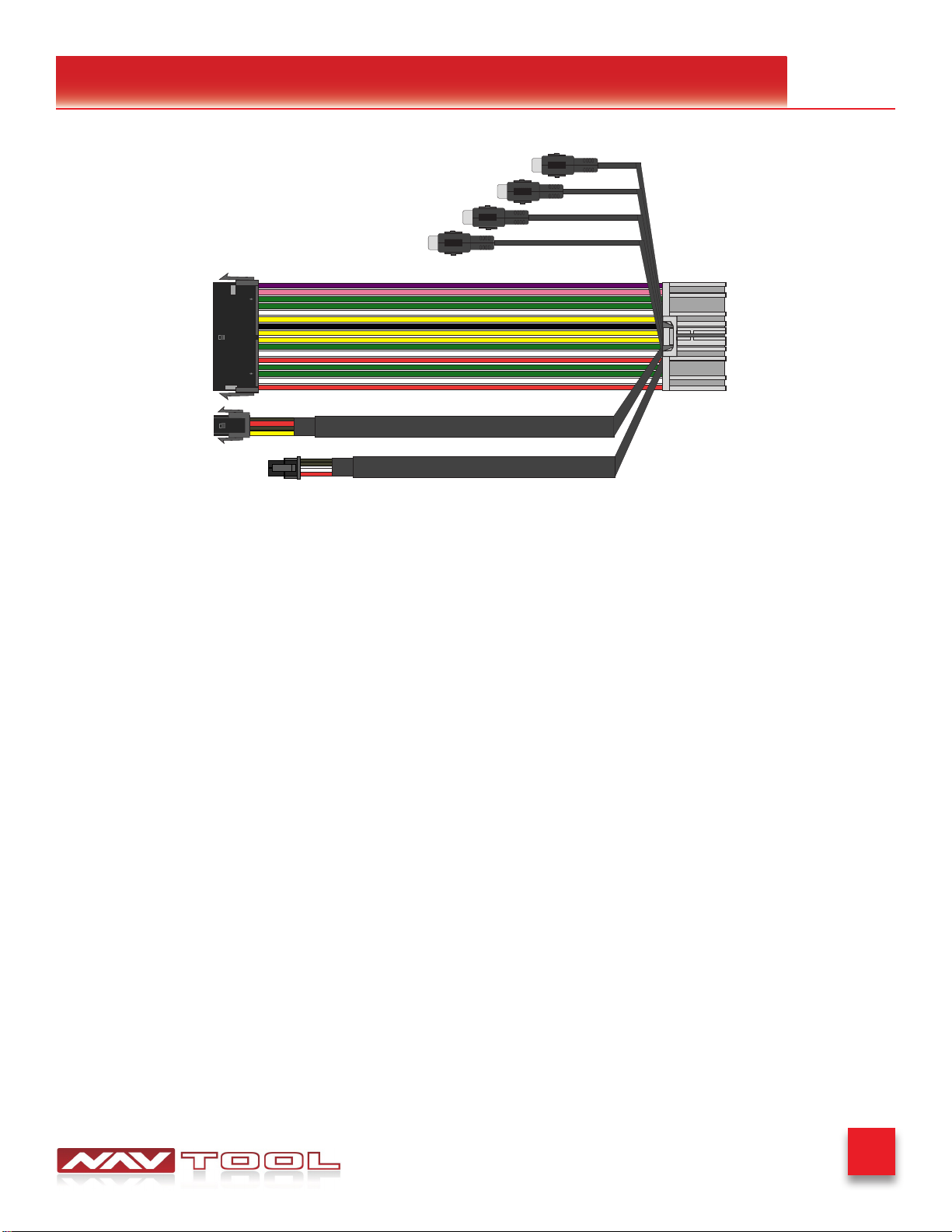
Left Camera Input/ Video Input 3
Right Camera Input/ Video Input 4
Front Camera Input/ Video Input 2
Rear Camera Input/ Video Input 1
Connector for Microphone Input
Connector for Controller
Connector for
Vehicle Specific Harness
Manual Activation Wire
12V Output Wire
Rear Camera Input /Video Input 1- This input is dedicated for an aftermarket rearview camera or a video source with an
RCA video output. Your vehicle factory camera will continue to work as before without any changes.
Front Camera Input /Video Input 2- This input is dedicated for an aftermarket front view camera or a video source with
an RCA video output. Your vehicle factory camera will continue to work as before without any changes.
Left Camera Input / Video Input 3- This input is dedicated for an aftermarket left view camera or a video source with an
RCA video output. Your vehicle factory camera will continue to work as before without any changes.
Right Camera Input / Video Input 4- This input is dedicated for an aftermarket right view camera or a video source with
an RCA video output. Your vehicle factory camera will continue to work as before without any changes.
Connector for Vehicle Specic Harness- This connection is dedicated for connecting vehicle specic plug and play
wiring harness.
Connector to Controller- Not Used
Connector for Microphone Input- Not Used
+12V Manual Activation Input- This connection is used only if the factory rearview camera is not operating correctly
in reverse. In that case, this wire must be connected to the vehicle’s reverse +12V output. (Change setting “Manual
Activation Wire as +12V Reverse Input” See page 41)
+12V Output- 500 mA output can be used to drive a relay. This output provides +12V at all times when the vehicle is
running.
NavTool Interface Harness
(Part # NT-WHNT6)
7
Land Rover LR3 2005-2009
Quick Connection Guide
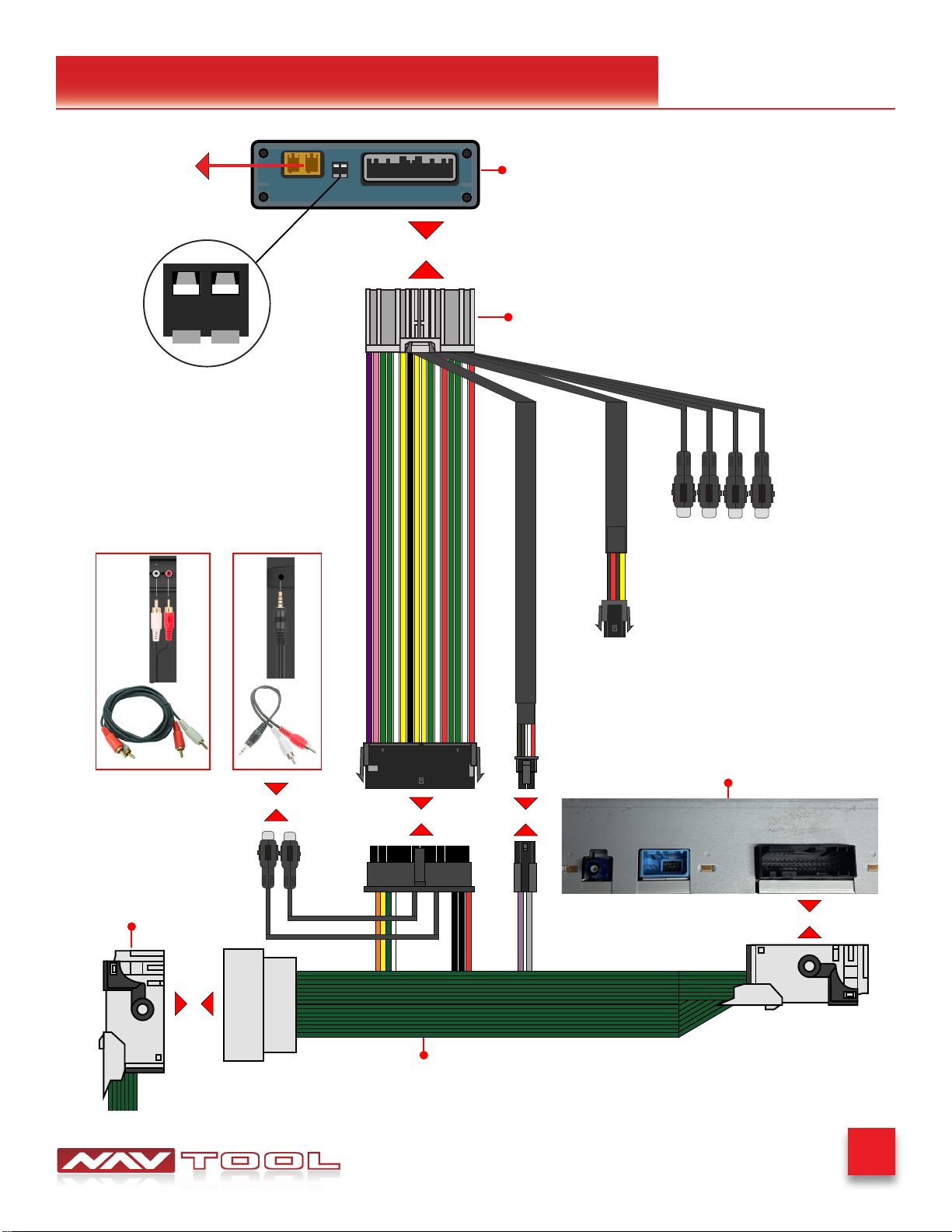
ON 1 2
Click
Factory Wire
NavTool Supplied Cable
(Part # NT-RRSPL)
NavTool Interface
(Part # NAVTOOL6.0-AR2-NBT)
NavTool Supplied Harness
(Part # NT-WHNT6)
Back of Navigation
Left Camera Input/ Video Input 3
Right Camera Input/ Video Input 4
Front Camera Input/ Video Input 2
Rear Camera Input/ Video Input 1
Click Click
Click
Click
(Not Used)
AUX Input depends on the type of jack
installed in your car from the factory
Or
Click
ON 1 2
- OFF Position - Both Switches Up
- ON Position - Both Switches Down
Switch 1 Set to ON - ON is Down
Switch 2 Set to ON - ON is Down
See Page 8 NavTool Interface
(Part # NAVTOOL6.0-LG2)
8
Land Rover LR3 2005-2009
Quick Connection Guide
Click
Click Click
Click
*2
Close Up View of Radio Connectors
*2- Cable that previously used to be
connected to blue connector in the
back of the navigation
NavTool Supplied LVDS Cable
Factory LVDS Cable
NavTool Interface
Back of Car Navigation
ON 1 2
- OFF Position - Both Switches Up
- ON Position - Both Switches Down
Switch 1 Set to ON - ON is Down
Switch 2 Set to ON - ON is Down
See Page 7
9
Land Rover LR3 2005-2009
Installation Instructions
NO APPLICATION OR SOFTWARE DOWNLOAD IS REQUIRED TO CONFIGURE THE INTERFACE.
To congure the interface, you must use Windows, Mac, or Google computer.
Windows computers must use the latest version of Google Chrome or Microsoft Edge browser.
Mac computers must use the latest version of the Google Chrome browser.
Google computers must use the latest version of the Google Chrome browser.
TO CONFIGURE THE INTERFACE, GO TO HTTPS://CONFIG.NAVTOOL.COM
Connect the interface to the computer using supplied USB Conguration Cable (Part # NT-USB-CNG)
To see a video of the conguration process
Scan QR-Code or go to
https://youtu.be/iES_rW240X0
Remove Vehicle Navigation Radio or Color Screen
List of Required Tools:
1. Plastic Panel Removal Tool- Example of a removal tool is shown below. Any similar removal tool will do the job. It does
not need to be the same as the picture below.
2. 7 mm Socket- Example of a 7 mm socket tool is shown below. Any similar tool will do the job. It does not need to be the
same as the picture below.
STEP 2
STEP 1
10
Land Rover LR3 2005-2009
Installation Instructions
STEP 2 Continued
Navigation is located behind the cover of the left cargo area.
Land Rover: Range Rover 2005-2009
Land Rover: Range Rover Evoque 2005-2009