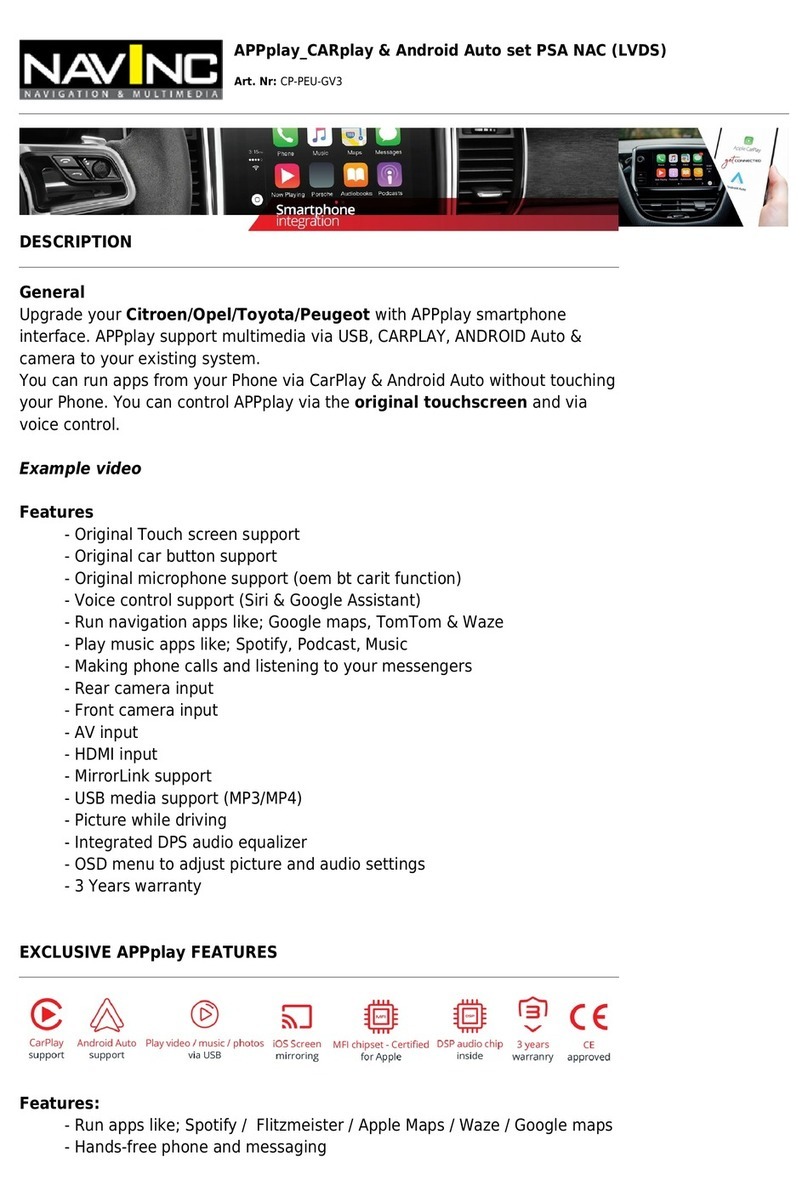
NavInc USB-MAZ-16P User manual

Mazda USB/SD interface 16-pins changer connection
Art. Nr: USB-MAZ-16P
General:
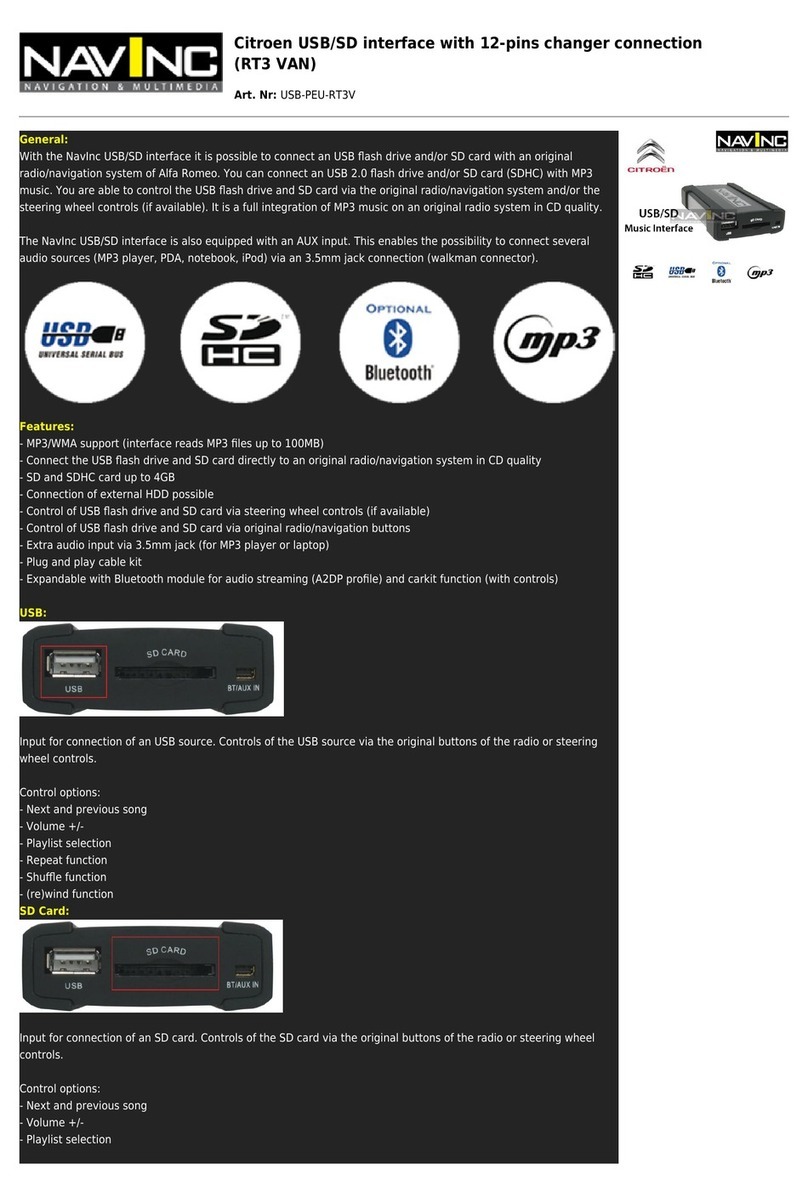
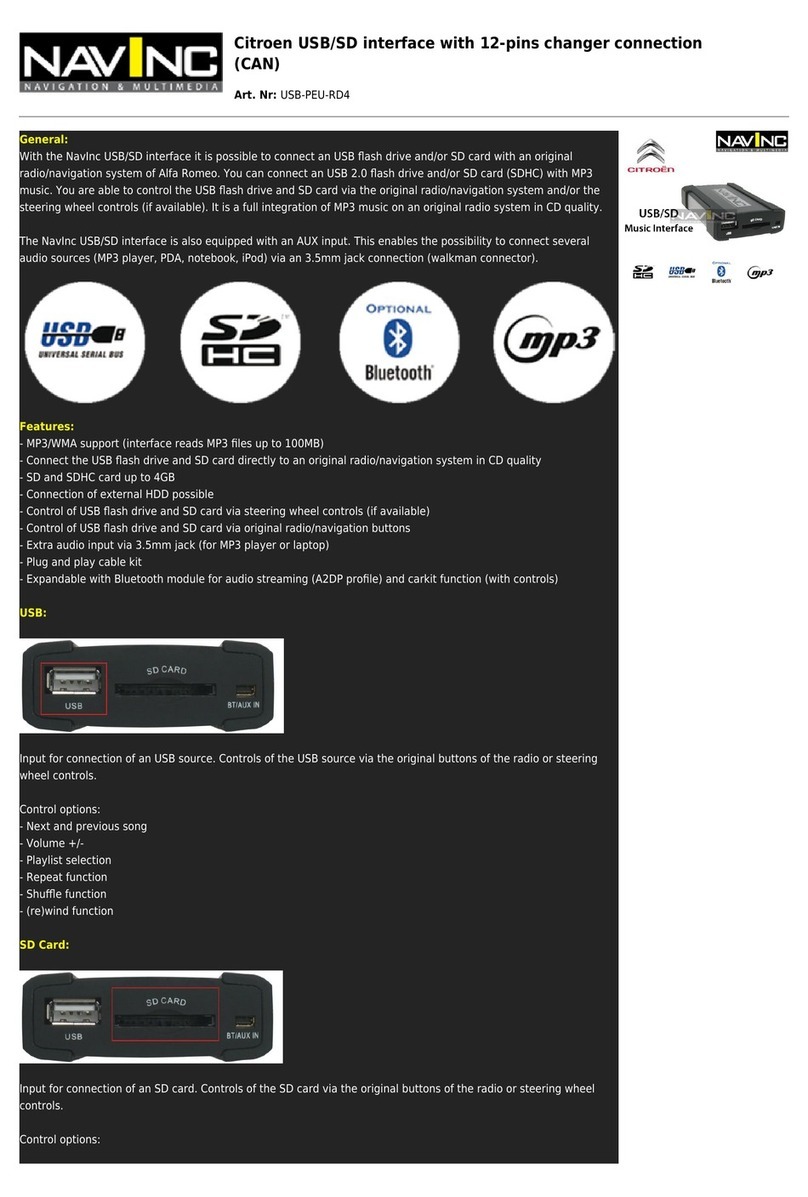
With the NavInc USB/SD interface it is possible to connect an USB flash drive and/or SD card with an original
radio/navigation system of Alfa Romeo. You can connect an USB 2.0 flash drive and/or SD card (SDHC) with MP3
music. You are able to control the USB flash drive and SD card via the original radio/navigation system and/or the
steering wheel controls (if available). It is a full integration of MP3 music on an original radio system in CD quality.
The NavInc USB/SD interface is also equipped with an AUX input. This enables the possibility to connect several
audio sources (MP3 player, PDA, notebook, iPod) via an 3.5mm jack connection (walkman connector).
Features:
- MP3/WMA support (interface reads MP3 files up to 100MB)
- Connect the USB flash drive and SD card directly to an original radio/navigation system in CD quality
- SD and SDHC card up to 4GB
- Connection of external HDD possible
- Control of USB flash drive and SD card via steering wheel controls (if available)
- Control of USB flash drive and SD card via original radio/navigation buttons
- Extra audio input via 3.5mm jack (for MP3 player or laptop)
- Plug and play cable kit
- Expandable with Bluetooth module for audio streaming (A2DP profile) and carkit function (with controls)
USB:
Input for connection of an USB source. Controls of the USB source via the original buttons of the radio or steering
wheel controls.
Control options:
- Next and previous song
- Volume +/-
- Playlist selection
- Repeat function
- Shuffle function
- (re)wind function
SD Card:
Input for connection of an SD card. Controls of the SD card via the original buttons of the radio or steering wheel
controls.
Control options:
- Next and previous song

- Volume +/-
- Playlist selection
- Repeat function
- Shuffle function
- (re)wind function
BT/AUX IN:
Input for car kit Bluetooth module (optional). This bluetooth interface makes it possible to the iPod interface or
USB/SD interface to expand with Bluetooth audio streaming and/or Bluetooth car kit function. This makes it possible
to get a phone with A2DP (Advanced Audio Distribution Profile) and HSP (Headset Profile) to pair with the radio
system for audio streaming and car kit via Bluetooth feature on library level.
In addition, it is possible the Bluetooth interface to operate via the original radio keys and using the Bluetooth
module itself. Power supply for the Bluetooth interface is delivered via the mini USB connector on the iPod interface
or USB/SD interface. For more information, see:http://www.navinc.nl/Producten?s=1347
The following is provided in the set:
- NavInc USB/SD interface
- Auto specific cable set
- AUX connector adaptor cable (micro USB to jack)
- USB extension cable
- Installation- and user manual
- Warranty
- Invoice
Optional:
- The NavInc interface can be expanded with a Bluetooth interface for audio streaming or carkit function with
controls (BT-UNI-01).
- NavInc Audio filter (only when there is a whistling noise)
- 3.5mm jack extension cable of 1.5 meter. For the extension of the AUX connection
- USB installation connection
(see also “accessories” in “USB/SD/AUX – Interfaces”)
Additional information:
- Check before you order the interface for the compatibility of your radio- or navigation system with this product.
- The connection of an original changer and USB/SD interface at the same time is not possible.
- The connection of an USB flash drive and AUX source (via AUX-input) at the same time is not possible. When you
want to use the AUX input the USB flash drive needs to be disconnected.
- ID3 tag (text) support is not possible
- USB/SD interface is CE certified
Product specifications:
- Interface USB / SD / AUX-in / Mini-USB
- Dimensions(W x H x D): 65 x 20 x 100mm
- Connection cable between the interface and radio- navigation system: 1.0 meter
- USB extension cable: 0.5 meter
- Connection cable micro USB: 0.3 meter

- 2x unlock tools (only with Audi/Seat/Skoda and VW). 2 extra keys necessary for double din system (optional).
- Voltage USB supply: max 800mA
Compatible with the following USB & SD cards:
USB 2.0
SD storage media
SDHC storage media tested up to 4GB
- Tested brands: Corsair (16GB) – Sandisk – PNY – Crucial Patriot – Kingston.
- Interface reads MP3 files up to 100MB.
- At least 6 directories need to be created on the USB storage device (depends
on the capacity of the OEM CD changer).
- Every directory has a maximum of 99 songs/files.
Car models:
The interface is suitable for the following models of Mazda*
Mazda 2 2003 - 2006*
Mazda 2 2006 - 2008
Mazda 3 2003 - 2006
Mazda 3 2006 - 2009
Mazda 5 2005 - 2008
Mazda 5 2008 - 2009
Mazda 6 2002 - 2005
Mazda 6 2005 - 2009*
BT-50 Pick-Up 2007 - 2009
Miata MX5 2001 - 2005
MX5 2004 - 2005**
Mazda 323 MPV 2003 - 2005
Protege 2002 - 2003
Permacy 2001 - 2005
Pick up B-serie
RX-8 2003 - 2008***
Tribute 2001 - 2004
Tribute 2004 - 2006
Mazda CX-7 2007 - 2009
*Mazda 2 and Mazda 6 2002-2005(for facelift) must be a small radio
modification
**Not compatible with MX5 with navigation and/or Bose sound system
***RX-8 radio firmware must be between V9.55 - V9.99. Not compatible with
V10.1 & V9.81
Tested on the listed systems/types*:
168
1269

4103
14789909
14792086
14792089
4792089
14794008
14794522
14789910
CQ-EM4570ak
CQ-LM4720a
CQ-TT3070aa
CR-LM4282ka
Remarks:
- Mazda 2 and Mazda 6 2002-2005 (for facelift) must be a small radio
modification
- Only for radio- and navigation systems with pre-installed 16 pins changer
connection.
- From other radio- and navigation models we have no test results (yet).
- When the type number of the radio is in the list of compatibility, you also
need to check this with your system.
- When there are doubts about the compatibility please contact NavInc for
more information.
- Mazda 2 and Mazda 6 2002-2005(for facelift) must be a small radio
modification
- Not compatible with MX5 with navigation and/or Bose sound system
- To check which firmware your RX-8 has, make sure the radio (FM) is turned
on, then press and hold "TEXT." Then, also press and hold "1" at the same time
for a few more seconds. The LCD should then report your firmware version. If
the firmware is between 9.55-9.99 then our interface is compatible. If it is
firmware 10.01 or 9.81 then unfortunately it is not possible to use any type of
CD changer interface with your system.
- The original changer will become due.
- No text support
- Skipping folders is limited to the number of optical discs what the original
radio can skip.
Image of 16 pins changer radio connection:
Image of 6+8 pins interface changer connection:

Image of suitable radio- and navigation systems:
Not applicable for the following models / radio- navigation systems:
Mazda MX5 with Bose-sound syteeem (BS0A-79-EGX - BS0B-79-EGX - BS0C-79-
EGX - BS0D-79-EGX - GP9A-79-EGX)
Mazda 3 2009-200>
Mazda RX8 with software version 10.1 or higher
Mazda RX8 with software V9.81
Mazda 2 with radio CR-YM0270K
Table of contents
Other NavInc Automobile Electronic manuals
Popular Automobile Electronic manuals by other brands

DRG
DRG LC 120 installation instructions

Blue Ox
Blue Ox BX8848 installation instructions

Dometic
Dometic MAGICWATCH MWE890K Installation and operating manual

Honeywell
Honeywell Thor VM3A user guide

Waeco
Waeco MagicWatch MWE250 Installation and operating manual

GoldCruise
GoldCruise GC90Ci installation manual