GB 3
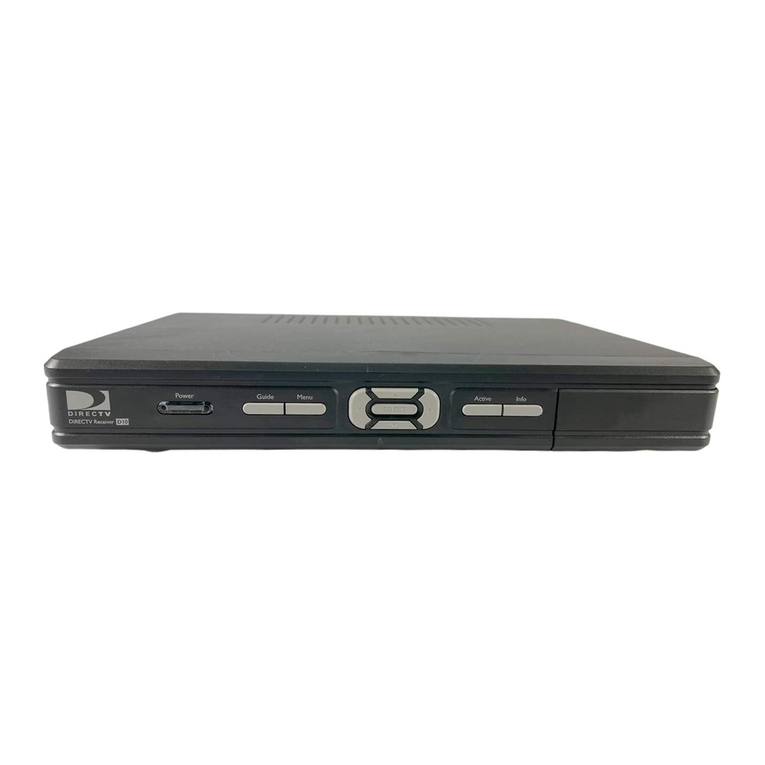
Mediamaster 119 C
Read this before using the Mediamaster
• Do not use any power supply other than the original unit delivered with the
Mediamaster.
• Allow 10 cm of space around the Mediamaster for sufficient ventilation.
• Do not cover the Mediamaster's ventilation openings with items such as news-
papers, tablecloths, curtains, etc.
• Do not place the Mediamaster on top of a heat-emitting unit.
• Do not place naked flame sources, such as lit candles, on the Mediamaster.
• Use a soft cloth and a mild solution of washing-up liquid to clean the casing.
• Do not expose the Mediamaster to dripping or splashing liquids.
• Do not place any objects filled with liquids, such as vases, on the Mediamaster.
• To give your Mediamaster extra protection, e.g. during a thunderstorm, we
recommend that you connect it via an external surge protection device.
• Do not connect or modify cables when the Mediamaster is plugged in.
• Do not remove the cover.
• Do not allow the unit to be exposed to hot, cold or humid conditions.
• Service should only be carried out at a Nokia Authorised Service Centre.
• Please note that the only way to isolate the Mediamaster completely from
the mains supply is to unplug the power supply!
This Introduction Guide describes how to connect the Mediamaster and how to perform the first-time
installation. It also describes the main features of the product.
A more detailed User Guide in the English language is available from the Nokia.com support pages
on the Internet.
Contents
Remote control 4
Connecting the Mediamaster 5
Front and Rear panel 5
Connecting the Mediamaster 5
Preparing the remote control 5
Common Connections 6
Connecting to the TV with SCART 6
Connecting a Video recorder with SCART 7
Connecting the Mediamaster & First-time
installation 8
About Smart card 8
Connecting a Hi-fi system 8
First-time installation general information 8
Switching on and start 8
First-time installation 9
Watching TV & listening to the radio 10
Navigating with the Navi Bars 10
The Menus in the Settings folder 10
The Options Menu 11
Folder functions 11
Bookmark functions 12
Bookmark selection mode 13
Sorting channels 13
Programme Guide: EPG 14
Technical specifications 15
Nokia Mediamaster software end-user
license 16