manuals.online logo
Brands
  1. Home
  2. •
  3. Brands
  4. •
  5. NSI
  6. •
  7. Toy
  8. •
  9. NSI LASER X User manual

NSI LASER X User manual

Other NSI Toy manuals

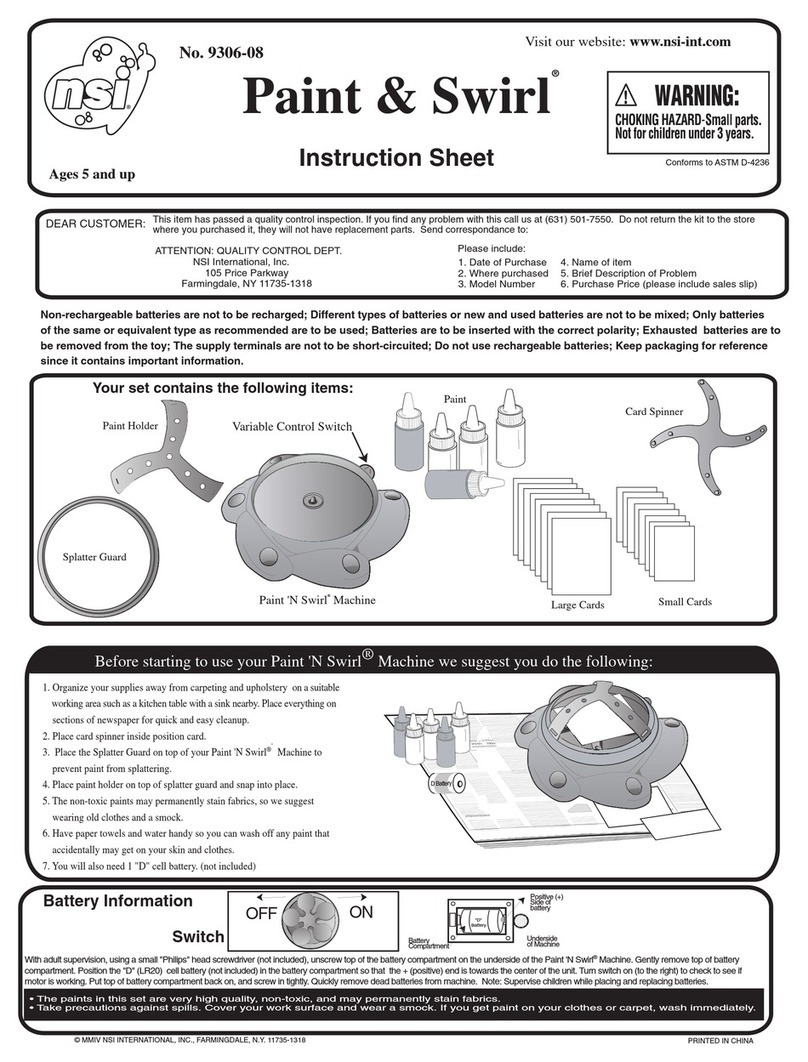
NSI Paint & Swirl User manual

NSI

NSI Paint & Swirl User manual

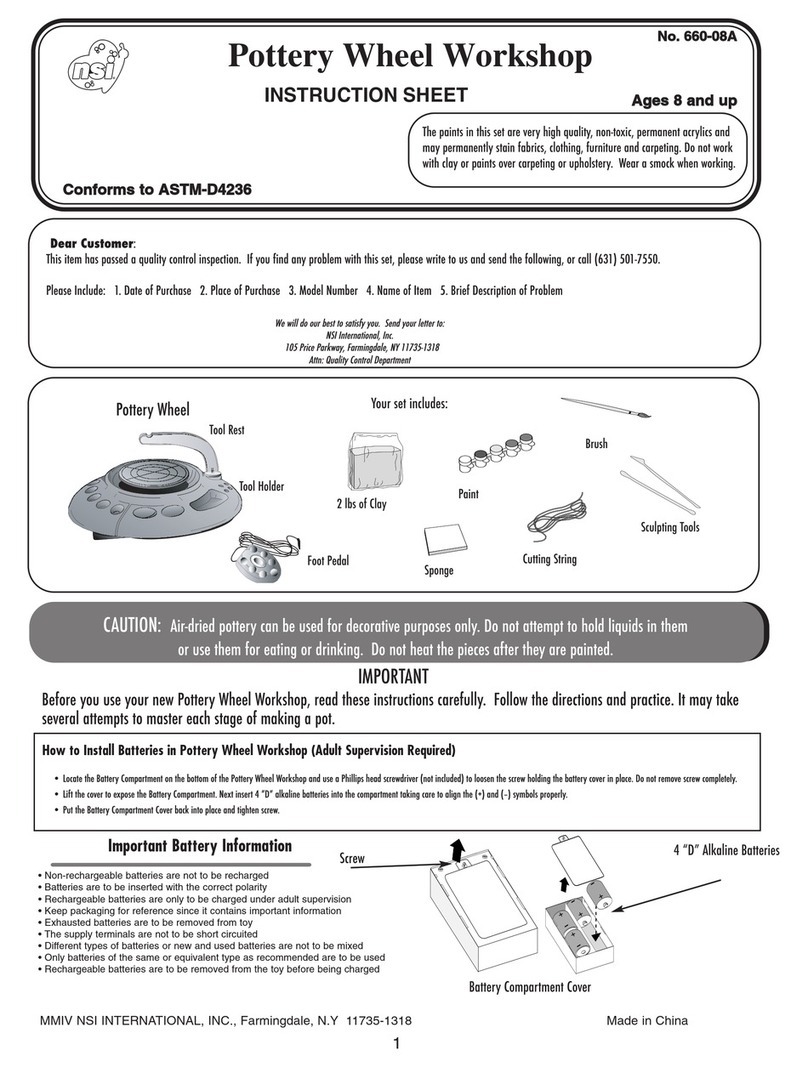
NSI Pottery Wheel Workshop User manual

NSI

NSI Pottery Wheel Workshop User manual

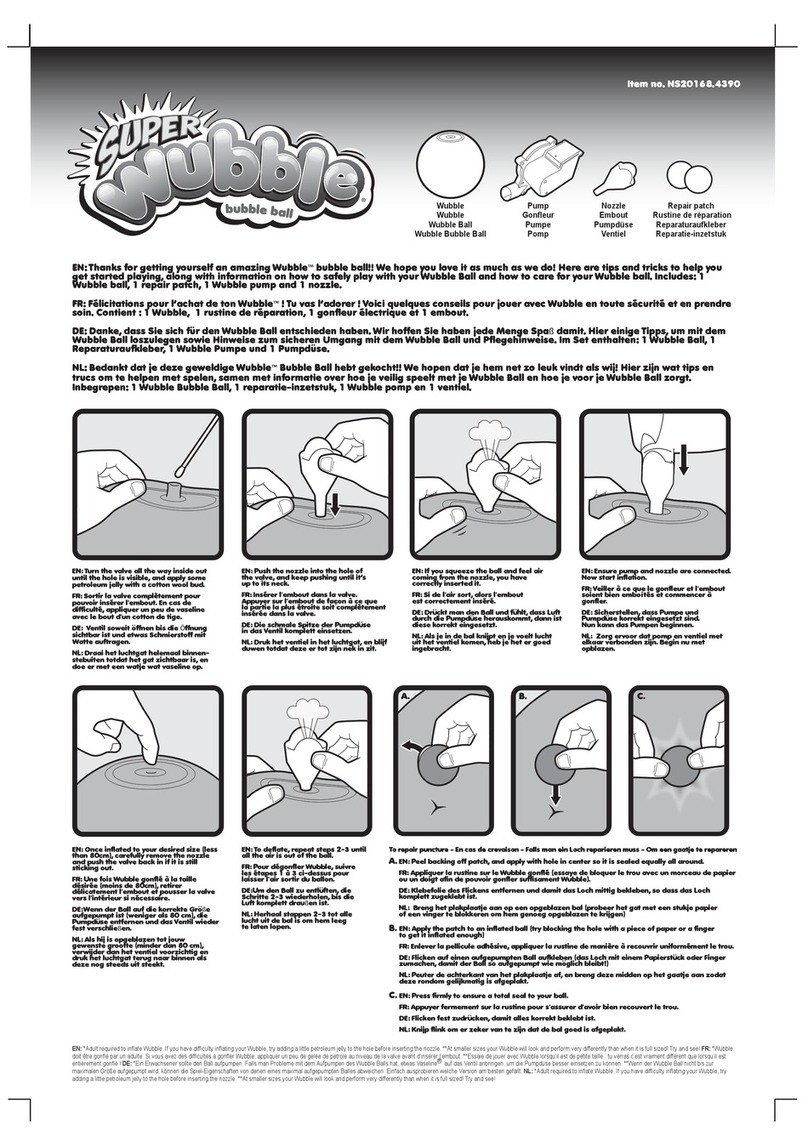
NSI Super Wubble bubble ball User manual

NSI

NSI Super Wubble bubble ball User manual

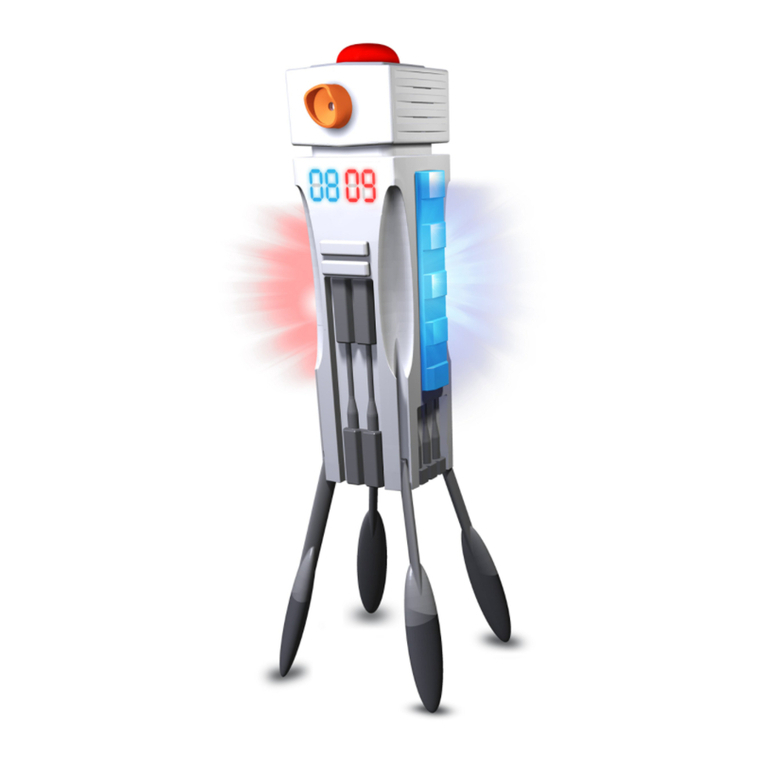
NSI Laser X 88033 User manual

NSI

NSI Laser X 88033 User manual

NSI 6368 User manual

NSI

NSI 6368 User manual

Popular Toy manuals by other brands

FUTABA GY470 instruction manual

FUTABA

FUTABA GY470 instruction manual

LEGO 41116 manual

LEGO

LEGO 41116 manual

Fisher-Price ColorMe Flowerz Bouquet Maker P9692 instruction sheet

Fisher-Price

Fisher-Price ColorMe Flowerz Bouquet Maker P9692 instruction sheet

Little Tikes LITTLE HANDIWORKER 0920 Assembly instructions

Little Tikes

Little Tikes LITTLE HANDIWORKER 0920 Assembly instructions

Eduard EF-2000 Two-seater exterior Assembly instructions

Eduard

Eduard EF-2000 Two-seater exterior Assembly instructions

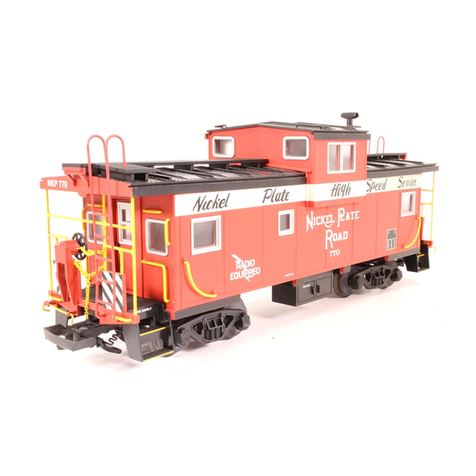
USA Trains EXTENDED VISION CABOOSE instructions

USA Trains

USA Trains EXTENDED VISION CABOOSE instructions

Modellbau Laffont Z1601 Assembly instructions

Modellbau Laffont

Modellbau Laffont Z1601 Assembly instructions

NOCH 12905 instruction manual

NOCH

NOCH 12905 instruction manual

Eduard Ki-61-Id quick start guide

Eduard

Eduard Ki-61-Id quick start guide

Viessmann Vollmer 45616 Mounting instruction

Viessmann

Viessmann Vollmer 45616 Mounting instruction

Vollmer 42004 Mounting instruction

Vollmer

Vollmer 42004 Mounting instruction

Phoenix Model CLASSIC-EP instruction manual

Phoenix Model

Phoenix Model CLASSIC-EP instruction manual

H-KING Sopwith Camel British WW1 Fighter instruction manual

H-KING

H-KING Sopwith Camel British WW1 Fighter instruction manual

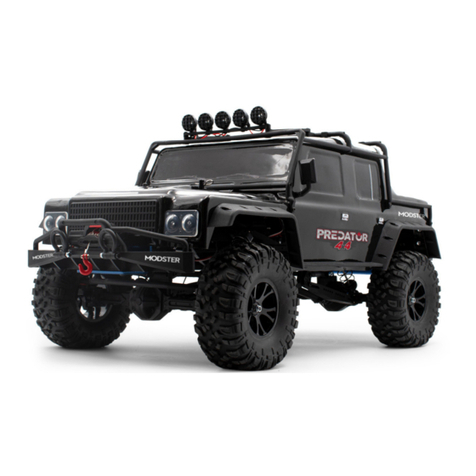
MODSTER Predator 4x4 Crawler user manual

MODSTER

MODSTER Predator 4x4 Crawler user manual

DHK Hobby 8136 User instruction manual

DHK Hobby

DHK Hobby 8136 User instruction manual

THUNDER TIGER Raptor 50 V2 kit manual

THUNDER TIGER

THUNDER TIGER Raptor 50 V2 kit manual

Timberkits Skateboarder instructions

Timberkits

Timberkits Skateboarder instructions

Hangar 9 Funtana 125 Assembly manual

Hangar 9

Hangar 9 Funtana 125 Assembly manual

manuals.online logo
manuals.online logoBrands
  • About & Mission
  • Contact us
  • Privacy Policy
  • Terms and Conditions

Copyright 2025 Manuals.Online. All Rights Reserved.

FCC:
This device complies with part 15 of the FCC Rules. Operation is subject to the following two conditions: (1) This device
may not cause harmful interference, and (2) this device must accept any interference received, including
interference that may cause undesired operation.
Caution: changes or modications not expressly approved by the party responsible for compliance could void the
user’s authority to operate the equipment.
NOTE: This equipment has been tested and found to comply with the limits for a Class B digital device, pursuant to
Part 15 of the FCC Rules. These limits are designed to provide reasonable protection against harmful interference
in a residential installation. This equipment generates, uses and can radiate radio frequency energy and, if not
installed and used in accordance with the instructions, may cause harmful interference to radio communications.
However, there is no guarantee that interference will not occur in a particular installation. If this equipment does
cause harmful interference to radio or television reception, which can be determined by turning the equipment off
and on, the user is encouraged to try to correct the interference by one or more of the following measures:
Reorient or relocate the receiving antenna.
Increase the separation between the equipment and receiver.
Connect the equipment into an outlet on a circuit different from that to which the receiver is connected.
Consult the dealer or experienced radio/TV technician for help.
BATTERY SAFETY INFORMATION
• Non-rechargeable batteries are not to be recharged.
• Rechargeable batteries are to be removed from the Laser Blaster before being charged.
• Rechargeable batteries are only to be charged under adult supervision.
• Different types of batteries or new and used batteries are not to be mixed.
• Only batteries of the same or equivalent type as recommended are to be used.
• Batteries are to be inserted with the correct polarity (+ and –).
• Exhausted batteries are to be removed from the Laser Blaster.
• The supply terminals are not to be short-circuited.
• Keep instruction sheet for reference since it contains important information.
• Do not mix old and new batteries.
• Do not mix alkaline, standard (carbon-zinc) or rechargeable (nickel-cadmium) batteries.
• Alkaline Battery is Recommended.
• Name of item • Date of purchase
• Purchase price (please include sales slip) • Model number
• Place of purchase • Brief description of the problem
Dear Customer,
NSI International, Inc. is the manufacturer of this product. We hope you enjoy your Laser X
product. If you find that we have made an error or if something is missing or damaged, let us
know so that we can correct the problem for you. Please include the following:
Send all correspondence to:
www.buylaserx.com.au
# 88912
Real-Life Laser Gaming Experience
™
Printed in China © 2021 NSI International
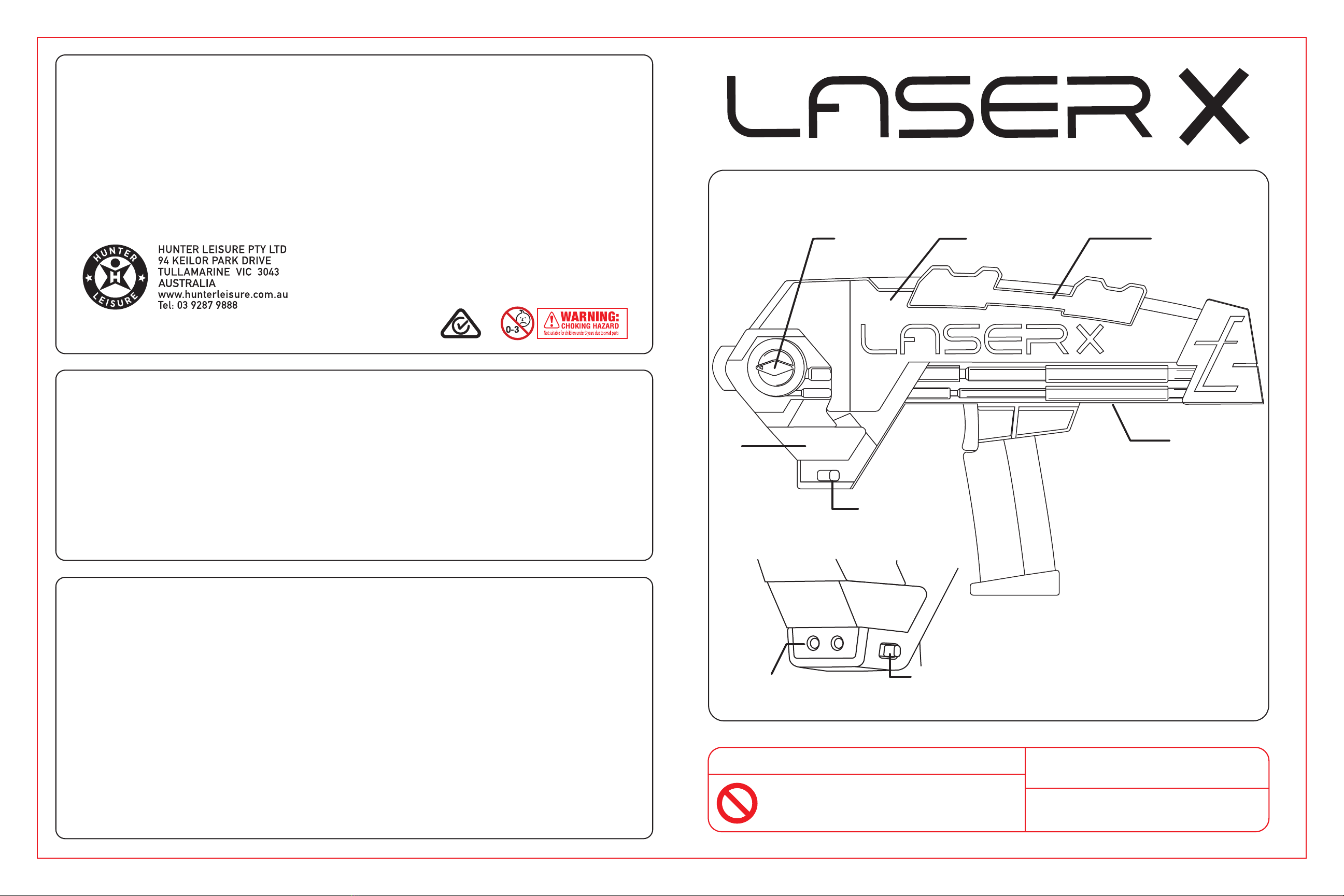
Laser Blaster
Blast Indicator
Battery
Compartment
Trigger
Hit
Indicator
Quick Slide Reload
Colour Change
Dial
Team Selector
Hit Indicator
Team Selector
Receiver
READ THIS BEFORE YOU PLAY
IMPORTANT! Do Not climb onto or jump from trees,
playground equipment, fences, ladders or any high
places when wearing Laser X Gear as it can get
caught and be a strangulation or choking hazard!
Laser X is a sport and should be played
with the same care as you would any
other sport.
Do not play Laser X in streets, parking lots
or anywhere near moving cars or
other vehicles.
6+ Years
Adult Supervision Required. 6+ Years
Laser X uses an infrared beam, NOT a real laser. Patented. Other Worldwide Patents Pending.
88912 LaserX instructions Front Page Size: 17”(W) x 11”(H)

Installing Batteries: Game Play:
Blast your opponent’s Blaster’s Receiver.
The more accurate your shot, the more likely of scoring a hit
BUT the Receiver is designed to register hits on most of a
player’s body front.
Scoring Hits:
Each reload gives
you 10 blasts.
You can reload at
any time.
Pull Quick Slide
Reload back to reload.
Then release.
Select your team by sliding the switch to:
can hit and be hit by and
can hit and be hit by and and
Phillips
Screwdriver
(not included)
88912 LaserX instructions Back Page Size: 17”(W) x 11”(H) 4 Process Colours : CMYK
Insert 3 AAA (1.5V) batteries into Laser Blaster as shown.
Blaster Colour Change: Blaster Reload:
During Game Play:
• Blasters can hit Receiver up to 90 m away.
• With each hit, the Game Life Indicator will
change from Green to Red.
• 8 Hits and you are out.
• For each minute you are not hit, you
automatically get one hit “back”.
• When you are out, you must turn your
Blaster OFF and re-select your team to
start a new game.
Tips:
• Very bright sunlight will decrease Laser Blast Range.
• Indoors, Laser Blaster beams can be bounced off walls
and mirrors to hit your opponent.
• You can blast through windows.
• Turn your Laser X Gear to OFF when not in use.
Leaving it in any of the team settings will drain batteries.
• If your Laser X Gear is not working properly,
replace the batteries with BRAND NEW batteries.
Be a Good Sport:
• Don’t cover your Blaster’s Receiver or hide it.
• Don’t reset your Blaster during play.
To Customize the Colour
of your Revolution Blaster,
Select the Neutral Setting
on your Blaster.
Turn the Colour Change
Dial to select the colour
you want.
You can’t change colour
during game.
Battery Cover
Colour Change Dial
Quick Slide Reload
Team Selector
Hit Indicator