10
TROUBLESHOOTING
No Video Check the status of the Link LEDs, and check if the HD device is working normally.
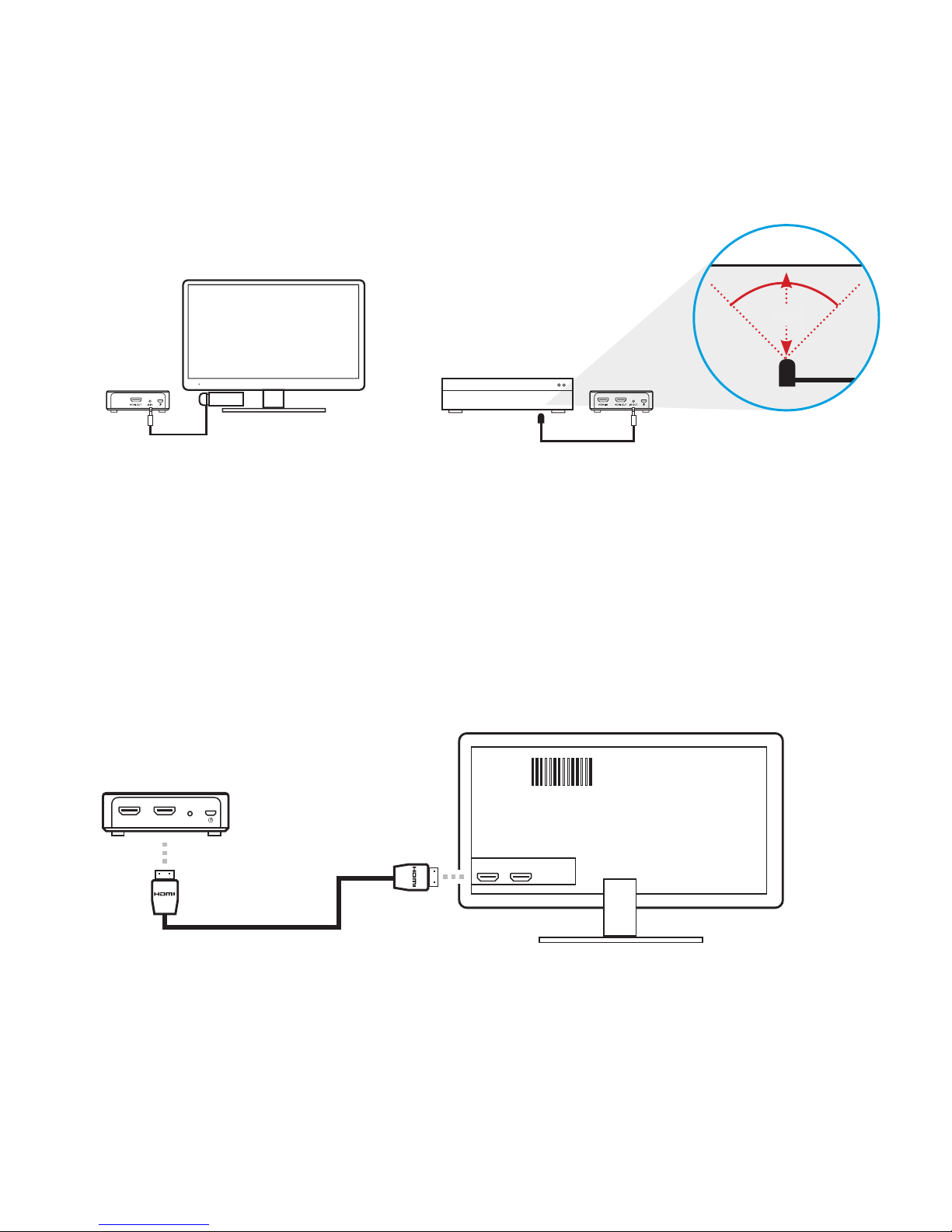
Check the HDMI cable is undamaged and is plugged into the correct socket.
Check that the correct HDMI output has been selected from the HD device’s menu and
that the HDMI cable is plugged into the correct output socket.
Check that the correct HDMI input has been selected from the TV menu and that the
HDMI cable is plugged into the input socket selected.
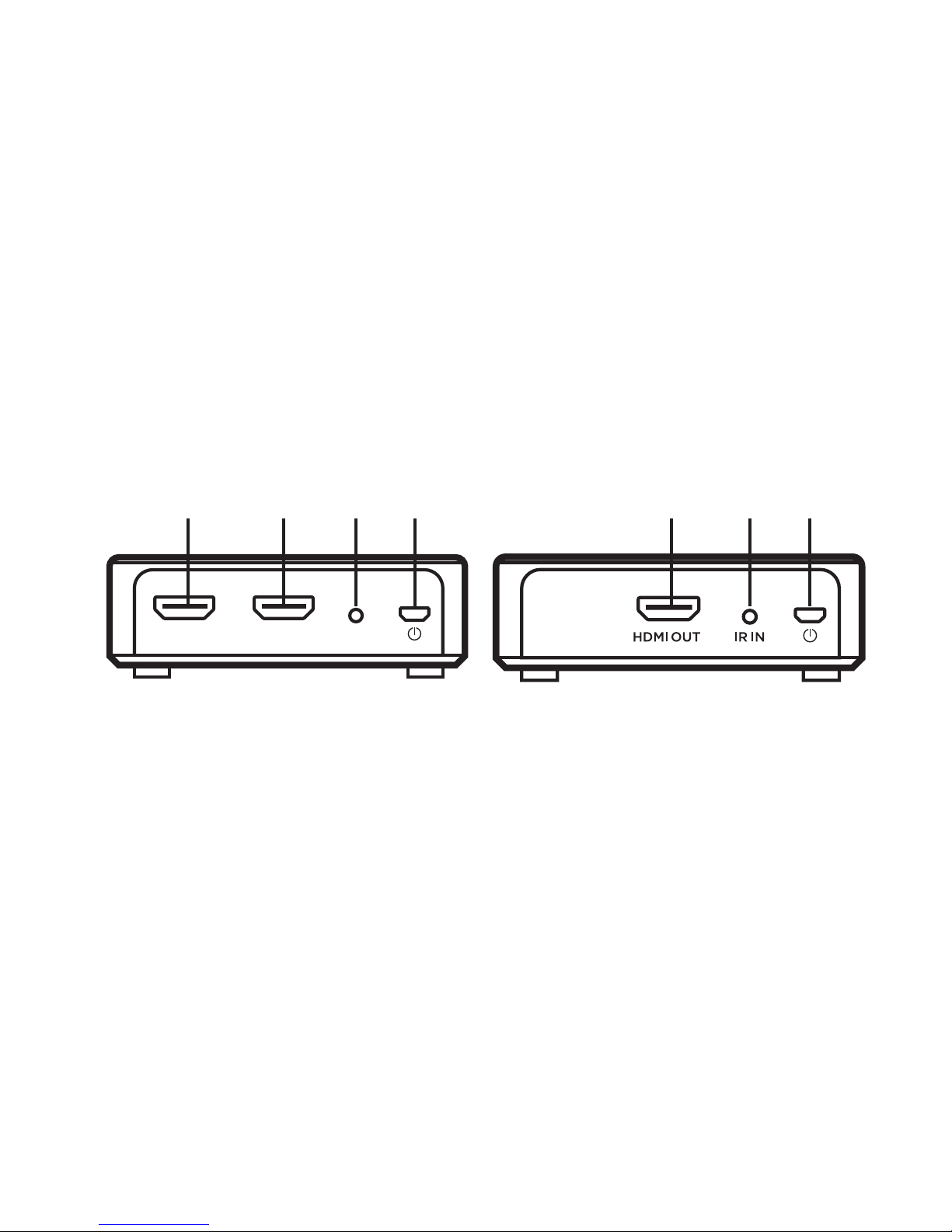
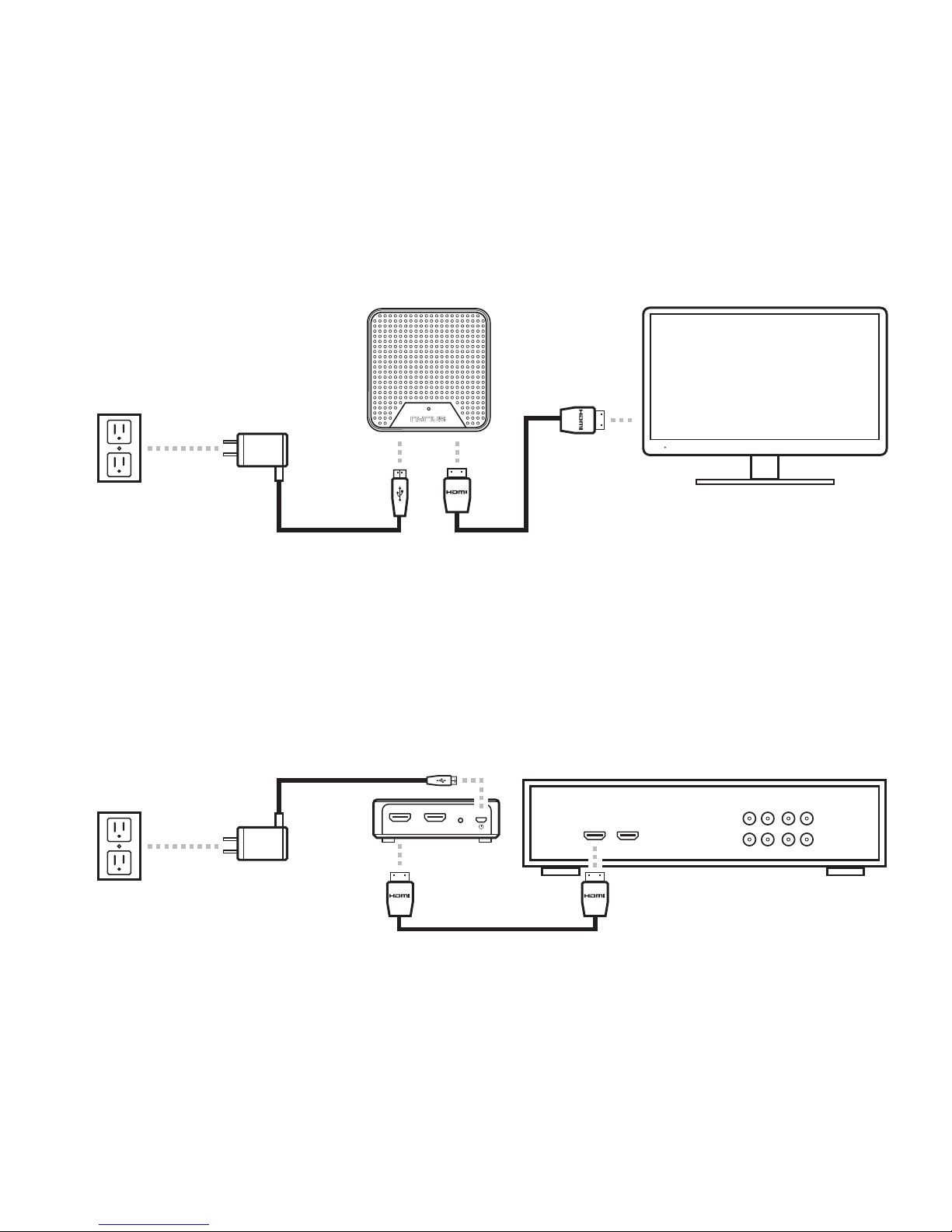
Make sure that it is the Receiver that is connected to the HDTV display, and the
Transmitter that is connected to your HD device.
Power LED
OFF
Make sure the power cable is connected to a known good outlet. Ensure it is rmly
connected to the WS55. Always used the provided power adapter.
Transmitter
Video LED
OFF
Check the HD device is powered on.
Make sure the Transmitter is powered on. Make sure the HD device is on, connected
to the HDMI socket and outputting a supported resolution (1080p, 1080i, 720p, 720i,
576p, 576i, 480p).
Receiver
Video LED is
ON
Part of the system is not properly connected or the signal received is not of good
enough quality/strength.
Make sure the HD display is connected, switched ON and set to the right channel/input
(e.g. HDMI channel).
Check that the HDMI cable is undamaged and is plugged into the correct socket.
Transmitter /
Receiver Link
LED Flashes
Make sure the Transmitter and Receiver are not positioned too far apart. Move them
closer together to check minimum effective range.
Make sure the HD device is switched ON and had been connected to Transmitter.
Bad Picture Make sure the HDMI cables used are undamaged and that you can get a good picture
when the source is connected directly to the display with an HDMI cable.
Move Transmitter and Receiver closer together. Restart the HD device or reconnect the
HDMI cable.
Bad Audio/
No Audio
Make sure that the source is outputting supported audio formats. If the audio signal
drops out, restart the audio source and reconnect the HDMI cable. Make sure there is
no 5.8GHz wireless phone within 50cm of the Receiver.
Some phones use substandard transmission schemes which can cause unwanted
interference.
Other Issues/
Unresolved
Issues
If any other issue occurs or if the above issues persist, try switching OFF both
Transmitter and Receiver and repeating the link set-up process.