manuals.online logo
Brands
  1. Home
  2. •
  3. Brands
  4. •
  5. OLIGHT
  6. •
  7. Flashlight
  8. •
  9. OLIGHT S2-Cu BATON User manual

OLIGHT S2-Cu BATON User manual

Other OLIGHT Flashlight manuals

OLIGHT S2 BATON User manual

OLIGHT

OLIGHT S2 BATON User manual

OLIGHT PL-PRO VALKYRIE User manual

OLIGHT

OLIGHT PL-PRO VALKYRIE User manual

OLIGHT O'Pen User manual

OLIGHT

OLIGHT O'Pen User manual

OLIGHT SR95S Intimidator User manual

OLIGHT

OLIGHT SR95S Intimidator User manual

OLIGHT X7 Marauder User manual

OLIGHT

OLIGHT X7 Marauder User manual

OLIGHT M2R Pro Warrior User manual

OLIGHT

OLIGHT M2R Pro Warrior User manual

OLIGHT i1 EOS SS User manual

OLIGHT

OLIGHT i1 EOS SS User manual

OLIGHT S35 BATON User manual

OLIGHT

OLIGHT S35 BATON User manual

OLIGHT Odin User manual

OLIGHT

OLIGHT Odin User manual

OLIGHT SR MINI INTIMIDATOR II User manual

OLIGHT

OLIGHT SR MINI INTIMIDATOR II User manual

OLIGHT S1 BATON User manual

OLIGHT

OLIGHT S1 BATON User manual

OLIGHT M18 Maverick User manual

OLIGHT

OLIGHT M18 Maverick User manual

OLIGHT Freyr User manual

OLIGHT

OLIGHT Freyr User manual

OLIGHT M20 Warrior Premium User manual

OLIGHT

OLIGHT M20 Warrior Premium User manual

OLIGHT O'Pen User manual

OLIGHT

OLIGHT O'Pen User manual

OLIGHT S1E Baton User manual

OLIGHT

OLIGHT S1E Baton User manual

OLIGHT S2A BATON User manual

OLIGHT

OLIGHT S2A BATON User manual

OLIGHT SR MINI INTIMI DATOR II User manual

OLIGHT

OLIGHT SR MINI INTIMI DATOR II User manual

OLIGHT S1A BATON User manual

OLIGHT

OLIGHT S1A BATON User manual

OLIGHT X7R Marauder User manual

OLIGHT

OLIGHT X7R Marauder User manual

OLIGHT M18 Maverick User manual

OLIGHT

OLIGHT M18 Maverick User manual

OLIGHT M18 Maverick User manual

OLIGHT

OLIGHT M18 Maverick User manual

OLIGHT I3E EOS User manual

OLIGHT

OLIGHT I3E EOS User manual

OLIGHT M2R WARRIOR User manual

OLIGHT

OLIGHT M2R WARRIOR User manual

Popular Flashlight manuals by other brands

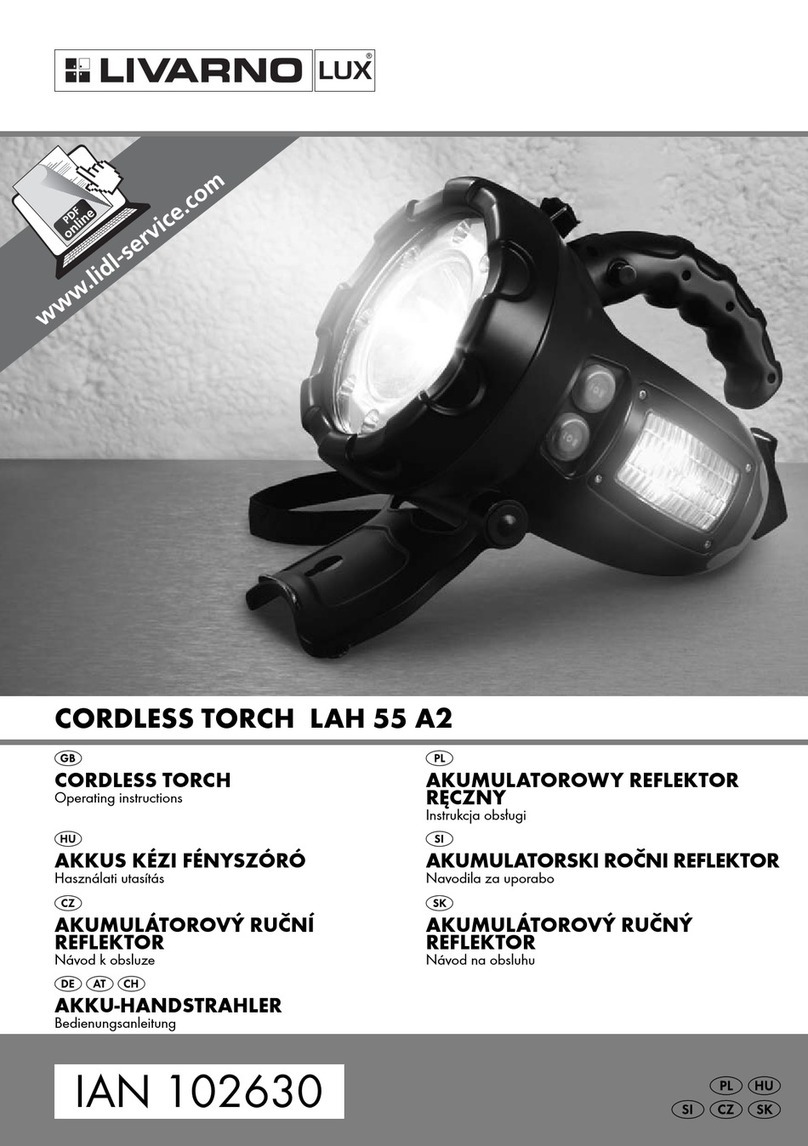
LIVARNO LUX LAH 55 A2 operating instructions

LIVARNO

LIVARNO LUX LAH 55 A2 operating instructions

Gama Sonic 23i60065 instruction manual

Gama Sonic

Gama Sonic 23i60065 instruction manual

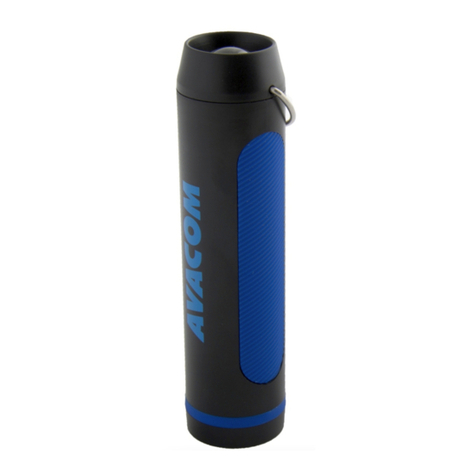
Avacom AVACOM Ain user manual

Avacom

Avacom AVACOM Ain user manual

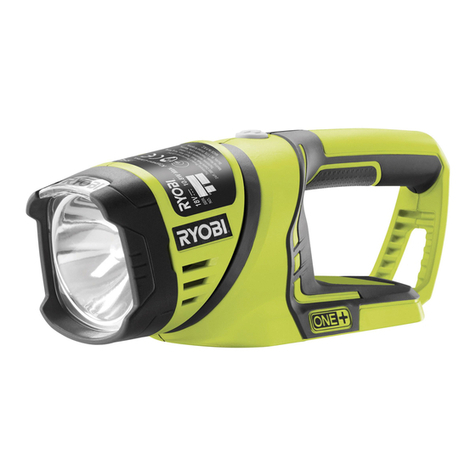
Ryobi RFL180M Original instructions

Ryobi

Ryobi RFL180M Original instructions

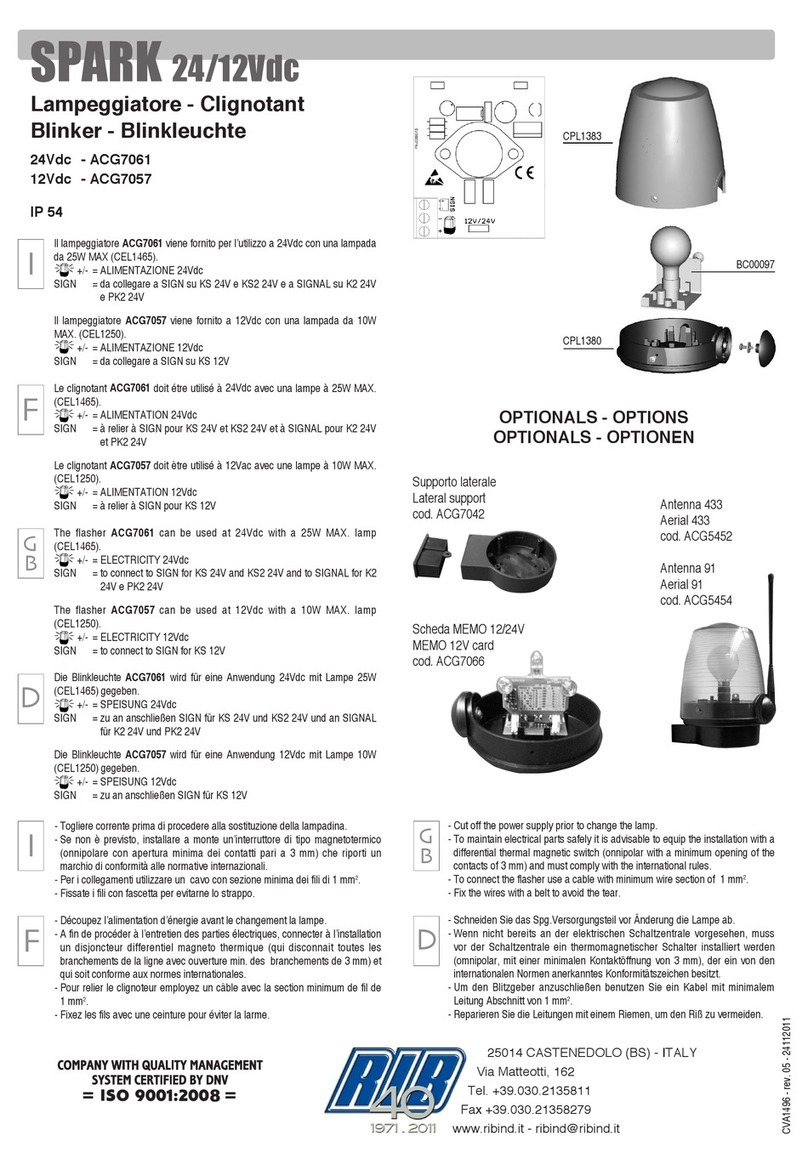
RIB SPARK ACG7061 quick start guide

RIB

RIB SPARK ACG7061 quick start guide

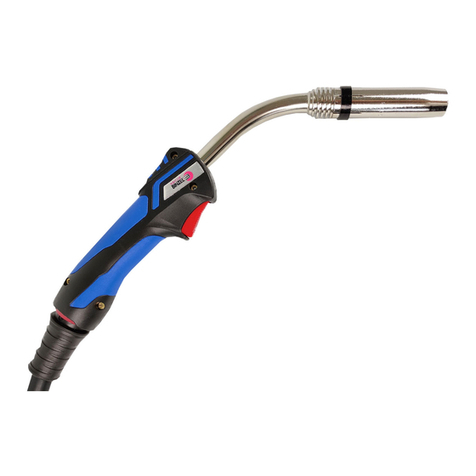
Abicor Binzel MB EVO PRO Series operating instructions

Abicor Binzel

Abicor Binzel MB EVO PRO Series operating instructions

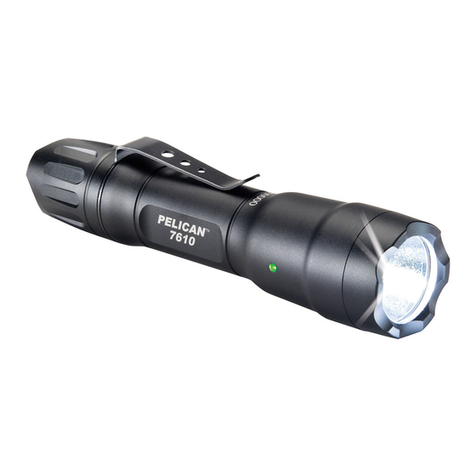
PELI 7610 instruction manual

PELI

PELI 7610 instruction manual

Black & Decker FSL18 manual

Black & Decker

Black & Decker FSL18 manual

Black & Decker 9506 instruction manual

Black & Decker

Black & Decker 9506 instruction manual

Berner 341709 instruction manual

Berner

Berner 341709 instruction manual

PELI 3415 Zone 0 operating instructions

PELI

PELI 3415 Zone 0 operating instructions

ADC Adlite Pro Use, Care and Maintenance

ADC

ADC Adlite Pro Use, Care and Maintenance

tiki Cabos Warnings and Instructions

tiki

tiki Cabos Warnings and Instructions

Fervi 0338 Operation and maintenance manual

Fervi

Fervi 0338 Operation and maintenance manual

Milwaukee M18 IL Original instructions

Milwaukee

Milwaukee M18 IL Original instructions

Spectronics Spectroline LeakTracker SPI-LT instruction manual

Spectronics

Spectronics Spectroline LeakTracker SPI-LT instruction manual

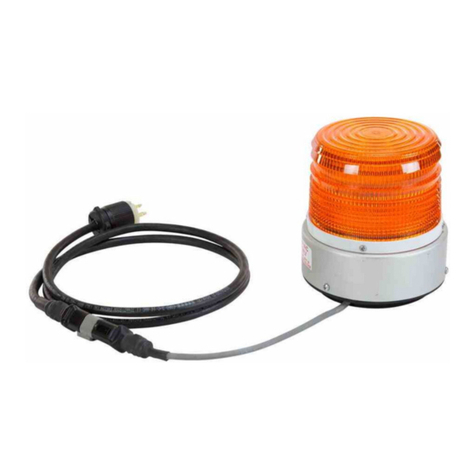
Larson Electronics SLEDB-110V-M instruction manual

Larson Electronics

Larson Electronics SLEDB-110V-M instruction manual

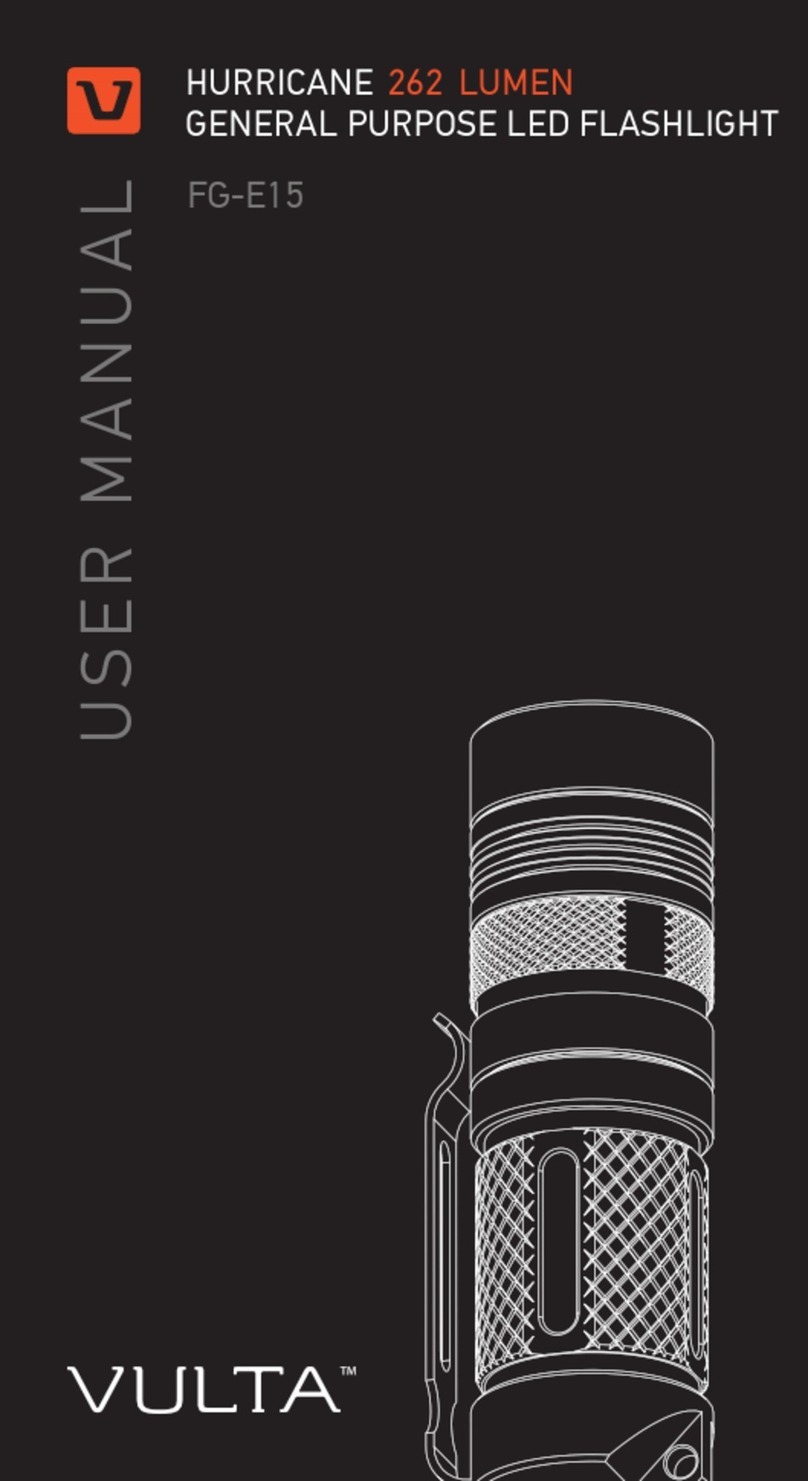
vulta hurricane 262 lumen fg-e15 user manual

vulta

vulta hurricane 262 lumen fg-e15 user manual

manuals.online logo
manuals.online logoBrands
  • About & Mission
  • Contact us
  • Privacy Policy
  • Terms and Conditions

Copyright 2025 Manuals.Online. All Rights Reserved.

IPX8
Thank you for purchasing the Olight product! Please
read this manual carefully before using this product.
WARRANTY
Within 30 days of purchase: Return to the
retailer which you purchased from for repair or
replacement;
Within 5 years of purchase: Return to Olight
for repair or replacement.
Note: Excluding batteries, battery pack,
accessories and other products which warranty
period had been declared.
This warranty does not cover normal wear and
tear, modifications, misuse, disintegrations,
negligence, accidents, improper maintenance, or
repair by anyone other than an authorized retailer
or Olight itself;
Technical Support Inquiries
[email protected]
Customer Service
[email protected]
Visit www.olightworld.com to see our
complete product line of portable
illumination tools.
INSIDE THE BOX
S2-Cu Baton, battery magazine, lanyard, traffic wand,
manual.
DANGER
Do not turn the light directly into human eyes. This may
cause blindness for seconds or hurt the eyes.
WARNING
-Do not use the turbo mode continuously when the
environmental temperature is high in case the
flashlight body is too hot to hold.
-Ensure battery is inserted with the negative (-) end
pointing to the head of the flashlight (LED side).
BATTERY INSTALLATION
Install the battery as shown on Figure. Ensure the
battery positive towards the tailcap.
SUPPORTED BATTERIES
• 1 x 18650 or 2 x CR123A
HOW TO OPERATE
ON/OFF: To turn on the light, single-click the side
switch, the flashlight outputs at memorized
brightness level, single-click again will turn the
light off.
CHANGE BRIGHTNESS LEVEL:
Press and hold the side switch when the light is on. The
output will cycle through low –medium –high –
turbo mode. Release the side switch when the
desired brightness level is achieved.
MOONLIGHT:From off state, press then hold the
side switch for 1second enables the low-lumen
moonlight.
DIRECT ACCESS TO TURBO: From off state,
double clicks directly activate turbo mode.
STROBE: While on, triple-click the side switch to
activate strobe mode, any other operation will quit the
strobe.
TIMER: The light contains two timer settings: long
timer (9minutes) and short timer (3 minutes). Double
click the side switch to enter this setting.short timer
blink once for 3minutes, long time blink 2times for 9
minutes. Double click the side switch to change the
timer to the opposite setting.The light will
automatically shut off when the timer is over.
NOTICE
- Memorization can be used with these five modes
listed: low, medium, high, turbo and timer mode, but
the turbo mode activated by double-click on the side
switch will not be memorized. If you turn the light off on
high and turn it back on again longer than 10 minutes,
the light will return to medium instead of high.
- Standard brightness mode changing does not include
moon light mode. With the moon light mode on, click
and hold the side switch to activate the standard
brightness modes.
- The turbo mode can last for 2minutes. The high
output ramps down by 50% within 1minute of
constant on.
- The light does not memorize strobe mode. When the
strobe mode is deactivated, the memorized mode will
be the last output mode used before activating strobe.
FLASHLIGHT SPECIFICATIONS
Material: Copper, stainless steel clip.
OUTPUT & RUNTIME
1 x 18650
or
2 x CR123A
1.5 m
HIGH
TURBO
(400 lm)
(80 lm)
(10 lm)
142 m
10 Hz (L)103 x (D)23 mm
112 g
excluding battery
5,000 cd IPX8
950 lumens
MAX
Cree XM-L2 CW
2+100 min2+170 min
(0.5 lm)
245 minutes
19 hours
144 hours
60 days
165 minutes
12 hours
95 hours
35 days
MEDIUM
LOW
MOONLIGHT
(950 500 lm)
TWIST TO REMOVE
USER MANUAL
S2-Cu BATON
1 x 18650
(3.6v 3400mAh)
2 x CR123A
(3.0v 1500mAh)
V1. 03, 04, 2016 MADE IN CHINA
Olight Technology Co., Limited
Address: 2/F, Building A, B3 Block,
Fuhai Industrial Park, Fuyong, Bao'an
District, Shenzhen , China 518103
www.DrMemory.com/Olight

IPX8
Thank you for purchasing the Olight product! Please
read this manual carefully before using this product.
WARRANTY
Within 30 days of purchase: Return to the
retailer which you purchased from for repair or
replacement;
Within 5 years of purchase: Return to Olight
for repair or replacement.
Note: Excluding batteries, battery pack,
accessories and other products which warranty
period had been declared.
This warranty does not cover normal wear and
tear, modifications, misuse, disintegrations,
negligence, accidents, improper maintenance, or
repair by anyone other than an authorized retailer
or Olight itself;
Technical Support Inquiries
[email protected]
Customer Service
[email protected]
Visit www.olightworld.com to see our
complete product line of portable
illumination tools.
INSIDE THE BOX
S2-Cu Baton, battery magazine, lanyard, traffic wand,
manual.
DANGER
Do not turn the light directly into human eyes. This may
cause blindness for seconds or hurt the eyes.
WARNING
-Do not use the turbo mode continuously when the
environmental temperature is high in case the
flashlight body is too hot to hold.
-Ensure battery is inserted with the negative (-) end
pointing to the head of the flashlight (LED side).
BATTERY INSTALLATION
Install the battery as shown on Figure. Ensure the
battery positive towards the tailcap.
SUPPORTED BATTERIES
• 1 x 18650 or 2 x CR123A
HOW TO OPERATE
ON/OFF: To turn on the light, single-click the side
switch, the flashlight outputs at memorized
brightness level, single-click again will turn the
light off.
CHANGE BRIGHTNESS LEVEL:
Press and hold the side switch when the light is on. The
output will cycle through low –medium –high –
turbo mode. Release the side switch when the
desired brightness level is achieved.
MOONLIGHT:From off state, press then hold the
side switch for 1second enables the low-lumen
moonlight.
DIRECT ACCESS TO TURBO: From off state,
double clicks directly activate turbo mode.
STROBE: While on, triple-click the side switch to
activate strobe mode, any other operation will quit the
strobe.
TIMER: The light contains two timer settings: long
timer (9minutes) and short timer (3 minutes). Double
click the side switch to enter this setting.short timer
blink once for 3minutes, long time blink 2times for 9
minutes. Double click the side switch to change the
timer to the opposite setting.The light will
automatically shut off when the timer is over.
NOTICE
- Memorization can be used with these five modes
listed: low, medium, high, turbo and timer mode, but
the turbo mode activated by double-click on the side
switch will not be memorized. If you turn the light off on
high and turn it back on again longer than 10 minutes,
the light will return to medium instead of high.
- Standard brightness mode changing does not include
moon light mode. With the moon light mode on, click
and hold the side switch to activate the standard
brightness modes.
- The turbo mode can last for 2minutes. The high
output ramps down by 50% within 1minute of
constant on.
- The light does not memorize strobe mode. When the
strobe mode is deactivated, the memorized mode will
be the last output mode used before activating strobe.
FLASHLIGHT SPECIFICATIONS
Material: Copper, stainless steel clip.
OUTPUT & RUNTIME
1 x 18650
or
2 x CR123A
1.5 m
HIGH
TURBO
(400 lm)
(80 lm)
(10 lm)
142 m
10 Hz (L)103 x (D)23 mm
112 g
excluding battery
5,000 cd IPX8
950 lumens
MAX
Cree XM-L2 CW
2+100 min2+170 min
(0.5 lm)
245 minutes
19 hours
144 hours
60 days
165 minutes
12 hours
95 hours
35 days
MEDIUM
LOW
MOONLIGHT
(950 500 lm)
TWIST TO REMOVE
USER MANUAL
S2-Cu BATON
1 x 18650
(3.6v 3400mAh)
2 x CR123A
(3.0v 1500mAh)
V1. 03, 04, 2016 MADE IN CHINA
Olight Technology Co., Limited
Address: 2/F, Building A, B3 Block,
Fuhai Industrial Park, Fuyong, Bao'an
District, Shenzhen , China 518103