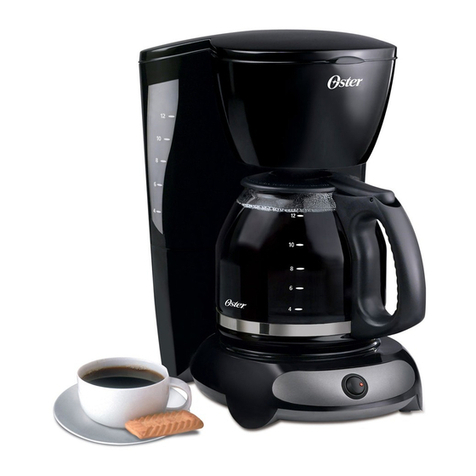
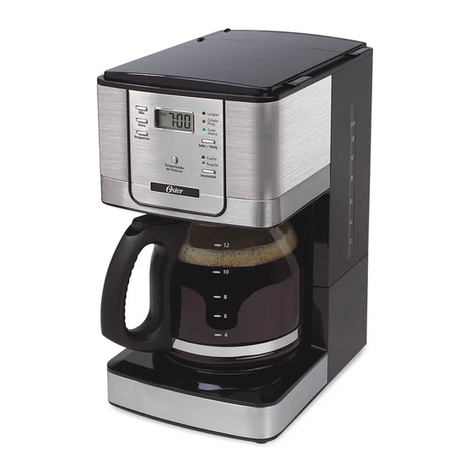
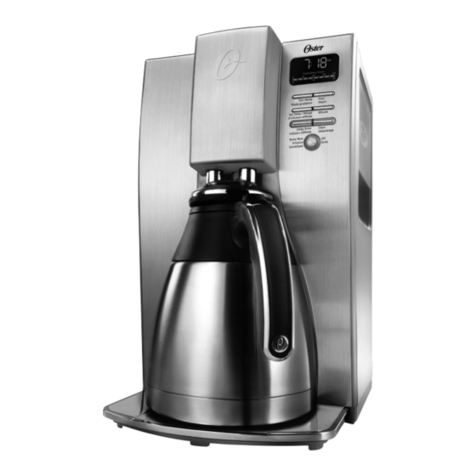
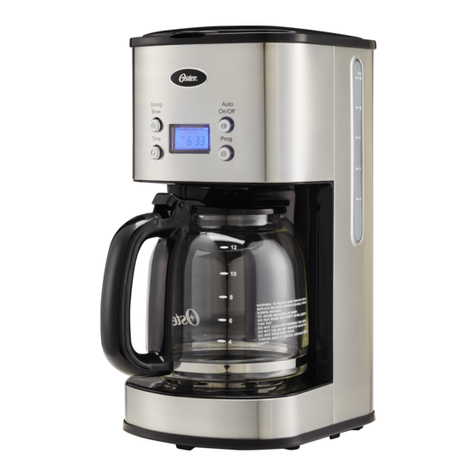
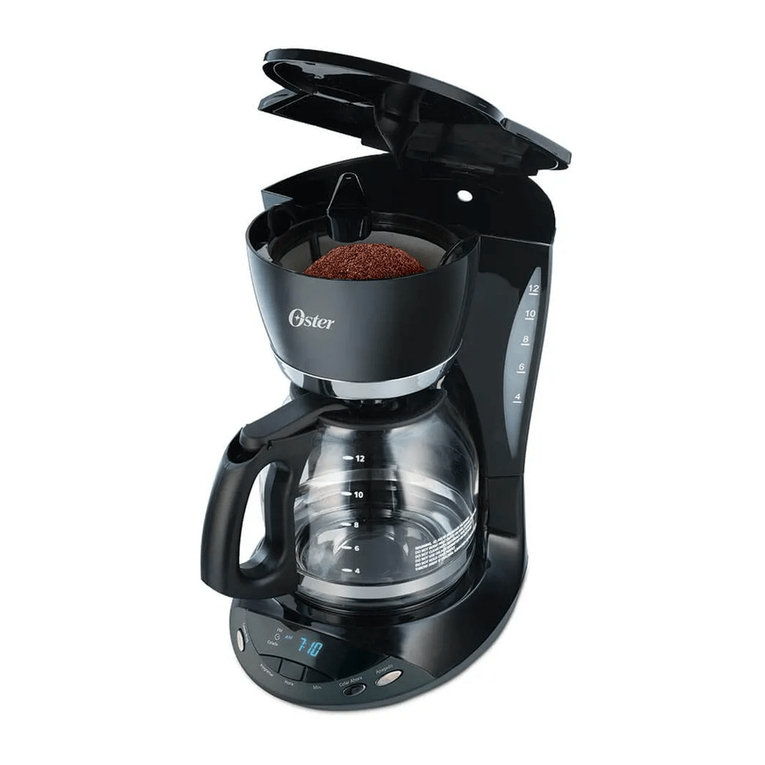
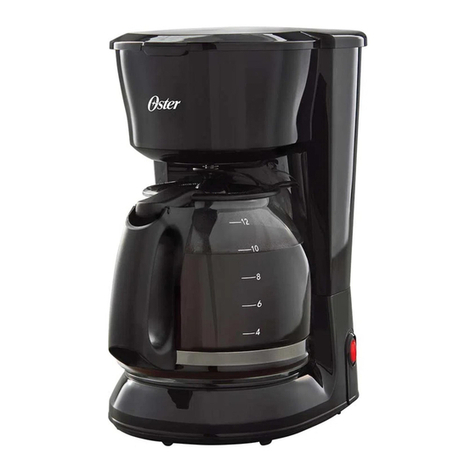
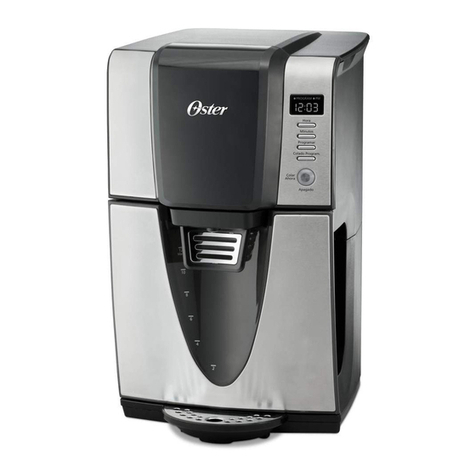
Oster BVSTDCUS-049 User manual

Instruction Manual
4-CUP COFFEEMAKER
PLEASE READ ALL INSTRUCTIONS BEFORE USING THIS APPLIANCE
BVSTDCUS-049
MODEL

1
IMPORTANT SAFEGUARDS
When using electrical appliances, basic safety precautions
should always be followed to reduce the risk of re, electric
shock and/or injury to persons, including the following:
READ ALL INSTRUCTIONS BEFORE USING THE COFFEEMAKER.
1. Check if the voltage indicated on the appliance corresponding to the
local mains voltage before you connect the appliance.
2. DO NOT touch hot surfaces. Use handles or knobs.
3. To protect against re or electrical shock, do not put cord, plug or
appliance in water or any other liquid.
4. Turn the coffeemaker off and unplug the power cord from the
power source when the coffeemaker or clock are not in use
and before cleaning. Allow the coffeemaker parts to cool before
putting on or taking off parts and before cleaning the appliance.
5. DO NOT operate any appliance with a damaged cord or plug
or operate it after the appliance malfunctions, or has been
damaged in any manner.
6. The use of accessory attachments not recommended or sold by
the manufacturer may cause re, electrical shock or injury.
7. DO NOT use outdoors.
8. DO NOT let the power cord hang over the edge of a table or
counter or allow it to come in contact with hot surfaces.
9. DO NOT place this appliance on or near a hot gas or electric
burner, or in a heated oven.
10. To disconnect, turn the coffeemaker OFF, then remove the
power plug from wall outlet.
11. Place the coffeemaker on a hard, at level surface to avoid
interruption of air ow underneath the appliance.
12. DO NOT use appliance for other than intended use.

2
13. This appliance is not intended for use by persons (including
children) with reduced physical, sensory or mental capabilities,
or lack of experience and knowledge, unless they have been
given supervision or instruction concerning use of the appliance
by a person responsible for their safety. Children should be
supervised to ensure that they do not play with the appliance.
14. This appliance can be used by children aged from 8 years and
above and persons with reduced physical, sensory or mental
capabilities or lack of experience and knowledge if they have
been given supervision or instruction concerning use of the
appliance in a safe way and understand the hazards involved.
Children shall not play with the appliance. Cleaning and user
maintenance shall not be made by children without supervision.
15. Close supervision is necessary when any appliance is used by
or near children, or incapacitated individuals.
16. This appliance is not intended to be operated by means of an
external timer or separate remote-control system.
17. This appliance is intended to be used in household and similar
applications such as: staff kitchen areas in shops, ofces and
other working environments farm houses by clients in hotels,
motels and other residential type environments bed and
breakfast type environments.
THIS UNIT IS FOR HOUSEHOLD USE ONLY.
SAVE THESE INSTRUCTIONS

3
COFFEEMAKER FEATURES
Your new Oster® coffeemaker has the following features:
• 4-Cup brewing capacity
• Drip free decanter – Designed to help prevent drips after pouring
• Ergonomically Designed Handle – Provides comfort, control and condence when pouring
• Removable lter basket – The lter basket will lift out of socket to allow you to
remove a lter and ground coffee before returning back to its socket
• ON/OFF indicator light – This safety feature reminds you that your coffeemaker is on
• Non-stick warming plate – This feature prevents the decanter from sticking to the
surface of the warming plate
• Pause’n Serve – Can’t wait for the coffee to nish brewing? The Pause’n Serve feature
allows you up to 30 seconds to pour a cup of coffee while the coffee is still brewing
DECANTER USE AND CARE
Follow the instruction below to reduce or eliminate the chance of breaking the decanter:
a. This decanter is designed for use with your Oster®coffeemaker and therefore must
never be used on a range top or in any oven, INCLUDING A MICROWAVE OVEN.
b. DO NOT set a hot decanter on a wet or cold surface.
c. DO NOT use a cracked decanter or a decanter having a loose or weakened handle.
d. DO NOT clean the decanter with abrasive cleansers, steel wool pads or other
abrasive materials.
e. Discard the decanter immediately if it is ever boiled dry.
f. Protect the decanter from sharp blows, scratches or rough handling.
WARNING:
To reduce the risk of re or electric shock, do not remove any service covers. There
are no user serviceable parts inside the coffeemaker. Only authorized personnel should
repair the coffeemaker.

4
PRODUCT STRUCTURE
1. ON/OFF Switch
2. Decanter Lid
3. Brew Basket / removable lter insert
4. Water Reservoir
5. Warming Plate
6. Decanter
7. Showerhead
8. Permanent Filter
8
4
1
5
6
2
3
7

5
BREWING COFFEE
Cleaning the coffeemaker before rst use
Follow the steps below under “Adding Water and Ground Coffee” and “Brewing Coffee
Now”, but do not add coffee grounds.
Selecting and Measuring Ground Coffee
For best results, use coffee ground for use with automatic drip coffeemakers. The
amounts shown below are suggested amounts.
One cup = 148ml (5 ounces) of brewed coffee
Adding Water and Ground Coffee
1) Open brew basket lid, turn showerhead to the back and lift out the removable lter
insert.If using paper lters, it is important that the sides of the lter t ush against
the sides of the lter insert. If lter collapse occurs, for best results, dampen the lter
before placing it in the brew basket and adding ground coffee.
2) Place the permanent lter or a 4 cup basket-style paper lter.
3) Add the desired amount of ground coffee to the lter. Gently shake the lter insert to
level the ground coffee.
OPERATING INSTRUCTIONS
Number of Cups Tablespoons
4 3
2 2
4) Be certain that the lter is centered in the middle of the removable lter basket insert.
Close the brew basket.

6
BREWING COFFEE NOW
5) Fill the water reservoir with the desired amount of tap water.
6) Close the brew basket lid.
7) Place the decanter on the warming plate.
If the brew basket overows or fails to empty into the decanter, do not open the
brew basket lid. An overow may cause personal injury or damage to property.
To reduce the risk of damaging the decanter and/or the risk of personal injury,
do not add cold water to the decanter if the decanter is already hot. Allow the
decanter to cool before using.
Do not brew coffee while the brew basket lid is open.
Push the switch so the light illuminates.
This light indicates that the coffeemaker is on and the brew cycle will begin. When the
coffee stops owing, the brew cycle is complete.
While the coffee is brewing, the Pause ‘n Serve feature allow you to sneak a cup of
coffee from the decanter. REPLACE THE DECANTER ON THE WARMING PLATE
WITHIN 30 SECONDS TO PREVENT OVERFLOW AND POSSIBLE INJURY.
To turn Off the coffeemaker, push the switch so the light is no longer illuminated.
If the brew basket overows or fails to empty into the decanter, do not open the
brew basket. Turn off the coffeemaker. Unplug the coffeemaker and wait for the
contents to cool before handling.

7
Your Coffeemaker must be cleaned when you begin to notice excessive steaming or the
brewing time increases considerably. This condition is caused by a build-up of lime and
mineral deposits from your water. If the pumping action stops before all the water has
been pumped out of the machine, the appliance requires cleaning.
The frequency of cleaning depends on the hardness of water used. The following table
gives a suggested cleaning schedule.
Cleaning the Decanter
Hard water can leave a whitish stain on the decanter. Coffee may then turn this stain brown.
To remove decanter stains:
1) Fill the decanter with a solution of equal parts tap water and vinegar and let the
solution stand in the decanter for approximately 20 minutes.
CLEANING INSTRUCTIONS
Suggested Cleaning Interval
Type of Water Cleaning Frequency
Soft Water Every 80 Brew Cycles
Hard Water Every 40 Brew Cycles
Your Coffeemaker may be cleaned using vinegar.
2) Discard the solution and wash and rinse the decanter.
Do not use harsh abrasive cleansers that may scratch the decanter; scratches may
cause the decanter to break.

8
Potential Problems Probable Cause
“On” light does not illuminate • Unplugged
• Power outage
Coffee is not brewing • Unplugged
• Power outage
• The water reservoir is empty; check water window
• The lter basket is not properly inserted
• Carafe is not placed all the way on the warming plate
Coffeemaker only brews water • No grounds in lter basket
Coffeemaker brews slowly • Coffeemaker needs cleaning
Filter basket overows • The lter basket is not properly inserted
• Carafe is not placed all the way on the warming plate
• Carafe lid not on carafe
• Too many grounds placed in lter
• Carafe was removed from warming plate for
longer than 30 seconds
Burning coffee smell • Empty carafe was left on hot warming plate
• Coffee was spilled on a warming plate
Coffee is not hot • Power outage
• The Automatic Shut-Off function has been activated
Coffee tastes bad • Coffee ground other than for automatic-drip
Coffeemaker was used
• Ground coffee-to-water ratio was unbalanced
Grounds are in coffee • Paper lter not properly seated in basket
• Filter overowed
TROUBLESHOOTING

9
Jarden Consumer Solutions of India Private Limited (hereinafter referred to as “JCS”) warrants that,
for a period of two (2) years from the date of purchase of this product as evidenced in the cash
memo (“Warranty Period”), this product will be free from defects in material and workmanship (the
“Warranty”). Please preserve the warranty card and the cash memo of the product duly stamped
and signed by the dealer, as this will be required for any claims under this Warranty.
• The rights and benets under this Warranty are additional to your statutory rights, which are
not affected by this Warranty.
• During the Warranty Period, JCS, at its sole choice, will either repair or replace this product or
any component of the product found to be defective free of cost through (the dealer from whom
the product was purchased or through the service center listed in the card – business people
to conrm), provided that:
- JCS is promptly informed of the defect;
- The product has not been altered in any way or subjected to misuse or repair by the
person other than a person authorized by JCS;
- This Warranty, duly lled, stamped and signed by the dealer is made available.
• The Warranty provided herein is towards the original purchaser and is not transferrable to any
third party.
• Any repaired or replaced product will be warranted on these terms for the remaining portion of
the Warranty in the country where the product was purchased.
• Liability for consequential loss or damage is neither accepted nor is it implied.
• This Warranty is in lieu of all others expressed or implied and does not cover the following:
a. If product was use in any manner other than the intended use.
b. If the product has not been used according to the instruction manual/user’s manual,
included with the product.
c. If the defects are caused by improper use or reckless use.
d. If the product was altered or repaired by anyone other than those authorized by JCS.
e. If installation of the product is not done as per the printed instructions provided along with
the product.
f. If the defects are caused by re, ood, and other act of god.
g. If the defects are caused by use of incorrect current or voltage or faulty electric power
supply.
h. Normal wear and tear of parts and accessories resulting from regular use.
i. Damage resulting from transportation, accidents, mishandling or negligence on the part of
the consumer.
j. The following part/components:
- Broken glass or ceramic parts
- Light bulb
- Accessories
k. If the product is put to industrial or commercial use.
• JCS will not be responsible for any delay in servicing due to non-availability of any
components or due to reasons beyond the control of JCS.
• Any failure of the product to perform any purpose other than the intended purpose shall
not be considered as a default under this warranty.
• In any event, if JCS becomes liable for damages incurred in connection with these
presents, then the liability of JCS will be limited to the amount equal to the sale invoice
amount paid by you.
Waste electrical products should not be disposed off with household waste. Please recycle
where facilities exist.
WARRANTY

This manual suits for next models
1
Table of contents
Other Oster Coffee Maker manuals

Oster
Oster BVSTDC4401 User manual

Oster
Oster BVSTECMP55 User manual

Oster
Oster 3262 User manual

Oster
Oster BVSTDCS12B User manual

Oster
Oster Counterforms 4281 User manual

Oster
Oster RF Series User manual

Oster
Oster BVSTEM7701 User manual

Oster
Oster BVST-JBX Series User manual

Oster
Oster 3291 User manual

Oster
Oster LMX Series User manual

Oster
Oster 3301 User manual

Oster
Oster BVSTEM5501B User manual

Oster
Oster Counterforms 4281 User manual

Oster
Oster BVSTEM6601R User manual

Oster
Oster 3305-33 User manual

Oster
Oster BVSTDC05 User manual

Oster
Oster BVSTDC3390 User manual

Oster
Oster 3296 Technical specifications

Oster
Oster 3196 User manual

Oster
Oster 3308 User manual