manuals.online logo
Brands
  1. Home
  2. •
  3. Brands
  4. •
  5. Palm
  6. •
  7. Cell Phone
  8. •
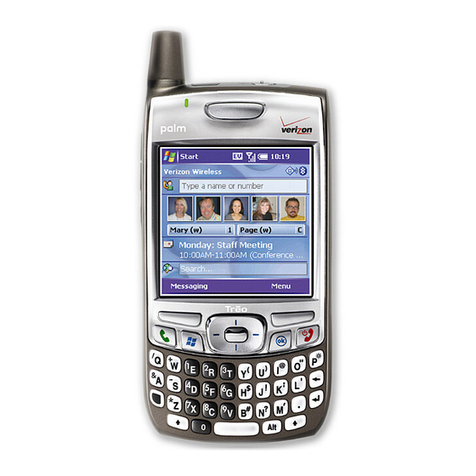
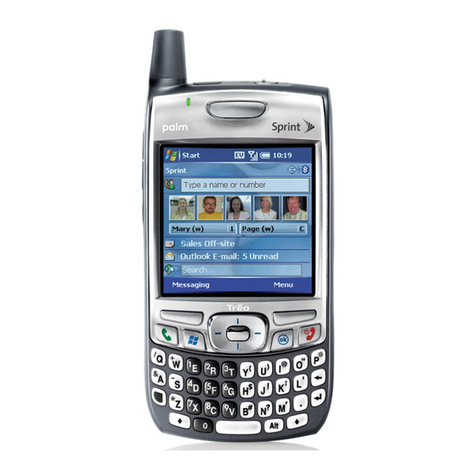
  9. Palm Treo 700p User manual

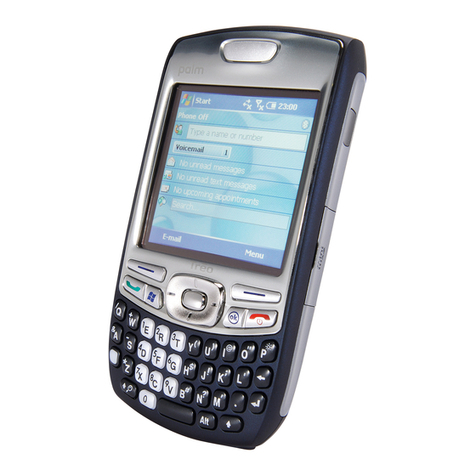
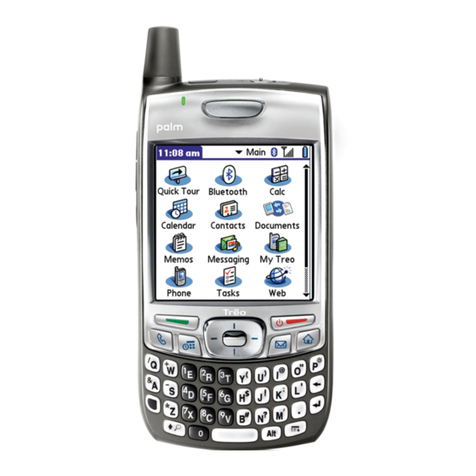
Palm Treo 700p User manual

Other manuals for Treo 700p

12

Other Palm Cell Phone manuals

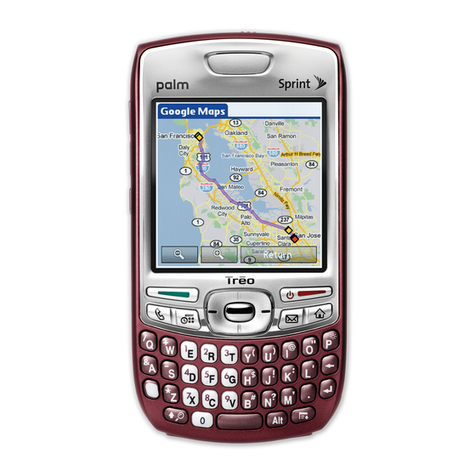
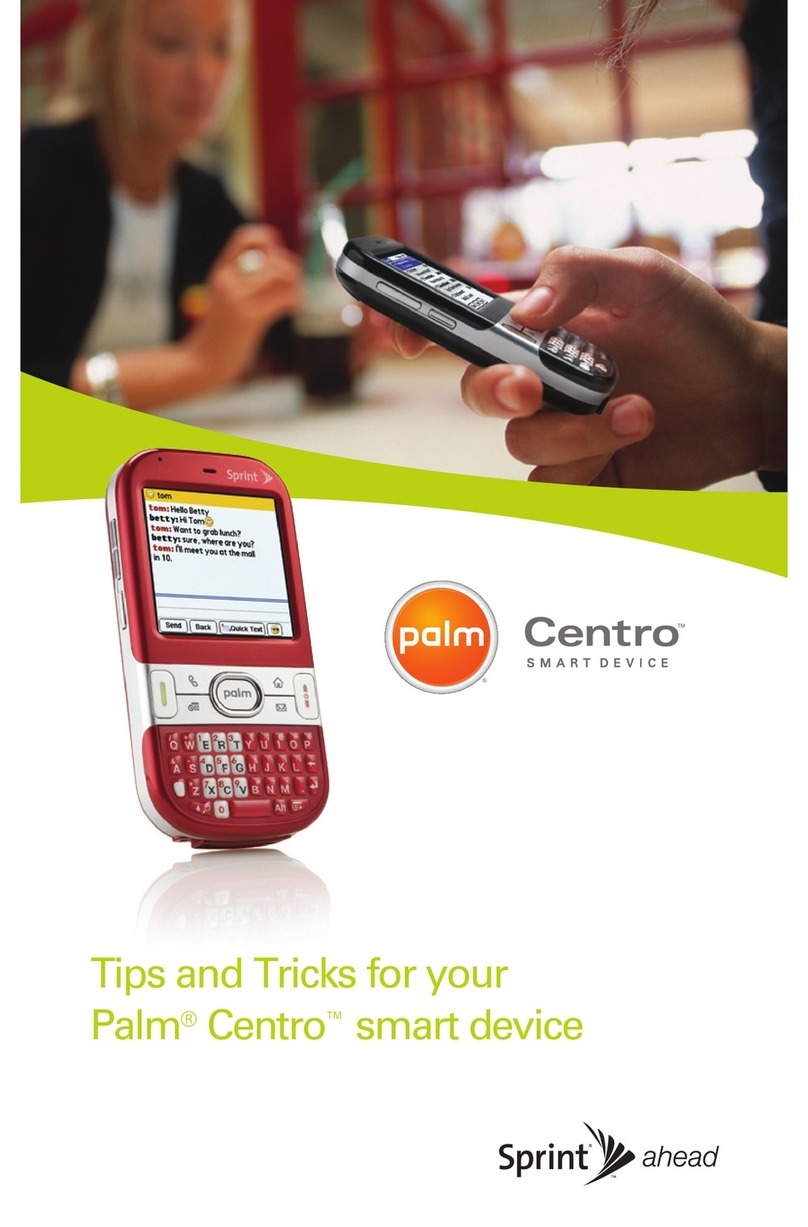
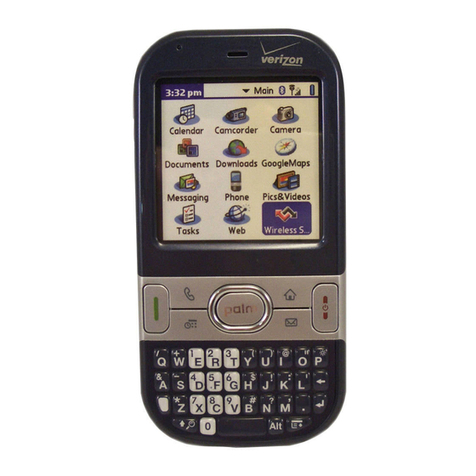
Palm Centro User manual

Palm

Palm Centro User manual

Palm AT&T Treo 680 How to use

Palm

Palm AT&T Treo 680 How to use

Palm Centro User manual

Palm

Palm Centro User manual

Palm 700wx - Treo Smartphone 60 MB User manual

Palm

Palm 700wx - Treo Smartphone 60 MB User manual

Palm AT&T Treo 680 User manual

Palm

Palm AT&T Treo 680 User manual

Palm Treo Pro User manual

Palm

Palm Treo Pro User manual

Palm Treo 700p User manual

Palm

Palm Treo 700p User manual

Palm Pixi Plus User manual

Palm

Palm Pixi Plus User manual

Palm Treo 700VVX User manual

Palm

Palm Treo 700VVX User manual

Palm Treo 750v User manual

Palm

Palm Treo 750v User manual

Palm 700wx - Treo Smartphone 60 MB User manual

Palm

Palm 700wx - Treo Smartphone 60 MB User manual

Palm Centro User manual

Palm

Palm Centro User manual

Palm Pixi Plus User manual

Palm

Palm Pixi Plus User manual

Palm PVG100E User manual

Palm

Palm PVG100E User manual

Palm 1057LA-BLU - Centro Smartphone 64 MB User manual

Palm

Palm 1057LA-BLU - Centro Smartphone 64 MB User manual

Palm AT&T Treo 680 User manual

Palm

Palm AT&T Treo 680 User manual

Palm Centro User manual

Palm

Palm Centro User manual

Palm Treo XXX User manual

Palm

Palm Treo XXX User manual

Palm Treo 750v User manual

Palm

Palm Treo 750v User manual

Palm Pre 2 User manual

Palm

Palm Pre 2 User manual

Palm AT&T Treo 680 Instruction sheet

Palm

Palm AT&T Treo 680 Instruction sheet

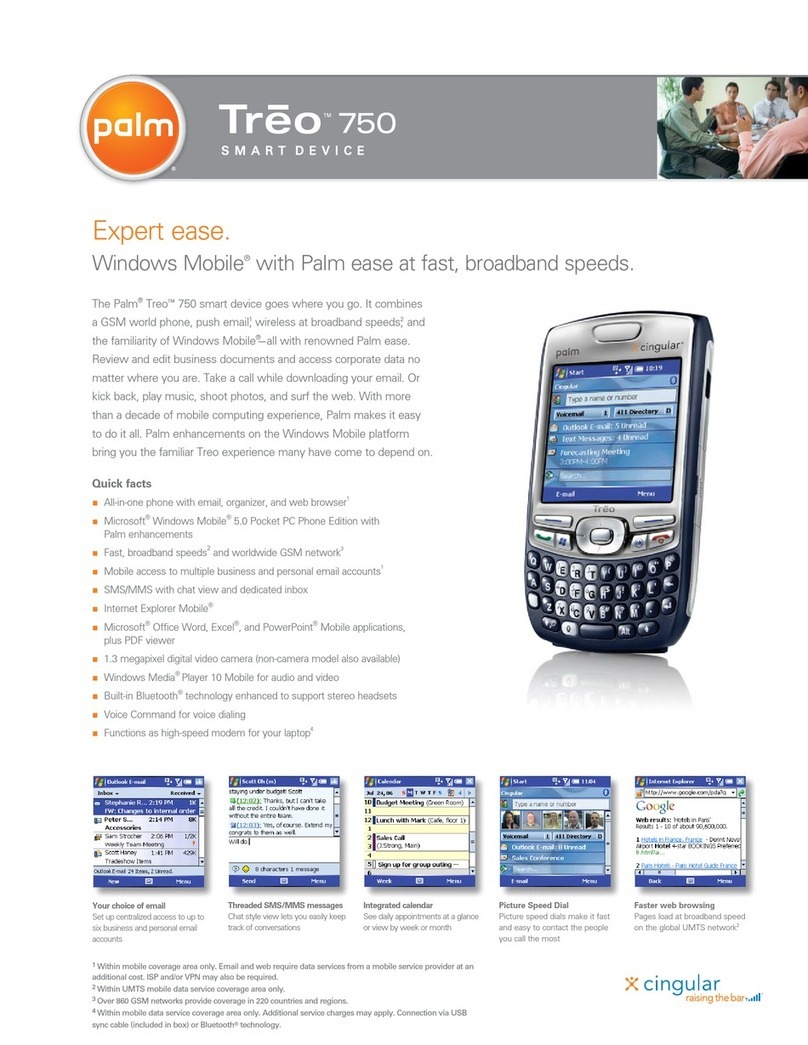
Palm Treo Treo 750 User manual

Palm

Palm Treo Treo 750 User manual

Palm Treo 750v User manual

Palm

Palm Treo 750v User manual

Palm 700w - Treo Smartphone 60 MB User manual

Palm

Palm 700w - Treo Smartphone 60 MB User manual

Popular Cell Phone manuals by other brands

Nokia 6700 classic user guide

Nokia

Nokia 6700 classic user guide

LG L34C user guide

LG

LG L34C user guide

Ericsson T60d manual

Ericsson

Ericsson T60d manual

Zte Score M user manual

Zte

Zte Score M user manual

Sony Xperia Z1 Compact Startup guide

Sony

Sony Xperia Z1 Compact Startup guide

AT AT-Q5 user manual

AT

AT AT-Q5 user manual

Vingtor ACM-M-A-V2 Installation/configuration

Vingtor

Vingtor ACM-M-A-V2 Installation/configuration

Olitech EasyFlip 2 Quick setup guide

Olitech

Olitech EasyFlip 2 Quick setup guide

Zte Atrium Z793C user manual

Zte

Zte Atrium Z793C user manual

Alcatel IDEAL manual

Alcatel

Alcatel IDEAL manual

Zte BLADE A520 quick start guide

Zte

Zte BLADE A520 quick start guide

switel M222 user manual

switel

switel M222 user manual

LG LG-P503 user guide

LG

LG LG-P503 user guide

LG F2410 user guide

LG

LG F2410 user guide

Argom E500 manual

Argom

Argom E500 manual

Hisense U30 user manual

Hisense

Hisense U30 user manual

Argom Tech E401 user manual

Argom Tech

Argom Tech E401 user manual

Nokia 3595 - Cell Phone - GSM Manual Del Usuario

Nokia

Nokia 3595 - Cell Phone - GSM Manual Del Usuario

manuals.online logo
manuals.online logoBrands
  • About & Mission
  • Contact us
  • Privacy Policy
  • Terms and Conditions

Copyright 2025 Manuals.Online. All Rights Reserved.

All-in-one smartphone, now on EvDO.
The Palm®Treo
™ 700p smartphone delivers everything you need in one go-anywhere,
Palm OS®device. It combines a smarter phone with wireless email,1built-in web browser,1
and rich media capabilities—all at blazing speeds on the EvDO network.2Be productive
even while you’re away from your desk. Get your latest email, appointments, and contacts
from Microsoft®Outlook®with Direct Push Technology.3Work on important files with
built-in support for native Word, Excel®and PowerPoint®documents, a PDF viewer, and
60MB of dedicated user storage. Download any of the thousands of available Palm OS
applications. Or, relax and play your favorite music and videos right on your phone. With
this user-friendly solution in hand, you can stay connected and productive on your terms.
Quick facts
n
All-in-one smartphone with Palm’s world-class ease of use
n
Fast EvDO network access2
n
Palm OS platform
n
128MB memory total, 60MB nonvolatile memory available to user
n
Wireless access to Outlook®email1—now with Direct Push Technology3
n
Wireless access to AOL, Gmail, and Yahoo! email1
n
Fast mobile web browser2
n
Functions as a high-speed modem for your laptop1,4
n
Integrated Contacts and Calendar
n
Create, edit, and view native Word and Excel files
n
View native PowerPoint and PDF documents
n
1.3 megapixel digital camera also captures video
n
Rich media capabilities for music, pictures, and video
n
Built-in Bluetooth®wireless technology
1 Within wireless coverage area only. Email, web, and messaging require data services from a wireless service provider at an additional cost. ISP and/or VPN may also be required.
2 Within EvDO data wireless service coverage area only. Actual data speeds vary based on network capacity and application design. Backward compatible with 1xRTT and IS95 networks.
3 The Exchange ActiveSync®Update for Palm OS devices can be downloaded free from www.palm.com/easdownload using the Blazer browser. Requires Exchange Server 2003 with Service Pack 2 or Exchange Server 2007.
4 Additional service charges may apply. Connection via USB sync cable (included in box) or Bluetooth technology.
All your email on one device.
Send and receive from Outlook,
AOL, Gmail, Yahoo! and more.
Ignore with SMS
Unable to take a call? Auto-
matically respond with a
private text message.1
View native attachments
when you’re out of the office.
Your Calendar is up to date
even when you’re on the go.
Get fast web access
when you need it.
Productivity untethered. Speed unleashed.

© 2006 – 2007 Palm, Inc. All rights reserved. Palm, Treo, and Palm OS, stylizations and design marks associated with all the preceding, and trade dress associated with Palm, Inc.’s products, are
among the trademarks or registered trademarks owned by or licensed to Palm, Inc. Documents To Go is a trademark or registered trademark of DataViz, Inc. Adobe and Adobe Acrobat are either reg-
istered trademarks or trademarks of Adobe Systems Incorporated in the United States and/or other countries. Windows Media is either a registered trademark or trademark of Microsoft Corporation
in the United States and/or other countries. All other brand and product names are or may be trademarks of, and are used to identify products or services of, their respective owners. All screen
images are simulated.

P 315 06
What’s included
n
Treo™700p smartphone with stylus
n
Removable battery
n
Travel charger
n
USB sync cable
n
Stereo headset
n
User documentation
n
Palm Desktop Software Installation CD
Software built into device
Blazer®web browser, Bluetooth,
®Calculator,
Calendar, Camcorder, Camera, Contacts,
Documents To Go,
®HotSync®Manager, Memos,
Messaging, MyTreo, Phone, Pics&Videos,
Pocket Tunes,
®Quick Tour, Security, Tasks,
VersaMail,
®Voice Memo, World Clock
Desktop or laptop system requirements
n
Windows XP or 2000 with USB port
n
Mac OS X v10.2.4 to 10.4 with USB port
Product Specifications
Operating System Palm OS®5.4.9
Processor Intel®XScale™312 MHz
Display 320x320 transflective color touchscreen, supports 16-bit color (up to 65K colors)
Radio Dual-band CDMA2000 EvDO
Backward compatible with 1xRTT and IS95
Communications Infrared
Bluetooth®1.2 wireless technology
Bluetooth Profiles: Headset, handsfree, DUN, and Generic Object Exchange Profile (GOEP)
Memory 128MB memory/60MB persistent user storage, non-volatile flash
Camera 1.3 megapixel (1280x1024) with 2x digital zoom and video capture support
Battery Removable, rechargeable lithium-ion battery with up to 4.5 hours talk time and up to
300 hours standby
Expansion slot Support for MultiMediaCard, SD, and SD I/O cards
Size & weight 4.4” (l) x 2.28” (w) x 0.89 (d); 6.4 ounces
111 mm (l) x 58 mm (w) x 22.5 mm (d); 180 g
Infrared port
Ringer
on/off switch
Stylus
Speaker (back)
Expansion card slot
320x320 color
touchscreen
Applications
Power/End
Messaging
5-way navigator
Send
Phone
Volume button
Customizable
side button
Calendar
Camera (back)
Headset jack
Multi-connector
Microphone
Menu