manuals.online logo
Brands
  1. Home
  2. •
  3. Brands
  4. •
  5. Panasonic
  6. •
  7. Industrial Equipment
  8. •
  9. Panasonic Aicure UD40 Series User manual

Panasonic Aicure UD40 Series User manual

Other manuals for Aicure UD40 Series

2

Other Panasonic Industrial Equipment manuals

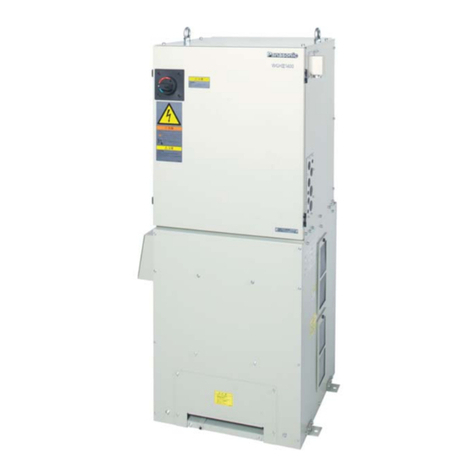
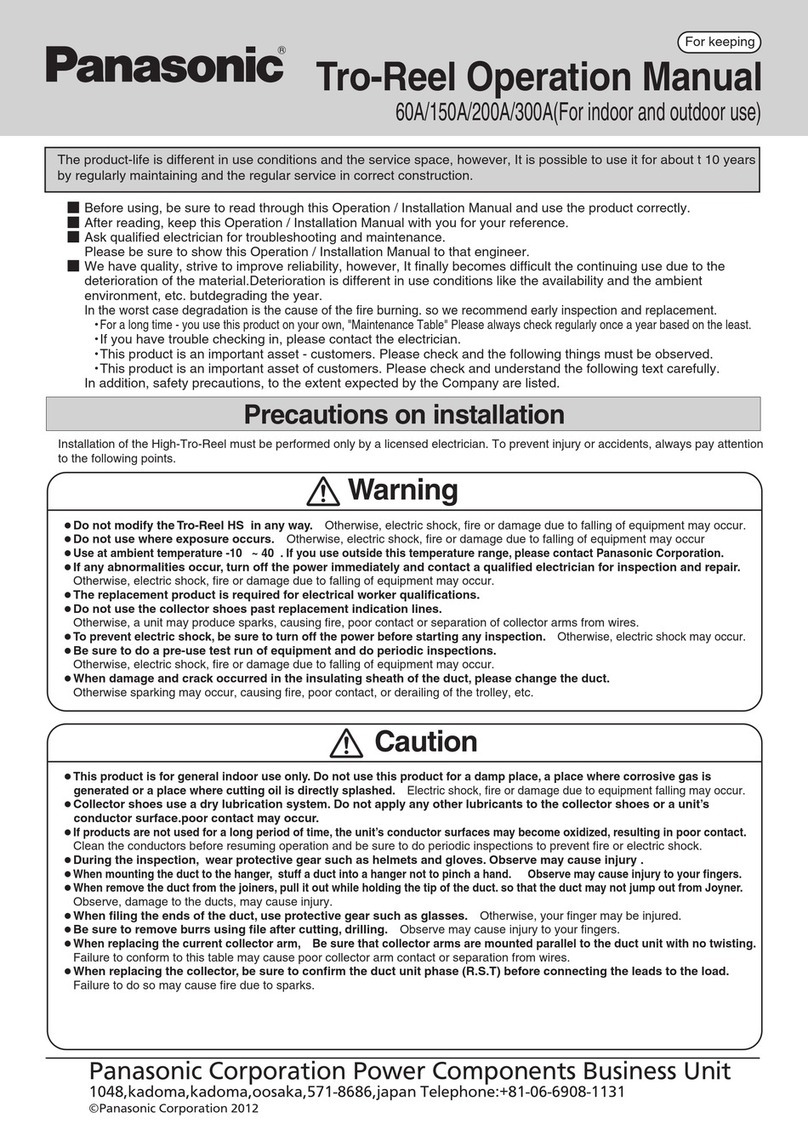
Panasonic High-Tro-Reel User manual

Panasonic

Panasonic High-Tro-Reel User manual

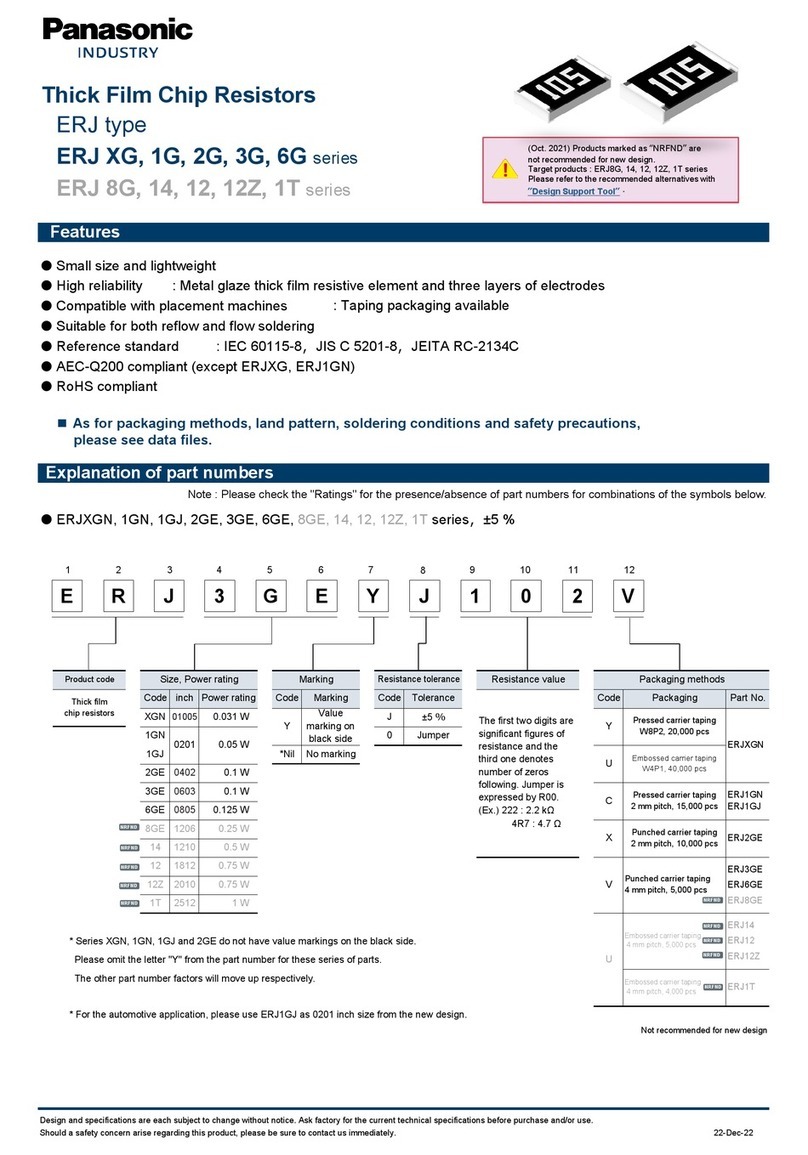
Panasonic ERJ C1 Series User manual

Panasonic

Panasonic ERJ C1 Series User manual

Panasonic PAW-160MAH2L User manual

Panasonic

Panasonic PAW-160MAH2L User manual

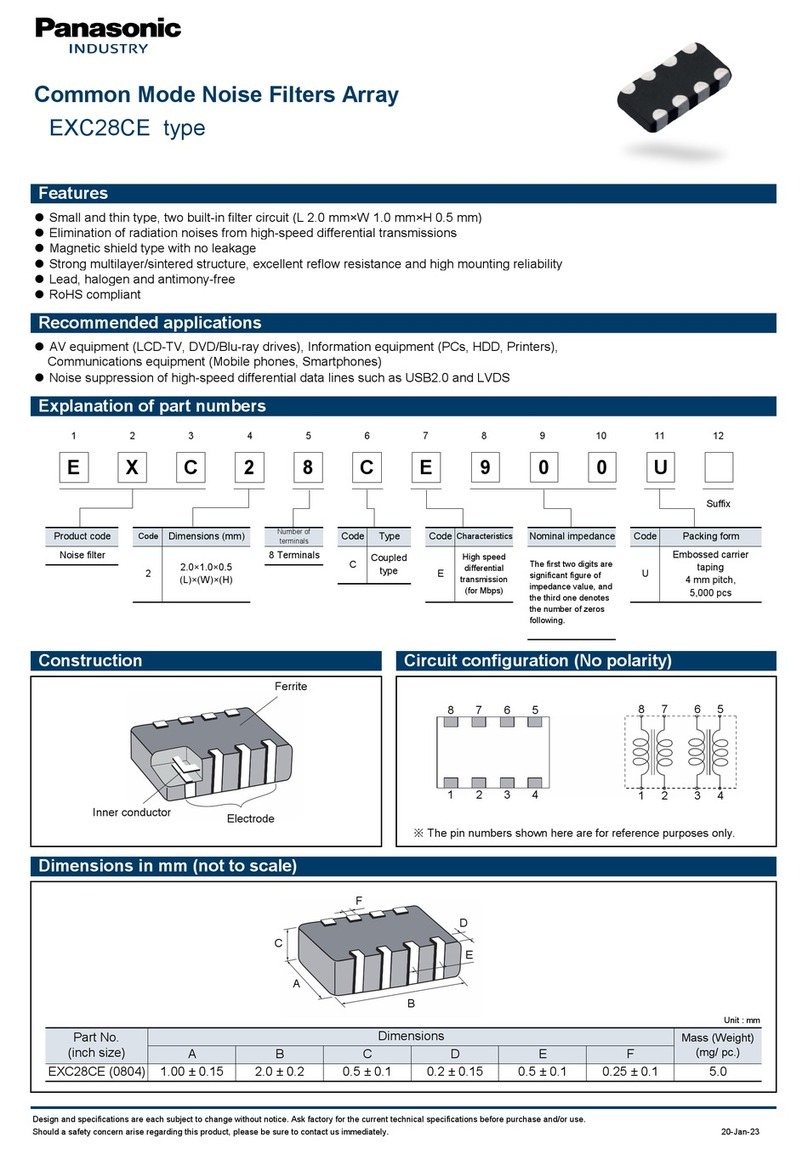
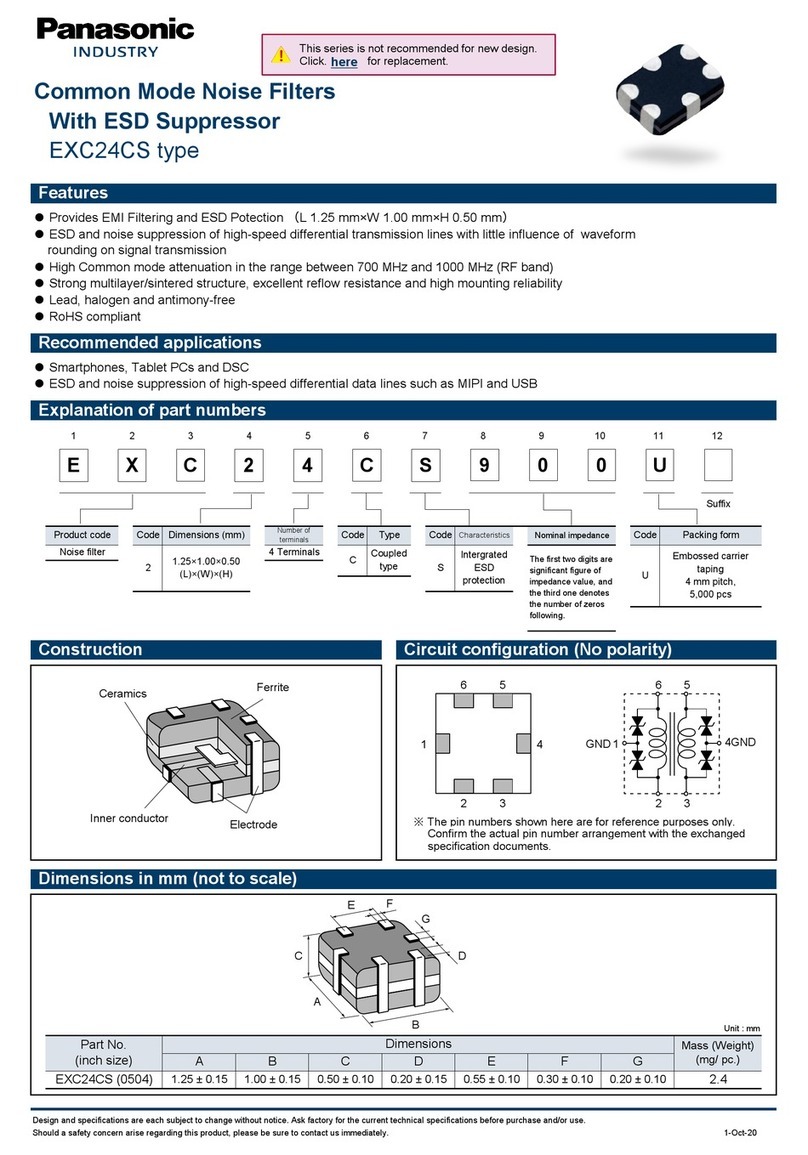
Panasonic EXC28CE User manual

Panasonic

Panasonic EXC28CE User manual

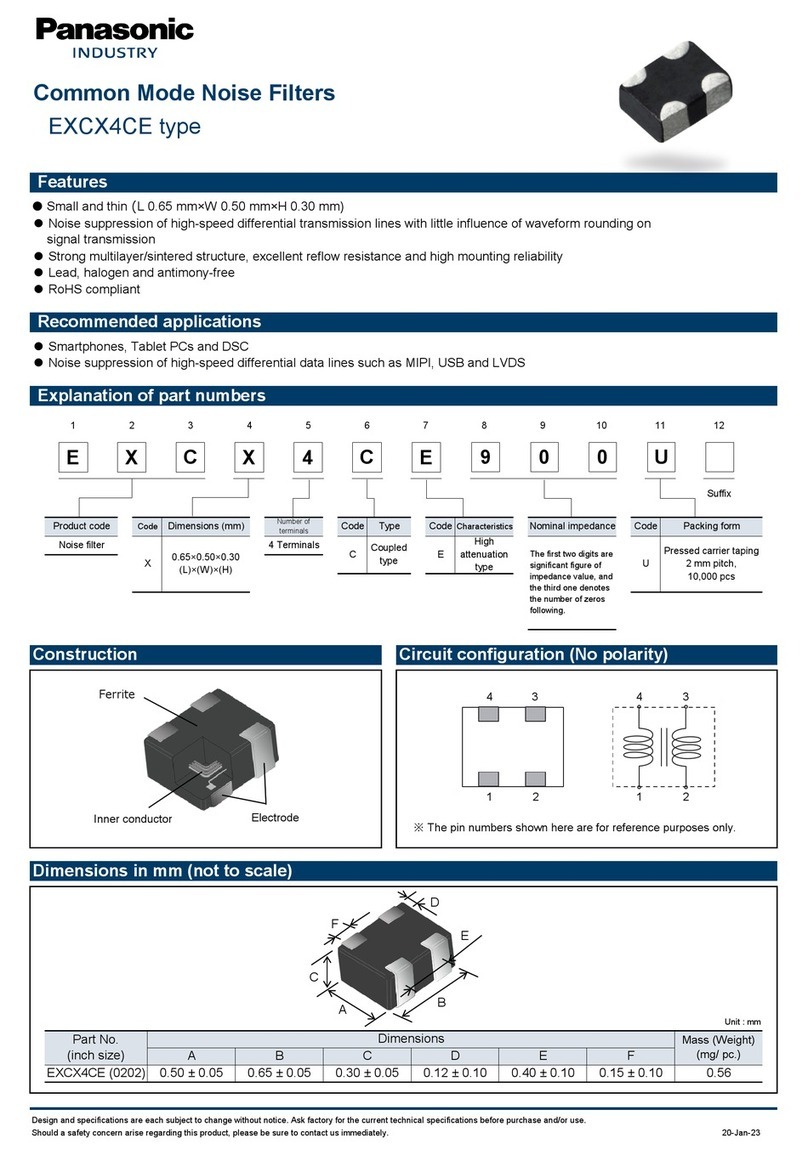
Panasonic EXCX4CZ User manual

Panasonic

Panasonic EXCX4CZ User manual

Panasonic EZAEG 3W Series User manual

Panasonic

Panasonic EZAEG 3W Series User manual

Panasonic Tro-Reel 60A User manual

Panasonic

Panasonic Tro-Reel 60A User manual

Panasonic ERJ A1 Series User manual

Panasonic

Panasonic ERJ A1 Series User manual

Panasonic EXC14CP User manual

Panasonic

Panasonic EXC14CP User manual

Panasonic ERJ 3R Series User manual

Panasonic

Panasonic ERJ 3R Series User manual

Panasonic NAVI smart User manual

Panasonic

Panasonic NAVI smart User manual

Panasonic EXC14CG User manual

Panasonic

Panasonic EXC14CG User manual

Panasonic Tro-Reel HS User manual

Panasonic

Panasonic Tro-Reel HS User manual

Panasonic ERJ PA2 Series User manual

Panasonic

Panasonic ERJ PA2 Series User manual

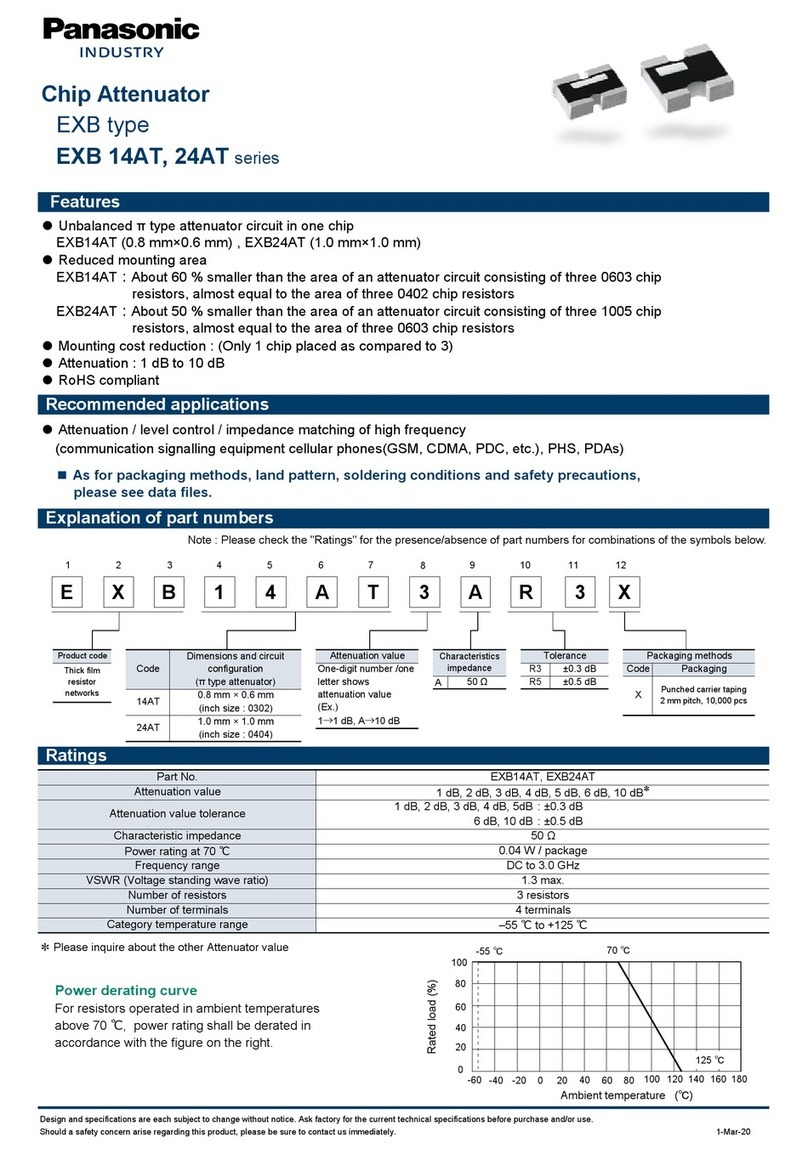
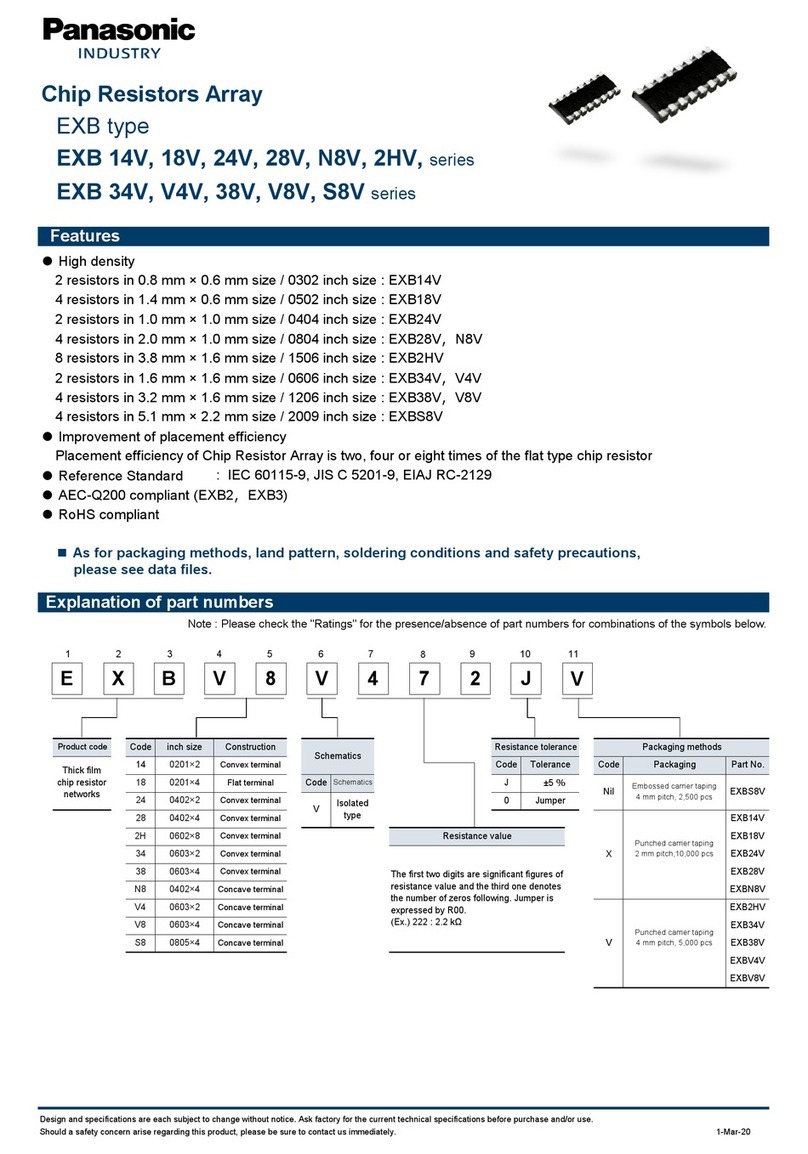
Panasonic EXB 14V Series User manual

Panasonic

Panasonic EXB 14V Series User manual

Panasonic ERA 3V Series User manual

Panasonic

Panasonic ERA 3V Series User manual

Panasonic ERA V Series User manual

Panasonic

Panasonic ERA V Series User manual

Panasonic ERJ M1W Series User manual

Panasonic

Panasonic ERJ M1W Series User manual

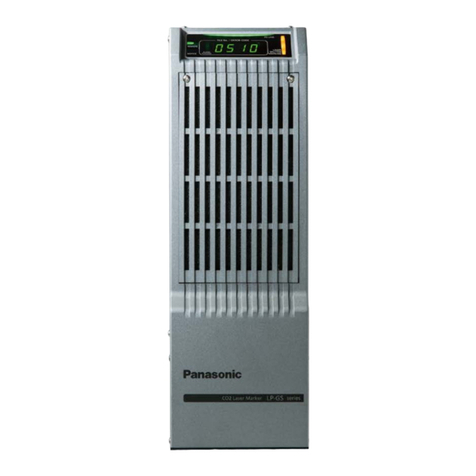
Panasonic LP-GS Series Installation instructions

Panasonic

Panasonic LP-GS Series Installation instructions

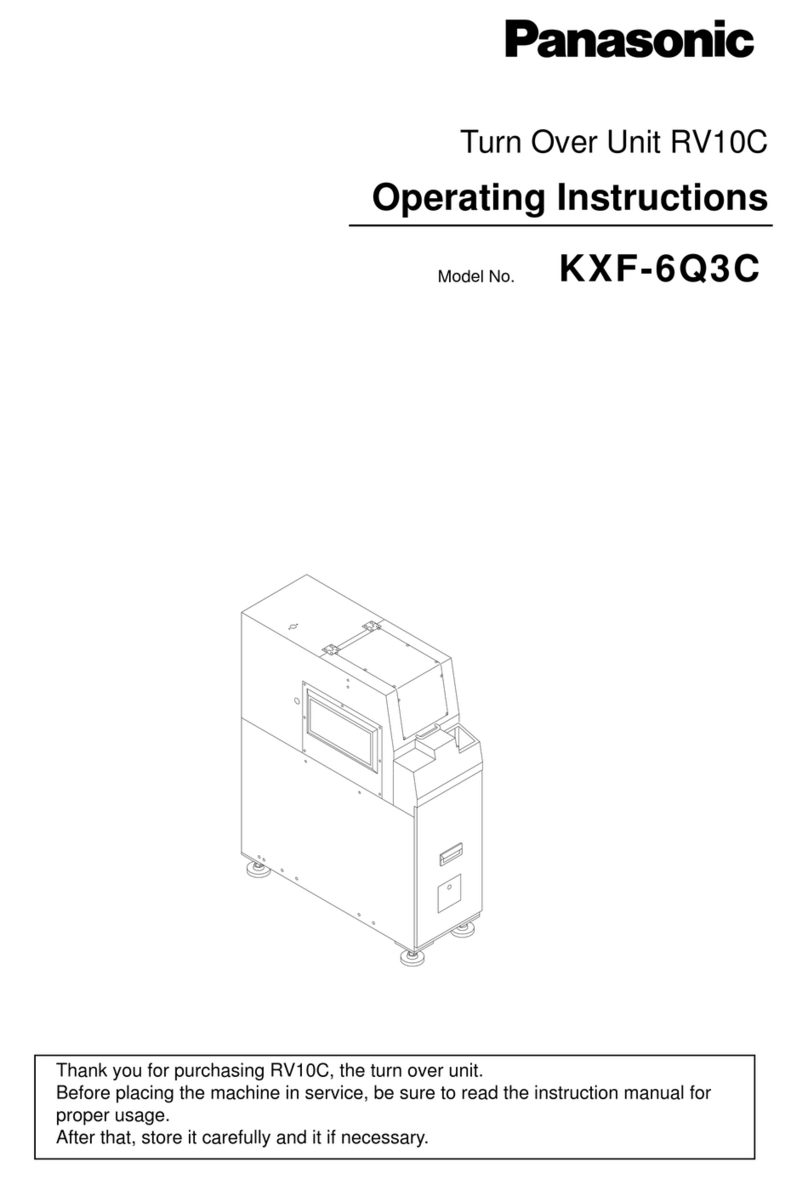
Panasonic RV10C-M KXF-6Q3C User manual

Panasonic

Panasonic RV10C-M KXF-6Q3C User manual

Panasonic A35US User manual

Panasonic

Panasonic A35US User manual

Panasonic EXC28CG User manual

Panasonic

Panasonic EXC28CG User manual

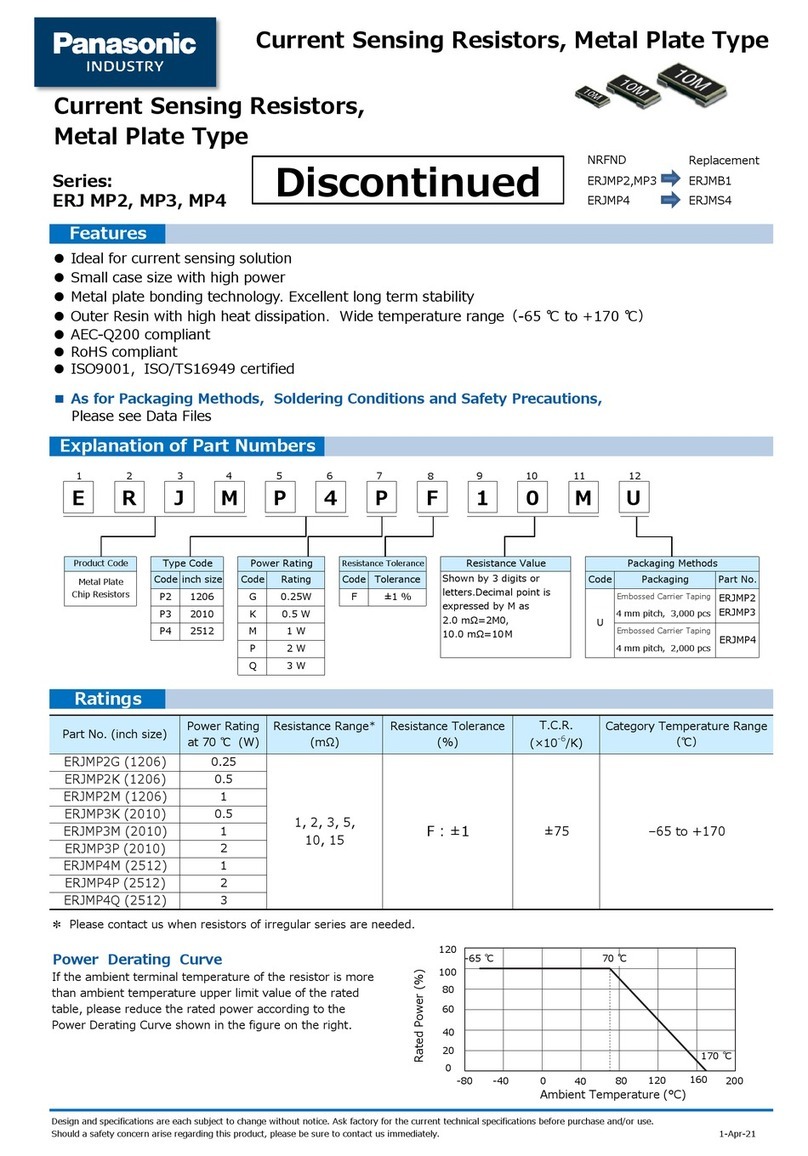
Panasonic ERJ MP3 Series User manual

Panasonic

Panasonic ERJ MP3 Series User manual

Panasonic FP7 Series User manual

Panasonic

Panasonic FP7 Series User manual

Popular Industrial Equipment manuals by other brands

ABB +Q957 user manual

ABB

ABB +Q957 user manual

G.B.C BASIC EDGE 50 instruction manual

G.B.C

G.B.C BASIC EDGE 50 instruction manual

Tronair Batpak 11-6602-1000 Operation & service manual

Tronair

Tronair Batpak 11-6602-1000 Operation & service manual

Pilz PNOZ mi2p Operation manual

Pilz

Pilz PNOZ mi2p Operation manual

Clemco Zero BNP 6012 manual

Clemco

Clemco Zero BNP 6012 manual

Erskine Attachments V-Plow Operator's manual

Erskine Attachments

Erskine Attachments V-Plow Operator's manual

ABB HT610965 Operation manual

ABB

ABB HT610965 Operation manual

Morra MH 540 user manual

Morra

Morra MH 540 user manual

Eaton S090ST manual

Eaton

Eaton S090ST manual

GRIGGIO G 240 P4 instructions

GRIGGIO

GRIGGIO G 240 P4 instructions

Nexen AIR CHAMP HT45 user manual

Nexen

Nexen AIR CHAMP HT45 user manual

WTE V5 installation manual

WTE

WTE V5 installation manual

ABB HT845232 Operation manual

ABB

ABB HT845232 Operation manual

SMC Networks CJP Series Operation manual

SMC Networks

SMC Networks CJP Series Operation manual

JohnDow Industries JDI-AFT58 Operator's manual

JohnDow Industries

JohnDow Industries JDI-AFT58 Operator's manual

IMB MB9016A instruction manual

IMB

IMB MB9016A instruction manual

Clarke CUMB1 Assembly & operating instructions

Clarke

Clarke CUMB1 Assembly & operating instructions

amiad Arkal Spin Klin 2 user guide

amiad

amiad Arkal Spin Klin 2 user guide

manuals.online logo
manuals.online logoBrands
  • About & Mission
  • Contact us
  • Privacy Policy
  • Terms and Conditions

Copyright 2025 Manuals.Online. All Rights Reserved.

Aicure LED Line Type UV Curing Systems
User’s manual
UD40 series (ANUD4S50)
WUME-ANUD4S50-01
2015.3|panasonic.net/id/pidsx/global
- 2 -
Precaution on safety
Precautions provided here are for prevention of hazards and damages to you and others by using the
product safely and correctly.
In order to indicate the level of hazards, damages and the degree of urgency, contents of precautions that
are presumed to occur in the case of erroneous handling are classified into “warning” and “caution.”
Both are important contents concerning safety, and hence must be observed without fail.
Contents with presumed possibility of death or severe injury for people
Contents with presumed risk of injury for people and occurrence of physical damage
Pictogram example
Symbols indicate prohibited actions.
“Disassembly prohibited” in the picture to the left
Symbols force or instruct actions.
“Observe without fail” in the picture to the left
●
Though we incorporate safety measures based on specification agreements, there is no guarantee
from us whatsoever in the case of occurrence of safety issues.
Likewise, there is no guarantee from us whatsoever for production halt and product defect caused by
equipment failure, malfunction, problem, etc., human and physical damage due to failure of other
companies’ merchandise equipped with the product, or related lawsuit and so forth.
Warning
Caution
- 3 -
Precaution on safety
Use appropriate transport device and stay away from the underside of machinery.
Use of inappropriate transport device may lead to dropping and causing injury.
Prohibited
Do not install this equipment near important electronic apparatuses supporting
human life.
Users of pacemaker and so forth must stay away from the device during operation.
Electromagnetic noises may cause errors in the function of life-support devices.
Prohibited
Do not use in combustible gas atmosphere.
It may result in explosion.
Prohibited
Do not throw this product into the flame.
It may cause explosion of electronic components.
Prohibited
Do not see or catch on skin the direct or reflected light of LED while it’s on.
It may cause disorders and inflammation in the eye or the skin.
Prohibited
Do not disassemble or modify.
It may cause accidents, injuries and electric shocks.
It may result in abnormal heating and fuming.
It may cause disorders and inflammation in the eye or the skin due to exposure to
LED-UV light.
Disassembly
prohibited
Set up the unit in such manner to avoid exposure of human body to LED-UV light.
Exposure to LED-UV light may cause disorders and inflammation in the skin.
If there is a risk of exposure to LED-UV light and UV reflection, cover up with a
shield with appropriate transmittance and thermal characteristics to block the UV
light.
Be sure to
observe Be sure to wear protective glasses and protective gears when installing and
operating.
Failure to wear them may cause disorders and inflammation in the eye or the
skin.
Be sure to wear protective glasses that shield UV lights since the light emitted by
this machine contains UV light of either 365nm/385nm.
Be sure to
observe
Be sure to perform cleaning of LED head while the power supply is cut off.
Performing with the power supply on may cause disorders and inflammation in
the eye or the skin as well as electric shocks.
Be sure to
observe
Warning
- 4 -
Precaution on safety
Use this product with a margin against its guaranteed characteristics and
performance.
Exceeding limit values of guaranteed characteristics and performance may result
in breakage.
Be sure to
observe
Do not touch terminals when energized.
It may cause electric shocks.
Be sure to
observe
Connect wires and connectors securely.
Insufficient connection may result in abnormal heating and fuming.
Be sure to
observe
Do not use power input out of the specified range.
It may cause burnout.
Be sure to
observe
Connect the ground wire securely.
It may cause electric shocks and malfunctions.
Ground
connection
Do not put foreign objects such as liquid, flammables and metals inside the product.
It may result in abnormal heating and fuming.
Prohibited
Do not perform work (connection, disconnection, etc.) while it is powered.
It may cause electric shocks.
Prohibited
Do not put objects on top of this product or block the ventilation hole.
It may cause burnout due to heating.
Prohibited
Do not touch with bare hands during radiation or right after radiation.
It may cause burns due to high temperature.
Prohibited
Caution
- 5 -
Precaution on safety
Do not use in environments subject to major thermal fluctuation or occurrence of
dewing.
It may result in failures.
Be sure to
observe
Do not use in environments subject to intense vibration or impact.
It may result in failures.
Be sure to
observe
Caution
- 6 -
Usage Precautions
Standard on the safety of LED products
LED light source used in this product is the scope of application of “Photobiological Safety of Lamps and Lamp
Systems (JIS C7550:2011, IEC62471:2006).”
Standard : JIS C7550:2011, IEC62471:2006
Classification : Risk group 3
However, we recommend safety management equivalent to Class 4 under “Standard on the safety levels of laser
products” in consideration of safety for users.
<Reference: Standard on the safety levels of laser products>
Standard : IEC60825-1 Edition2.0:2007
JIS C6802:2011
Classification : Class 4 LED products
Wavelength : 365±10nm, 385±10nm
<Safety control items>
Do not see or catch on skin the direct or reflected light of LED while it’s on.
(It may cause disorders and inflammation in the eye or the skin.)
Set up the unit in such manner to avoid exposure of human body to LED-UV light.
(Exposure to LED-UV light may cause disorders and inflammation in the skin. If there is a risk of
exposure to LED-UV light and UV reflection, cover up with a shield with appropriate transmittance and
thermal characteristics to block the UV light.)
Be sure to wear protective glasses (UV light blocking) and protective gears when installing and operating.
(Failure to wear them may cause disorders and inflammation in the eye or the skin.)
*Handling of LED products overseas
Though LEDs are currently excluded from the application of “Standard on the safety of laser products” under
IEC and JIS as of current, older editions may be adopted in some countries and regions. Hence, please
check the laser safety regulations and standards of the country of usage.
- 7 -
Usage Precautions
Read product specifications and user’s manual thoroughly before usage and use it correctly.
1. Take external safety measures (interlocking, installation of smoke detector, etc.) so that a fail-safe mechanism will
work for the entire system in the case of product failures or errors caused by external factors.
2. Do not disassemble or modify. It may result in failures.
Warranty will be void for failure or breakage occurring from usage with disassembly and modification.
3. Power source voltage for this device is single phase, 200 to 240V AC (frequency of 50 to 60Hz). Do not use it on
power source voltage and frequency deviating the provision in this manual. It may cause breakage.
4. Customers shall prepare the power cable (AC supply cable) with the diameter appropriate for the maximum input
current (5A).
5. Securely connect the power cable to the terminal block (screw diameter ø4) on the back of the control unit.
6. Connect the ground wire securely.
7. Do not share the power line for this product with motors, machines with induction properties, or devices that
consume large amounts of power.
8. Despite the sufficient resistance to noises superimposed on the power line, it is recommended to use an isolation
transformer and so forth to attenuate noises before feeding the power.
9. Use the supplied cables for the connections among the control unit, power unit, and LED head. Make sure that the
cables are connected securely.
Warranty will be void for failure, breakage or destruction occurring from usage of products other than what’s
designated or recommended by us.
10. When connecting cables to D-Sub37 connector for external I/O, perform soldering accurately to prevent short circuits
between the terminals inside the connector.
11. When connecting an inductive load (motor or relay) to the external I/O, connect a noise absorber (noise killer and so
forth) to the load side.
12. After finishing the connections of the power cable (AC supply cable), securely screw the terminal block cover to
prevent electric shocks.
13. Hold the connector (plug) area when connecting/disconnecting the cables.
14. Wire the cables in such manner to avoid load and stress to the cables and connectors.
15. Place the rubber feet on a horizontal surface.
Do not install in tilted, sidelong, or flipped positions. It may cause breakage due to occurrence of heating.
16. Do not install in a sealed space.
17. Do not block the ventilation hole of the power unit.
18. Please have a margin to installation space, and do not allow the exhaust air from the fan to enter through the air
intake.
19. Check that all the connections are correct before turning on the power.
20. Installation environment:
Ambient temperature 0 to +35 C
Ambient humidity 30 to 85%RH (at 25C, no dewing or freezing)
A place free from dust, oil smoke, conductive dust, corrosive or flammable gas, salt content, and iron dust
A place free from splashes of water, oil and chemicals
A place free from sudden temperature changes, vibration and shocks
A place free from direct sunlight
A place free from high magnetic field and intense electric field
- 8 -
Usage Precautions
Warranty
Products and specifications described in this document are subject to change without notice for product improvement and so forth
(including specification changes and discontinued production). Upon considering using these products or placing orders, please check
whether the information provided in this document is up to date by contacting our inquiry desk as necessary.
Though we make utmost efforts on quality control of this product,
1. we would like to ask you to consult our inquiry desk and exchange specification documentation in the case that the application
may entail usage beyond the range of specifications, environments and conditions provided in this document or in the case of
applications requiring especially high reliability such as usage under conditions and environments not prescribed or safety
devices and control systems such as railways, aviation and medical use.
2. In order to prevent the occurrence of unexpected troubles regarding matters not provided in this document, please consult
about the specifications of your product, its customers, usage condition for this product, details on the area this product is
mounted, etc.
3. Take external safety measures such as a redundant circuit so that a fail-safe mechanism will work for the entire system in the
case of product failures or errors caused by external factors. Please use this product with a margin against the values of its
guaranteed characteristics and performance as provided in this document.
4. Please perform acceptance inspection with purchased or delivered articles in a timely manner and also carry out the handling
of this product before and during the acceptance inspection with sufficient consideration on controlled maintenance.
Warranty period
In the case of failures for which we are to be held responsible within 1 year from technical acceptance, we will perform the repair or
provide the parts free of charge.
However, warranty period shall be 1 year from accounting acceptance in the case that technical acceptance is not performed within 15
days from accounting acceptance due to reasons on your side or that the article about deeming accounting acceptance as technical
acceptance out of articles concerning accounting acceptance prescribed on product specification sheet is to be applied.
Warranty coverage
In the case of failure or flaw with this product revealed during the warranty period for which we are to be held responsible, we will provide
substitute articles or required replacement parts or replace or repair the flawed part free of charge.
However, failures and flaws corresponding to the following will be excluded from the scope of this warranty.
1. If it is due to the specifications, standards, handling methods, etc. ordered by you.
2. If it is caused by modifications on the structure, performance, specifications, etc. performed after purchase or after delivery
without any involvement from us.
3. If it is due to a phenomenon that cannot possibly be foreseen by the technology made available at the time of the purchase or
contract.
4. If the usage deviated from the range of conditions and environments prescribed in the catalog, specification sheet, and user’s
manual.
5. In the case of damages that could be avoided if your devices, into which this product is integrated for use, retain functions and
structures that should naturally be equipped by common sense in the industry.
6. If it is due to natural disasters, infliction by a third party, or an act of God.
7. If the failure is due to specifications deviating from power source specification recommended by us or the power source.
8. Other cases where our responsibility is not clarified through failure analysis.
9. If the device is damaged due to corrosion caused by poisonous gases in the vicinity.
10. In the case of occurrence due to use of products not designated or recommended by us.
11. In the case of occurrence due to usage with disassembly and modification.
12. If it is caused by relocation from the original position at the time of technical acceptance.
13. If it is due to scratches, damages, erroneous connection, or erroneous setup upon assembling the apparatus.
14. If it is used without performing appropriate maintenance.
15. In the case of minor performance change that can be compensated by output adjustment and so forth.
16. Concerning consumables and secondary materials such as filter.
17. Other cases where free warranty is not granted based on our judgment.
The warranty as mentioned herein is limited to the warranty on the sole unit of this purchased or delivered product, and damages brought
about due to failures or flaws of this product will be excluded.
This warranty is applied to the application at the time of purchase. Please contact us when changing the application or relocating abroad.
Location to which free services are applicable
Final delivery address in Japan designated at the time of order or location of your staff in charge of this device in Japan.

- 9 -
Usage Precautions
Handling of overseas relocation
If this device is taken outside of Japan by the hands of you or final users, the scope of 12-month free services will only
include provision of replacement parts to the designated domestic location and free repair on the device sent to us, and
on-location support by us or local agents will be provided for a fee.
Production warranty
Losses due to production halt caused by failures of this device and losses incurred due to defects will not be
compensated.
Safety warranty
Make sure to perform any maneuver such as maintenance or trouble shooting where human body parts such as hands
and fingers touch the equipment after shutting down the power source. It may lead to electric shocks or other disasters.
Though safety covers and switches will be installed in line with directions from you based on specification agreements,
safety issues occurring during usage will not be guaranteed by us.
Responsibility for flaws
Flaws of the device resulting from the specifications, standards, handling methods, etc. ordered by you will not be
guaranteed.
Responsibility due to usage methods deviating from specifications
If due to usage method deviating from specifications, there will be no warranty on safety, environment, device, etc. nor
any warranty on the resulting problems.
Also, device troubles caused by this will be excluded from the warranty regardless of the warranty period.
Warranty on LED head
Warranty on the LED head will, in contrast to the warranty for this product (UD40 controller), be in accordance with the
content of the specification sheet and manual for the LED head.
Warranty
- 10 -
Table of Contents
Safety Precautions ・・・・・・・・・・・・・・・・・・・・・・・・・・・・・・・・・・・・・・・・・・・・・・・・・・・・・・・・・・・・・・・・・・・・
Usage Precautions ・・・・・・・・・・・・・・・・・・・・・・・・・・・・・・・・・・・・・・・・・・・・・・・・・・・・・・・・・・・・・・・・・・・・・
1) Device overview
1. Function overview description ・・・・・・・・・・・・・・・・・・・・・・・・・・・・・・・・・・・・・・・・・・・・・・・・・・・・・・・・・・
2. Features ・・・・・・・・・・・・・・・・・・・・・・・・・・・・・・・・・・・・・・・・・・・・・・・・・・・・・・・・・・・・・・・・・・・・・・・・・・・・
3. Device configuration ・・・・・・・・・・・・・・・・・・・・・・・・・・・・・・・・・・・・・・・・・・・・・・・・・・・・・・・・・・・・・・・・・・
4. Basic specifications ・・・・・・・・・・・・・・・・・・・・・・・・・・・・・・・・・・・・・・・・・・・・・・・・・・・・・・・・・・・・・・・・・・・
5. Outline drawing ・・・・・・・・・・・・・・・・・・・・・・・・・・・・・・・・・・・・・・・・・・・・・・・・・・・・・・・・・・・・・・・・・・・・・・
2) Installation of device
1. Installation environment ・・・・・・・・・・・・・・・・・・・・・・・・・・・・・・・・・・・・・・・・・・・・・・・・・・・・・・・・・・・・・・・
2. Work at your expense ・・・・・・・・・・・・・・・・・・・・・・・・・・・・・・・・・・・・・・・・・・・・・・・・・・・・・・・・・・・・・・
3. Installation of device ・・・・・・・・・・・・・・・・・・・・・・・・・・・・・・・・・・・・・・・・・・・・・・・・・・・・・・・・・・・・・・・・・・
4. Space for installation ・・・・・・・・・・・・・・・・・・・・・・・・・・・・・・・・・・・・・・・・・・・・・・・・・・・・・・・・・・・・・・・・
5. Wiring method ・・・・・・・・・・・・・・・・・・・・・・・・・・・・・・・・・・・・・・・・・・・・・・・・・・・・・・・・・・・・・・・・・・・・・・・
6. Primary power source connection ・・・・・・・・・・・・・・・・・・・・・・・・・・・・・・・・・・・・・・・・・・・・・・・・・・・・・・
7. Wiring ・・・・・・・・・・・・・・・・・・・・・・・・・・・・・・・・・・・・・・・・・・・・・・・・・・・・・・・・・・・・・・・・・・・・・・・・・・・・・・
3) Names and functions of each part
1. Control unit ・・・・・・・・・・・・・・・・・・・・・・・・・・・・・・・・・・・・・・・・・・・・・・・・・・・・・・・・・・・・・・・・・・・・・・
2. Power unit ・・・・・・・・・・・・・・・・・・・・・・・・・・・・・・・・・・・・・・・・・・・・・・・・・・・・・・・・・・・・・・・・・・・・・・
3. LED head ・・・・・・・・・・・・・・・・・・・・・・・・・・・・・・・・・・・・・・・・・・・・・・・・・・・・・・・・・・・・・・・・・・・・・・・
4) Touch screen
1. Touch screen display ・・・・・・・・・・・・・・・・・・・・・・・・・・・・・・・・・・・・・・・・・・・・・・・・・・・・・・・・・・・・
2. Description on touch screens and switching between screens ・・・・・・・・・・・・・・・・・・・・・・・・・・・・・・
5) Operation of device
1. LOCAL / REMOTE common items ・・・・・・・・・・・・・・・・・・・・・・・・・・・・・・・・・・・・・・・・・・・・・・・・・・・・・・
2. Data menu ・・・・・・・・・・・・・・・・・・・・・・・・・・・・・・・・・・・・・・・・・・・・・・・・・・・・・・・・・・・・・・・・・・・・・・・・・・
3. Program setup ・・・・・・・・・・・・・・・・・・・・・・・・・・・・・・・・・・・・・・・・・・・・・・・・・・・・・・・・・・・・・・・・・・・・・・・
4. Manual operation ・・・・・・・・・・・・・・・・・・・・・・・・・・・・・・・・・・・・・・・・・・・・・・・・・・・・・・・・・・・・・・・・・・・・・
5. Operation by external signal ・・・・・・・・・・・・・・・・・・・・・・・・・・・・・・・・・・・・・・・・・・・・・・・・・・・・・・・・・・・
6) Error display
1. Error display ・・・・・・・・・・・・・・・・・・・・・・・・・・・・・・・・・・・・・・・・・・・・・・・・・・・・・・・・・・・・・・・・・・・・・・・・・
2. Error items and contents ・・・・・・・・・・・・・・・・・・・・・・・・・・・・・・・・・・・・・・・・・・・・・・・・・・・・・・・・・・・・・・
3. Emergency stop ・・・・・・・・・・・・・・・・・・・・・・・・・・・・・・・・・・・・・・・・・・・・・・・・・・・・・・・・・・・・・・・・・・・・・・
7) Maintenance list ・・・・・・・・・・・・・・・・・・・・・・・・・・・・・・・・・・・・・・・・・・・・・・・・・・・・・・・・・・・・・・・・・・・・・・・
8) Troubleshooting ・・・・・・・・・・・・・・・・・・・・・・・・・・・・・・・・・・・・・・・・・・・・・・・・・・・・・・・・・・・・・・・・・・・・・・・・
9) Manual revision history ・・・・・・・・・・・・・・・・・・・・・・・・・・・・・・・・・・・・・・・・・・・・・・・・・・・・・・・・・・・・・・・・・
2
6
11
11
11
12
14
17
17
17
18
19
20
20
21
22
23
24
24
25
27
28
29
30
35
35
37
38
39
40