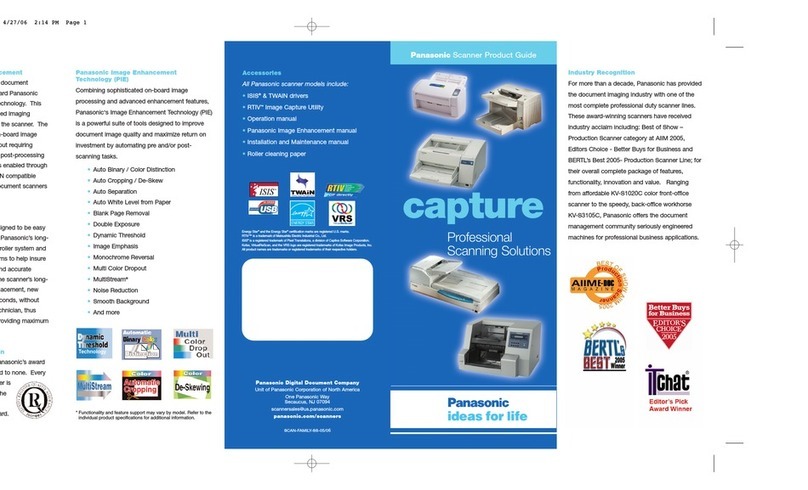
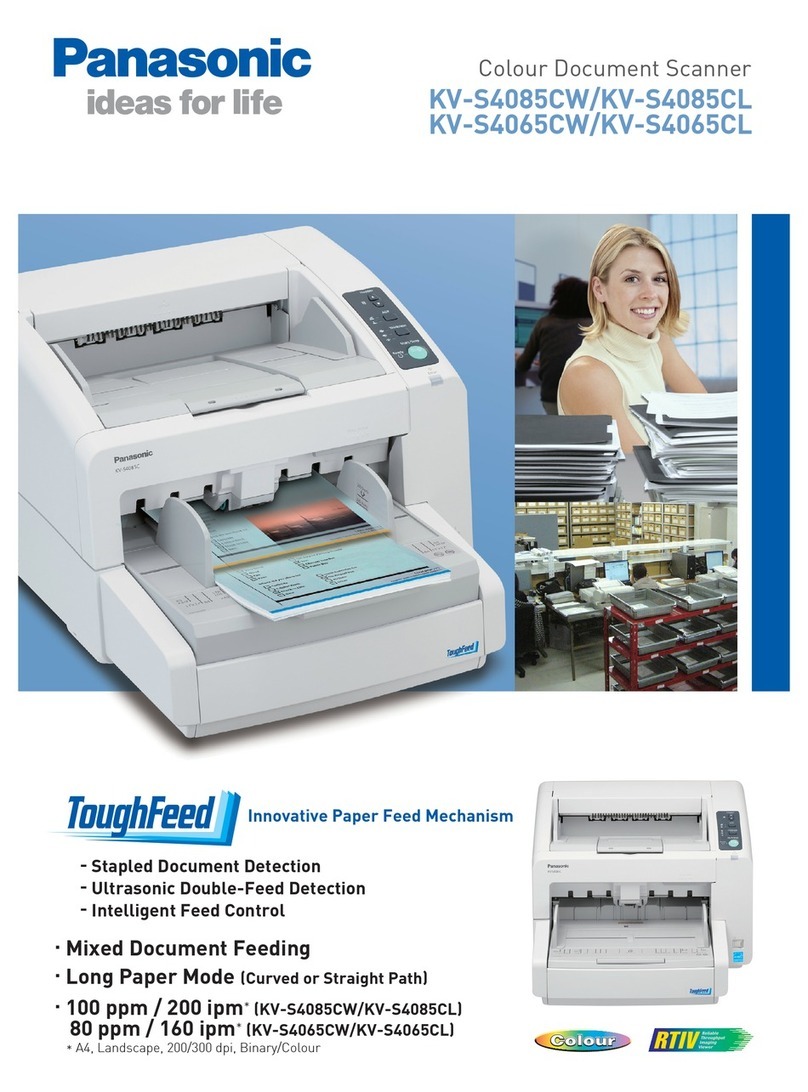
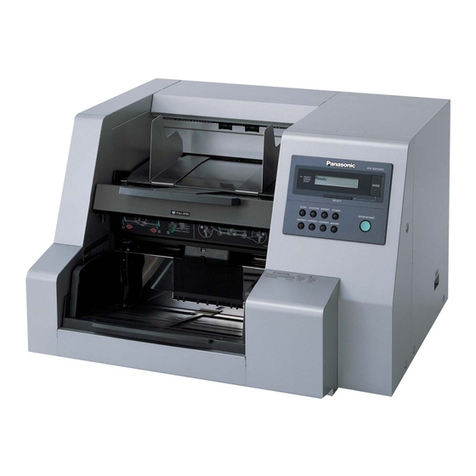
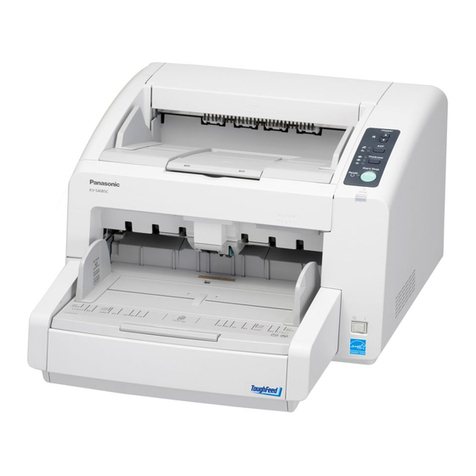
The KV-S3105C incorporates exceptional features
and delivers outstanding performance
as a robust high speed scanning solution.
The KV-S3105C incorporates exceptional features
and delivers outstanding performance
as a robust high speed scanning solution.
Automatic Binary / Color Distinction
Automatic Binary / Color distinction allows the scanner to recognise and
differentiate Colour and Black & White pages. This function reduces scan-to-file
size while promoting a more efficient scanning process.
Imprinter unit
(Post)
Roller
exchange kit
MultiStream function
The MultiStream function enables a single scan to be saved as two separate
formats simultaneously. For example the document will be saved in Binary for OCR
and archival purposes and saved as a full colour image for short term on-screen
retrieval.
Multi color Drop Out function
Up to 3 distinct colour ranges can be selected to be dropped out of the scanned
image. This function, when used in forms processing applications, can greatly
improve OCR performance and accuracy, resulting in increased productivity and
potential cost savings.
Automatic De-Skew and Cropping
These useful features take the worry out of scanning mixed size originals. Should
documents skew as they are being fed, the Automatic De-Skew feature can
straighten them out. And scanned documents can be automatically cropped to
their original size, reducing pre-scan production time, thereby increasing efficiency
and reducing costs.
With its easy to use "clam-shell" design and
stainless steel construction, the KV-S3105C is
built to last while providing easy access
for routine cleaning and maintenance.
KV-S3105C is designed to provide unlimited daily
duty cycle (number of pages that the scanner can
scan per day without reducing the life expectancy
of the scanner).
Designed to increase productivity and reduce
downtime, the KV-S3105C incorporates
longer lasting, easy to replace rollers. No more
waiting for a service technician to perform routine
roller replacements - these rollers can be
replaced quickly without any tools.
With the standard USB 2.0 and Ultra Wide SCSI
interface the KV-S3105C can be connected
to most PCs depending on your office environment.
The KV-S3105C has advanced image enhancement technology which
optimizes scanner performance. It can produce outstanding image
quality so high that it may even be superior to the original document
itself. The KV-S3105C utilizes a host of special features to achieve this
performance, some of which are described below.
Specifications
Scanning face Duplex, Sheet Feed Scanning
100 - 600 dpi (1 dpi step)
Ultrasonic double-feed detection
MH, MR, MMR
JPEG
Dither, Error diffusion
48 mm width x 70 mm length
297 mm width x 432 mm length
30 - 157 g/m
2
50 - 157 g/m
2
0.04 - 0.2 mm
0.06 - 0.2 mm
Up to 1,000 sheets (64 g/m
2
)
Base memory plus 256 MB or 512 MB
1.5 A (220 - 240 V), 3.0 A (100 - 120 V)
0.5 A (220 - 240 V), 0.7 A (100 - 120 V)
6.2 W or less (220 - 240 V, 100 - 120 V)
15ºC - 30ºC
20% RH - 80% RH
0ºC - 35ºC
10% RH - 80% RH
627 mm (W) x 546 mm (D) x 415 mm (H)
52 kg
KV-SS026
KV-SS027
KV-SS03
KV-SS028
KV-SS021
High-Speed USB 2.0 / Ultra Wide SCSI (SCSI III ) - 40 MB/sec
AC 220 - 240 V, 50/60 Hz
AC 100 - 120 V, 50/60 Hz
200 page or memory size limitation
Up to 84 m (A3, 200 dpi, simple binary)
Maximum page length: 2.54 m
OCR Zone (a function of the Image Capture Plus software that adds characters
from the document to the output file name), Length Control,
Document size detection, Double feed detection, Barcode detection (ISIS
®
),
Patch code detection, Separation sheet, Control sheet
CD-ROM: Image Capture Plus software*3, RTIV software,
ISIS®/ TWAIN driver software, Installation manual,
Operation instructions, Control sheet,
QuickScan Pro demo software, etc.
Installation manual, Maintenance manual, Power cord,
USB cable, Blower, Shading Paper, Roller cleaning paper
JPEG
3-Line CCD image sensor
Selectable black and white background reference
Binary (simple binary, Halftone mode), Greyscale (8-bit),
Colour (24-bit) : sRGB, ICM (TWAIN), MultiStream output
Image Emphasis (5 steps), Gamma correction,
Dynamic Threshold, Automatic Separation, Noise Reduction,
Shadow Removal, De-skewing, Automatic Cropping,
Mirror Image, Monochrome Reversing, Automatic Binary / Color
Distinction, Multi Color Drop Out and much more
Scanning Method
Scanning Speed*1
Resolution (Colour and B/W)
Detection
Binary
Greyscale
Colour
Image Compression
Image Output
Binary Mode Halftone
Binary 200 dpi
Colour 200 dpi
Up to 130 ppm / 220 ipm
Up to 130 ppm / 175 ipm
A4 size, landscape
Image Control
Other functions
Paper
Automatic Document Feeder
Long Paper Mode
Image Memory
Interface
Power Requirement
Power Consumption
Scanning
Standby
Sleep
Temperature
Humidity
Temperature
Humidity
Operating Environment
Storage Environment
External Dimensions
Weight
Accessories
Roller exchange kit
Roller exchange kit (Thin Paper)
Roller cleaning paper
Imprinter unit (Post)
Ink cartridge
Options
Size (ADF) Minimum
Maximum
Maximum
Standard 256 MB
Single
Continuous
Single
Continuous
Weight*2
Thickness
KV-S3105C
Trademarks and registered trademarks
– ISIS®and Quick Scan are registered trademarks or trademarks of EMC Corporation in the United States and
other countries.
– All other brand or product names are the property of their respective holders.
Important
– Safety Precaution: carefully read the operating instructions and installation manual before using this product.
High Speed Scanner:
http://panasonic.net/pcc/products/scanner/
MG-C542EE 1104 Printed in Japan
DISTRIBUTED BY :
*1: The scanning speed differs depending on the host computer, the operating system, the application, the measuring
method, the quantity of data in the image, and the paper type. The scanning speed is as determined by Panasonic
methods of speed measurement.
*2: “Weight in pounds” of paper represents the weight of 500 sheets (432 x 559 mm / 17 x 22 inches) .
*3: The supported file types are PDF, PDF/A, Searchable PDF, Searchable PDF/A, JPEG, JPEG2000, TIFF and Bitmap.
Searchable PDF and Searchable PDF/A documents can be created for English, French, German, Italian, Spanish,
Brazilian Portuguese, Japanese, Korean, Simplified Chinese, and Traditional Chinese.
Searchable PDF and Searchable PDF/A documents for Japanese, Korean, Simplified Chinese, and Traditional Chinese
can be created when using Operating Systems of the respective languages.
• The images shown on the PC display are simulated.
• Dimensions and weights are approximate.
• Design and specifications are subject to change without notice.
• This product may be subject to export control regulations.
This product is designed to reduce hazardous chemical substances.