EnglishDeutsch
 logo
Brands
  1. Home
  2. •
  3. Brands
  4. •
  5. Panasonic
  6. •
  7. Telephone
  8. •
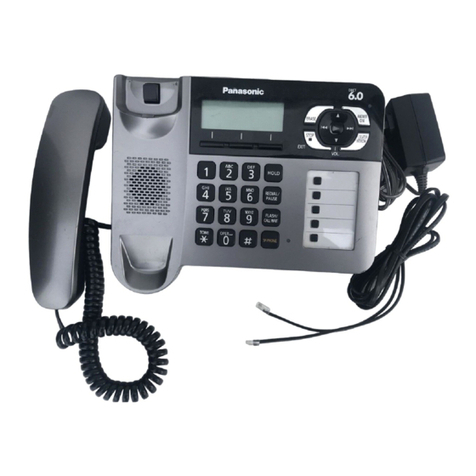
  9. Panasonic KX-FKN550 User manual

Panasonic KX-FKN550 User manual

This manual suits for next models

1

Other Panasonic Telephone manuals

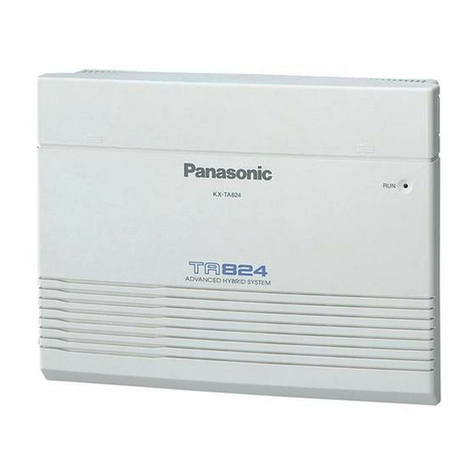
Panasonic KX-TA824 User manual

Panasonic

Panasonic KX-TA824 User manual

Panasonic KX-TD500 User manual

Panasonic

Panasonic KX-TD500 User manual

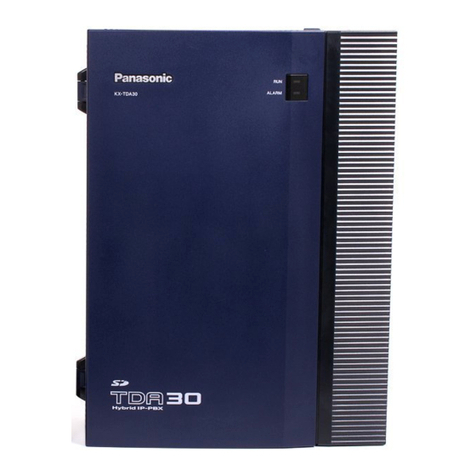
Panasonic KX-TDA30 User manual

Panasonic

Panasonic KX-TDA30 User manual

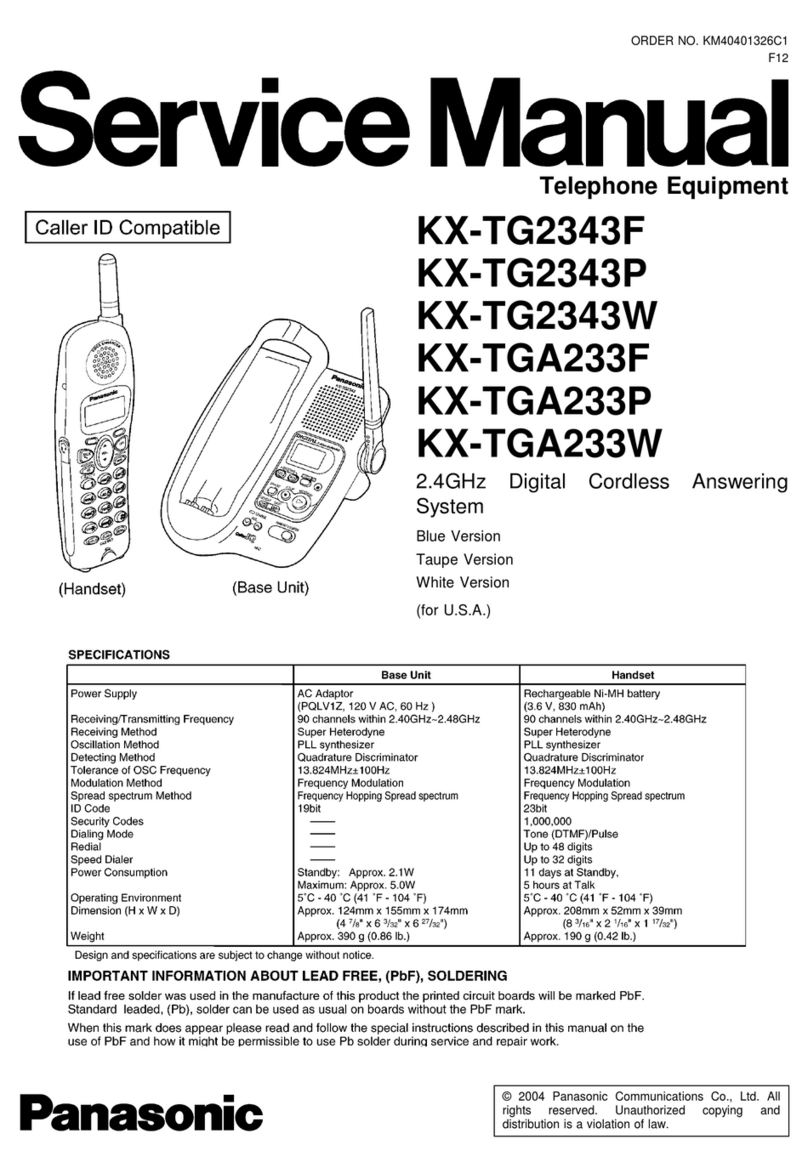
Panasonic KXTG2343F - 2.4 GHZ DIGITAL CDL User manual

Panasonic

Panasonic KXTG2343F - 2.4 GHZ DIGITAL CDL User manual

Panasonic KX-TG1061M - Cordless Phone Base Station User manual

Panasonic

Panasonic KX-TG1061M - Cordless Phone Base Station User manual

Panasonic KX-T7720E User manual

Panasonic

Panasonic KX-T7720E User manual

Panasonic KX-DT 333 Series User manual

Panasonic

Panasonic KX-DT 333 Series User manual

Panasonic KX-T2427 User manual

Panasonic

Panasonic KX-T2427 User manual

Panasonic KX-TS880EX User manual

Panasonic

Panasonic KX-TS880EX User manual

Panasonic KX-TDE200 User manual

Panasonic

Panasonic KX-TDE200 User manual

Panasonic KX-TS500HG User manual

Panasonic

Panasonic KX-TS500HG User manual

Panasonic KX-TD816AL Installation and operating instructions

Panasonic

Panasonic KX-TD816AL Installation and operating instructions

Panasonic EASA-PHONE KX-T30850 User manual

Panasonic

Panasonic EASA-PHONE KX-T30850 User manual

Panasonic KX-TDA15 User manual

Panasonic

Panasonic KX-TDA15 User manual

Panasonic KX-TC1696B User manual

Panasonic

Panasonic KX-TC1696B User manual

Panasonic KX-T7135 User manual

Panasonic

Panasonic KX-T7135 User manual

Panasonic KX-NS1000 User manual

Panasonic

Panasonic KX-NS1000 User manual

Panasonic KX-T7 Series User manual

Panasonic

Panasonic KX-T7 Series User manual

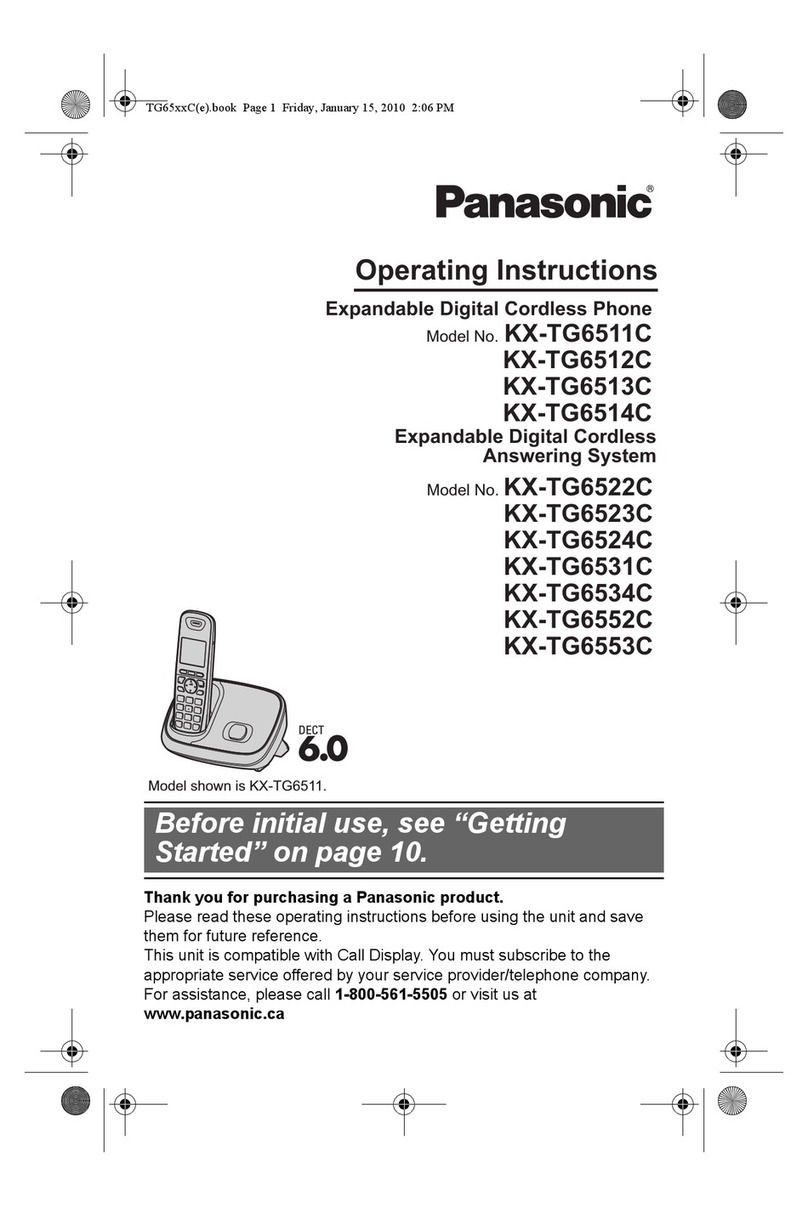
Panasonic KX-TG6511C User manual

Panasonic

Panasonic KX-TG6511C User manual

Panasonic KX-TG5100M User manual

Panasonic

Panasonic KX-TG5100M User manual

Panasonic EB-G450 Quick start guide

Panasonic

Panasonic EB-G450 Quick start guide

Panasonic KX-TA1232 User manual

Panasonic

Panasonic KX-TA1232 User manual

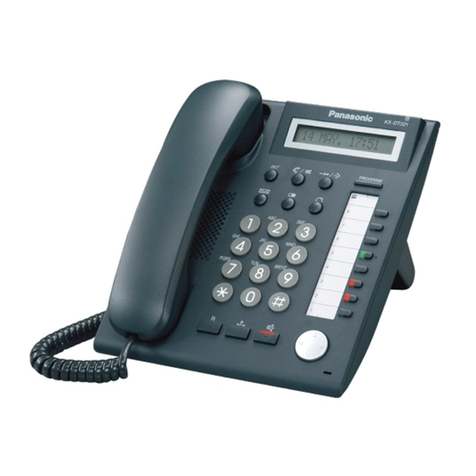
Panasonic KX-DT321-B - KX - Digital Phone User manual

Panasonic

Panasonic KX-DT321-B - KX - Digital Phone User manual

Panasonic KXTVS100 - VOICE MAIL SYSTEM User manual

Panasonic

Panasonic KXTVS100 - VOICE MAIL SYSTEM User manual

Popular Telephone manuals by other brands

GE 2-9480 user guide

GE

GE 2-9480 user guide

Geemarc PHOTOPHONE 155 user guide

Geemarc

Geemarc PHOTOPHONE 155 user guide

Interquartz Gemini IQ333 operating instructions

Interquartz

Interquartz Gemini IQ333 operating instructions

SSS Siedle HT 840-0 operating instructions

SSS Siedle

SSS Siedle HT 840-0 operating instructions

Motorola TITANIUM manual

Motorola

Motorola TITANIUM manual

LG H870DS user guide

LG

LG H870DS user guide

Samsung GT-I9500 Service manual

Samsung

Samsung GT-I9500 Service manual

AT&T Trimline 205 user manual

AT&T

AT&T Trimline 205 user manual

Selta zenyth 600 user guide

Selta

Selta zenyth 600 user guide

Doro AFTI 20 user guide

Doro

Doro AFTI 20 user guide

UNIQCELL A1 user guide

UNIQCELL

UNIQCELL A1 user guide

Jabra SP5050 - Bluetooth hands-free Speakerphone manual

Jabra

Jabra SP5050 - Bluetooth hands-free Speakerphone manual

BT Decor 425 user guide

BT

BT Decor 425 user guide

NEC SV8500 Reference sheet

NEC

NEC SV8500 Reference sheet

Teledex PEARL user guide

Teledex

Teledex PEARL user guide

Ericsson Dialog 3213 user guide

Ericsson

Ericsson Dialog 3213 user guide

Yealink VP530 user guide

Yealink

Yealink VP530 user guide

Axess Telecom ACW-1xP800 user manual

Axess Telecom

Axess Telecom ACW-1xP800 user manual

https://manuals.online logo
https://manuals.online logoBrands
  • About & Mission
  • Contact us
  • Privacy Policy
  • Terms and Conditions

Copyright 2026 Manuals.Online. All Rights Reserved.

8080
QuickReferenceGuide
PartsDescriptions
■本機は日本国内用です。国外での使用に対するサービスは致しかねます。
■ 
This product is designed for use in Japan.
Panasonic cannot provide service for this product if used outside Japan.
VE-GP03 Base Unit
KX-FKN550 Personal Phone
Backside View
1 Earpiece
2 Voice select button
3 Volume control/Function select buttons
4 Intercom button
5 Numeral/Character buttons
6 Tone button (to switch to DTMF tone)
7 Redial/Pause button
8 Microphone
9 Liquid crystal display
10
One-touch Dial buttons
11
Talk button & indicator
12
Off button
13
Flash/Clear button
14
Function/Set button
15
Speaker
16
Battery cover
1 Handset
2 Speaker
3 Call indicator
4 Liquid crystal display
5 Voice select button
6 One-touch Dial buttons
7 Function/Edit button
8 Cancel button
9 Redial button (   )
Phone book button (   )
Volume control buttons (   )
10
Set button
11
Antenna
12
Auto Answer button & indicator
13
Playback/Call Record button
14
Flash/Clear button
15
Intercom/Character entry mode button
16
Hold/Caller ID button
17
Monitor button
18
Numeral/Character buttons
19
Tone button (to switch to DTMF tone)
1 2 3
9
8
7
4
6
10
12
13
14
15
16
17
1819
2
5
7
8
11
13
14
15
16
1
5
11
3
12
9
6
10
4
81
To hear messages
Dial your home phone number. While the
outgoing message is played back...
Enter your remote control number.
Announcement Press . You will
hear recorded messages if any.
NOTE
●This operation can be made only from
telephones which can send DTMF signals.
Personal phone (KX-FKN550)
■ To make a call
Lift the personal phone from the charger and press
(
11
). Dial.......To end the call, place the
personal phone on the charger or press (
12
).
■ To receive a call
When the phone rings... Lift the personal
phone from the charger or press .
Talk......To end the call, place the personal
phone on the charger or press .
■ To transfer the held call to the base unit
Press ( 4
) during a call. ( When you use
multiple personal phones, press .)
Place the personal phone on the charger, or
press when the other party answers.
■ To transfer the held call to another personal
phone
Press during a call. Press ー
(Intercom No.). Place the personal phone on
the charger, or press when the other party
answers.
Base unit (VE-GP03)
■ To make a call
Lift the handset. Dial.
■ To receive a call
When the phone rings... Lift the handset.
■ To place the current call on hold
Press (
16
) during a call.
(You can place the handset on the base unit.)
■ To retrieve the held call
●If you have returned the handset on the base
unit, lift the handset.
●If you have not returned the handset on the
base unit, press again.
■ To transfer the held call to the personal phone
Press (
15
) during a call. ( When you use
multiple personal phones, press ー
(Intercom No.).) Place the handset on the base
unit when the other party answers.
■ To use TAM (Telephone Answering Machine)
When you leave home, press (
12
) to turn
on the indicator.
(To deactivate, press again to turn off the
indicator.)
When receiving a call while TAM is activated, it
answers the call automatically in Japanese,
and records the incoming messages.
Then, the indicator starts flashing.
When you return home, press to play
back the messages.
The indicator turns off and the answering
mode is deactivated.
After playing back the messages, press to erase
the messages or press to keep the messages.
To play back the message while TAM is
deactivated, press (
13
).
* Up to 50 messages can be recorded for approx.
12 minutes in total.
■ To hear recorded messages while away from
home (Remote control)
Preparation before you leave home
Store a remote control number.
With the handset placed on the base unit, press
. Enter the desired 4-digit
number. Press , then press .
When you leave home, press to turn on
the indicator.
81
BasicOperations
●The number after the button shows the location of
the button described in the previous page.
QuickReferenceGuide
困ったとき