manuals.online logo
Brands
  1. Home
  2. •
  3. Brands
  4. •
  5. Paxton
  6. •
  7. Card Reader
  8. •
  9. Paxton Ins-30153 User manual

Paxton Ins-30153 User manual

Other Paxton Card Reader manuals

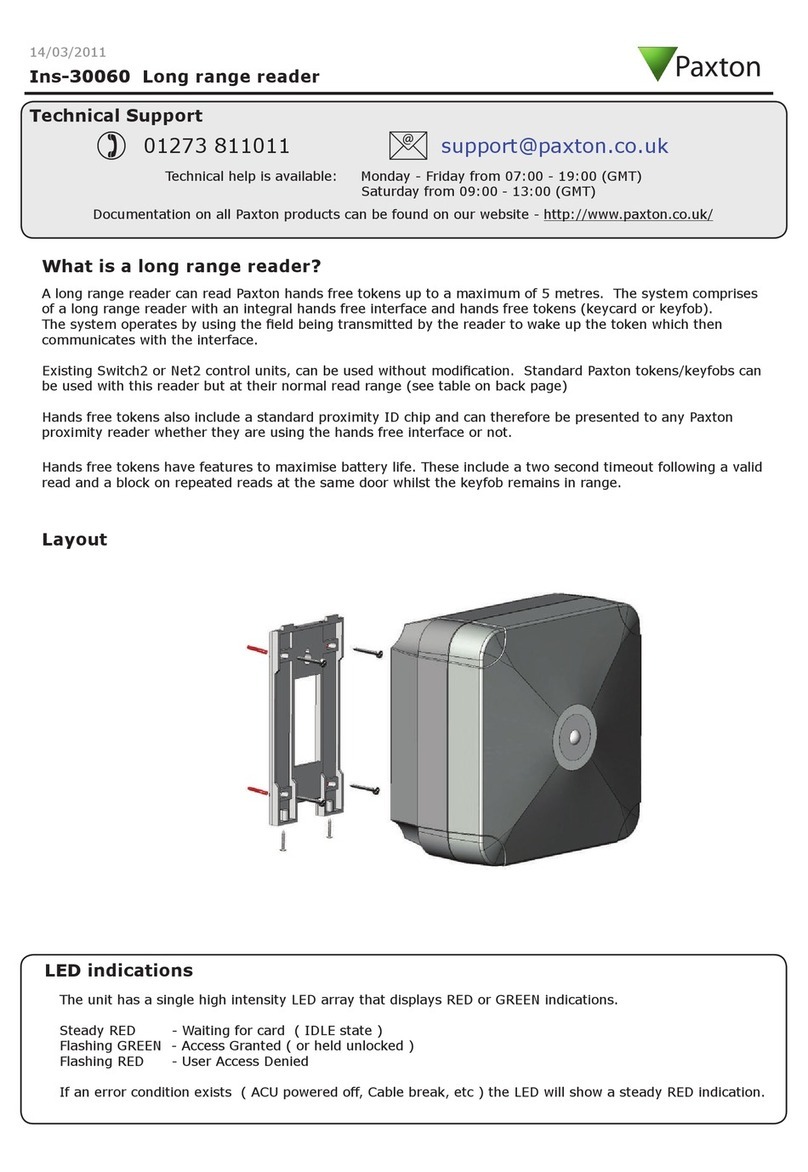
Paxton Ins-30060 User manual

Paxton

Paxton Ins-30060 User manual

Paxton PROXIMITY Ins-30040 User manual

Paxton

Paxton PROXIMITY Ins-30040 User manual

Paxton Genie WIP2FRTMTP User manual

Paxton

Paxton Genie WIP2FRTMTP User manual

Paxton Proximity 375-110 User manual

Paxton

Paxton Proximity 375-110 User manual

Paxton Proximity P200 User manual

Paxton

Paxton Proximity P200 User manual

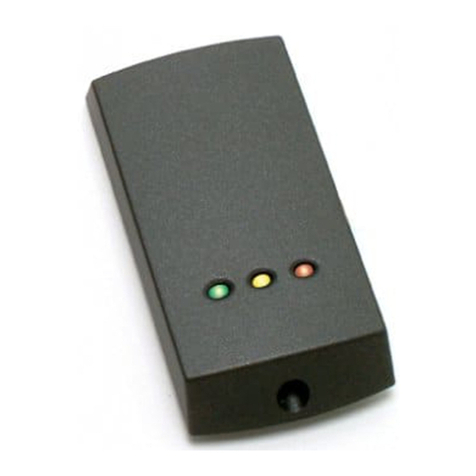
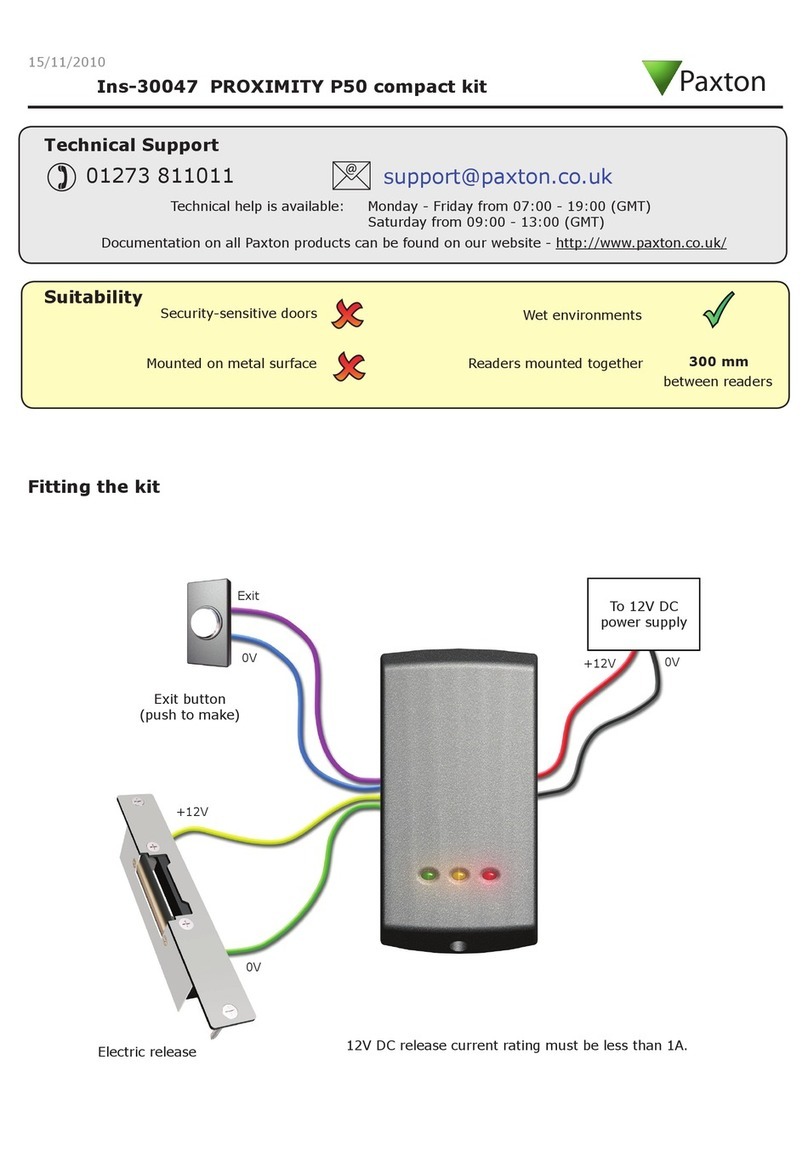
Paxton PROXIMITY P50 User manual

Paxton

Paxton PROXIMITY P50 User manual

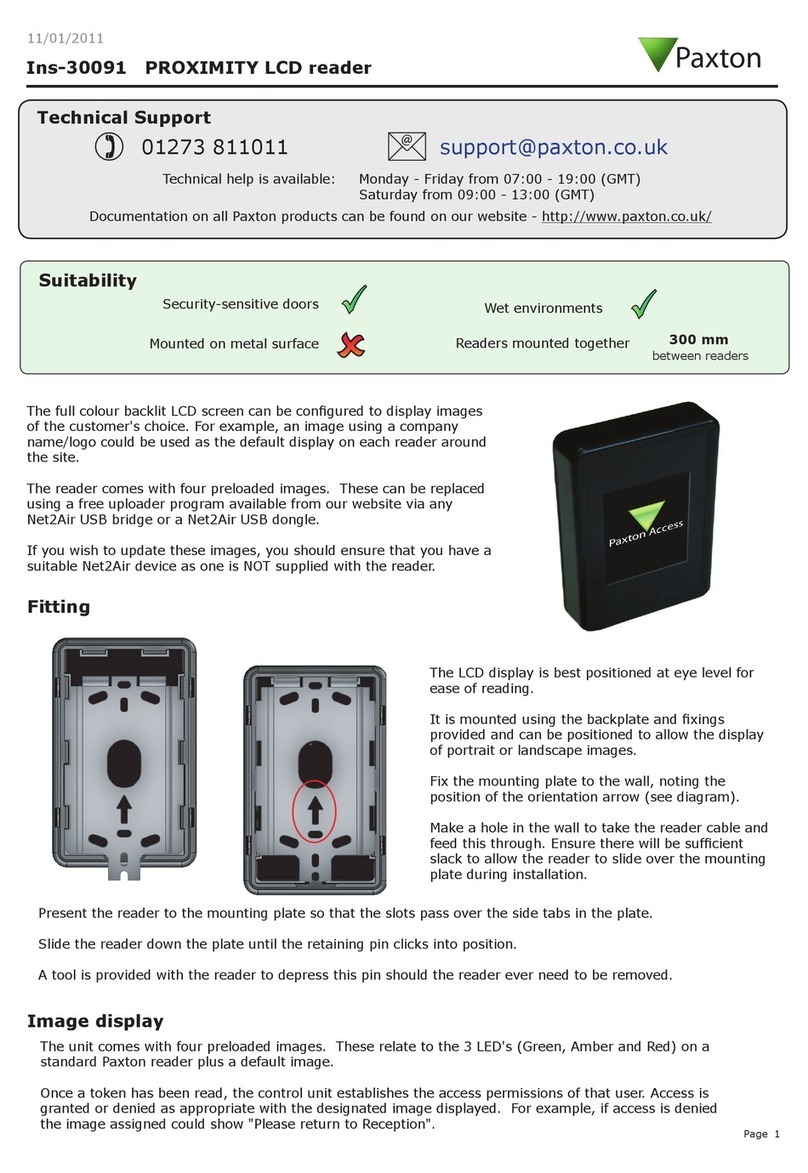
Paxton PROXIMITY LCD Ins-30091 User manual

Paxton

Paxton PROXIMITY LCD Ins-30091 User manual

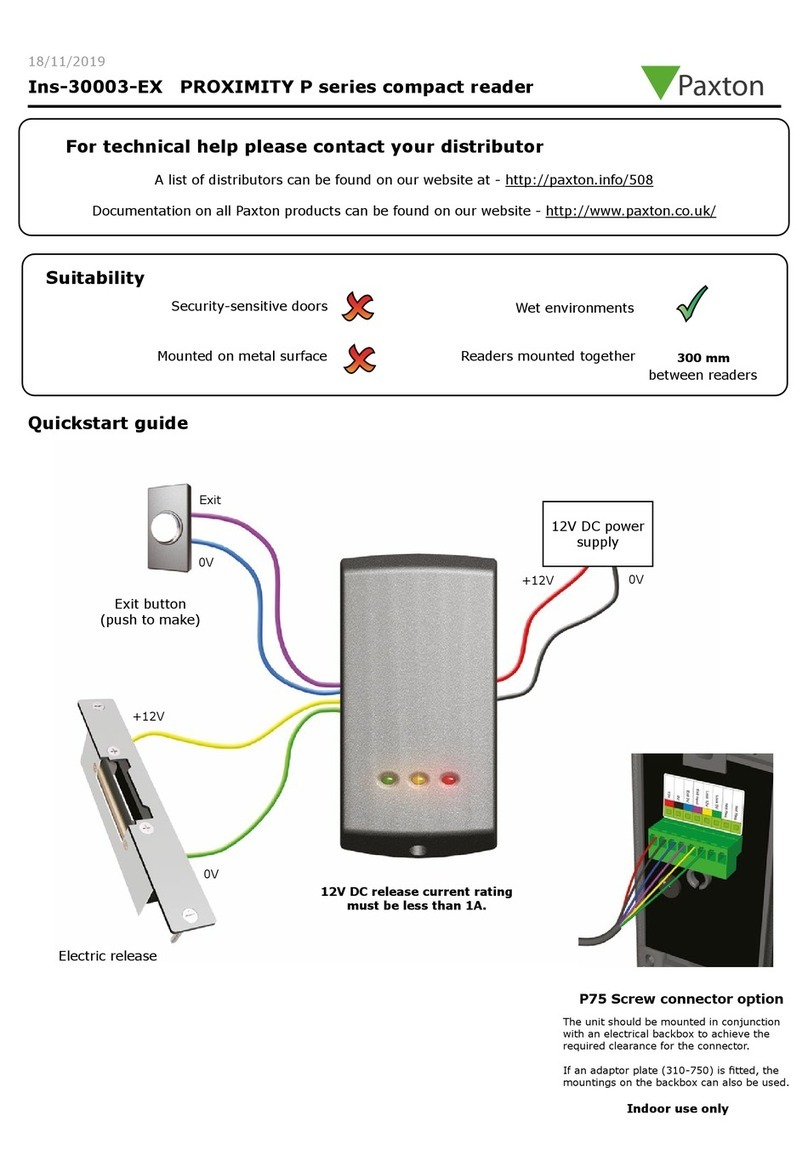
Paxton PROXIMITY P Ins-30003-EX User manual

Paxton

Paxton PROXIMITY P Ins-30003-EX User manual

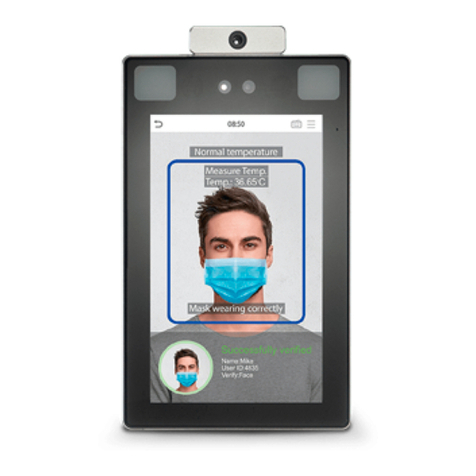
Paxton ZKTeco SpeedFace Reader SF1008+ User manual

Paxton

Paxton ZKTeco SpeedFace Reader SF1008+ User manual

Paxton PROXIMITY P50 User manual

Paxton

Paxton PROXIMITY P50 User manual

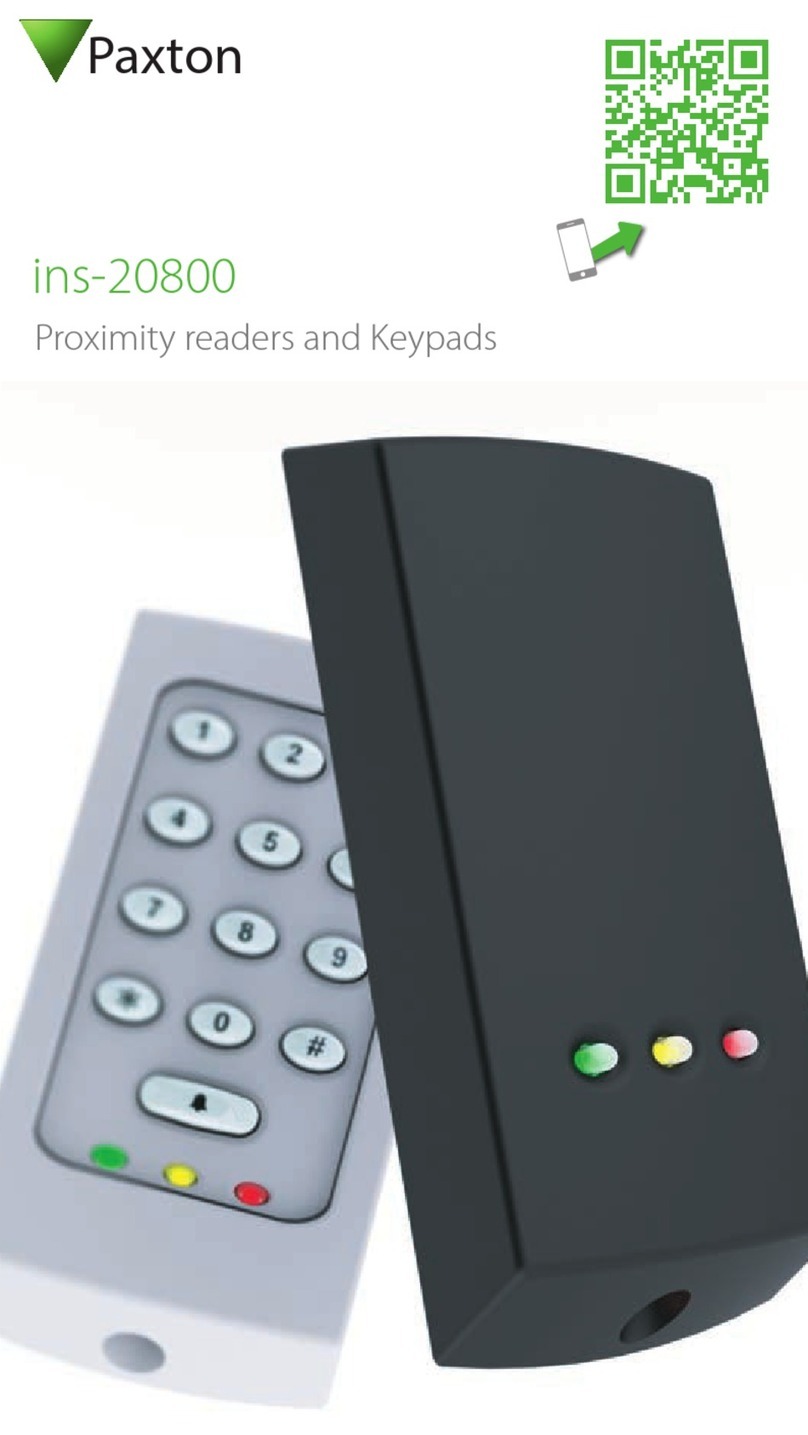
Paxton ins-20800 User manual

Paxton

Paxton ins-20800 User manual

Popular Card Reader manuals by other brands

Lindy 43185 user manual

Lindy

Lindy 43185 user manual

Lindy 43185 user manual

Lindy

Lindy 43185 user manual

ViziT RD-4F operating instructions

ViziT

ViziT RD-4F operating instructions

Jinmuyu Electronics MR811 Series user manual

Jinmuyu Electronics

Jinmuyu Electronics MR811 Series user manual

AVID ID AVID1043 user manual

AVID ID

AVID ID AVID1043 user manual

Conrad PCMCIA operating instructions

Conrad

Conrad PCMCIA operating instructions

Rosslare DR-6255 user manual

Rosslare

Rosslare DR-6255 user manual

Lindy 51541 user manual

Lindy

Lindy 51541 user manual

Diapro T?bbi Ürünler Across System user manual

Diapro T?bbi Ürünler

Diapro T?bbi Ürünler Across System user manual

Johnson Controls Kantech tyco ioSmart installation guide

Johnson Controls

Johnson Controls Kantech tyco ioSmart installation guide

ACS ACR122L user manual

ACS

ACS ACR122L user manual

Secukey S2-MF user manual

Secukey

Secukey S2-MF user manual

Elecom MR-SMC07 series user manual

Elecom

Elecom MR-SMC07 series user manual

Alien ALR-9800 Quick installation guide

Alien

Alien ALR-9800 Quick installation guide

ACS ACR310 Operation manual

ACS

ACS ACR310 Operation manual

Datamars R-IN1300 MID user manual

Datamars

Datamars R-IN1300 MID user manual

Alarm Lock AL-PRE2 user guide

Alarm Lock

Alarm Lock AL-PRE2 user guide

xpr B100PROX-AH Installer manual

xpr

xpr B100PROX-AH Installer manual

manuals.online logo
manuals.online logoBrands
  • About & Mission
  • Contact us
  • Privacy Policy
  • Terms and Conditions

Copyright 2025 Manuals.Online. All Rights Reserved.

Technical Support
Technical help is available: Monday - Friday from 07:00 - 19:00 (GMT)
Saturday from 09:00 - 13:00 (GMT)
01273 811011 [email protected]
Fitting
Ins-30153 PROXIMITY backbox reader
Documentation on all Paxton products can be found on our website - http://www.paxton.co.uk/
Paxton
11/05/2011
The back plate has been designed to t the majority of UK, European and US backboxes.
The reader will operate with a wide range of tokens including Paxton, Hitag1, Hitag2, EM4100 and Mifare.
Preparation - Install a standard electrical backbox at the required position. Run the data cable from the control unit
location and tie o inside the backbox.
Installation - Attach the back plate to the backbox with the screws provided. Wire in the cable to the connector and
clip the reader to the back plate. The reader can now be fully tested and the Net2 system commissioned.
Final x - Once the building work, local decorating, etc. has been completed, you can add the reader cover and
secure the assembly with the screw provided and peel o the protective lm.
1
2
3
Wiring
+12V DC
Red LED
Green LED
Clock
Data
0V
Media Detect
Amber LED
Readers mounted together
Mounted on metal surface
Suitability
Security-sensitive doors
Wet environments between
readers
300 mm
Paxton
Connection to a control
unit reader port
The declaration of conformity is available on request. Contact details are provided at: http://paxton.info/596
No
This product is not suitable for retail sale. All warranties are invalid if this product is not installed by a competent person.
-20 °C +55 °C
25 m
100m
10V DC 14V DC
140 mA
125 kHz
13.56 MHz
570 µs 700 µs
87 mm 125 mm 18 mm
60 mm
50 mm
80 mm
Hitag1 ISO 50 mm
Token type and read range
Mifare 1K 20 mm
Mifare 4K 20 mm
Mifare Ultralight / C 10 mm
Mifare Desre 10 mm
60 mm
125 mm
50 mm
Hitag2 ISO 125 mm
800 mm
Voltage
Clock and data bit period
Carrier frequency
Specications
Operating temperatures - all items
Electrical
Environment
Dimensions
Min Max
Width Height Depth
Current
Cable type - Beldon CR9538
Cable type - Beldon CR9540
Waterproof
Min Max
Hands Free Token
Net2 keyfob
Net2 token
Net2 watchprox
EM4100 keyfob
EM4100 token
EM4100 proxdisc
Technical Support
Technical help is available: Monday - Friday from 07:00 - 19:00 (GMT)
Saturday from 09:00 - 13:00 (GMT)
01273 811011 [email protected]
Fitting
Ins-30153 PROXIMITY backbox reader
Documentation on all Paxton products can be found on our website - http://www.paxton.co.uk/
Paxton
The back plate has been designed to t the majority of UK, European and US backboxes.
The reader will operate with a wide range of tokens including Paxton, Hitag1, Hitag2, EM4100 and Mifare.
Preparation - Install a standard electrical backbox at the required position. Run the data cable from the control unit
location and tie o inside the backbox.
Installation - Attach the back plate to the backbox with the screws provided. Wire in the cable to the connector and
clip the reader to the back plate. The reader can now be fully tested and the Net2 system commissioned.
Final x - Once the building work, local decorating, etc. has been completed, you can add the reader cover and
secure the assembly with the screw provided and peel o the protective lm.
1
2
3
The declaration of conformity is available on request. Contact details are provided at: http://paxton.info/596
No
This product is not suitable for retail sale. All warranties are invalid if this product is not installed by a competent person.
Wiring
+12V DC
Red LED
Green LED
Clock
Data
0V
Media Detect
Amber LED
Readers mounted together
Mounted on metal surface
Suitability
Security-sensitive doors
Wet environments between
readers
300 mm
Paxton
-20 °C +55 °C
25 m
100m
10V DC 14V DC
140 mA
125 kHz
13.56 MHz
570 µs 700 µs
87 mm 125 mm 18 mm
60 mm
50 mm
80 mm
Hitag1 ISO 50 mm
Token type and read range
Mifare 1K 20 mm
Mifare 4K 20 mm
Mifare Ultralight / C 10 mm
Mifare Desre 10 mm
60 mm
125 mm
50 mm
Hitag2 ISO 125 mm
800 mm
Voltage
Clock and data bit period
Carrier frequency
Specications
Operating temperatures - all items
Electrical
Environment
Dimensions
Min Max
Width Height Depth
Current
Cable type - Beldon CR9538
Cable type - Beldon CR9540
Waterproof
Min Max
Hands Free Token
Connection to a control
unit reader port
Net2 keyfob
Net2 token
Net2 watchprox
EM4100 keyfob
EM4100 token
EM4100 proxdisc