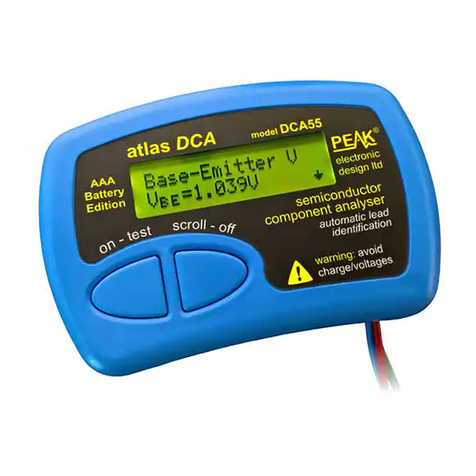
DCA55 User Guide November 2021 – Rev 14
Page 2
Want to use it now?
We understand that you want to use your DCA55 right now. The unit
is ready to go and you should have little need to refer to this user
guide, but please make sure that you do at least take a look at the
notices on page 4!
Contents Page
Introduction ................................................................................... 3
Important onsiderations .............................................................. 4
Analysing semiconductors ............................................................. 5
Diodes ..................................................................................... 7
Diode Networks ...................................................................... 8
LEDs ....................................................................................... 9
Bicolour LEDs ...................................................................... 10
Bipolar Junction Transistors (BJTs) ...................................... 11
Digital Transistors ................................................................. 18
Enhancement Mode MOSFETs ............................................. 19
Depletion Mode MOSFETs................................................... 20
Junction FETs (JFETs) .......................................................... 21
Thyristors (S Rs) and Triacs ................................................ 22
Taking care of your D A55 ........................................................ 23
Battery replacement .............................................................. 23
Self Tests ............................................................................... 24
Appendix A - Technical Specifications ....................................... 25
Appendix B - Statutory Information ............................................ 28
This user guide has been written to accompany the DCA55 with revision 4.1
firmware. Other revisions of firmware may differ in operation, features and
specifications. The firmware version is displayed briefly upon power-up.