Page iii
Contents
Safety Information..............................................................................v
Printer Features ................................................................................vii
Warranty Information......................................................................viii
Chapter 1 Setting Up the Printer
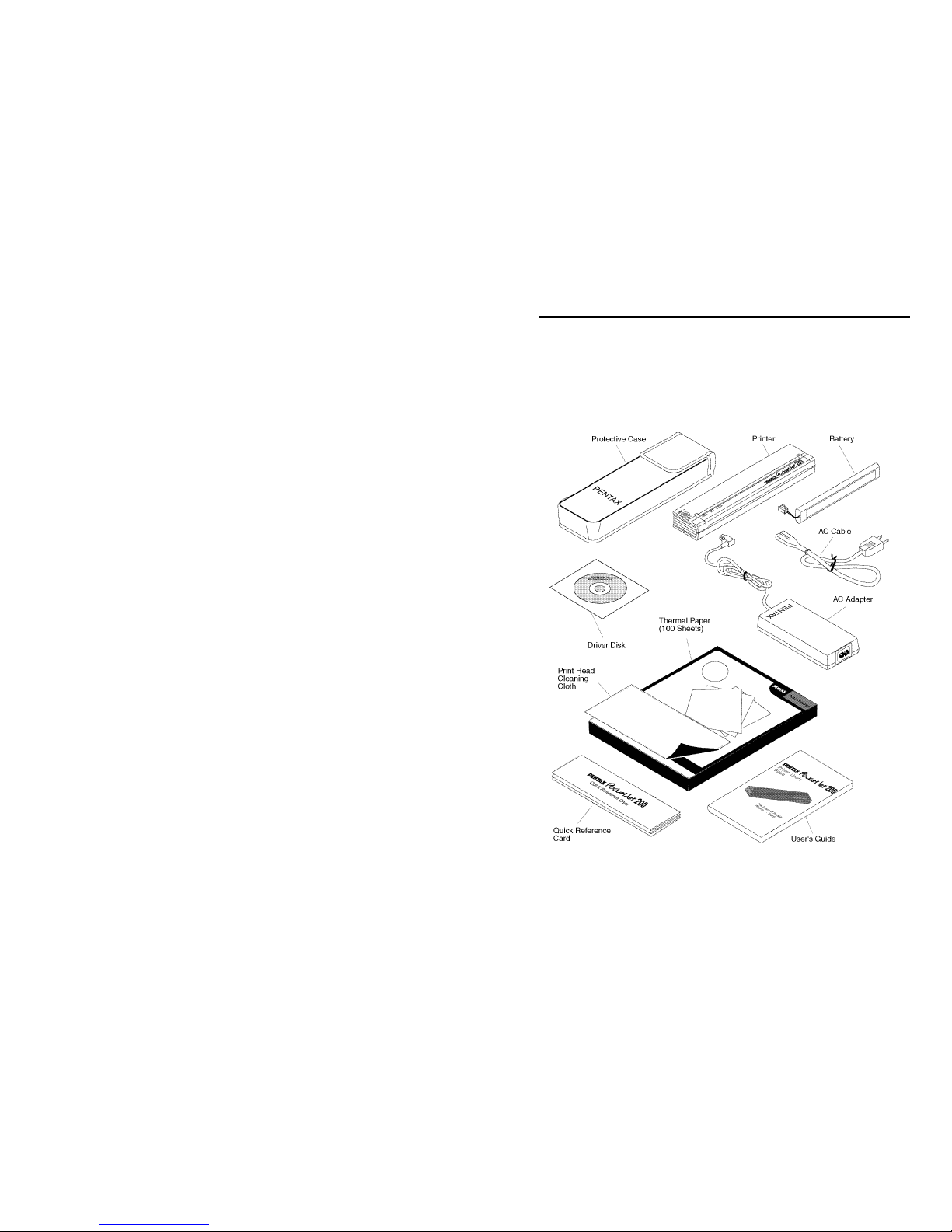
Unpacking the Printer.........................................................................1
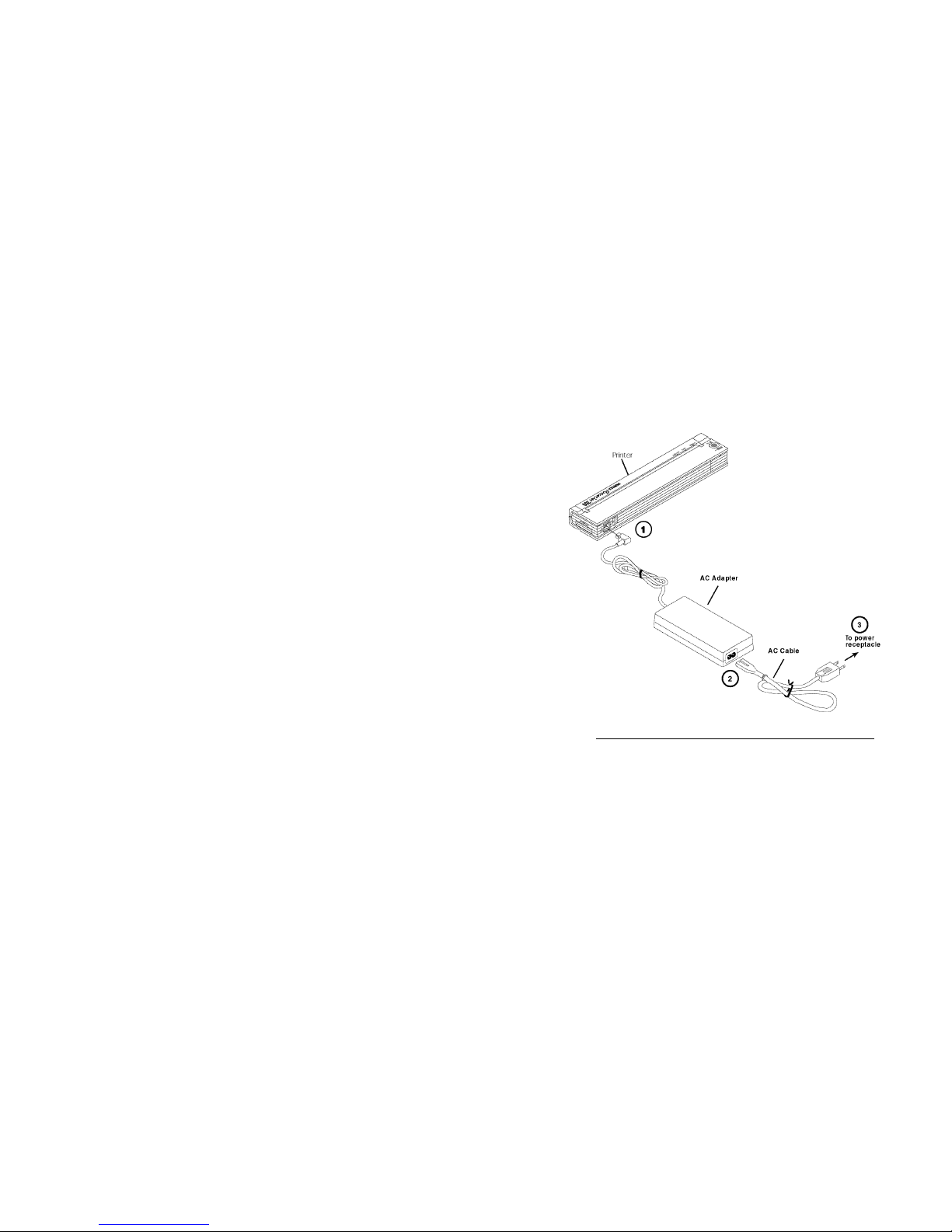
Connecting to an AC Outlet...............................................................2
Connecting to a DC Supply................................................................3
Using the Operation Panel..................................................................4
Main Switch Functions...................................................................4
Power ON...................................................................................4
Power OFF .................................................................................4
Manual Form Feed .....................................................................4
Charge the Battery......................................................................4
To Power Off during Charge or Refresh Mode ..........................4
Indicator Lights ..............................................................................5
DIP Switches......................................................................................5
Checking DIP Switches..................................................................5
Setting DIP Switches......................................................................6
Printing a Self-Test Sheet...............................................................6
DIP Switch Functions (Control Modes).............................................7
Connecting to Your Computer ...........................................................8
Via Cable to a PDA........................................................................8
Via PC or Laptop Computer...........................................................8
Via Infrared Adapter.......................................................................8
Chapter 2 Using the Printer
Driver Installation...............................................................................9
PDA Systems....................................................................................10
Pocket PC Systems.......................................................................10
Palm OS Systems..........................................................................11
RIM Blackberry Systems..............................................................12
Psion/Symbian Systems (EPOC) Version 5 and Version 6..........12
Windows CE Systems...................................................................14
Windows Systems.............................................................................15
System Requirements ...................................................................15
Windows 95, Windows 98, or Windows Me................................15
Windows 3.1.................................................................................16
Windows NT 4.0 ..........................................................................16
Windows 2000/Windows XP .......................................................18
Printing.............................................................................................19
Turning the Printer Off.................................................................20
Making Prints Lighter or Darker......................................................20
Advanced Software Features............................................................21
Density Modes..............................................................................21
Form Feed Modes.........................................................................21
Windows CE Serial Handshake and Port Buffer Size ..................22
Cut Sheet Paper Usage.................................................................22
Non-Perforated Roll Paper Usage................................................22