manuals.online logo
Brands
  1. Home
  2. •
  3. Brands
  4. •
  5. Permobil
  6. •
  7. Wheelchair
  8. •
  9. Permobil ROHO Smart Check Manual

Permobil ROHO Smart Check Manual

Other Permobil Wheelchair manuals
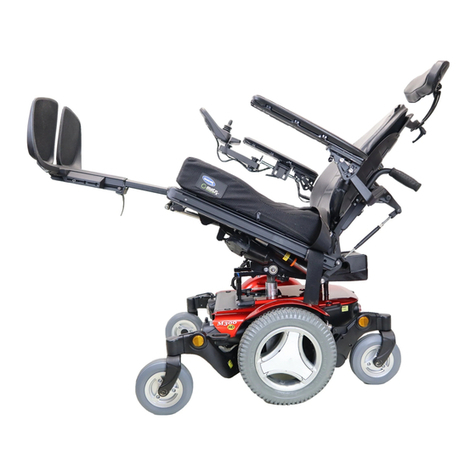
Permobil F5 Corpus User manual

Permobil

Permobil F5 Corpus User manual

Permobil Comfort Company Inception User manual
Permobil

Permobil Comfort Company Inception User manual

Permobil Chairman 2s Lowrider User manual
Permobil

Permobil Chairman 2s Lowrider User manual

Permobil vs User manual

Permobil

Permobil vs User manual

Permobil CJSM2 User manual

Permobil

Permobil CJSM2 User manual

Permobil Chairman Basic User manual

Permobil

Permobil Chairman Basic User manual
Permobil SmartDrive MX2+ User manual

Permobil

Permobil SmartDrive MX2+ User manual

Permobil Corpus 3G User manual

Permobil

Permobil Corpus 3G User manual

Permobil M1 User manual

Permobil

Permobil M1 User manual
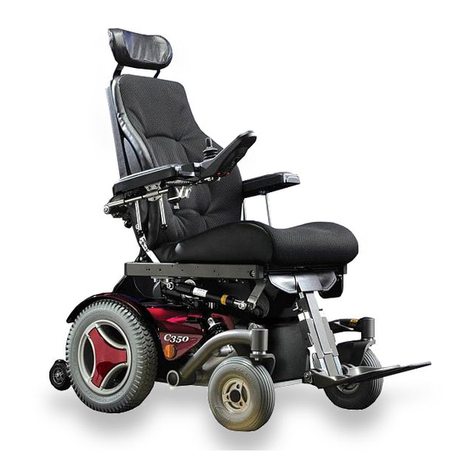
Permobil C350 User manual

Permobil

Permobil C350 User manual
Permobil BodiLink User manual

Permobil

Permobil BodiLink User manual

Permobil ROHO AGILITY Active Aluminum Back Series User manual

Permobil

Permobil ROHO AGILITY Active Aluminum Back Series User manual

Permobil TB3 User manual

Permobil

Permobil TB3 User manual
Permobil VR2-A User manual

Permobil

Permobil VR2-A User manual

Permobil Koala User manual

Permobil

Permobil Koala User manual

Permobil Chairman Playman User manual
Permobil

Permobil Chairman Playman User manual

Permobil Compact Joystick R-net User manual
Permobil

Permobil Compact Joystick R-net User manual

Permobil ROHO QUADTRO SELECT Series Guide
Permobil

Permobil ROHO QUADTRO SELECT Series Guide

Permobil Chairman Playman User manual

Permobil

Permobil Chairman Playman User manual

Permobil ROHO Hybrid Elite 1RHE1414C-SR User manual
Permobil

Permobil ROHO Hybrid Elite 1RHE1414C-SR User manual
Permobil C400 User manual

Permobil

Permobil C400 User manual

Permobil ROHO Hybrid Select User manual

Permobil

Permobil ROHO Hybrid Select User manual

Permobil M300 Corpus HD User manual

Permobil

Permobil M300 Corpus HD User manual

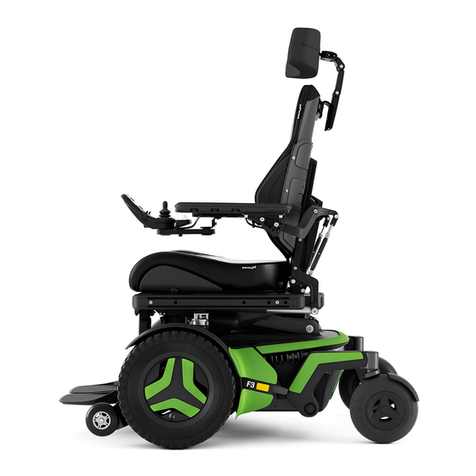
Permobil F3 Corpus User manual

Permobil

Permobil F3 Corpus User manual

Popular Wheelchair manuals by other brands

Handicare IBIS user manual

Handicare

Handicare IBIS user manual

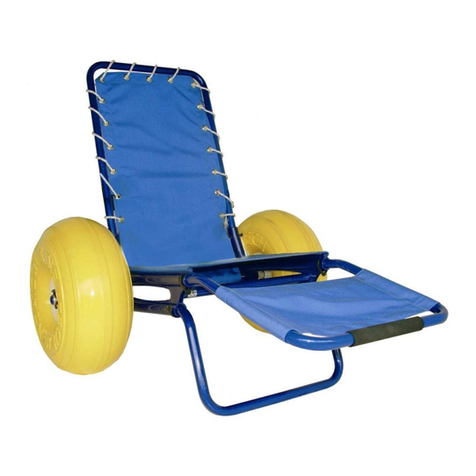
Neatech JOB User and maintenance manual

Neatech

Neatech JOB User and maintenance manual

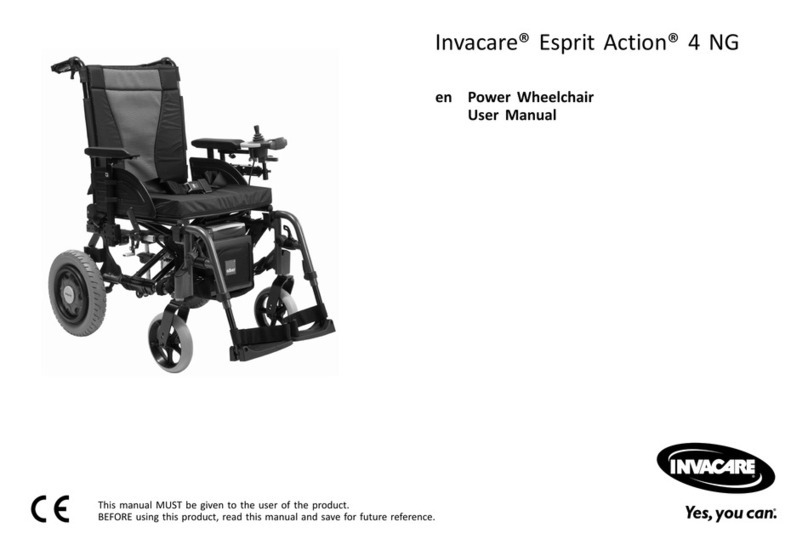
Invacare Action 4NG series user manual

Invacare

Invacare Action 4NG series user manual

Nova TKW-12 user guide

Nova

Nova TKW-12 user guide

Drive Medical Titan owner's manual

Drive Medical

Drive Medical Titan owner's manual

Autoadapt Carolift 40 user manual

Autoadapt

Autoadapt Carolift 40 user manual

Excel Mobil user manual

Excel

Excel Mobil user manual

Valex M-MU 18-MULTI ONE instruction manual

Valex

Valex M-MU 18-MULTI ONE instruction manual

Sunrise Medical Guardian Escort User instruction manual & warranty

Sunrise Medical

Sunrise Medical Guardian Escort User instruction manual & warranty

Invacare Ranger X Brochure & specs

Invacare

Invacare Ranger X Brochure & specs

REA Clematis Service manual

REA

REA Clematis Service manual

Vicair VECTOR O2 Important notice

Vicair

Vicair VECTOR O2 Important notice

Küschall K-SERIES Service manual

Küschall

Küschall K-SERIES Service manual

dynarex DynaRide 10233 manual

dynarex

dynarex DynaRide 10233 manual

Monarch Ezi-Fold D10 operating manual

Monarch

Monarch Ezi-Fold D10 operating manual

Quickie One-Arm Drive Quickie 2 owner's manual

Quickie

Quickie One-Arm Drive Quickie 2 owner's manual

R82 Wombat Living 1 user guide

R82

R82 Wombat Living 1 user guide

GRIT GRITJunior Assembly guide & user's manual

GRIT

GRIT GRITJunior Assembly guide & user's manual

manuals.online logo
manuals.online logoBrands
  • About & Mission
  • Contact us
  • Privacy Policy
  • Terms and Conditions

Copyright 2025 Manuals.Online. All Rights Reserved.

7
Smart Setup Instructions
Smart Check will find and save the inflation setting for you, on your cushion, in your
chair. NOTE: Results may vary based on body type.
• Perform the following steps in the usual environmental conditions.
• The cushion MUST be overinflated to start Smart Setup. You may
temporarily feel unstable; if so, proceed with caution.
• The individual MUST be seated on the cushion in the chair before using
Smart Check.
Symbols and Lights for Smart Setup
Red Light
“Remove air.”
Green Light
“Setup is complete.”
Red Light
“Add air.”
Setup
Button
Check
Button
3. Sit in the chair in your usual position.
Pull to remove the tab (first-time use only).
4. Make sure the inflation valve is closed.
Attach Smart Check to the cushion. You will
hear a “click” when the connection is secure.
1. Place the cushion
in the chair. Place
the nozzle of the
pump over the
inflation valve.
If a cushion cover
is used, place the
cover on the
cushion before
inflating.
2. Open the inflation valve. Overinflate the cushion
until it bulges.
Close the inflation valve. Remove the pump.
3
Open
Close
Cushion Cover
Quick Disconnect Inflation Valve
Sensor Ready
Cushion
Quick Disconnect
4
Cushion Cover
Quick Disconnect Inflation Valve
Hybrid
Elite SR
Sensor Ready
Cushion
Hybrid
Elite SR
1
2
1
2
8
Store Smart Check in a safe and accessible location. See disconnecTion and sTorage instructions.
Smart Setup Instructions, Continued
Your cushion is now set up.
(Next: See CheCk InstruCtIons.)
When you see the flashing green
light, close the inflation valve. The
green light means that Setup is
complete.
5b. Press (but do not hold) the Setup Button.
The red down arrow light will now flash.
Open the inflation valve, release air (approximately 30
to 60 seconds)*, and wait for the flashing green light.
If the red down arrow light stops flashing before you
have opened the valve, go back to 5a.
*To ensure an accurate reading: Remain still and avoid
restricting air flow while you release air from the cushion.
5a. Press the Check Button.
When you see the red down arrow light,
proceed to step 5b.
NOTE: If you see the red up arrow light
when you press the Check Button:
1) Make sure the quick disconnect is securely
attached, and 2) Open the inflation valve,
add more air, close the inflation valve, and
press the Check Button again. Repeat until
you see the red down arrow light.
5a.
5b.