manuals.online logo
Brands
  1. Home
  2. •
  3. Brands
  4. •
  5. Philips
  6. •
  7. Accessories
  8. •
  9. Philips EasyAir SNS200 User manual

Philips EasyAir SNS200 User manual

Other Philips Accessories manuals

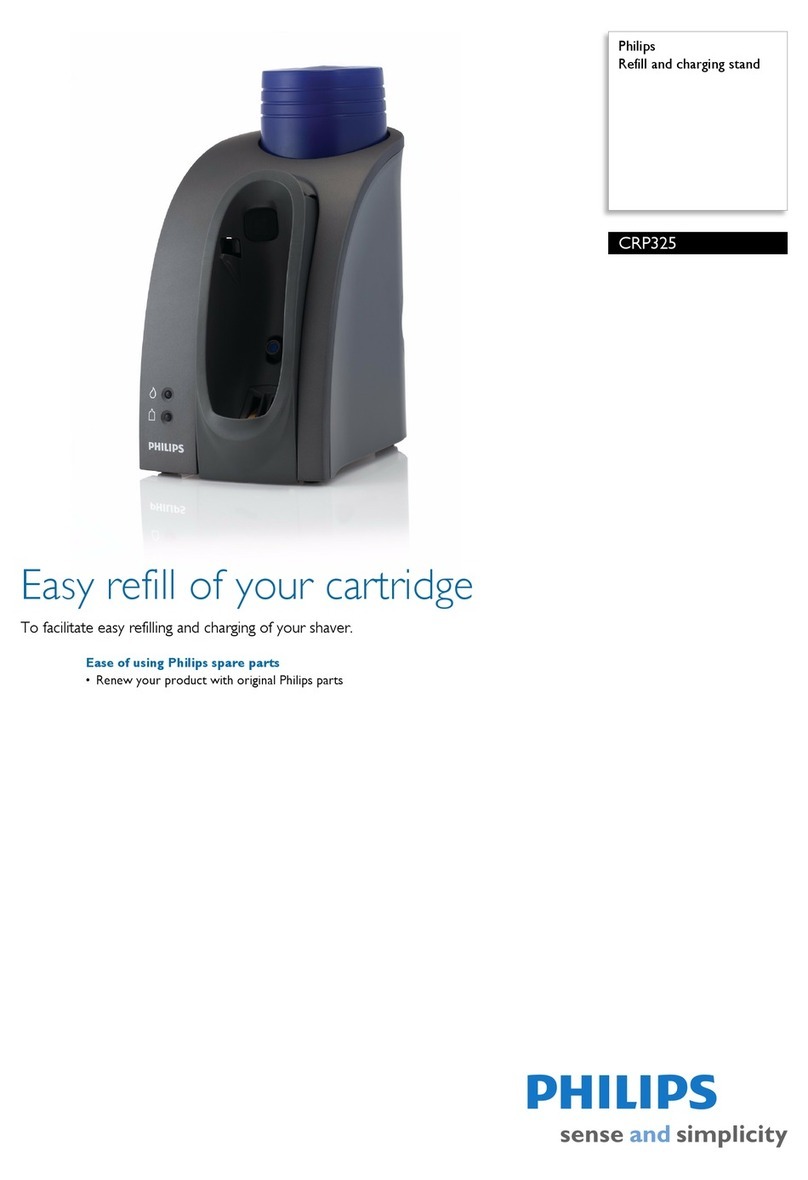
Philips CRP384 User manual

Philips

Philips CRP384 User manual

Philips CRP350 User manual

Philips

Philips CRP350 User manual

Philips DLA81820H User manual

Philips

Philips DLA81820H User manual

Philips DLA71027 User manual

Philips

Philips DLA71027 User manual

Philips CRP140 User manual

Philips

Philips CRP140 User manual

Philips LFH7177/00 User manual

Philips

Philips LFH7177/00 User manual

Philips HP3614 User manual

Philips

Philips HP3614 User manual

Philips EasyAir SNS300 User manual

Philips

Philips EasyAir SNS300 User manual

Philips GC010/00 User manual

Philips

Philips GC010/00 User manual

Philips CRP394 User manual

Philips

Philips CRP394 User manual

Philips G5 solution User manual

Philips

Philips G5 solution User manual

Philips CRP153 User manual

Philips

Philips CRP153 User manual

Philips 6834 User manual

Philips

Philips 6834 User manual

Philips DLA81821H User manual

Philips

Philips DLA81821H User manual

Philips SVC2523W/10 User manual

Philips

Philips SVC2523W/10 User manual

Philips SDW5004O User manual

Philips

Philips SDW5004O User manual

Philips DLP6100V User manual

Philips

Philips DLP6100V User manual

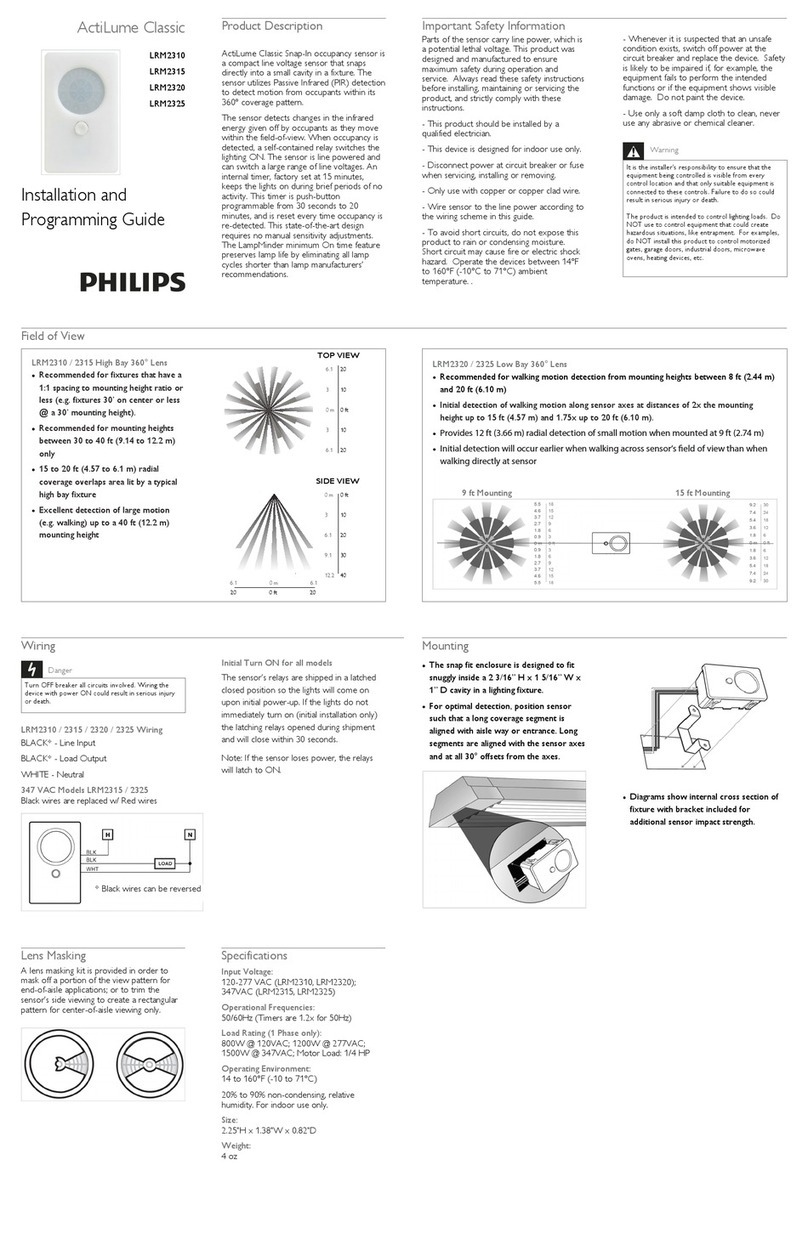
Philips EasySense SNS210 MC Installation and maintenance instructions

Philips

Philips EasySense SNS210 MC Installation and maintenance instructions

Philips DLA63068 User manual

Philips

Philips DLA63068 User manual

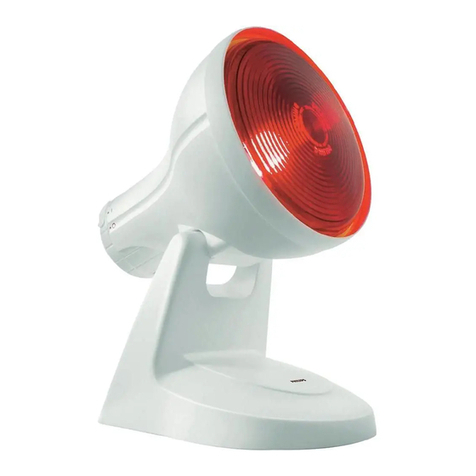
Philips Infraphil HP3609S User manual

Philips

Philips Infraphil HP3609S User manual

Philips T5VHO Guide

Philips

Philips T5VHO Guide

Philips DUS804C-UP User manual

Philips

Philips DUS804C-UP User manual

Philips HP3616 User manual

Philips

Philips HP3616 User manual

Philips SPF1002N User manual

Philips

Philips SPF1002N User manual

Popular Accessories manuals by other brands

Quincy lab 140AE-1 operating manual

Quincy lab

Quincy lab 140AE-1 operating manual

HomePro ZIR000 user manual

HomePro

HomePro ZIR000 user manual

DOL 20SCR Technical user guide

DOL

DOL 20SCR Technical user guide

RAB Smart Task installation manual

RAB

RAB Smart Task installation manual

Kemppi KMS 300 quick guide

Kemppi

Kemppi KMS 300 quick guide

Stearns 57,500 Series Installation and service instructions

Stearns

Stearns 57,500 Series Installation and service instructions

iGuzzini TWILIGHT COPENAGHEN manual

iGuzzini

iGuzzini TWILIGHT COPENAGHEN manual

Adelaide Annexe & Canvas Avan Deluxe installation guide

Adelaide Annexe & Canvas

Adelaide Annexe & Canvas Avan Deluxe installation guide

OHAUS 5000 instruction manual

OHAUS

OHAUS 5000 instruction manual

HOME8 WLS1300 quick start guide

HOME8

HOME8 WLS1300 quick start guide

MAXBOTIX MaxSonar quick start guide

MAXBOTIX

MAXBOTIX MaxSonar quick start guide

ioSmart iSmart56 Installation and user guide

ioSmart

ioSmart iSmart56 Installation and user guide

Focusrite Scarlett 18i8 user guide

Focusrite

Focusrite Scarlett 18i8 user guide

Velleman ED38105 user manual

Velleman

Velleman ED38105 user manual

JumpSport SkyBounce user manual

JumpSport

JumpSport SkyBounce user manual

Prima-Temp PRIYA Instructions for use

Prima-Temp

Prima-Temp PRIYA Instructions for use

Tefcold BC85I-BC85I W user manual

Tefcold

Tefcold BC85I-BC85I W user manual

Vaisala WMS302 user guide

Vaisala

Vaisala WMS302 user guide

manuals.online logo
manuals.online logoBrands
  • About & Mission
  • Contact us
  • Privacy Policy
  • Terms and Conditions

Copyright 2025 Manuals.Online. All Rights Reserved.

Sensors
EasyAir
office sensor advanced
grouping SNS200
January 2018
Quick Installation Guide
XITANIUM SR
LED DRIVER
EASYAIR LED+
LED+
LED-
LED-
LEDset
GNDset
NFC ANTENNA
SR-
Connectors
SR+
SR
SR
LINE
NEUTRAL
GROUND
NC
NC
Connectors
(non-polarized)
Use 0.75 mm2 solid copper wire,
rated >= 600 V / 90 °C.
Strip wire to 8 mm.
EasyAir office sensor
advanced grouping SNS200
Ordering data
Commercial product name Color Description EOC 12NC Carton Quantity
EasyAir SNS200/w White Office Sensor Advanced Grouping 8718696 698945 00 929000 766 803 50 pcs
EasyAir SNS200/g Grey Office Sensor Advanced Grouping 8718696 712412 00 929001 560 703 50 pcs
Compatible LED Drivers
Logistic code 12NC Description
929001516306 Xitanium 36W 0.3-1A 54V SR 230V
929001505006 Xitanium 75W 0.7-2.0A 54V SR 230V
929001540406 Xitanium 35W 0.08-0.35A 150 V SR 230V
929001540506 Xitanium 60W 0.08-0.35A 220 V SR 230V
929001540606 Xitanium 60W 0.08-0.35A 300 V SR 230V
929001540706 Xitanium 100W 0.25-0.7A 220 V SR 230V
929001540806 Xitanium 100W 0.15-0.5A 300 V SR 230V iXt
929001540906 Xitanium 100W 0.2-0.7A 300 V SR 230V iXt
1. View limited warranty at: http://images.philips.com/is/content/PhilipsConsumer/PDFDownloads/Global/
ODLI20150105_001-UPD-en_GB-152795-PHI-component_warranty-HR.PDF
2 - 5
Quick Installation Guide - EasyAir oce sensor advanced grouping SNS200 January 2018
Mounting Dimensions (mm)
Mounting in U-shaped slot in sheet metal (max thickness 1 mm)
EasyAir office sensor
Sensor Dimensions (mm)
43.8 MAX
16.8 MAX
7.5 MAX
24.3 MA
X
50.0 MAX
44.0
17.0
2.3
Mounting hole dimension (+/- 0.2mm)
43.5 43.5
16.0 16.0
Mounting in cut-out in sheet metal (thickness 0.7 mm to 1.2 mm)
43.8 MAX
16.8 MAX
7.5 MAX
24.3 MAX
50.0 MAX
44.0
17.0
2.3
Mounting hole dimension (+/- 0.2mm)
3 - 5
Quick Installation Guide - EasyAir oce sensor advanced grouping SNS200 January 2018
EasyAir office sensor
Luminaire with EasyAir installed
Mounting in a slot
Mounting in SMB-50 bracket
All dimensions in mm.
Installing EasyAir office sensor with ceiling mount bracket (SNS200CMP)
The ceiling mount bracket SNS200CMP is premounted with EasyAir SNS200 sensor and the cable. See the cut-out in ceiling
and mounting dimensions below, all in mm.
74
46 86
Ø 63
Ø 74
Radius min 5 mm
74
46
86
Ø 63
Ø 74
Radius min 5 mm
74
46
86
Ø 63
Ø 74
Radius min 5 mm
4 - 5
Quick Installation Guide - EasyAir oce sensor advanced grouping SNS200 January 2018
Product Data
Operation and Configuration via Mobile App
EasyAir operates immediately upon installation and
energization without further commissioning. If changes from
default settings are desired, EasyAir can be configured via an
app through NFC or IR embedded within the sensor.
Compliance to Radio Equipment Directive (RED)
The Directive ensures a single market for Radio and Telecommunica-
tion Terminal Equipment by setting harmonized standards for safety
and health, electromagnetic compatibility and the efficient use of
the radio spectrum. This applies to all products using the radio
frequency spectrum. This device is compliant to the underlying
harmonized standards which is verified by an independent Notified
Body. Any changes or modifications not expressly approved by
Philips could void the user’s authority to operate this equipment.
This product is intended for commercial use only.
Electrical Information
Input Voltage Powered by SR driver low-voltage interface
Current Consumption 13 mA
Nominal Power Consumption 200 mW
Standby Power < 1 W on luminaire level, including driver standby power
Occupancy Sensing
Type Passive infrared (PIR)
Occupancy based control Default enabled
Occupancy Mode Auto-on/off, Manual-on/off, Manual-on/auto-off; Red LED indicates “on”
Group Occupancy Sharing Enabled/disabled
Group Light Behaviour Background Light Level, Field Task Level
Hold Time 0.5 - 60 minutes
Viewing Angle X = 72°, Y = 86° ( See detection pattern)
Background Light Level 0-100%
Prolong Time 0 minutes - infinity
Grace Fading 0-25 sec
Response Time/Fading to Switch On/Off 0.7 sec
Daylight Sensing
Daylight based control Default enabled
Auto-calibration Upon power-up
Daylight dependent switching Default disabled
Daylight dependent override Default disabled
Viewing Angle 40° (half value sensitivity); 2% cut-off point at 75°
Task Tuning
Full Light Setting 0-100%
Environment & Approbation
Operating Ambient Temperature Range 0 °C to 55 °C
Operating Humidity 0 – 95% non condensing
Storage Temperature -25 °C to 85 °C
Storage Humidity 0-95% non condensing
Max Case Temperature (Tcase) 55 °C
Agency Approbations CE, ENEC, RTTE, EMC
Warranty 5 years warranty for released Philips system combination (sensor and compatible driver).
3 years warranty for sensor only.
Digital Interface Xitanium SR
Other
Status Indicators Red, Yellow. Yellow LED on: Vacancy & Sensor is functional; Red LED on: Motion is detected
Energy reporting Calculated from last “power on”: % On, Energy Consumed (Whr), System on time (hrs), Avg power consumed
(w-hr), Lamp on time (hrs)
No. Drivers per Sensor 4 max
Max Distance Switch-to-First-Luminaire 10 m line-of-sight
Max Distance Luminaire-to-Luminaire 12 m line-of-sight
No. Switches per Group 10 max
Field Configuration via NFC or IR, parameters set via Philips field apps

© Philips Lighting Holding B.V. 2018. All rights reserved. Philips reserves the right to make

changes in specifications and/or to discontinue any product at any time without notice or
obligation and will not be liable for any consequences resulting from the use of this publication.
01/2018
Data subject to change
www.lighting.philips.co.uk/oem-emea/
products/connected-lighting