manuals.online logo
Brands
  1. Home
  2. •
  3. Brands
  4. •
  5. Philips
  6. •
  7. Car Receiver
  8. •
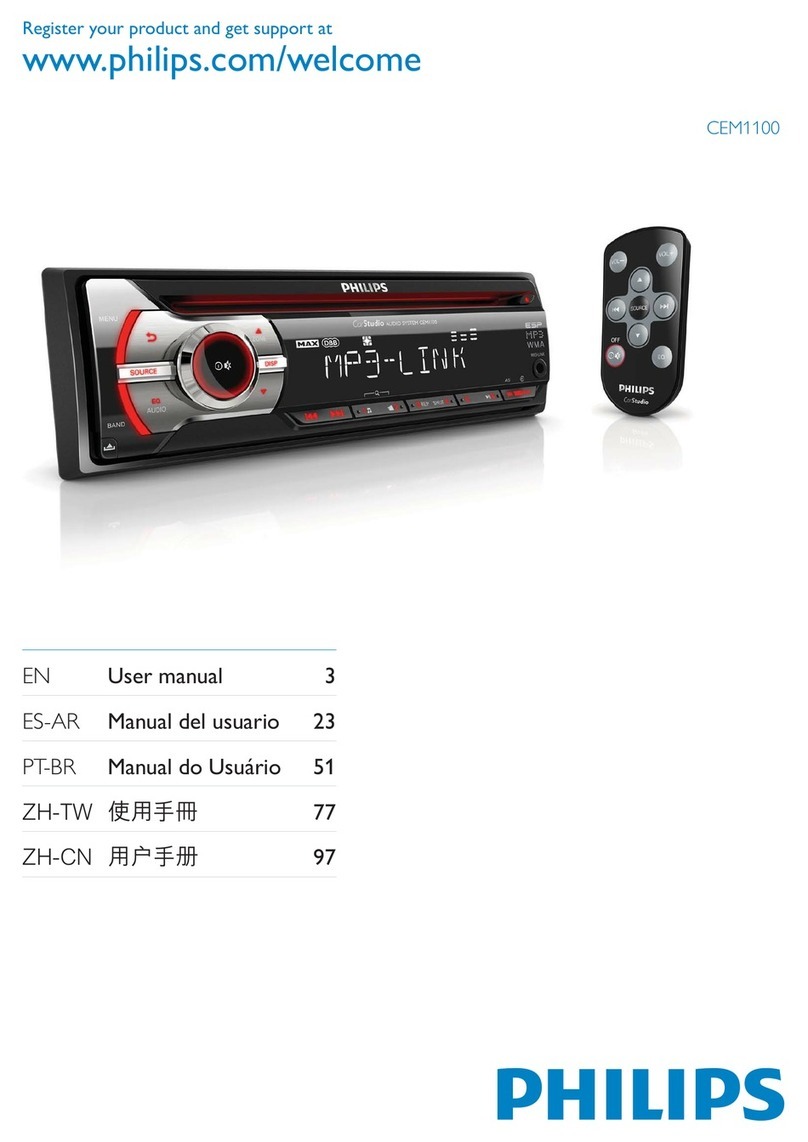
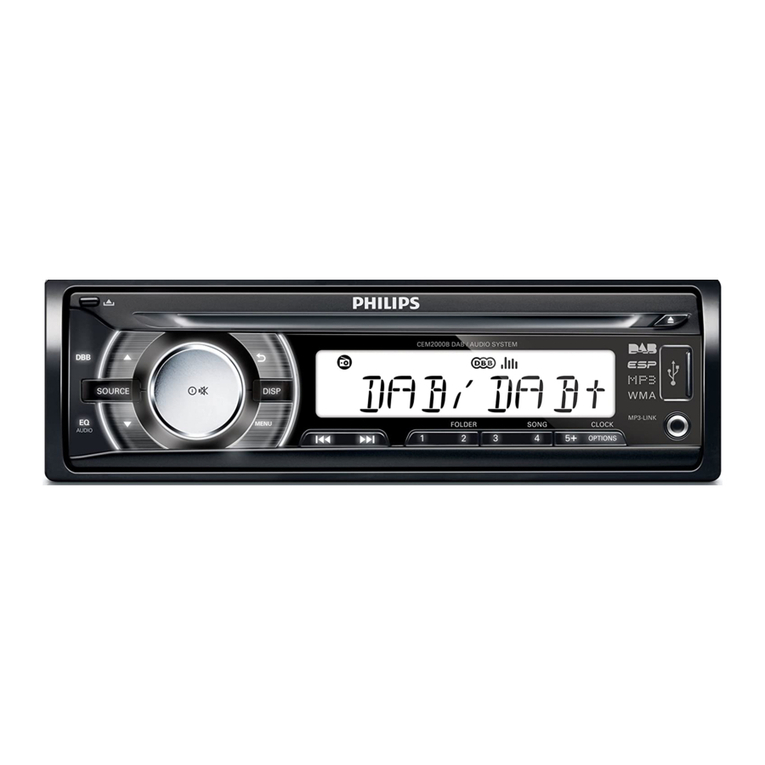
  9. Philips CEM220/93 User manual

Philips CEM220/93 User manual

This manual suits for next models

1

Other Philips Car Receiver manuals

Philips CEM2100 User manual

Philips

Philips CEM2100 User manual

Philips CEM3000B/05 User manual

Philips

Philips CEM3000B/05 User manual

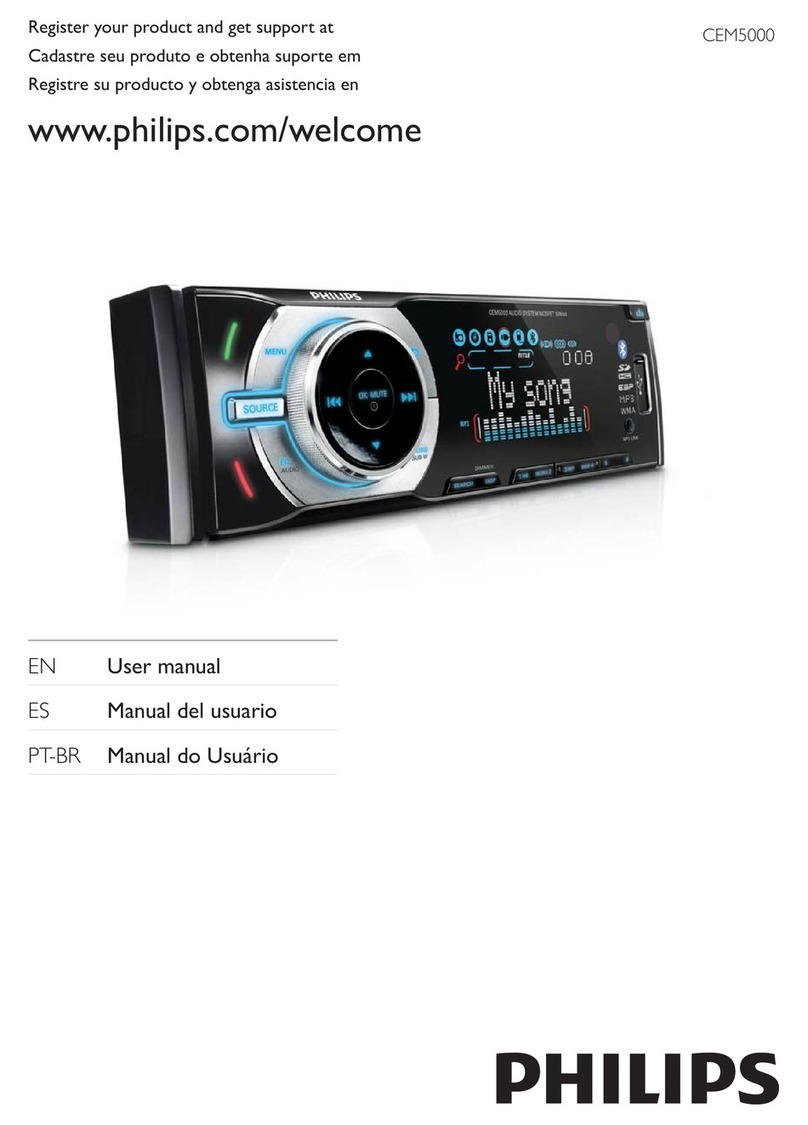
Philips CEM5000 User manual

Philips

Philips CEM5000 User manual

Philips CE130 User manual

Philips

Philips CE130 User manual

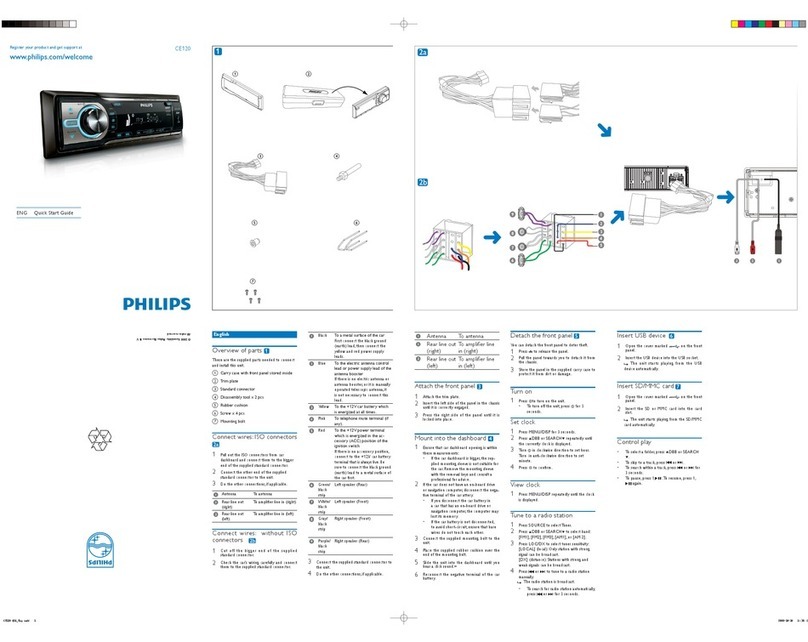
Philips CE120/55 User manual

Philips

Philips CE120/55 User manual

Philips CED370/51 User manual

Philips

Philips CED370/51 User manual

Philips CEM5100/12 User manual

Philips

Philips CEM5100/12 User manual

Philips CarStudio CEM5100 User manual

Philips

Philips CarStudio CEM5100 User manual

Philips CEM5000 User manual

Philips

Philips CEM5000 User manual

Philips CID2780/98 User manual

Philips

Philips CID2780/98 User manual

Philips CarStudio CEM5100 User manual

Philips

Philips CarStudio CEM5100 User manual

Philips CEM220X/78 User manual

Philips

Philips CEM220X/78 User manual

Philips RC369 User manual

Philips

Philips RC369 User manual

Philips CEM2000B User manual

Philips

Philips CEM2000B User manual

Philips CID3281/93 User manual

Philips

Philips CID3281/93 User manual

Philips CEM2100 User manual

Philips

Philips CEM2100 User manual

Philips CE135BT/55 User manual

Philips

Philips CE135BT/55 User manual

Philips CED1700/93 User manual

Philips

Philips CED1700/93 User manual

Philips CEM1102 User manual

Philips

Philips CEM1102 User manual

Philips CEM200 User manual

Philips

Philips CEM200 User manual

Philips CEM2000X/78 User manual

Philips

Philips CEM2000X/78 User manual

Philips CE152 User manual

Philips

Philips CE152 User manual

Philips CarStudio CEM5100 User manual

Philips

Philips CarStudio CEM5100 User manual

Philips CED780/51 User manual

Philips

Philips CED780/51 User manual

Popular Car Receiver manuals by other brands

Linear Series LS5050 Operation and installation manual

Linear Series

Linear Series LS5050 Operation and installation manual

Kenwood KRC-160 instruction manual

Kenwood

Kenwood KRC-160 instruction manual

Sony XR-CA430X Service manual

Sony

Sony XR-CA430X Service manual

T+A Elektroakustik K1 CD-RECEIVER operating instructions

T+A Elektroakustik

T+A Elektroakustik K1 CD-RECEIVER operating instructions

SoundMax SM-CDM1052 instruction manual

SoundMax

SoundMax SM-CDM1052 instruction manual

Xtrons HD107HD user manual

Xtrons

Xtrons HD107HD user manual

Mopar RB3 manual

Mopar

Mopar RB3 manual

Clarion ADDZEST DMZ615 owner's manual

Clarion

Clarion ADDZEST DMZ615 owner's manual

Sony XAV-601BT Specifications

Sony

Sony XAV-601BT Specifications

PIE GM12-POD/S Operation manual

PIE

PIE GM12-POD/S Operation manual

Hyundai H-910H instruction manual

Hyundai

Hyundai H-910H instruction manual

Sony XR-C6100 Service manual

Sony

Sony XR-C6100 Service manual

Sony CDX-L600X - Fm/am Compact Disc Player Installation/connections

Sony

Sony CDX-L600X - Fm/am Compact Disc Player Installation/connections

Motorola VWA63 Service manual

Motorola

Motorola VWA63 Service manual

Sound Storm STM93R user manual

Sound Storm

Sound Storm STM93R user manual

Nextar D3201 instruction manual

Nextar

Nextar D3201 instruction manual

Alpine CDE-163BT owner's manual

Alpine

Alpine CDE-163BT owner's manual

Kenwood KDC-X303 quick start guide

Kenwood

Kenwood KDC-X303 quick start guide

manuals.online logo
manuals.online logoBrands
  • About & Mission
  • Contact us
  • Privacy Policy
  • Terms and Conditions

Copyright 2025 Manuals.Online. All Rights Reserved.

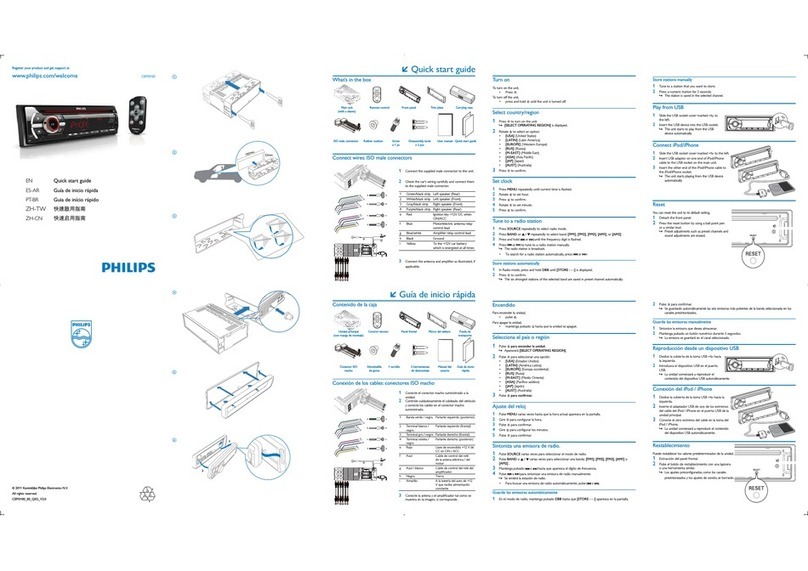
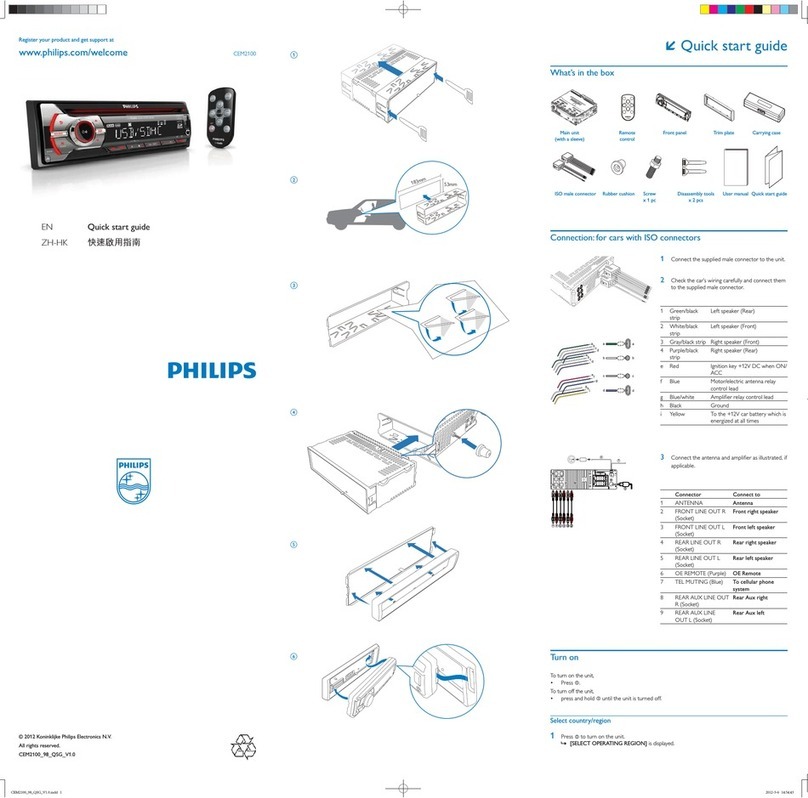
Register your product and get support at CEM220
EN Quick Start Guide

34
2
A1 A2 A3 A4 A5 A6 A7 A8
B1 B2 B3 B4 B5 B6 B7 B8
A
AB
abcd
B
b
a
c
d
aa
bcd
ab
ef
cd
ghi
b
c
d
1ab
efg
c
h
d
Overview ofparts 1
These are the supplied parts needed to
connect and install this unit.
1 In-car audio system
2 Sleeve
3 Front panel
4 Standard connector
5 Trim plate
6 Rubber cushion
7 Disassembly tools
8 Screws 4 pieces
Connect wires
Caution
Ensure that all loose leads are insulated with
•
electrical tape.

For cars withISO connectors
2 3
1Pull out the ISO connectors from car
dashboard and connect them to the bigger
end of the supplied standard connector.
2Connect the other end of the supplied
standard connector to the unit.
3Connect the antenna and amplifier as
illustrated, if applicable.
Connector Connect to
1 REAR LINE
OUT R
Rear right
speaker
2 REAR LINE
OUT L
Rear left speaker
3 SUB OUT Subwoofer
4 ANTENNA Antenna
For cars withISO connectors 3 4
Caution
Be sure to connect the black ground (earth)
•
lead first.
1Connect the antenna and amplifier as
illustrated, if applicable.
2Cut off the bigger end of the supplied stan-
dard connector.
3Check the car’s wiring carefully and connect
them to the supplied standard connector.
4Connect the supplied standard connector to
the unit.
1 Green/black strip Left speaker
(Rear)
2 White/black strip Left speaker
(Front)
3 Gray/black strip Right speaker
(Front)
4 Purple/black strip Right speaker
(Rear)
e RED Ignition key +12V DC
when ON/ACC
f BLUE Motor/electric antenna
relay control lead/
Amplifier relay control
lead
g BLACK Ground
h Orange/white Illumination switch
i YELLOW To the +12V car battery
which is energized at all
times
Note
Check wire connection before you mount•
the unit into a car.
If preset radio stations are lost when the
•
ignition key is turned OFF and then back
ON, reconnect the red leads crosswise to
the yellow ones.
Mount in the dashboard 5
1If the car does not have an on-board drive
or navigation computer, disconnect the
negative terminal of the car battery.
If you disconnect the car battery in a car that•
has an on-board drive or navigation computer,
the computer may lose its memory.
If the car battery is not disconnected,•
to avoid short-circuit, ensure that bare
wires do not touch each other.
2Remove the two screws on the top of the
unit.
3Remove the mounting sleeve with the
supplied disassembly tools.
4Ensure that car dashboard opening is
within these measurements:
5Install the sleeve into the dashboard and
bend the tabs outward to fix the sleeve.
6Place the rubber cushion over the end of
the bolt.
7Slide the unit into the dashboard until you
hear a click sound.
8Reconnect the negative terminal of the car
battery.
Attachthe front panel 5
1Attach the trim plate.
2Insert the right side of the panel in the
chassis until it is correctly engaged.
3Press the left side of the panel and point
the left hole at the left pillar.
4Release the panel to engage the left side.
Turn on
1Press
zto turn on the unit.
• To turn off the unit, press zfor 3
seconds.
Set clock
1Press MENU/DISP for 3 seconds.
2Press
3 or 4repeatedly to until the cur-
rently time is displayed.
3Tu r n
zclockwise to set hour.
4Press
zto confirm.
5Tu r n
zanti-clockwise to set minute.
6Press
zto confirm.
View clock
1Press MENU/DISP repeatedly until the clock
is displayed.
Listen to radio
1Press SOURCE repeatedly to select Radio.
2Press or to select band: [FM1],[FM2],
[FM3],[AM1], or [AM2] .
3Press ∞or §to tune to a radio station
manually.
To search for a radio station•
automatically, press SEARCH.

5
5mm
5mm
Play audio files
1Press on the front panel to release the
panel.

2Insert a CD with the printed side facing up.
3Close the panel.
4Press
2; , to star t play.
To pause CD play, press• 2; .
To resume CD play, press• 2; again.
Insert the USB device
1Open the cover marked on the front
panel.
2Insert the USB device into the USB socket.»
ToThe unit starts playing from the USB
device automatically.
Insert SD/MMC card
1Press to release the panel.
2Insert the SD or MMC card into the card
slot.
»The unit starts playing from the SD/
MMC card automatically.
© 2008Koninklijke Philips Electronics N.V.
All rights reserved.