EnglishDeutsch
 logo
Brands
  1. Home
  2. •
  3. Brands
  4. •
  5. Philips
  6. •
  7. MP3 Player
  8. •
  9. Philips GoGear SA4ACT04 User manual

Philips GoGear SA4ACT04 User manual

Other Philips MP3 Player manuals

Philips GoGEAR SA4VBE04 User manual

Philips

Philips GoGEAR SA4VBE04 User manual
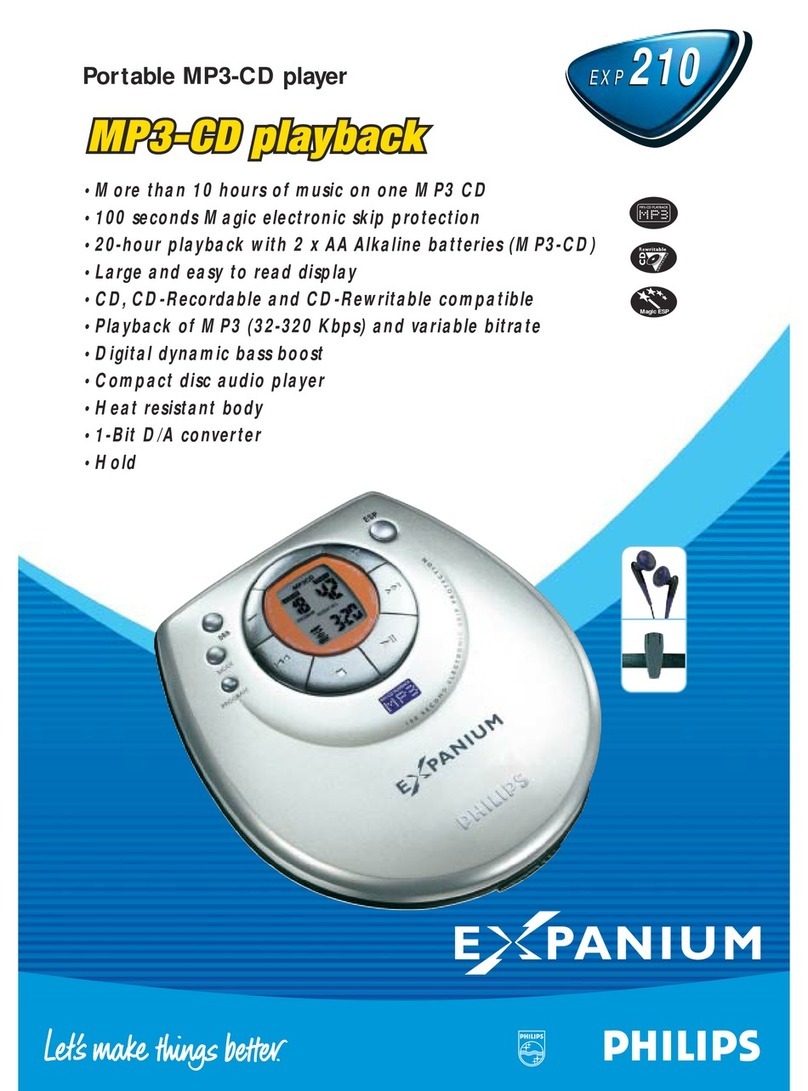
Philips Expanium EXP 210 User manual

Philips

Philips Expanium EXP 210 User manual
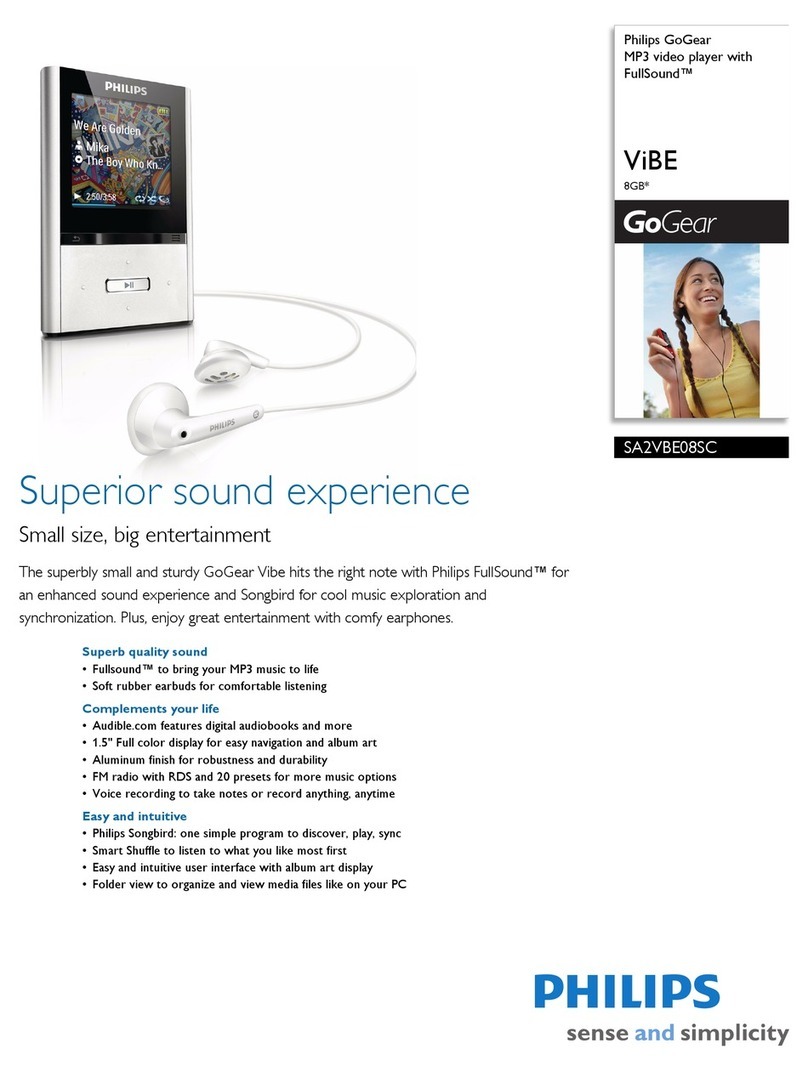
Philips GOGEAR VIBE SA2VBE08SC User manual

Philips

Philips GOGEAR VIBE SA2VBE08SC User manual

Philips GoGear Activa User manual

Philips

Philips GoGear Activa User manual
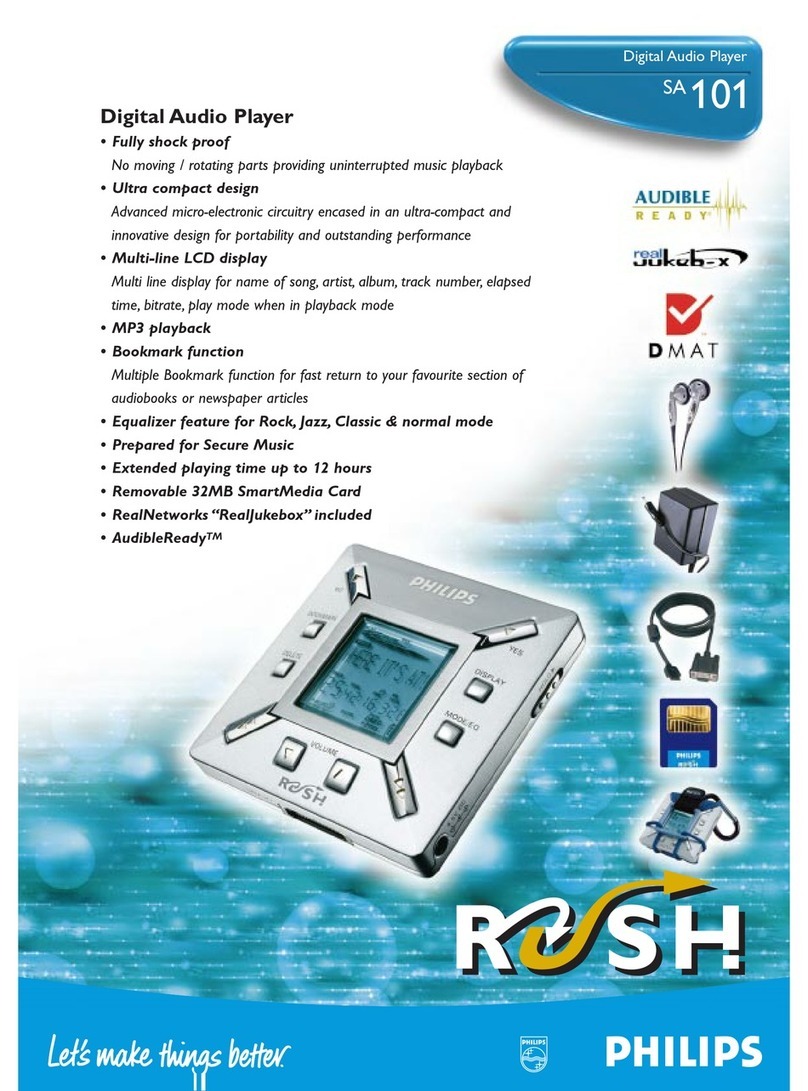
Philips SA 101 User manual

Philips

Philips SA 101 User manual

Philips AZ1226 Operating manual

Philips

Philips AZ1226 Operating manual
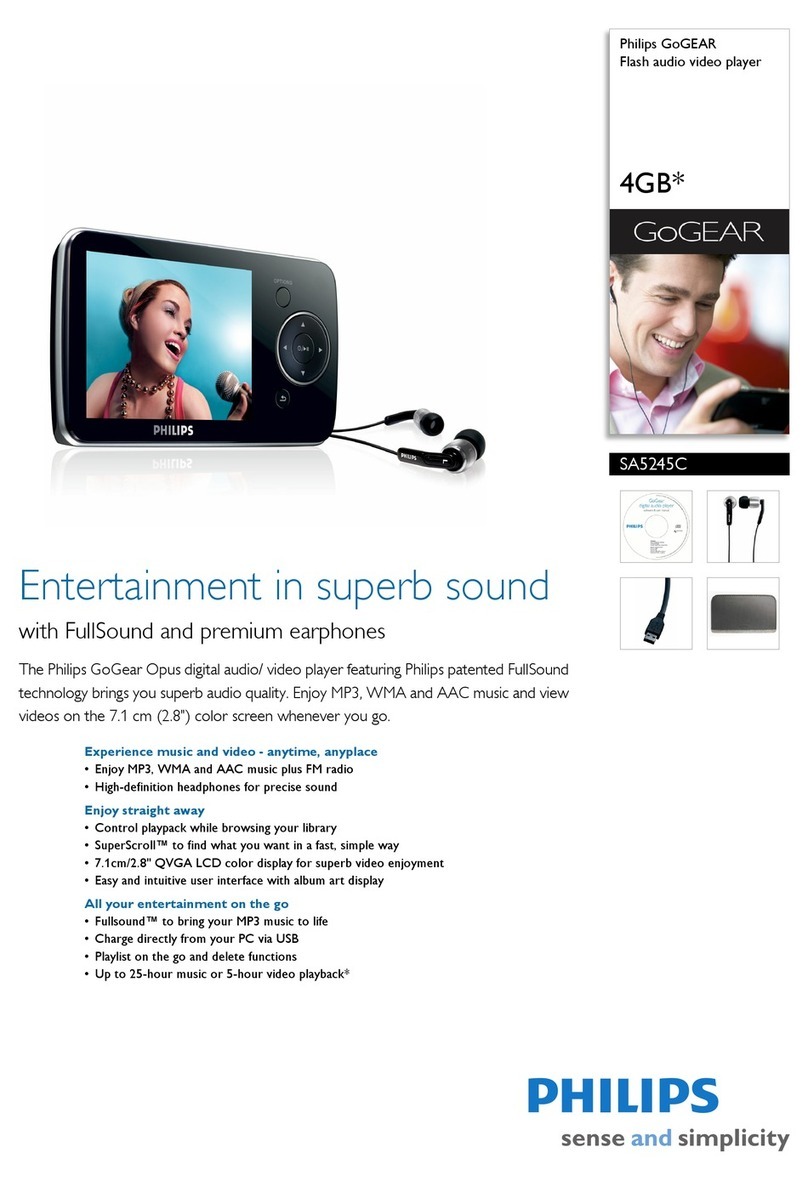
Philips GoGear SA5245C User manual

Philips

Philips GoGear SA5245C User manual

Philips GoGear SA3015 User manual

Philips

Philips GoGear SA3015 User manual
Philips SA4VBE08KN/12 User manual

Philips

Philips SA4VBE08KN/12 User manual
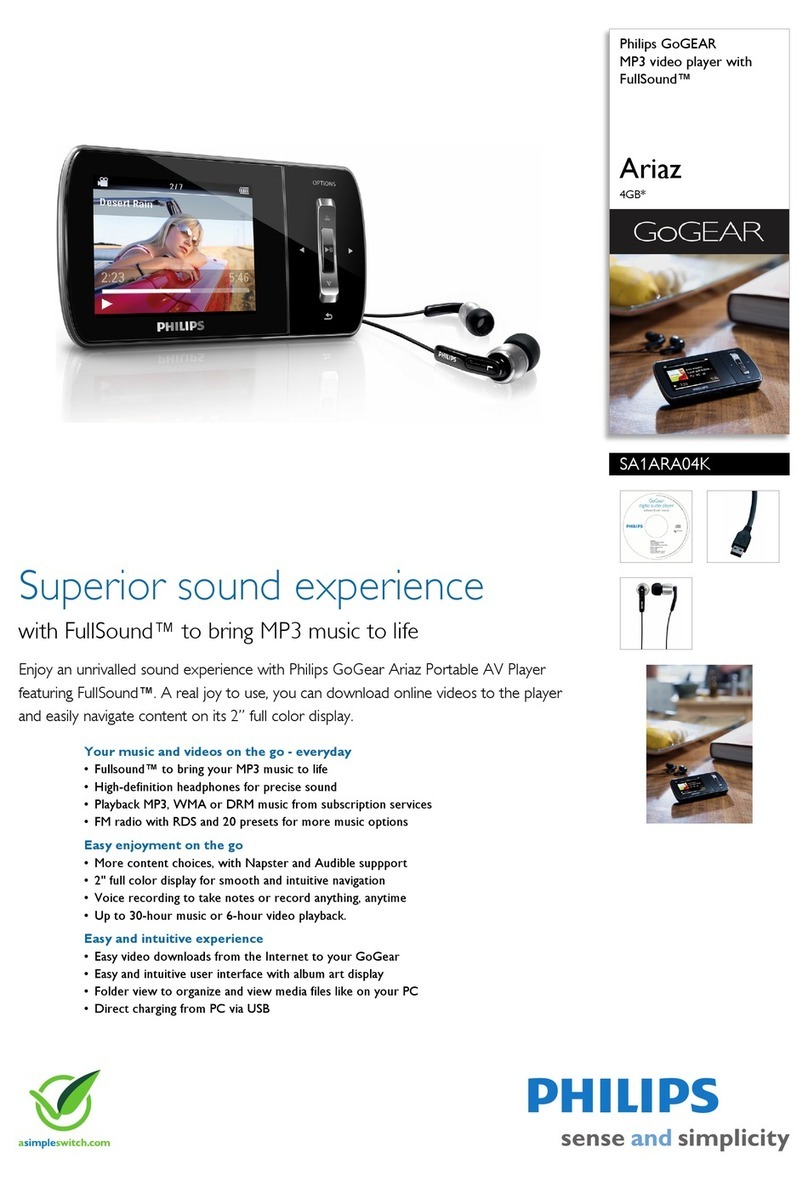
Philips GoGear SA1ARA04K User manual

Philips

Philips GoGear SA1ARA04K User manual

Philips GoGear SA1MXX02B User manual

Philips

Philips GoGear SA1MXX02B User manual

Philips GoGear Ariaz User manual

Philips

Philips GoGear Ariaz User manual

Philips AZ3846 User manual

Philips

Philips AZ3846 User manual
Philips AZ1836 User manual

Philips

Philips AZ1836 User manual

Philips ACT211 User manual

Philips

Philips ACT211 User manual

Philips GoGear SA2515 User manual

Philips

Philips GoGear SA2515 User manual
Philips PSS110/05 User manual

Philips

Philips PSS110/05 User manual

Philips GOGEAR VIBE SA2VBE04RC User manual

Philips

Philips GOGEAR VIBE SA2VBE04RC User manual

Philips AZ1833/12 User manual

Philips

Philips AZ1833/12 User manual
Philips AZ3830/12 User manual

Philips

Philips AZ3830/12 User manual

Philips GoGear SA6014 User manual

Philips

Philips GoGear SA6014 User manual

Philips GoGear SA2925 User manual

Philips

Philips GoGear SA2925 User manual

Philips GoGear ViBE SA1VBE04K/ User manual

Philips

Philips GoGear ViBE SA1VBE04K/ User manual

Philips SA1924/02 User manual

Philips

Philips SA1924/02 User manual

Popular MP3 Player manuals by other brands

Blaupunkt Compact Drive MP3 operating instructions

Blaupunkt

Blaupunkt Compact Drive MP3 operating instructions

Memorex MMP9008 - 8GB USB 2.0 user guide

Memorex

Memorex MMP9008 - 8GB USB 2.0 user guide

Meizu Electronic Technology E5 user manual

Meizu Electronic Technology

Meizu Electronic Technology E5 user manual

Naxa NMV-173NX user manual

Naxa

Naxa NMV-173NX user manual

Zipy go! Waving user guide

Zipy

Zipy go! Waving user guide

Sylvania SMPK4068 manual

Sylvania

Sylvania SMPK4068 manual

Sony NW-MS7 - Memory Stick Walkman Service manual

Sony

Sony NW-MS7 - Memory Stick Walkman Service manual

Irradio RF-42UC user manual

Irradio

Irradio RF-42UC user manual

NABAIJI SWIM MUSIC 100 user guide

NABAIJI

NABAIJI SWIM MUSIC 100 user guide

Laser MP3-A9-4GB user manual

Laser

Laser MP3-A9-4GB user manual

Samsung YP-T7F Service manual

Samsung

Samsung YP-T7F Service manual

Savant SMS-1001-00 Deployment guide

Savant

Savant SMS-1001-00 Deployment guide

Trevi XP 71 BT user guide

Trevi

Trevi XP 71 BT user guide

MobiBlu DAH-1500i user manual

MobiBlu

MobiBlu DAH-1500i user manual

Denver MPS-201 user manual

Denver

Denver MPS-201 user manual

Steren MP3-002 instruction manual

Steren

Steren MP3-002 instruction manual

Kenwood M1GD50 instruction manual

Kenwood

Kenwood M1GD50 instruction manual

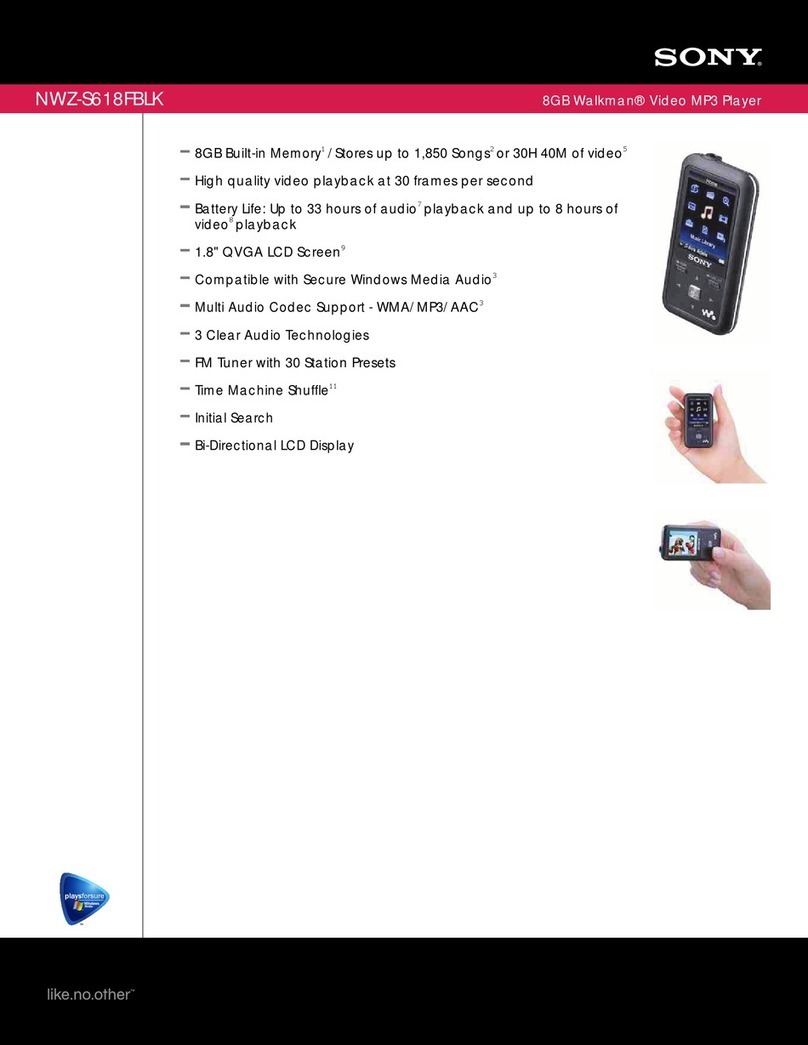
Sony NWZS618FB Specifications

Sony

Sony NWZS618FB Specifications

https://manuals.online logo
https://manuals.online logoBrands
  • About & Mission
  • Contact us
  • Privacy Policy
  • Terms and Conditions

Copyright 2026 Manuals.Online. All Rights Reserved.

R L
要获取最新的 Philips Songbird 和用户手册,可从
www.philips.com/Songbird 和 www.philips.com/support 网站下载
关于本播放器的防水规格
本播放器的防水规格达到IEC60529防护等级IPX5:
• 该IPX5防护等级测试涉及本播放器外壳的各个侧面, 但不包括耳机部
分且测试在USB盖完全闭合时进行;
• 本播放器受到如下水流喷射时仍能正常工作:水流来自内直径 6.3 mm
的喷水口;水流量每分钟12.5升,水喷射时间至少3分钟,且喷射距离
约3米。
要取得最新 Philips Songbird 及用戶手冊,請於
www.philips.com/Songbird 及 www.philips.com/support 下載。
GoGEAR
SA4ACT04
GoGEARPhilips GoGear MP3 playe r
Quick start guide
Registeryourproduct and get suppor t at
www.philips.com/welcome
Quick start guide
Register your product and get support at
www.philips.com/welcome
Setup.exe
Specifications are subject to change without notice
© 2012 Koninklijke Philips Electronics N.V.
Safety andWarranty
Before using your set:
Check out details inside this booklet
Philips GoGEAR MP3 Player
Quick start guide
Unpack
Install Philips Songbird
Sync Use
To get the latest Philips Songbird and user manuals, download from
www.philips.com/Songbird and www.philips.com/support.
About the water-resistance specifications of ACTION
The water-resistance specifications of the player meets the Ingress Protection
Rating (IP Code) IPX5 of IEC60529:
• The test for compliance with IPX5 is conducted for each surface of the
enclosure of the player, except for the headphone sections and when the
USB cover of the player is closed properly;
• The player can work normally when it is subject to water that jets from a
nozzle with an opening of 6.3-mm diameter, at a flow rate of 12.5 liters
per minute, for a duration of more than three minutes, and from a
distance of about three meters.
XP (SP3) / Vista / 7
500Mb
LED
All rights reserved.
SA4Action_93_QSG_V1.0
wk1213.2
快速入门指南
快速入門指南
打開包裝
打开包装
安裝
安装
同步
同步
使用
使用
RESET
R
按下以选择上一首/下一首歌曲。如需打开或关闭随机播放,同时
按住两个按键。你可听到语音提示。
按鍵以選擇前一首/下一首曲目。如需開啟或關閉隨機播放,同時
按住兩個按鍵。你可聽到語音提示。
按下以增大/减小音量。如需打开或关闭飞声功能,同时按住两个
按键。你可听到语音提示。
按鍵以增大/減小音量。如需開啟或關閉FullSound,同時按住兩個
按鍵。你可聽到語音提示。
按下以获取电池电量信息。按住以打开或关闭锻炼跟踪模式。当锻
炼跟踪模式打开时,按下以获取锻炼状态信息。
有关支持信息,请转到 www.philips.com/support。
本机对按键操作无反应
按鍵以獲取電池電量信息。按住以開啟或關閉運動跟蹤模式。當運
動跟蹤模式開啟時,按鍵以獲取運動狀態信息。
請到 www.philips.com/support 獲取有關支持信息。
裝置對按鍵操作沒有響應
Charge
Help
Go to www.philips.com/support for support information.
Device does not respond to
the pressing of keys
Press and hold until the indicator lights up. Blue light: Power on. Red
light: Power off
|
按住直到指示灯亮起。蓝色指示灯:开启。红色指
示灯:关闭
|
按住直至指示燈亮起。 藍燈:開啟. 紅燈:關閉
Press to pause/ resume play.
|
按下以暂停/继续播放。
|
按鍵以暫停/
恢復播放。
Press to select the previous/ next song. To switch random play on
or off, press and hold the two buttons together. You hear the voice
feedback.
Red light: Power charging ongoing
Blue light: Power charging complete
紅燈:充電進行中
藍燈:充電完成
红色指示灯:正在充电
蓝色指示灯:充电完成
Press to increase/ decrease the volume. To switch FullSound on or
off, press and hold the two buttons together. You hear the voice
feedback.
Press to check the battery level. Press and hold to switch the workout
mode on or off. When the workout mode is on, press to check your
workout information.
充电
充电
說明
帮助