EnglishDeutsch
 logo
Brands
  1. Home
  2. •
  3. Brands
  4. •
  5. Philips
  6. •
  7. MP3 Player
  8. •
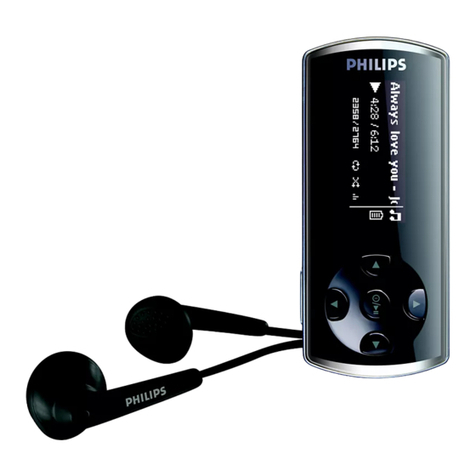
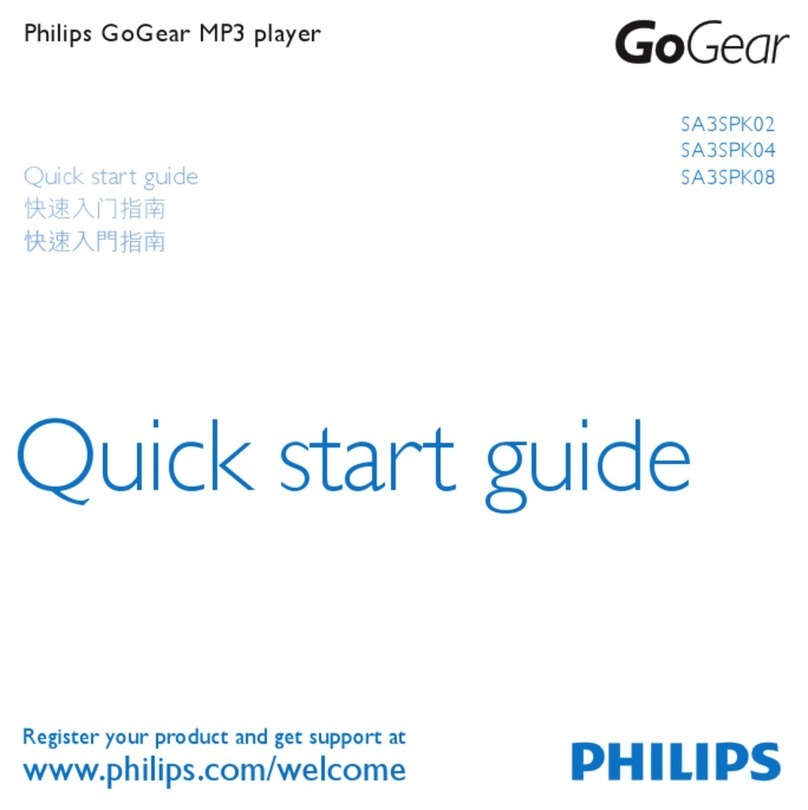
  9. Philips GoGEAR SA4MIN 02 User manual

Philips GoGEAR SA4MIN 02 User manual

This manual suits for next models

1

Other Philips MP3 Player manuals

Philips GoGEAR SA4DOT02 Operating and maintenance instructions

Philips

Philips GoGEAR SA4DOT02 Operating and maintenance instructions

Philips ACT215/05 User manual

Philips

Philips ACT215/05 User manual

Philips SA3CNT16K/37 User manual

Philips

Philips SA3CNT16K/37 User manual

Philips GoGear SA4425 User manual

Philips

Philips GoGear SA4425 User manual

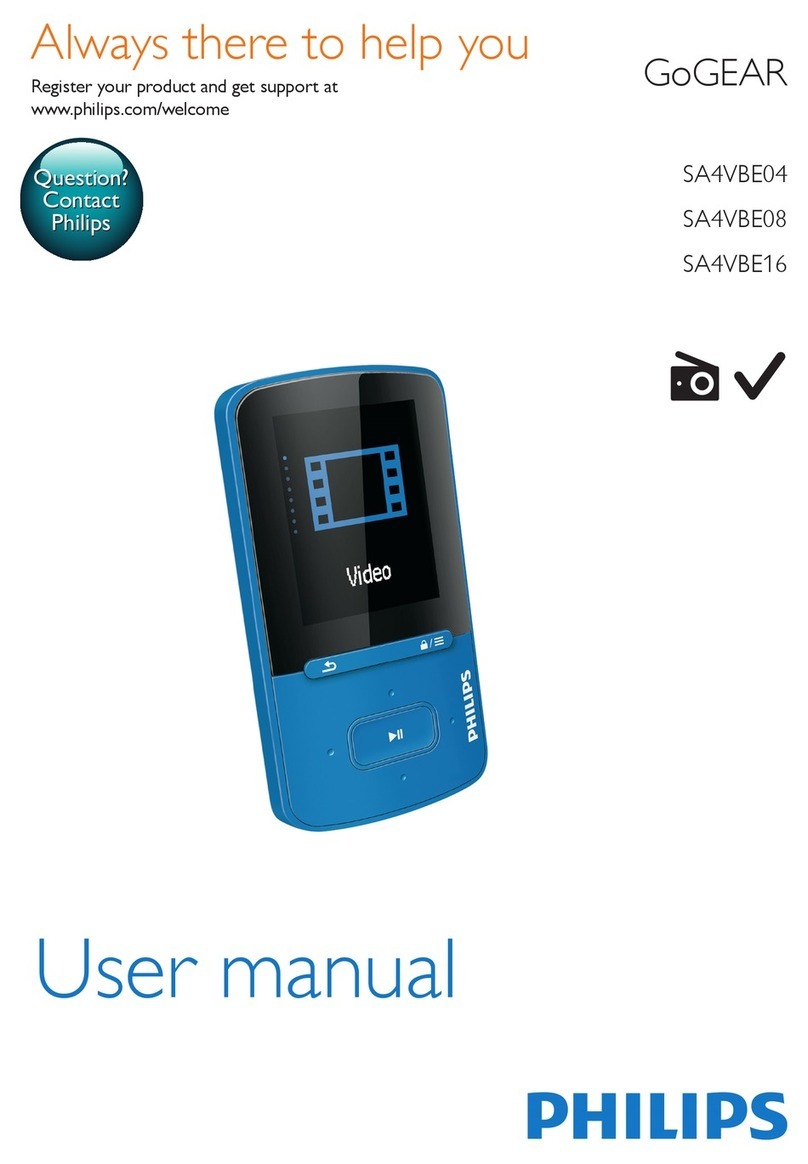
Philips Go GEAR SA4VBE04 User manual

Philips

Philips Go GEAR SA4VBE04 User manual

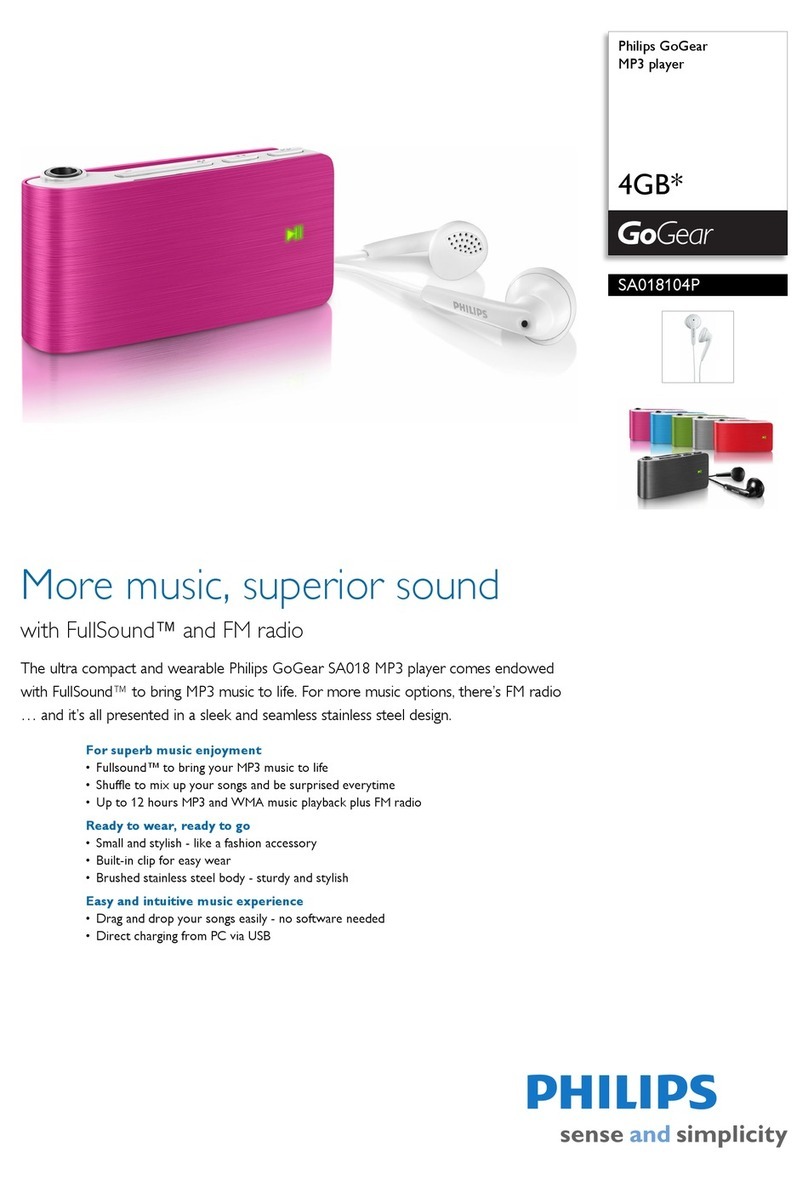
Philips SA018104P User manual

Philips

Philips SA018104P User manual

Philips HDD1830 8GB User manual

Philips

Philips HDD1830 8GB User manual

Philips GoGear HDD1630 User manual

Philips

Philips GoGear HDD1630 User manual

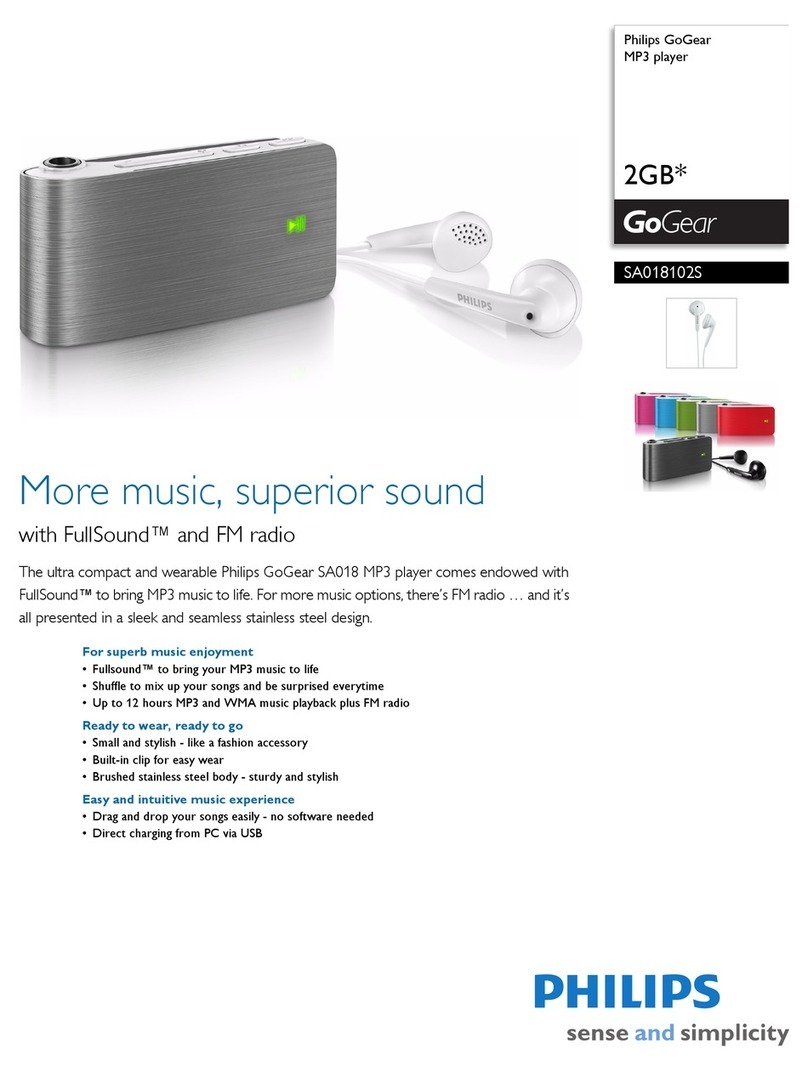
Philips GoGear SA018102S User manual

Philips

Philips GoGear SA018102S User manual

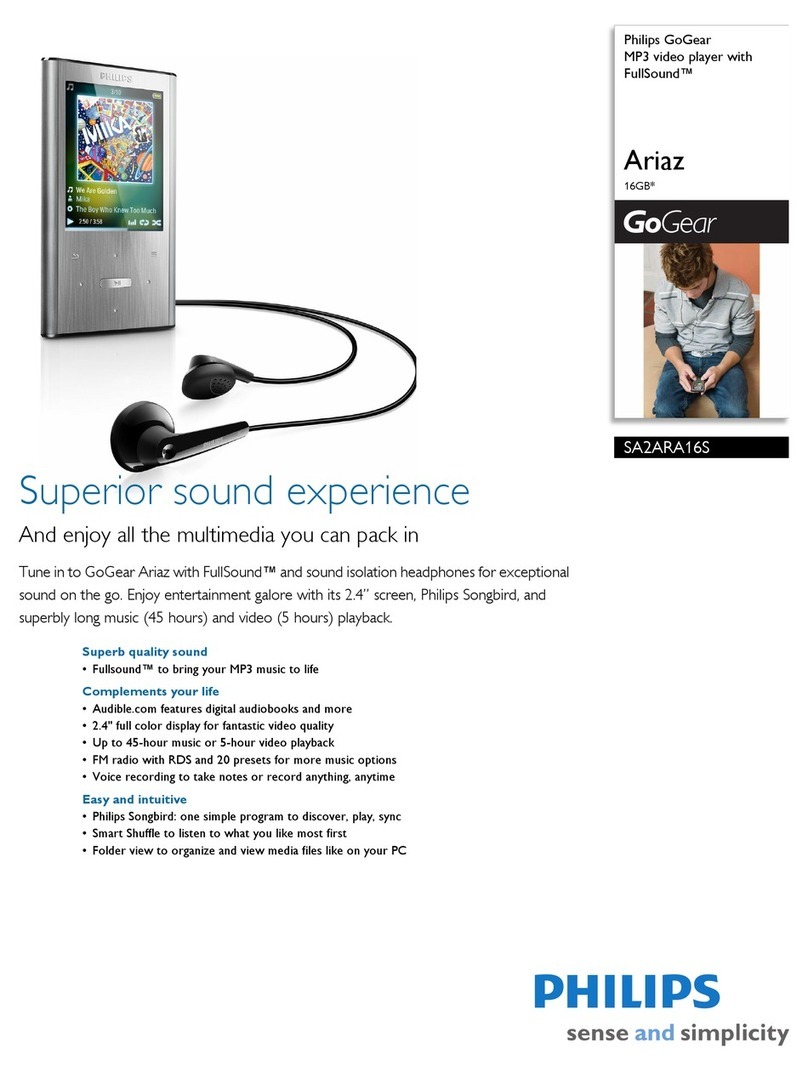
Philips GoGear SA2ARA16S User manual

Philips

Philips GoGear SA2ARA16S User manual

Philips GoGEAR Ariaz SA4ARA16KF/37 User manual

Philips

Philips GoGEAR Ariaz SA4ARA16KF/37 User manual

Philips GOGEAR VIBE SA2VBE08KC User manual

Philips

Philips GOGEAR VIBE SA2VBE08KC User manual

Philips SA1VBE08K - GoGear ViBE - 8 GB Digital... User manual

Philips

Philips SA1VBE08K - GoGear ViBE - 8 GB Digital... User manual

Philips GoGear HDD1835 User manual

Philips

Philips GoGear HDD1835 User manual

Philips GoGear SA3SPK02 User manual

Philips

Philips GoGear SA3SPK02 User manual

Philips GoGear SA2615 User manual

Philips

Philips GoGear SA2615 User manual

Philips GoGear SA5285 User manual

Philips

Philips GoGear SA5285 User manual

Philips SA2012/93 User manual

Philips

Philips SA2012/93 User manual

Philips GoGEAR SA4DOT02 User manual

Philips

Philips GoGEAR SA4DOT02 User manual

Philips GoGear Mix SA1MXX04W User manual

Philips

Philips GoGear Mix SA1MXX04W User manual

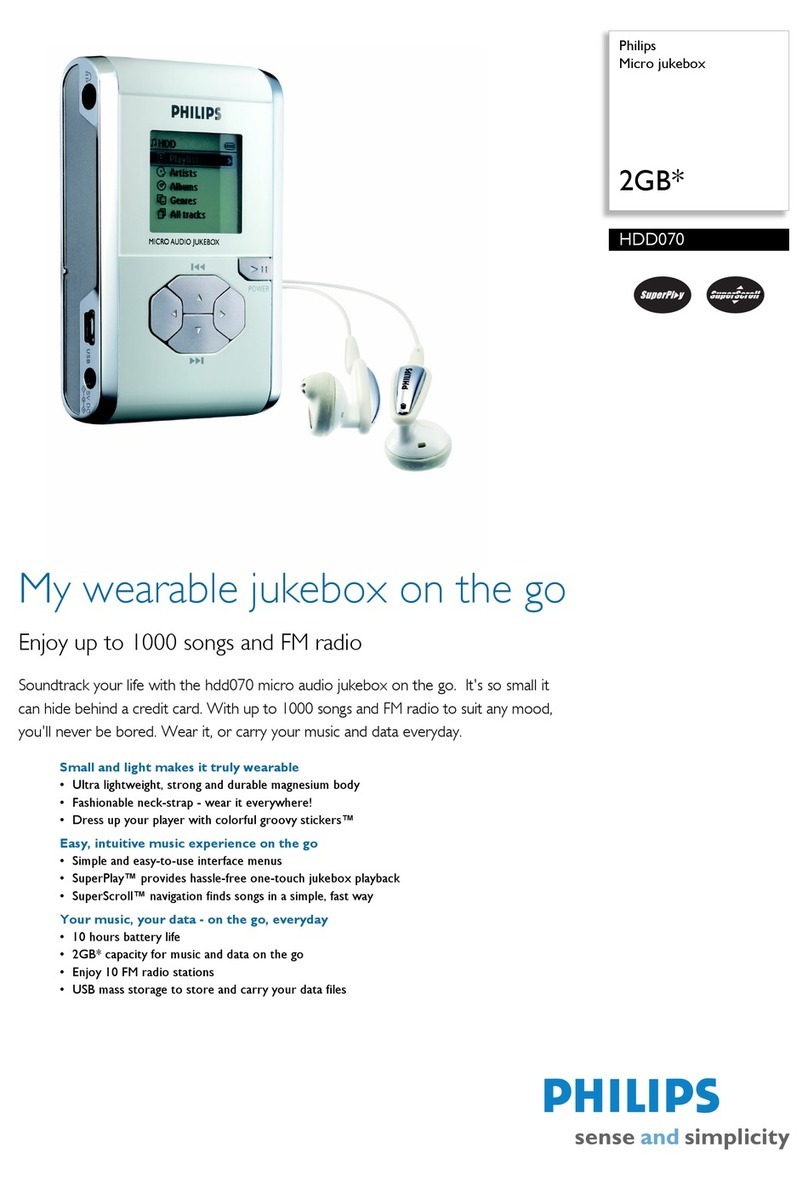
Philips HDD070 - 2 GB Digital Player User manual

Philips

Philips HDD070 - 2 GB Digital Player User manual

Philips GOGEAR VIBE SA2VBE08K User manual

Philips

Philips GOGEAR VIBE SA2VBE08K User manual

Philips GoGEAR SA4DOT02 Troubleshooting guide

Philips

Philips GoGEAR SA4DOT02 Troubleshooting guide

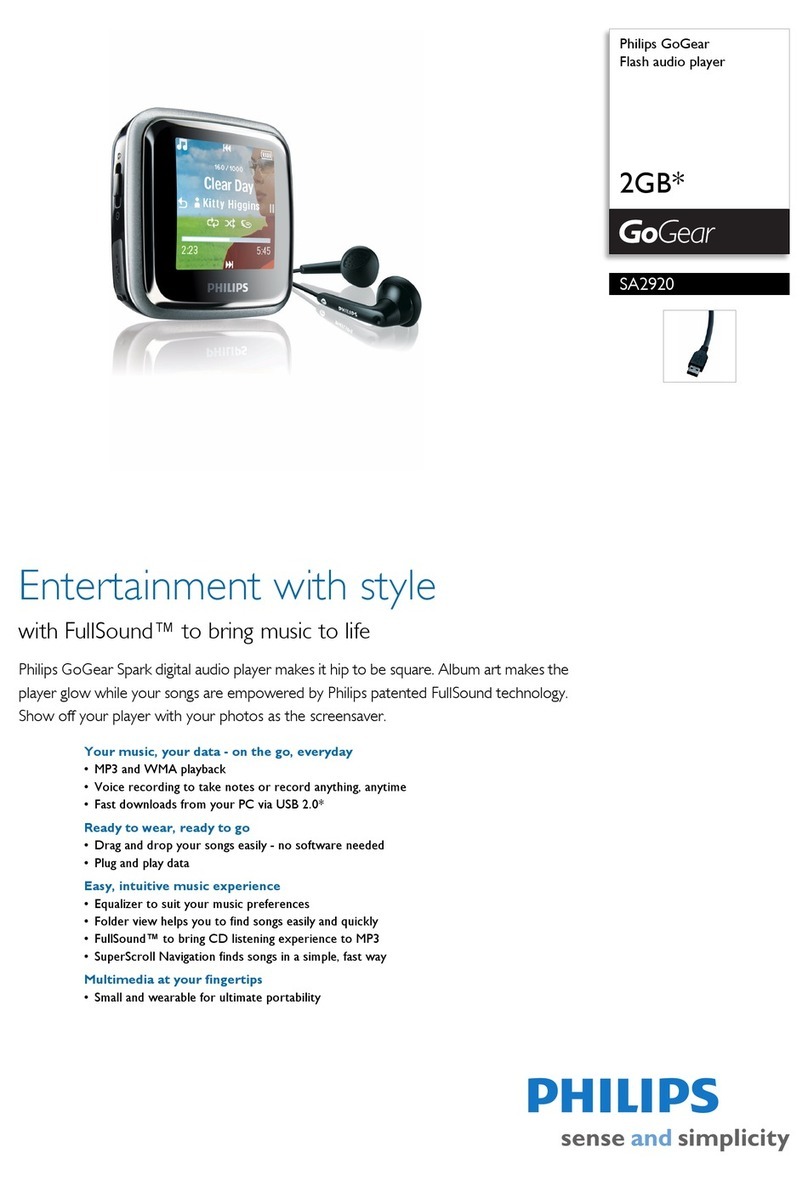
Philips GoGear SA2920 User manual

Philips

Philips GoGear SA2920 User manual

Popular MP3 Player manuals by other brands

Blaupunkt Compact Drive MP3 operating instructions

Blaupunkt

Blaupunkt Compact Drive MP3 operating instructions

Memorex MMP9008 - 8GB USB 2.0 user guide

Memorex

Memorex MMP9008 - 8GB USB 2.0 user guide

Meizu Electronic Technology E5 user manual

Meizu Electronic Technology

Meizu Electronic Technology E5 user manual

Naxa NMV-173NX user manual

Naxa

Naxa NMV-173NX user manual

Zipy go! Waving user guide

Zipy

Zipy go! Waving user guide

Sylvania SMPK4068 manual

Sylvania

Sylvania SMPK4068 manual

Sony NW-MS7 - Memory Stick Walkman Service manual

Sony

Sony NW-MS7 - Memory Stick Walkman Service manual

Irradio RF-42UC user manual

Irradio

Irradio RF-42UC user manual

NABAIJI SWIM MUSIC 100 user guide

NABAIJI

NABAIJI SWIM MUSIC 100 user guide

Laser MP3-A9-4GB user manual

Laser

Laser MP3-A9-4GB user manual

Samsung YP-T7F Service manual

Samsung

Samsung YP-T7F Service manual

Savant SMS-1001-00 Deployment guide

Savant

Savant SMS-1001-00 Deployment guide

Trevi XP 71 BT user guide

Trevi

Trevi XP 71 BT user guide

MobiBlu DAH-1500i user manual

MobiBlu

MobiBlu DAH-1500i user manual

Denver MPS-201 user manual

Denver

Denver MPS-201 user manual

Steren MP3-002 instruction manual

Steren

Steren MP3-002 instruction manual

Kenwood M1GD50 instruction manual

Kenwood

Kenwood M1GD50 instruction manual

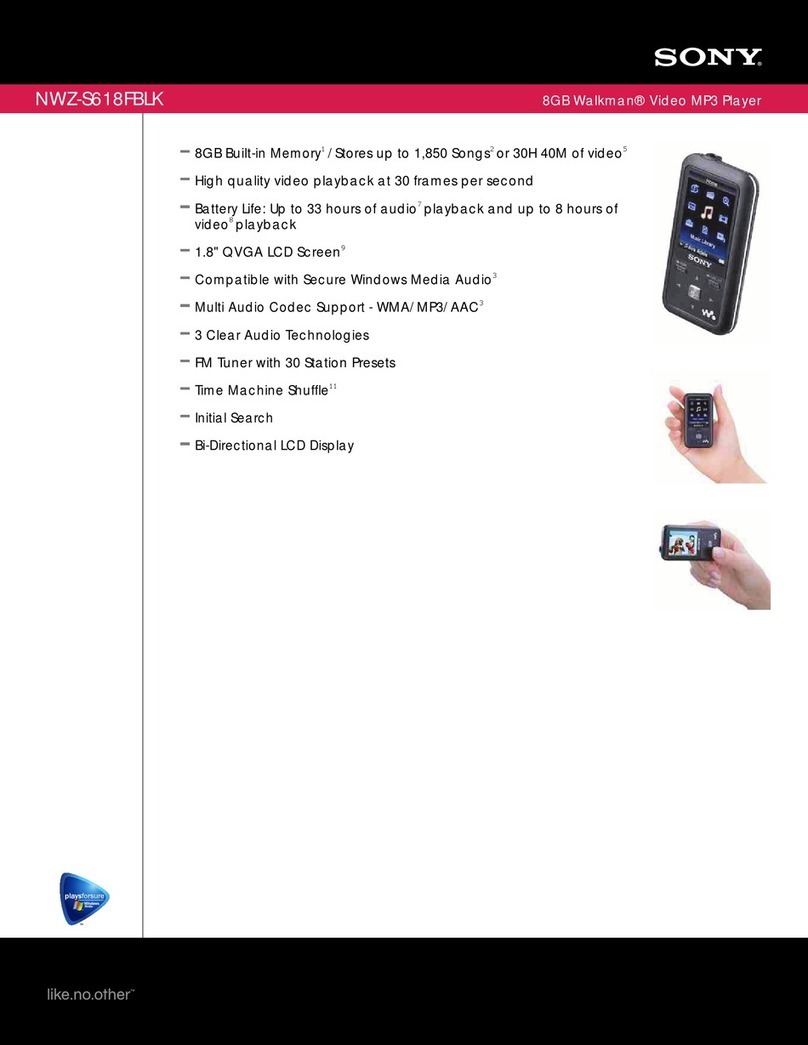
Sony NWZS618FB Specifications

Sony

Sony NWZS618FB Specifications

https://manuals.online logo
https://manuals.online logoBrands
  • About & Mission
  • Contact us
  • Privacy Policy
  • Terms and Conditions

Copyright 2026 Manuals.Online. All Rights Reserved.

Specifications are subject to change without notice
© 2012 Koninklijke Philips Electronics N.V.
All rights reserved.
wk1231.2
2 3
12
Use
1
Sync
Unpack
SA4MIN 02
SA4MIN 04
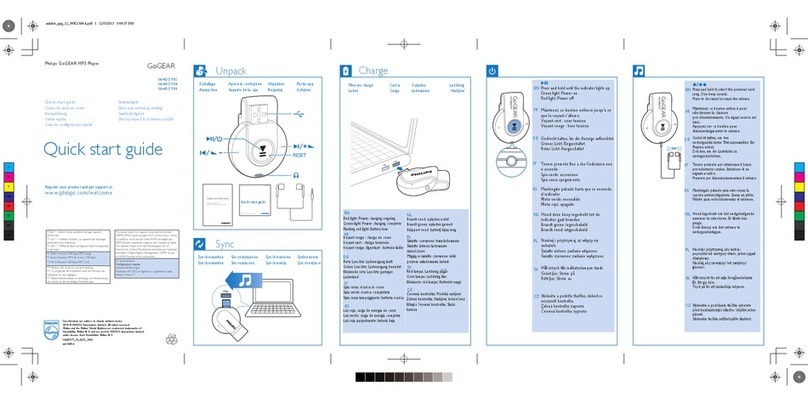
Quick start guide
GoGEAR
Philips GoGEAR MP3 Player
Register your product and get support at
www.philips.com/welcome Philips GoGear
MINI
Philips GoGear
SA3MXX
Install
1
1
2
2
E
Quick start guide
Guide de mise en route
Kurzanleitung
Guida rapida
Guía de configuración rápida
SA4MIN 02
SA4MIN 04
Philips GoGear MP3 pla yer
Quick start guide
Registeryourproduct and get support at
www.philips.com/welcome
Safety andWarranty
Before using yourset:
Check out details inside this booklet
SA4MIN02
SA4MIN0 4
Quick start guide
GoGEAR
GoGEAR
Philips GoGEAR MP3 Player
Register your product and get support at
www.philips.com/welcome
Sáquelo de la caja
Aprire la confezione
Déballage
Auspacken
InstalaciónInstallation
ImpostazioneInstallieren
Software installation does not happen |
L'installation du logiciel n'a pas lieu |
Die
Software wird nicht installiert
| La
instalación de software no se completa |
L'installazione del software non si avvia
SincronizaciónSynchronisation
SincronizzazioneSynchronisation Verwendung Uso
Utilisation Uso
SA4MIN_12.1_QSG_V1.0
Windows XP (SP3 or higher/ ou
supérieure/ oder höher) / Vista / 7
PC requirements
Systemanforderungen
*1GB = 1 billion bytes; available
storage capacity will be less.
*1 Go= 1 milliard d’octets; la
capacité de stockage disponible sera
inférieure.
*1GB = 1 Milliarde Byte; verfügbare
Speicherkapazität ist geringer.
** With 4 minute 128 kbps MP3
songs
** Avec chansons MP3 de 4 min,
128 kbps
** Mit 4 Minuten 128 kbps MP3
Titel
*** Battery life varies by use and
settings.
*** La longévité de la batterie varie
en fonction de l’utilisation et des
réglages.
*** Batterielebensdauer ist
abhängig von Verwendung des
Geräts & den jeweiligen
Einstellungen.
This player does not support
copyright protected (DRM)
WMA tracks bought from
on-line music stores.
Ce jukebox ne lit pas les titres
WMA protégés par DRM
achetés auprèsde magasins de
musique en ligne.
Von diesem Player wird die
Wiedergabe von im Internet bei
Online-Musikstores erworbenen,
kopierge-schützten (‘Digital
Rights Management’, DRM)
Songs im WMA-Format nicht
unterstützt.
To get the latest Philips Device Manager and user manuals,
download from www.philips.com/support. |Téléchargez
le Philips Device Manager et les manuels d'utilisation les
plus récents sur www.philips.com/support. | Die neuste
Version von Philips Device Manager und Benutzerhand-
büchern können Sie unter www.philips.com/support
herunterladen. | Para obtener la versión más reciente de
Philips Device Manager y los manuales de usuario,
descárguelos en www.philips.com/support. | Per ottenere
l'ultima versione di Philips Device Manager e dei manuali
dell'utente, scaricarli da www.philips.com/support.
Help
On/Off
Press and hold to switch on/off
|Maintenir la
touche enfoncée pour allumer/éteindre |
Gedrückt
halten, um das Gerät ein-/auszuschalten
|
Manténgalo pulsado para encender/apagar el
dispositivo | Tenere premuto per accendere/spegnere
Navigate through the list of options
|
Parcourir la
liste d'options
|
Navigieren Sie durch die
Optionsliste.
| Permiten navegar por la lista de
opciones | Sfogliare l'elenco delle opzioni
2;
Press to start, pause, or resume play
|
Appuyer
sur cette touche pour lancer, suspendre ou
reprendre la lecture
|
Drücken, um die
Wiedergabe anzuhalten, zu unterbrechen
oder fortzusetzen
|
Púlselo para iniciar, pausar
o reanudar la reproducción
| Premere per
avviare, sospendere o riprendere la riproduzione
On the play screen, press to skip songs; press and
hold to fast forward or rewind. |Sur l'écran de
lecture, appuyer sur la touche pour passer les
chansons; maintenir la touche
enfoncée pour faire défiler rapidement vers l'avant
ou l'arrière. |
Auf dem Wiedergabebildschirm:
drücken, um Titel zu überspringen; gedrückt
halten für schnellen Vor- oder Rücklauf
| En la
pantalla de reproducción, púlselo para saltar
canciones; manténgalo
pulsado para avanzar o retroceder rápidamente. |
Sulla schermata di riproduzione, premere per
saltare le canzoni; tenere
premuto per andare avanti o indietro veloce.
2;
Select options
|
Sélectionner des options
|
Optionen auswählen
|
Selecciona opciones
|
Seleziona opzioni
Press to go back one level
|
Appuyez pour revenir
au niveau supérieur
|
Drücken, um die
nächsthöhere Ebene aufzurufen
| Púlselo para
volver al nivel anterior. | Premere per tornare
indietro di un livello.
Navigate NavegarNaviguer
NavigaNavigieren
Activar/desactivarMarche/arrêt
On/offEin-/Ausschalten
2;
On the list of options, or the play or pause/ stop
screen, press and hold to view the options menu.
|
Dans la liste d'options ou sur l'écran de lecture
ou de pause/stop, appuyer sur la touche pour
afficher le menu d'options
|
In der Optionsliste
oder dem Bildschirm zum
Wiedergeben/Unterbrechen/Beenden
drücken, um das Optionsmenüanzuzeigen.
|
En la lista de opciones o la pantalla de reproducción
o pausa/detención, púlselo para ver el menú de
opciones
| Nell'elenco delle opzioni, o nella
schermata di riproduzione, pausa/arresto, premere
per visualizzare il menu delle opzioni
View
options Ver opciones
Afficher des options
Visualizza opzioni
Optionen anzeigen
Ayuda

Aide
GuidaHilfe
Device does not respond
to the pressing of keys |
L'appareil ne répond pas
aux pressions de boutons |
Das Gerät reagiert nicht
auf Tastendruck. |
El dispositivo no responde
al pulsar los botones | Il
dispositivo non risponde
alla pressione dei tasti
Go to www.philips.com/support for support
information. |Rendez-vous sur
www.philips.com/support pour des informations
relatives à l'assistance. | Besuchen Sie
www.philips.com/support für Support-
Informationen.
| Vaya a www.philips.com/support
para obtener información de asistencia. | Andare su
www.philips.com/support per informazioni
sull'assistenza