manuals.online logo
Brands
  1. Home
  2. •
  3. Brands
  4. •
  5. Philips
  6. •
  7. Portable DVD Player
  8. •
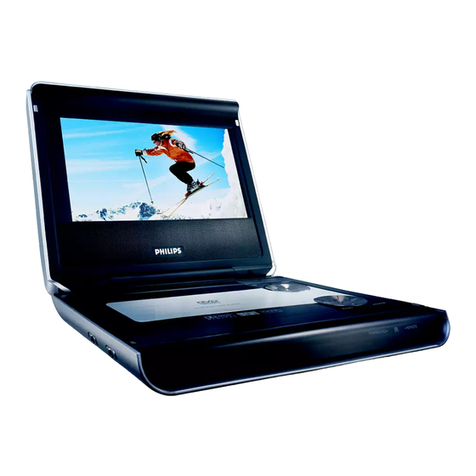
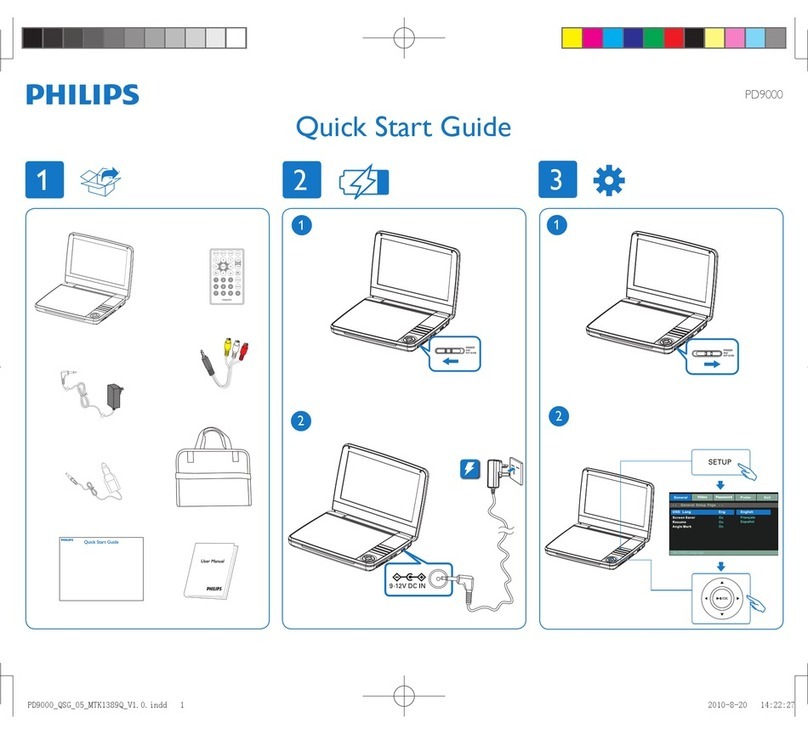
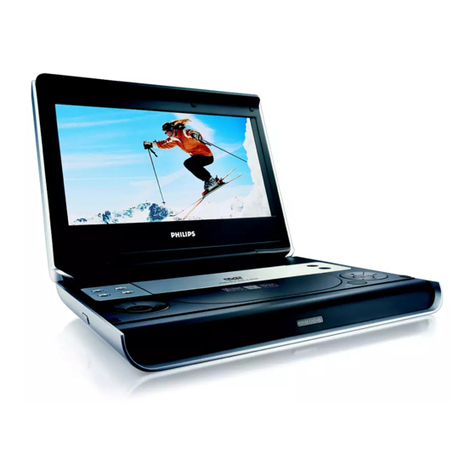
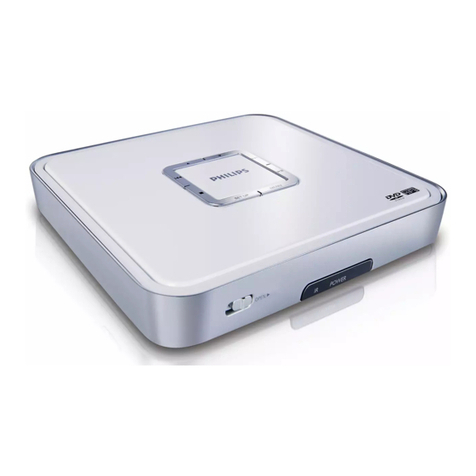
  9. Philips PET718/05 User manual

Philips PET718/05 User manual

Other manuals for PET718/05

1

This manual suits for next models

3

Other Philips Portable DVD Player manuals

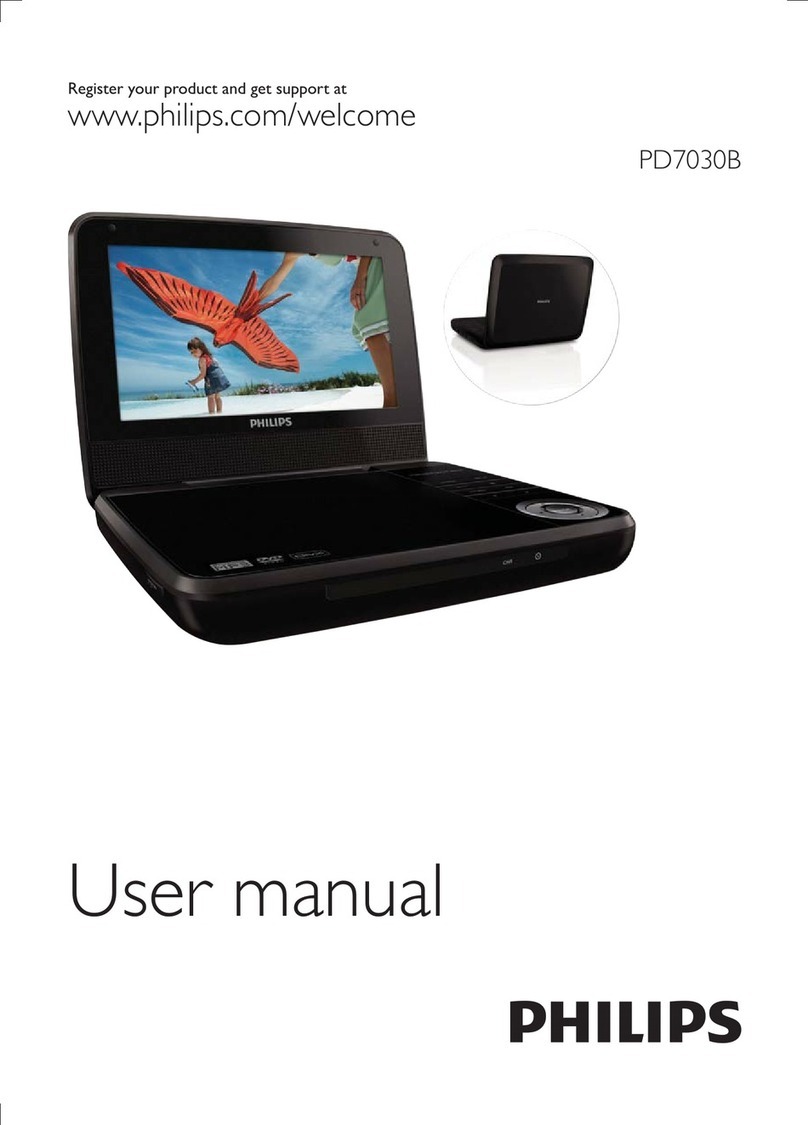
Philips PET2008/93 User manual

Philips

Philips PET2008/93 User manual

Philips PET816/98 User manual

Philips

Philips PET816/98 User manual

Philips PET830 User manual

Philips

Philips PET830 User manual

Philips PD7016/37 User manual

Philips

Philips PD7016/37 User manual

Philips PET729 User manual

Philips

Philips PET729 User manual

Philips PET702 User manual

Philips

Philips PET702 User manual

Philips PET730 User manual

Philips

Philips PET730 User manual

Philips PET710 User manual

Philips

Philips PET710 User manual

Philips PET816/98 User manual

Philips

Philips PET816/98 User manual

Philips PET742/12 User manual

Philips

Philips PET742/12 User manual

Philips PD7008 User manual

Philips

Philips PD7008 User manual

Philips PET824 User manual

Philips

Philips PET824 User manual

Philips PD7016 User manual

Philips

Philips PD7016 User manual

Philips PD7000C User manual

Philips

Philips PD7000C User manual

Philips PET824 User manual

Philips

Philips PET824 User manual

Philips PD9048/55 User manual

Philips

Philips PD9048/55 User manual

Philips PD9000/07 User manual

Philips

Philips PD9000/07 User manual

Philips PET706 User manual

Philips

Philips PET706 User manual

Philips PET749 User manual

Philips

Philips PET749 User manual

Philips PET830 User manual

Philips

Philips PET830 User manual

Philips PD7030/51 User manual

Philips

Philips PD7030/51 User manual

Philips PET821 PET825 User manual

Philips

Philips PET821 PET825 User manual

Philips PET100/12 User manual

Philips

Philips PET100/12 User manual

Philips PET831 User manual

Philips

Philips PET831 User manual

Popular Portable DVD Player manuals by other brands

Impecca DVP775 user manual

Impecca

Impecca DVP775 user manual

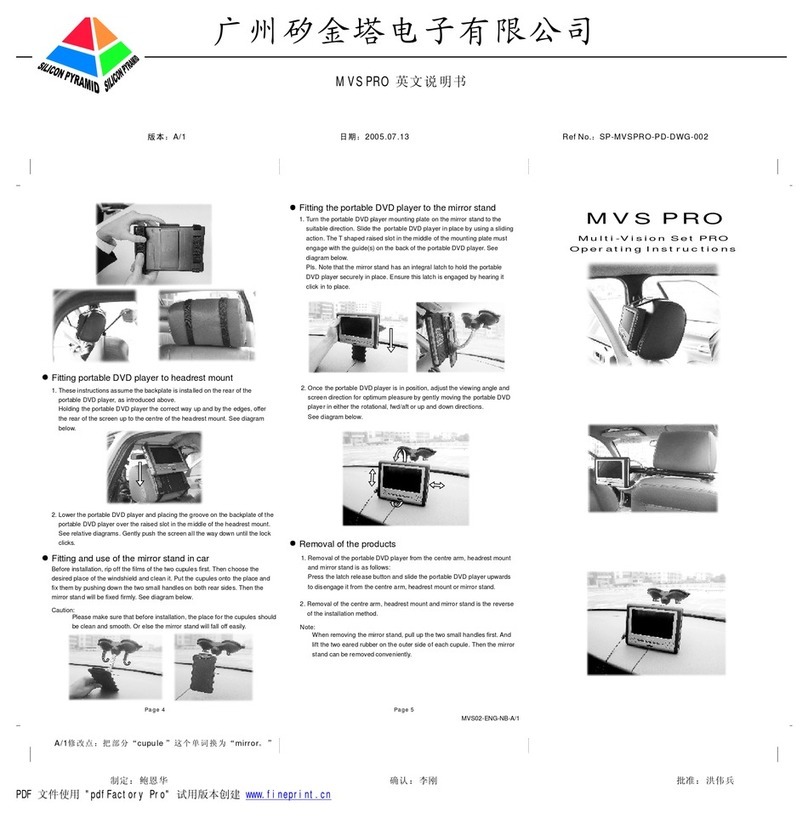
NextBase MULTI-VISION SET PRO manual

NextBase

NextBase MULTI-VISION SET PRO manual

TV Star TD3 LCD COMBO user manual

TV Star

TV Star TD3 LCD COMBO user manual

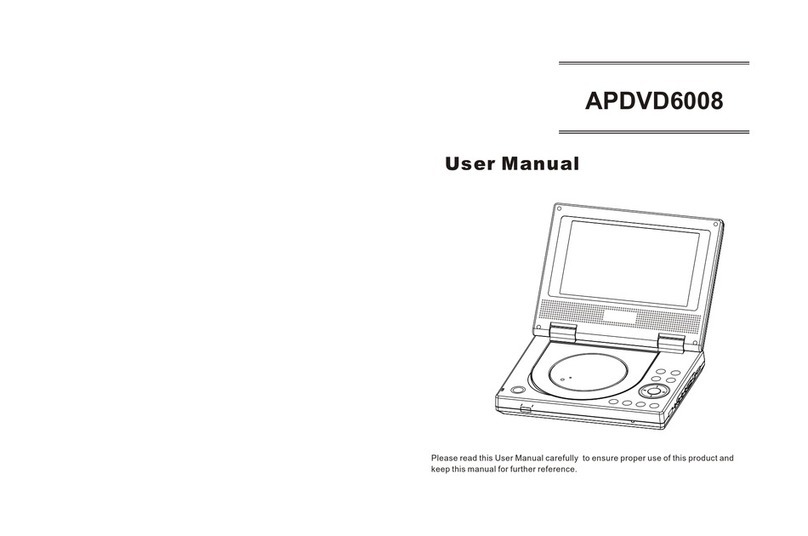
Akura APDVD6008 user manual

Akura

Akura APDVD6008 user manual

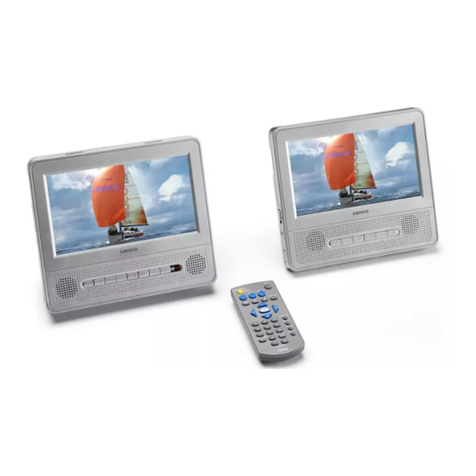
LENCO MES-202 operating manual

LENCO

LENCO MES-202 operating manual

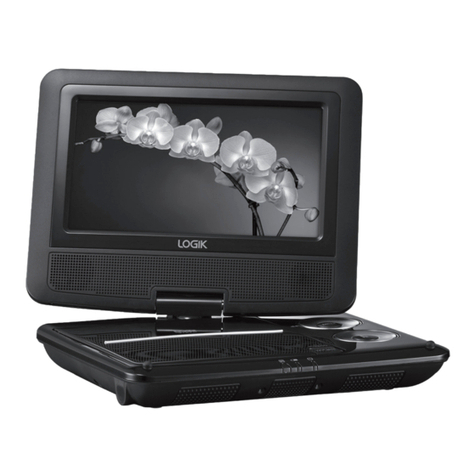
Logik L7SPDVD11 instruction manual

Logik

Logik L7SPDVD11 instruction manual

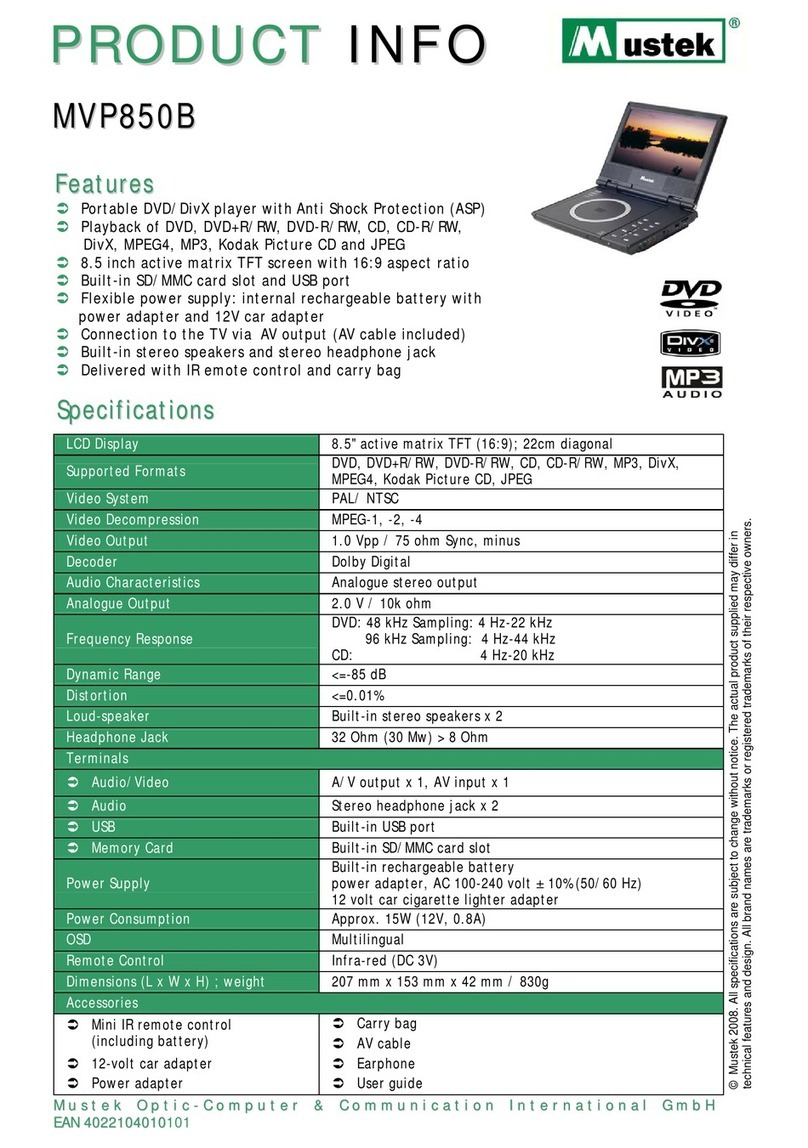
Mustek MVP850B user guide

Mustek

Mustek MVP850B user guide

Insignia NS-MDDVD10 user guide

Insignia

Insignia NS-MDDVD10 user guide

LENCO DVP-1027 instruction manual

LENCO

LENCO DVP-1027 instruction manual

LENCO DVP-846 brochure

LENCO

LENCO DVP-846 brochure

LENCO DVP-928 user manual

LENCO

LENCO DVP-928 user manual

Akai ACVDS820T Operator's manual

Akai

Akai ACVDS820T Operator's manual

Sharp DV-L80S Operation manual

Sharp

Sharp DV-L80S Operation manual

Matsui PL617 user guide

Matsui

Matsui PL617 user guide

Avayon DXP-10P II owner's manual

Avayon

Avayon DXP-10P II owner's manual

RCA DRC97283 user manual

RCA

RCA DRC97283 user manual

Nevir NVR-2762DVD-PGUTHD user manual

Nevir

Nevir NVR-2762DVD-PGUTHD user manual

Sylvania SDVD8728-Black operating manual

Sylvania

Sylvania SDVD8728-Black operating manual

manuals.online logo
manuals.online logoBrands
  • About & Mission
  • Contact us
  • Privacy Policy
  • Terms and Conditions

Copyright 2025 Manuals.Online. All Rights Reserved.

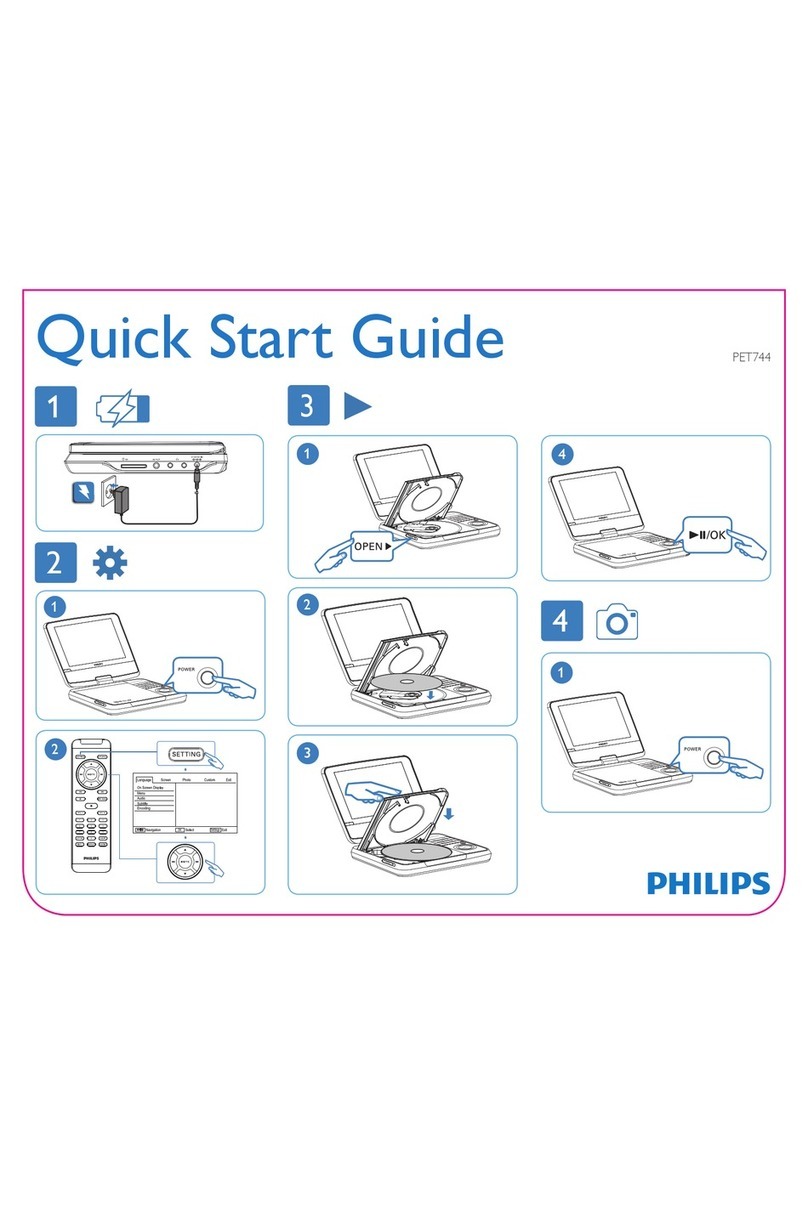
This portable DVD player is designed with a
built-in Ni-MH battery to supply power to the
player when you are on travel.
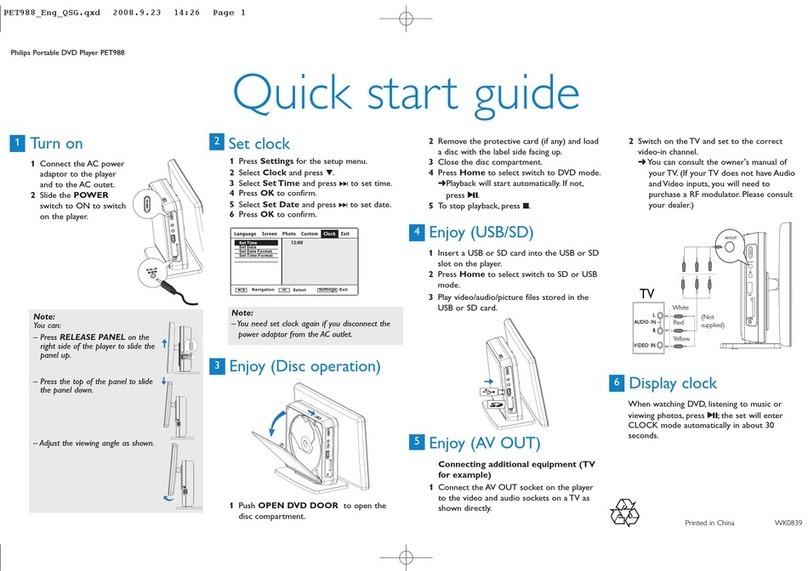
1Slide the POWER switch to the OFF
position (charging of the DVD player only
possible in the power-off mode).
2Connect the supplied power adaptor cord (or
the car adaptor) to the player and AC mains
(or the car cigarette lighter outlet) to start
charging.
➜The CHG indicator turns red .
➜When the battery is fully charged, the
indicator turns off.
3Disconnect the power adaptor cord (or the
car adaptor) when the CHG indicator turns
off.
Notes:
– You can also connect the supplied power adaptor
cord (or the car adaptor) to the player and AC mains
(or the car cigarette lighter outlet) directly wherever
possible.
Charge your battery
1
Quick start guide
Philips Portable DVD Player PET714/718
3OPEN HERE
PET714/PET718
1Open the lid of the player.
2Slide the POWER switch to ON to switch
on the DVD player.
➜The POWER indicator turns on.
3Press OPEN to open the disc door.
4Remove the protective card (if any) and load a
disc with the label side facing up.
5Close the disc door. Playback will start
automatically. If not, press 2;.
6To stop playback, press 9.
2Enjoy (Disc operation)
Note:
– Once the battery is running low (the power
indicator will flash as a prior warning), immediately
recharge it (regardless of whether you plan to use
the battery or not) in order to maximize the battery
life.
2Enjoy (AV OUT)
Connecting additional equipment (TV
for example)
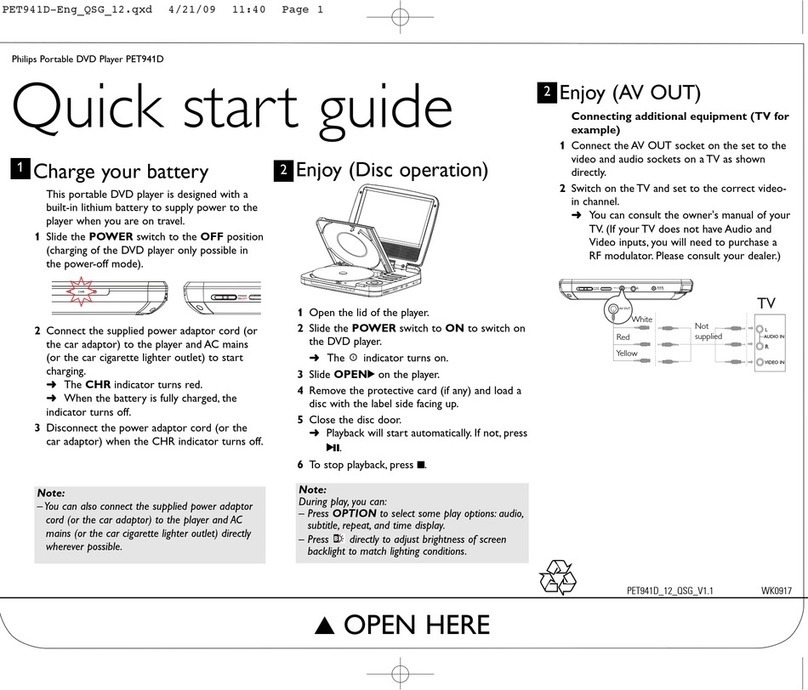
1Connect the AV OUT socket on the set to the
video and audio sockets on a TV as shown
directly.
2Switch on the TV and set to the correct
video-in channel.
➜You can consult the owner's manual of
your TV. (If your TV does not have Audio and
Video inputs, you will need to purchase a RF
modulator. Please consult your dealer.)

White
Red
Yellow
Printed in China WK731
PET714-Eng.qxd 2007.8.2 2:48 PM Page 1