SBC RU970
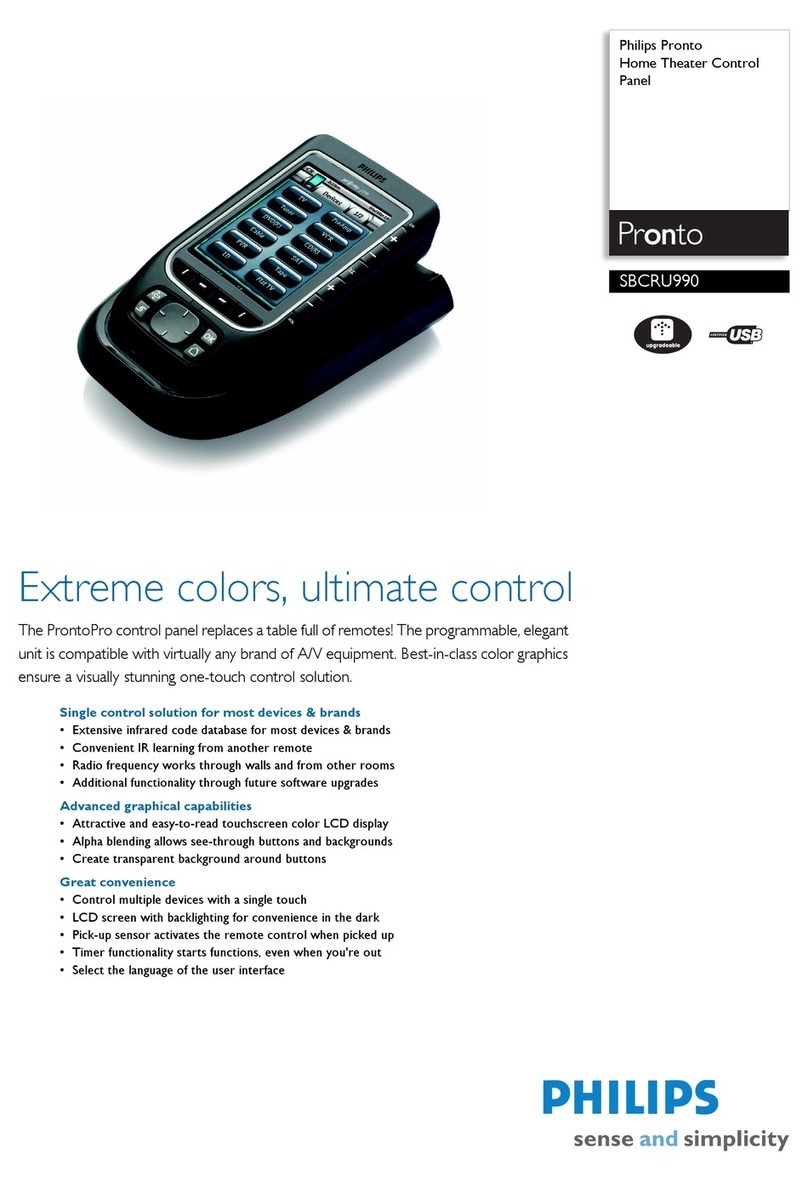
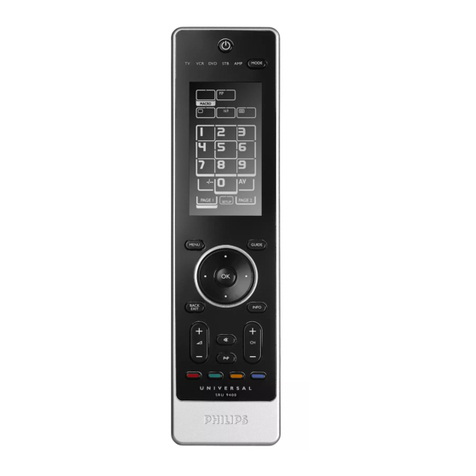
Full-colour touch-screen display
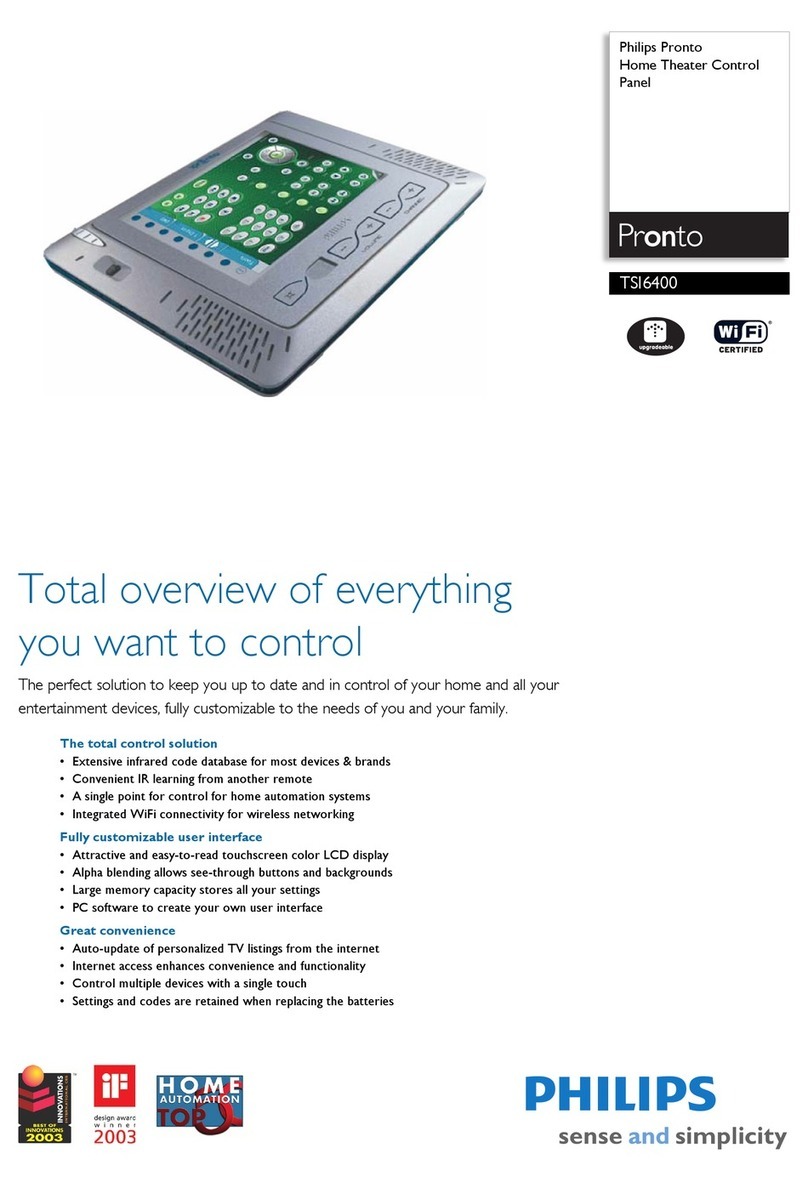
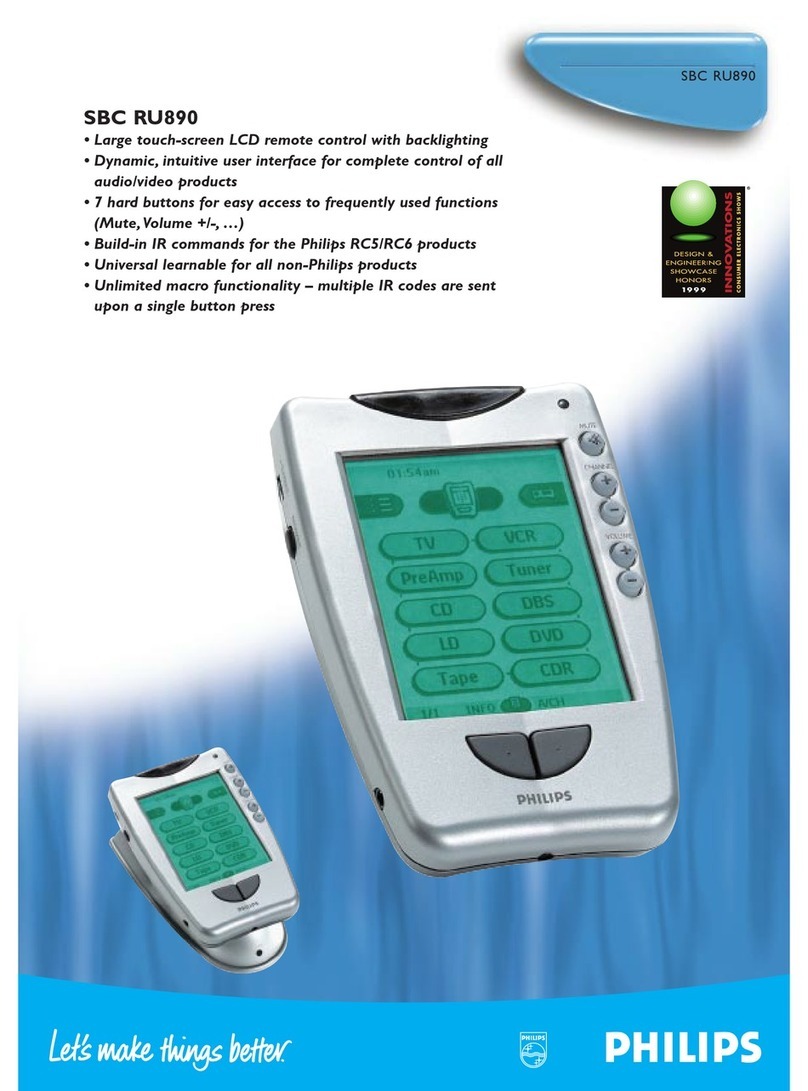
The ProntoPro, with its large 256-color touch-screen LCD brings
near photo-quality images to interacting with your home
entertainment environment. Add images of users and full-colour
network logos to the intuitive user interface.
Pick it up and the buttons light up
Pick up your ProntoPro and the screen light up straight away -
even before you press it.Tilt sensor backlighting adds extra
convenience to viewing in the dark.
Intelligent remote control
You can customize the user interface to meet your own specific
wishes and personal requirements – and those of all other users
in your home. Add new buttons, redesign the layout, and enhance
the colours. It’s as individual as you are.
Self-learning and a built-in database
With the biggest database of control codes ever built-in to a
universal remote, the ProntoPro can control any other IR remote
controlled product – regardless of brand. It also includes a power-
ful self-learning capability to ensire absolute compatibility with
every IR remote control on the market.
Extended 8 MB memory and macro function
The extended 8 MB memory depth easily holds your graphics,
custom configurations and macros.The unlimited macro facility
allows you to combine as many commands or key-strokes as you
like under a single button. Imagine, just one touch of the colour
screen to close the curtains, dim the lights, start the TV and play
the DVD. Home cinema as it is supposed to be!
Intuitive user interface
You control your complete electronic environment – from home
entertainment products to any other equipment using IR remote
control from the direct-access touch-screen and hardware buttons.
It is supplied with a logically configured standard interface and
you can modify it or create your own using graphics, icons and
menus. ProntoPro’s intuitive controls are extremely user friendly.
Software upgradeable
With ProntoProEdit software, which is supplied on CD-ROM and
freely available on the Internet, you can create configurations, and
download graphics, templates and macros. And the Internet is also
host to independent communities of ProntoPro users.
IR and RF transmission
ProntoPro works with all IR-based remote control links.The optional
RF receivers can be used to use ProntoPro to control audio/video
equipment and accessories anywhere in your home – even
through walls. It’s an intelligent RF link too, filtering out signals
from other wireless devices working at similar frequencies.
Docking station
The recharge docking station keeps your ProntoPro ready for use
at all times. ProntoPro can also be used while docked, and can be
connected to a PC via the docking station.
http://www.pronto.philips.com
http://www.remotecentral.com
Standard product information
• Power supply Rechargeable AAA battery pack (included)
• Processor Motorola DragonBall MC68328
• SRAM 512 Kb
• Flash memory 8 Mb
• PC port RS232 Serial port (3 wire connector)
• Transmission type IR universal/ RF universal
• Transmission system Modulated
• Operating distance IR 10 meters/ RF 50 meters open air
• Transmission angle 30 deg.
• No. direct access buttons 10
• Audio Piëzo speaker with adjustable volume
• Weight 250g, with batteries
• Dimensions (mm) 141 x 94 x 32 (L x W x H)
• Environment Operating temperature (5ºC - 45ºC)
Storage temperature (-25ºC - 70ºC)
• Warranty 1 year European warranty
LCD information
• Display type FSTN
• Dimension (mm) 77 x 58
• Resolution 320 x 240, 0.24mm pitch
• Position Portrait
• Refresh rate 70 Hz
• Number of colours 256
• Dynamic LCD input Finger or blunt object
• EL backlighting Yes
Installation
• Pre-installed RC5, RC6 (Philips & Marantz ready)
• Learnable Yes
• No. of devices Unlimited (within memory)
• No. of learnable codes Unlimited (within memory)
• Built-in IR codes 549 brands
• IR learning frequencies Up to 56 kHz and 455 kHz
Features
• Direct-access buttons Mute
Channel Up/Down
Volume Up/Down
Right/Left Configuration buttons
Backlight button
2 free programmable buttons
• Customisable User Interface
manual or via PC Yes
• Software upgradeable Yes
• Macro functionality Yes, Unlimited (within memory)
• Timer functionality Yes, Unlimited (within memory)
• Automatic backlighting Yes
• LCD Contrast adjustment Yes
• Auto power on/off Yes
• Automatic power mgmt Auto power up/down
Packaging
• Type Carton box
• Dimensions (mm) 245 x 130 x 210
• Languages GB
• Languages d.n.y.a.
• 12NC 9082 100 00512
• EAN code 87 10101 67892 4
• Contents ProntoPro remote control, docking station, serial cable,
instructional manual, rechargeable battery pack and
ProntoProEdit softwarepackage on CD rom
Inner carton NON
Outer carton
• Contents 1
• Dimensions (mm) d.n.y.a.
• Weight (Kg) d.n.y.a.
• EAN code 87 10101 87202 5