manuals.online logo
Brands
  1. Home
  2. •
  3. Brands
  4. •
  5. Philips
  6. •
  7. Set-top Box
  8. •
  9. Philips 32-LCD HDTV MONITOR COMMERCIAL FLAT HDTV 32HF7544D - Hook Up... Quick start guide

Philips 32-LCD HDTV MONITOR COMMERCIAL FLAT HDTV 32HF7544D - Hook Up... Quick start guide

Other manuals for 32-LCD HDTV MONITOR COMMERCIAL FLAT HDTV 32HF7544D - Hook Up...

1

This manual suits for next models

7

Other Philips Set-top Box manuals

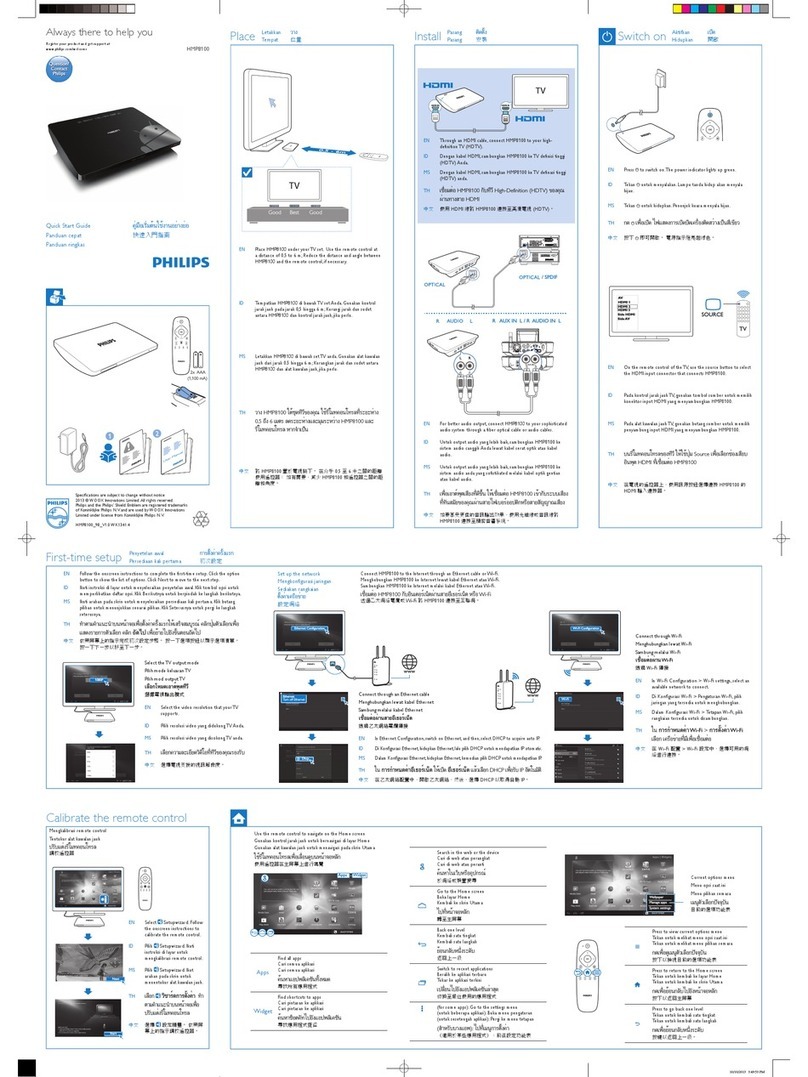
Philips HMP8100 User manual

Philips

Philips HMP8100 User manual

Philips DTR 7510 User manual

Philips

Philips DTR 7510 User manual

Philips DTR 100 User manual

Philips

Philips DTR 100 User manual

Philips Digital Set Top Box DTR210 User manual

Philips

Philips Digital Set Top Box DTR210 User manual

Philips HMP8100 User manual

Philips

Philips HMP8100 User manual

Philips HDTP 8530 User manual

Philips

Philips HDTP 8530 User manual

Philips DTR200 User manual

Philips

Philips DTR200 User manual

Philips HMP8100 User manual

Philips

Philips HMP8100 User manual

Philips WVH111 User manual

Philips

Philips WVH111 User manual

Philips DTRID200 User manual

Philips

Philips DTRID200 User manual

Philips SBB105D User manual

Philips

Philips SBB105D User manual

Philips WVH111 User manual

Philips

Philips WVH111 User manual

Philips HMP8100 User manual

Philips

Philips HMP8100 User manual

Philips neoViu D1 User manual

Philips

Philips neoViu D1 User manual

Philips DTR 210 User manual

Philips

Philips DTR 210 User manual

Popular Set-top Box manuals by other brands

Distributel Entone 500 Setup guide

Distributel

Distributel Entone 500 Setup guide

Fetch TV Set Top Box quick start guide

Fetch TV

Fetch TV Set Top Box quick start guide

VBrick 8000-0188 quick start guide

VBrick

VBrick 8000-0188 quick start guide

Kogan KGNPVR500VAA user manual

Kogan

Kogan KGNPVR500VAA user manual

Sungale STB608 user manual

Sungale

Sungale STB608 user manual

Asus O!PLAY MEDIA PRO user manual

Asus

Asus O!PLAY MEDIA PRO user manual

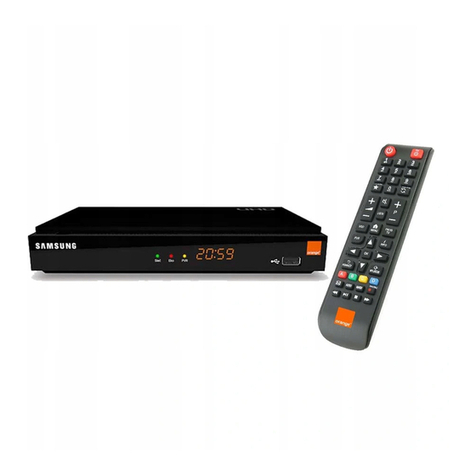
Samsung ICU 100 quick start guide

Samsung

Samsung ICU 100 quick start guide

Amino Amigo 7X user guide

Amino

Amino Amigo 7X user guide

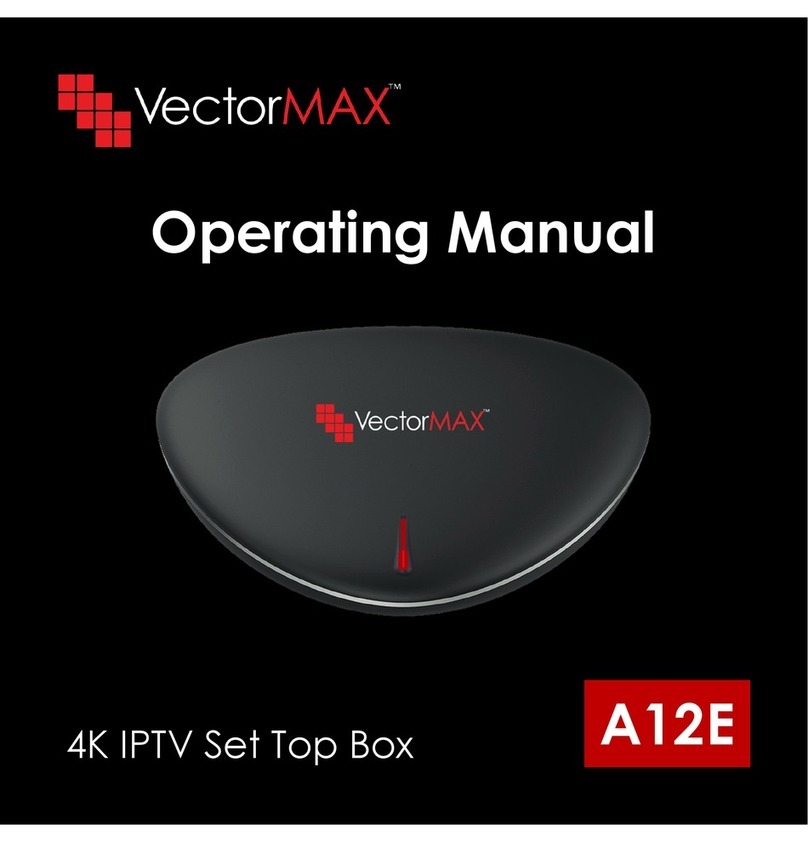
VECTORMAX A12E operating manual

VECTORMAX

VECTORMAX A12E operating manual

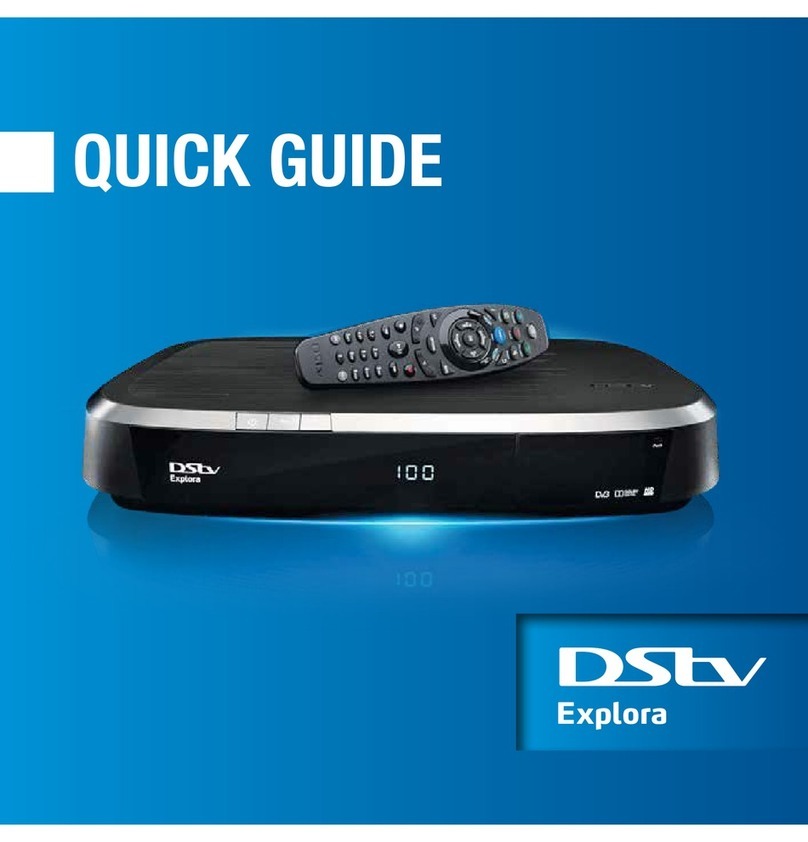
DStv Explora quick guide

DStv

DStv Explora quick guide

Ace Digital TV ADB 3800 user guide

Ace Digital TV

Ace Digital TV ADB 3800 user guide

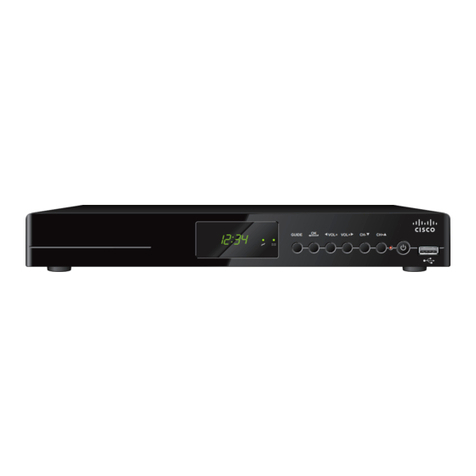
Cisco 4398DVB user guide

Cisco

Cisco 4398DVB user guide

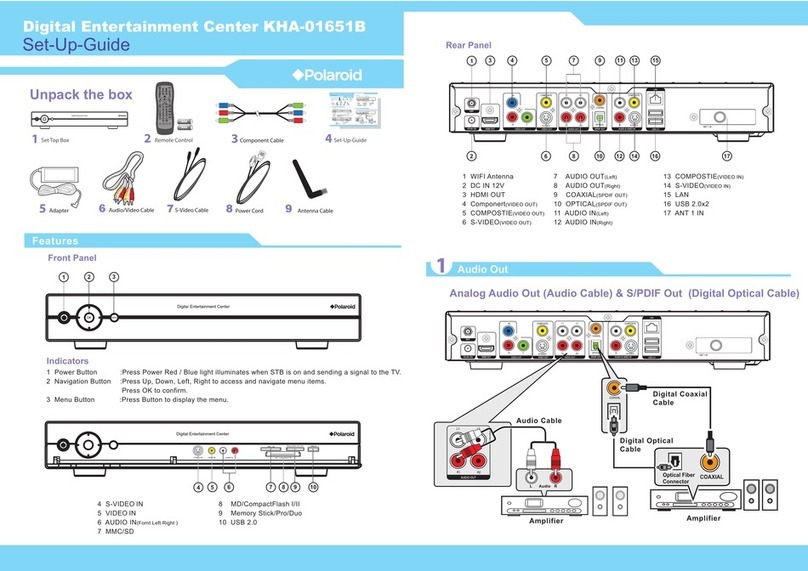
Polaroid KHA-01651B Setup guide

Polaroid

Polaroid KHA-01651B Setup guide

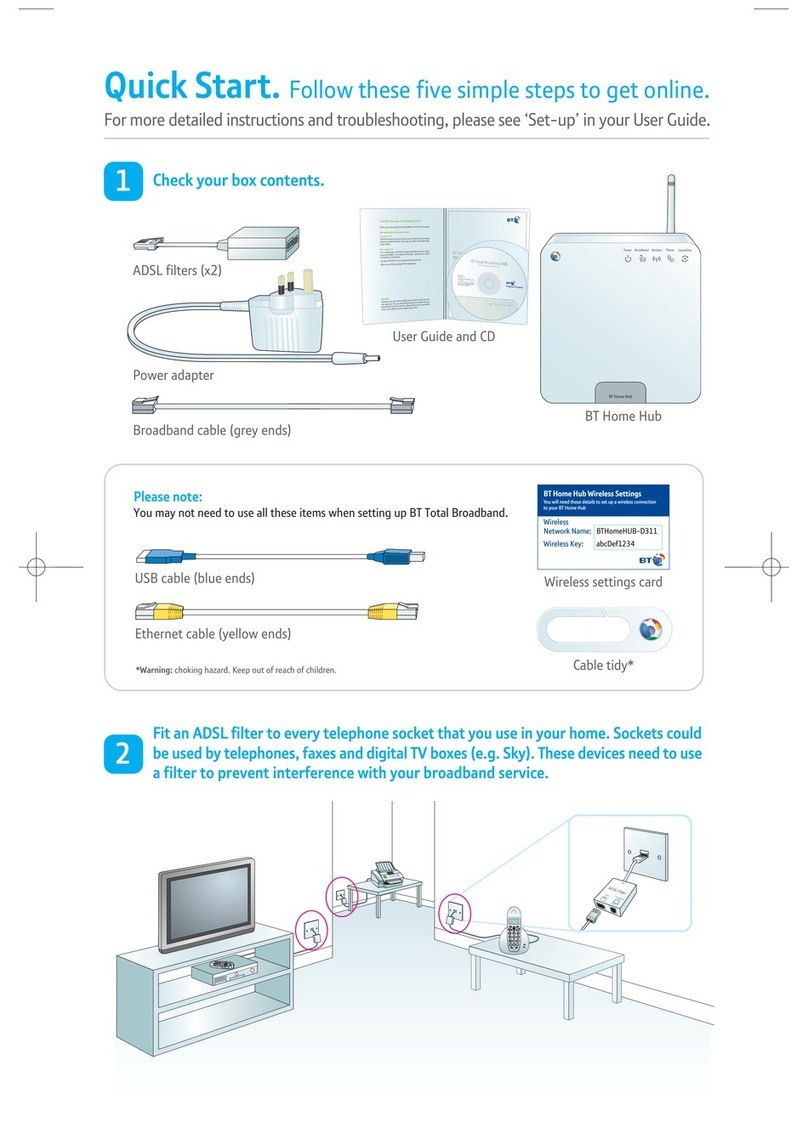
BT Business Total Broadband user guide

BT

BT Business Total Broadband user guide

Megasat HD 720 plus user manual

Megasat

Megasat HD 720 plus user manual

Geniatech ATV225 user guide

Geniatech

Geniatech ATV225 user guide

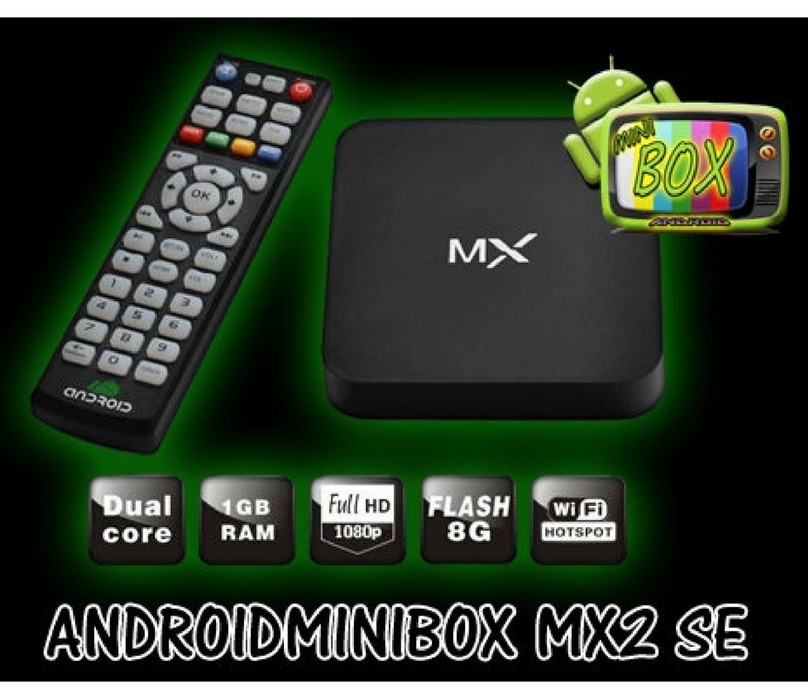
Android Androidminibox mx2 se user guide

Android

Android Androidminibox mx2 se user guide

ADB ADB 2500 user guide

ADB

ADB ADB 2500 user guide

manuals.online logo
manuals.online logoBrands
  • About & Mission
  • Contact us
  • Privacy Policy
  • Terms and Conditions

Copyright 2025 Manuals.Online. All Rights Reserved.

h
silgnEe
si
açnarFlo
ñ
aps
E
RF IN AUDIO OUT CONTROL
DISPLAY PPV
HDMI OUT
NETWORK DIGITALAUDIO POWER
3.
2.
1.
RF IN AUDIO OUT CONTROL
DISPLAY PPV
HDMI OUT
NETWORK DIGITALAUDIO POWER
Connect Antenna and Display Cables
Note: Some TV sets may already have the cables connected.
Use a HDMI connector cable to
connect the Set-Top Box to the
TV. Attach one end of the
HDMI cable to the jack labeled
HDMI Out on the Set-Top
Box and the other end to the
HDMI jack on the TV. If the TV
has 2 HDMI jacks, ensure that
the cable is connected to the
jack labeled HDMI 1 on the
TV.
Use a RJ12 Data cable to
connect the Set-Top box to the
TV. Attach one end of the RJ12
Data cable to the jack labeled
DISPLAY on the Set-Top box
and the other end to the jack
labeled DATA1 on the TV.
After connecting all the cables,
proceed to the next section and
connect the Power cables.
Connect Power Cables
Note: Some TV sets may already have the cables connected.
Connect the power cable
from the External Power
Adaptor to the jack
labeled Power on the
Set-Top Box.
Connect the antenna cable to
the antenna input of the
Set-Top Box.
Attach the Mains Power
Splitter to the External
Power Adaptor.
Connect the power cable
from the Mains Power
Splitter to the AC-Inlet
on the TV.
Connect the main power
cord (packed with your
TV) into the opening on
the Mains Power Splitter.
After connecting all
cables and devices, plug in
the main power cord to
the wall outlet and switch
on the TV.
'(
3139 125 38251
5
26” 32” 37”
42” LCD
CAUTION : This is a
Class 1 apparatus. It
must be connected to a
MAINS socket out with
a protective earthing
connection.
4