manuals.online logo
Brands
  1. Home
  2. •
  3. Brands
  4. •
  5. Photoflex
  6. •
  7. Camera Accessories
  8. •
  9. Photoflex MultiDisc Series User manual

Photoflex MultiDisc Series User manual

This manual suits for next models

12

Other Photoflex Camera Accessories manuals

Photoflex ShoeMount GripHandle User manual

Photoflex

Photoflex ShoeMount GripHandle User manual

Photoflex Adjustable ShoeMount2 Assembly Instructions

Photoflex

Photoflex Adjustable ShoeMount2 Assembly Instructions

Photoflex FlexDrop 2 User manual

Photoflex

Photoflex FlexDrop 2 User manual

Photoflex UM-ADW30 User manual

Photoflex

Photoflex UM-ADW30 User manual

Photoflex WhiteDome Series User manual

Photoflex

Photoflex WhiteDome Series User manual

Photoflex LiteDisc Series User manual

Photoflex

Photoflex LiteDisc Series User manual

Photoflex LiteDome XT-20XTXS User manual

Photoflex

Photoflex LiteDome XT-20XTXS User manual

Photoflex OctoDome User manual

Photoflex

Photoflex OctoDome User manual

Photoflex UM-RUT30 User manual

Photoflex

Photoflex UM-RUT30 User manual

Photoflex FlexDrop User manual

Photoflex

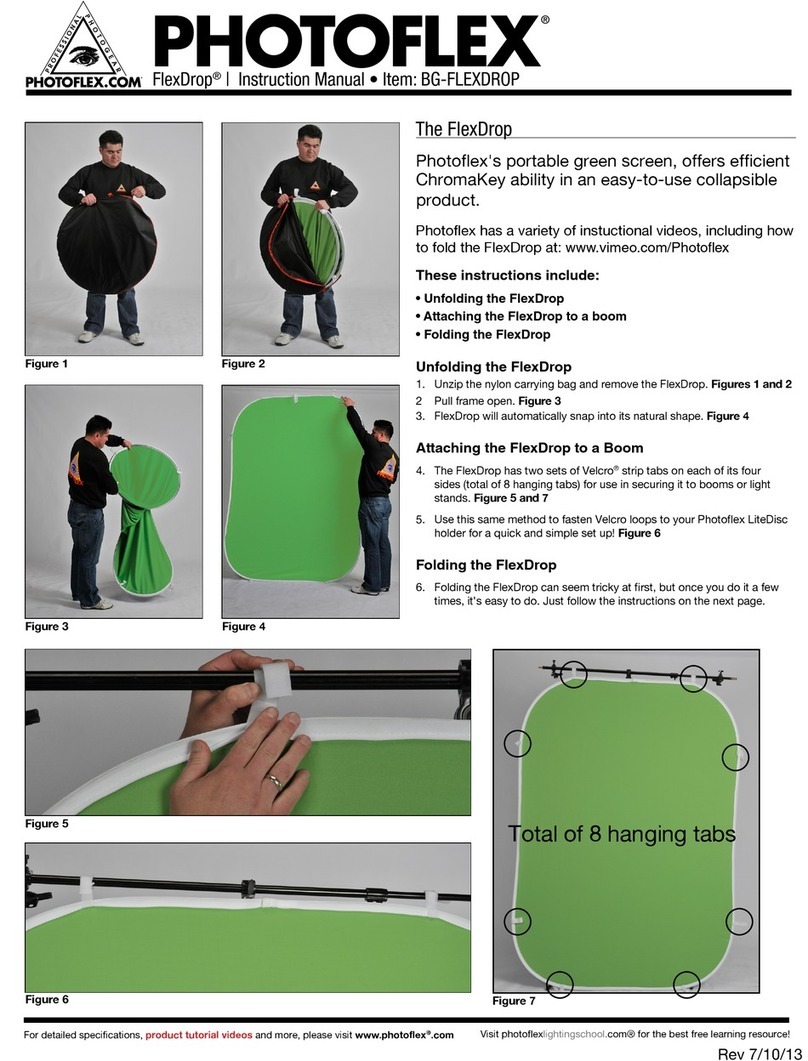
Photoflex FlexDrop User manual

Photoflex LiteIgloo Series User manual

Photoflex

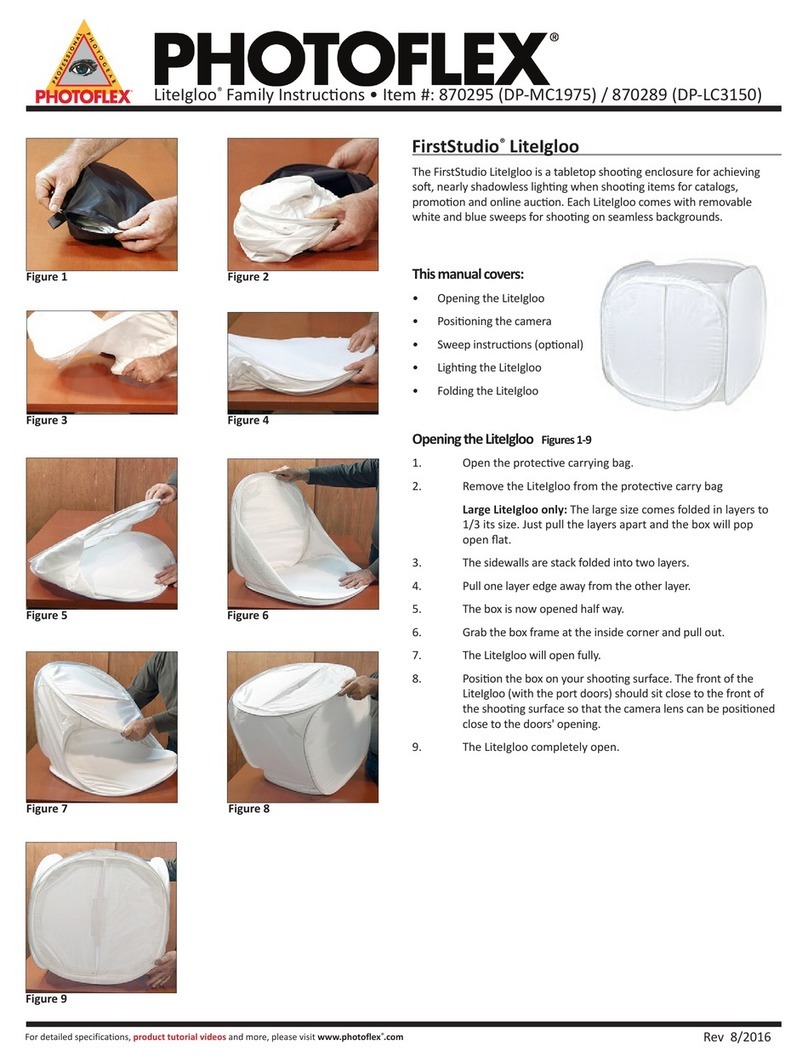
Photoflex LiteIgloo Series User manual

Photoflex FirstStudio DP-FSPTKT User manual

Photoflex

Photoflex FirstStudio DP-FSPTKT User manual

Photoflex FirstStudio DP-FSPTKT User manual

Photoflex

Photoflex FirstStudio DP-FSPTKT User manual

Photoflex 870207 User manual

Photoflex

Photoflex 870207 User manual

Photoflex SilverDome Nxt User manual

Photoflex

Photoflex SilverDome Nxt User manual

Photoflex FV-XTXS222KIT User manual

Photoflex

Photoflex FV-XTXS222KIT User manual

Popular Camera Accessories manuals by other brands

CamRanger CamRanger user manual

CamRanger

CamRanger CamRanger user manual

Custom Brackets HDV CAGE KIT Instructions for use

Custom Brackets

Custom Brackets HDV CAGE KIT Instructions for use

Aegis ABL052010P user manual

Aegis

Aegis ABL052010P user manual

Saft SRA Series Installation and operating instructions

Saft

Saft SRA Series Installation and operating instructions

Kodak TIB5200 technical information

Kodak

Kodak TIB5200 technical information

Videotec HEG instruction manual

Videotec

Videotec HEG instruction manual

Ikelite 6171.11 manual

Ikelite

Ikelite 6171.11 manual

Pentax Auto Bellows Slide Copier K user manual

Pentax

Pentax Auto Bellows Slide Copier K user manual

Nikon UT-1 user manual

Nikon

Nikon UT-1 user manual

dji RONIN 4D quick start guide

dji

dji RONIN 4D quick start guide

SLIK ABLE 300DX user manual

SLIK

SLIK ABLE 300DX user manual

Rebelcell 36V70 user manual

Rebelcell

Rebelcell 36V70 user manual

Trojan GC2 48V quick start guide

Trojan

Trojan GC2 48V quick start guide

Calumet 7100 Series CK7114 operating instructions

Calumet

Calumet 7100 Series CK7114 operating instructions

Ropox 4Single Series User manual and installation instructions

Ropox

Ropox 4Single Series User manual and installation instructions

Cambo Wide DS Digital Series Main operating instructions

Cambo

Cambo Wide DS Digital Series Main operating instructions

Samsung SHG-120 Specification sheet

Samsung

Samsung SHG-120 Specification sheet

Ryobi BPL-1820 Owner's operating manual

Ryobi

Ryobi BPL-1820 Owner's operating manual

manuals.online logo
manuals.online logoBrands
  • About & Mission
  • Contact us
  • Privacy Policy
  • Terms and Conditions

Copyright 2025 Manuals.Online. All Rights Reserved.

For detailed specifications, product tutorial videos and more, please visit www.photoflex.com
MulDisc® Family Instrucons | MulDisc 5-in-1 and MulDisc 9-in-1
MulDisc
Before assembling your MulDisc, make sure all components are present.
You will need:
• Translucent inner disc
• Zippered skin with four reecve surfaces
• For 9- in -1 only: Second zippered skin.
Opening and Re-Collapsing the MulDisc
1. Remove the disc with zippered skin aached from the protecve
carry bag. Figure 1
2. The disc is twisted and collapsed to t into the carry bag. Slowly
and carefully unfold it unl it is completely open. Figure 2
3. To collapse the disc for storage place one hand up and one hand
down on opposing edges of the disc. Figure 3
4. Twist one hand toward the other. Figure 4
5. Connue twisng, folding one side over the other. Figure 5
6. The MulDisc will now resemble three hoops. Figure 6
7. The collapsed MulDisc can now be sized to properly t back
into the bag. Figure 7
Figure 2Figure 1
Figure 3
Figure 6
Figure 4
Figure 5
Figure 7
Silver - mae
Silver - Shiny
SoGold Black Gold White - cool
White - warm
Translucent SunLiteSilver SoGold Gold WhiteTranslucent
MulDisc 5-in-1 Colors MulDisc 9-in-1 Colors
For detailed specifications, product tutorial videos and more, please visit www.photoflex.com
Removing the Reecve Skin
8. The MulDisc’s reecve skin can be removed by slowly
unzipping the self-repairing zipper. Figure 8
9. At the end of the zipper there is a hole in the skin where the
inner disc’s handle is passed through. Figure 9
10. The inner diusion disc can now be removed from the outer
reecve skin. Figure 10
11. The MulDisc’s reecve skin can be reversed to expose two
more reecve surfaces. Figure 11
12. Zip the skin on with reverse opons exposed and you are
ready to use! Figure 12
Note: For the MulDisc 9-n-1 there is an addional reecve cover provided,
simply remove one to use the other, following the previous steps.
Available Sizes
22 inch 5-in-1 Item #: 870220 (DL-22MULTI)
32 inch 5-in-1 Item #: 870229 (DL-32MULTI)
42 inch 5-in-1 Item #: 870241 (DL-42MULTI)
22 inch 9-in-1 Item #: 870223 (DL-22MULTI7N1)
32 inch 9-in-1 Item #: 870232 (DL-32MULTI7N1)
42 inch 9-in-1 Item #: 870244 (DL-42MULTI7N1)
Figure 12.
Figure 9.
Figure 8.
Figure 10. Figure 11.
DL-B HOLDER
Extended length 69.5"/176.5cm
Collapsed length 39.5"/100.4cm
DL-BHOLDERCOMP
Extended length 50"/127cm
Collapsed length 28.5"/72.4cm
Available Accessories
• LiteDisc Holder Item #870256 (DL-BHOLDER)
• LiteDisc Holder Compact Item #870253 (DL-BHLDRCOMP)
Rev 09/2016
Customer Support (831) 786-1370
E-mail: [email protected]
Photoflex is a division of PromarkBRANDS, Bartlett, IL USA.
©2016 ALL RIGHTS RESERVED. MultiDisc®, Photoflex® and the Photoflex logo are
trademarks or registered trademarks of Photoflex and/or its affiliates in the U.S.
and other countries.
PHOTOFLEX® WARRANTY
• Warranties only cover manufacturer’s defects and workmanship.
• We reserve the right to inspect all merchandise returned (end
users and dealers) for warranty fulfillment.
• All returns must be pre-approved with Return Manufacturers
Authorization obtained from Photoflex/PromarkBRANDS.
• A receipt showing date of purchase will be required for all returns.
• Freight must be paid by the customer or dealer.
• Warranties are valid only from date of Original Purchase.
up to 69.5"39.5"
up to 50"28.5"