logo
Brands
  1. Home
  2. •
  3. Brands
  4. •
  5. Plantronics
  6. •
  7. Headset
  8. •
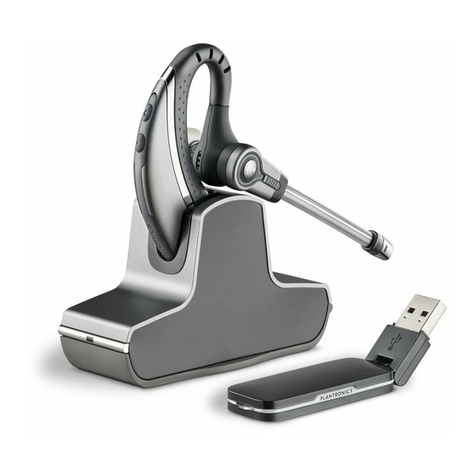
  9. Plantronics Savi W730 Operator's manual

Plantronics Savi W730 Operator's manual

Other manuals for Savi W730

4

Other Plantronics Headset manuals

Plantronics Savi W710 User manual

Plantronics

Plantronics Savi W710 User manual

Plantronics EXPLORER 240 - User manual

Plantronics

Plantronics EXPLORER 240 - User manual

Plantronics CS50 User manual

Plantronics

Plantronics CS50 User manual

Plantronics VOYAGER PRO User manual

Plantronics

Plantronics VOYAGER PRO User manual

Plantronics CS50-USB User manual

Plantronics

Plantronics CS50-USB User manual

Plantronics Blackwire C510- M User manual

Plantronics

Plantronics Blackwire C510- M User manual

Plantronics Voyager 4200 UC series User manual

Plantronics

Plantronics Voyager 4200 UC series User manual

Plantronics Savi W710 User manual

Plantronics

Plantronics Savi W710 User manual

Plantronics RIG 800 series User manual

Plantronics

Plantronics RIG 800 series User manual

Plantronics Savi 430 User manual

Plantronics

Plantronics Savi 430 User manual

Plantronics Savi W740 User manual

Plantronics

Plantronics Savi W740 User manual

Plantronics CS540 Series User manual

Plantronics

Plantronics CS540 Series User manual

Plantronics CS500 Series User manual

Plantronics

Plantronics CS500 Series User manual

Plantronics Blackwire C710 User manual

Plantronics

Plantronics Blackwire C710 User manual

Plantronics CS50 User manual

Plantronics

Plantronics CS50 User manual

Plantronics MX300 User manual

Plantronics

Plantronics MX300 User manual

Plantronics ML20 User manual

Plantronics

Plantronics ML20 User manual

Plantronics Savi W440-M User manual

Plantronics

Plantronics Savi W440-M User manual

Plantronics DISCOVER 640 User manual

Plantronics

Plantronics DISCOVER 640 User manual

Plantronics M130 User manual

Plantronics

Plantronics M130 User manual

Plantronics Savi Office WO300 User manual

Plantronics

Plantronics Savi Office WO300 User manual

Plantronics BackBeat FIT 3100 Series User manual

Plantronics

Plantronics BackBeat FIT 3100 Series User manual

Plantronics B825 User manual

Plantronics

Plantronics B825 User manual

Plantronics Headset MX150/MX153 User manual

Plantronics

Plantronics Headset MX150/MX153 User manual

Popular Headset manuals by other brands

Sena SMH10 quick start guide

Sena

Sena SMH10 quick start guide

IASUS Stealth  IA-NT4-BASIC-BT manual

IASUS

IASUS Stealth IA-NT4-BASIC-BT manual

Sennheiser EPOS ADAPT 230 user guide

Sennheiser

Sennheiser EPOS ADAPT 230 user guide

GE 98971 datasheet

GE

GE 98971 datasheet

Hama 00184070 quick start guide

Hama

Hama 00184070 quick start guide

Blue Tiger Advantage PLUS user manual

Blue Tiger

Blue Tiger Advantage PLUS user manual

Jawbone Icon user manual

Jawbone

Jawbone Icon user manual

Jabra FR 20 user guide

Jabra

Jabra FR 20 user guide

Roxcore Flow A+ manual

Roxcore

Roxcore Flow A+ manual

Turtle Beach XP 510 user guide

Turtle Beach

Turtle Beach XP 510 user guide

Philips SHB6101 Specification sheet

Philips

Philips SHB6101 Specification sheet

Jabra PRO 9460 Duo datasheet

Jabra

Jabra PRO 9460 Duo datasheet

HyperX HyperX Cloud Flight manual

HyperX

HyperX HyperX Cloud Flight manual

Bose MIE2 Mobile owner's guide

Bose

Bose MIE2 Mobile owner's guide

Jabra Steel quick start guide

Jabra

Jabra Steel quick start guide

HyperX cloud ii quick start guide

HyperX

HyperX cloud ii quick start guide

Southwing SA505 Specifications

Southwing

Southwing SA505 Specifications

Blueant X5i user manual

Blueant

Blueant X5i user manual

https://manuals.online logo
https://manuals.online logoBrands
  • About & Mission
  • Contact us
  • Privacy Policy
  • Terms and Conditions

Copyright 2025 Manuals.Online. All Rights Reserved.

Savi®W730
Multi Device Wireless
Headset System
Guide de démarrage rapide
Guía de inicio rápido
Guia de Início Rápido
QUICK START GUIDE
VIDEO GUIDE
http://docs.plantronics.com/savi-700
1Increase volume/flash button
Increase volume Short press +
Flash While on call, long press volume up + for 1.5 seconds, will
put call on hold and answer another.
2Decrease volume/mute button
Decrease volume Short press –
Mute Press volume down – for 1.5 seconds
3Call control button
Answer/end call Short press
CAUTION For your safety, do not use headset at high volumes
for extended periods of time. Doing so can cause hearing loss.
Always listen at moderate levels. For more information on
headsets and hearing visit plantronics.com/healthandsafety.
Please refer to the separate safety instructions for important product
safety information prior to installation or use of the product.
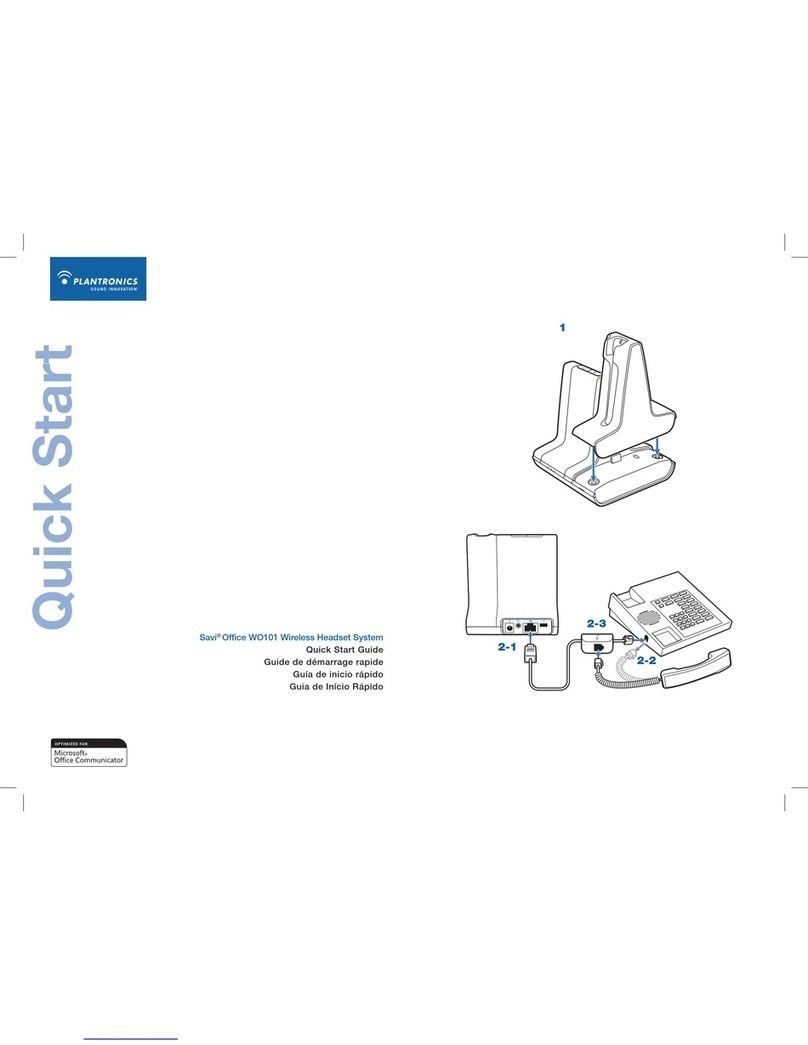
Savi W730 has a WO2 base and a WH210 headset.
1Headset
Customize and Charge
1Attach charge cradle to base.
2Plug one end of power supply into power jack on back of the base and
other end into working power outlet.
3To charge, dock headset in base, minimum of 20 minutes.
NOTE This product has a non-replaceable battery. Contact Plantronics for
replacement information.
2Desk Phone
Connect and Call
1Choose desk phone setup A, B, or C and connect cables.
ADesk phone (standard)
USE
BDesk phone + HL10 lifter (sold separately)
See user guide at plantronics.com/accessories
USE
CDesk phone + EHS cable (sold separately)
See user guide at plantronics.com/accessories
USE
2While wearing headset, short press base desk phone button.
NOTE If you don't have remote call control through a lifter (HL10) or cable
(EHS), manually remove desk phone handset before each call.
3If you do not hear a dial tone, open side panel and adjust middle
configuration switch (A–G) until you do. Default setting Aworks for
majority of desk phones.
4Dial test call from desk phone.
5End call by pressing headset call control button.
3Mobile
Connect and Call
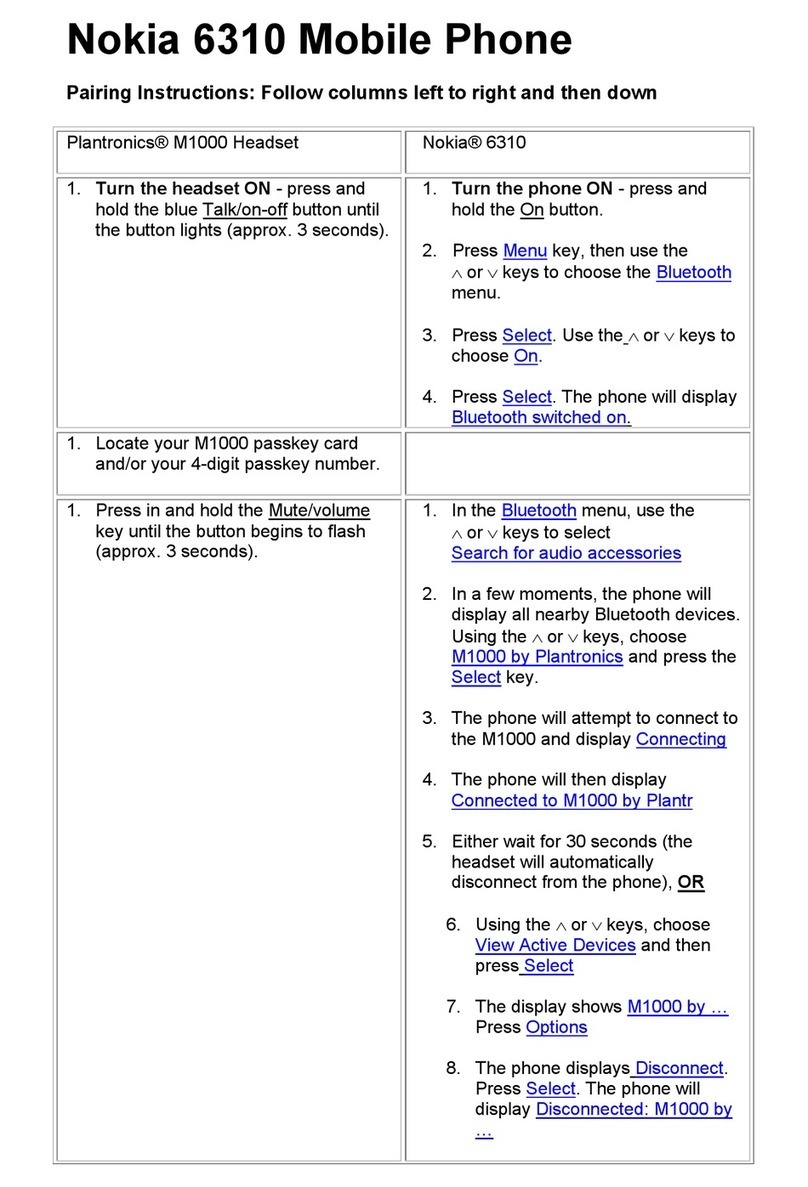
1Press down and hold Bluetooth pairing button (4 seconds) on Savi
base until indicator LED flashes red and blue.
2Place Bluetooth mobile phone into search mode. Select SAVI 7xx from
the list of found devices.
3If prompted by mobile phone, type 0000 as passcode.
Bluetooth indicator LED on base will turn solid blue when base has an
active connection with mobile phone.
4While wearing headset, short press base mobile button.
5Dial test call from mobile phone.
6End call by pressing headset call control button.
4Computer
Connect and Call
1Connect USB cable.
2Load Plantronics software by visiting plantronics.com/software and
click on download button.
3While wearing headset, short press base computer button.

4Dial test call from computer softphone.
5End call by pressing headset call control button.
NEED MORE HELP?
Product support
plantronics.com/support
Online user guide
http://docs.plantronics.com/savi-700
NEED MORE HELP?
Technical support
plantronics.com/support
Online user guide
http://docs.plantronics.com/savi-700
Savi W730 has a WO2 base and a WH210 headset.
86108-01 (04.11)
Guía de inicio rápido
Guide de démarrage rapide
QUICK START GUIDE
Savi®W730
Multi-Device Wireless
Headset System
VIDEO GUIDE
http://docs.plantronics.com/savi-700
plantronics.com/software