logo
Brands
  1. Home
  2. •
  3. Brands
  4. •
  5. Playskool
  6. •
  7. Toy
  8. •
  9. Playskool Light 'n Play Key Ring 556 User manual

Playskool Light 'n Play Key Ring 556 User manual

Other Playskool Toy manuals

Playskool Silly Sounds Checkup 09039 User manual

Playskool

Playskool Silly Sounds Checkup 09039 User manual

Playskool Romper Stompers Beast Feet 34889 User manual

Playskool

Playskool Romper Stompers Beast Feet 34889 User manual

Playskool Busy Lil Garden Butterfly User manual

Playskool

Playskool Busy Lil Garden Butterfly User manual

Playskool Bumpin' BusyBox User manual

Playskool

Playskool Bumpin' BusyBox User manual

Playskool Bob the Builder 6809 User manual

Playskool

Playskool Bob the Builder 6809 User manual

Playskool Barney Treehouse Playset User manual

Playskool

Playskool Barney Treehouse Playset User manual

Playskool 8979 User manual

Playskool

Playskool 8979 User manual

Playskool Busy Balls Super Set User manual

Playskool

Playskool Busy Balls Super Set User manual

Playskool Roadway Painter 6105 User manual

Playskool

Playskool Roadway Painter 6105 User manual

Playskool Hug 'N Glow Twinken User manual

Playskool

Playskool Hug 'N Glow Twinken User manual

Playskool Around Town Activity Center 06032 User manual

Playskool

Playskool Around Town Activity Center 06032 User manual

Playskool Big Bird Ride-On User manual

Playskool

Playskool Big Bird Ride-On User manual

Playskool 6590 User manual

Playskool

Playskool 6590 User manual

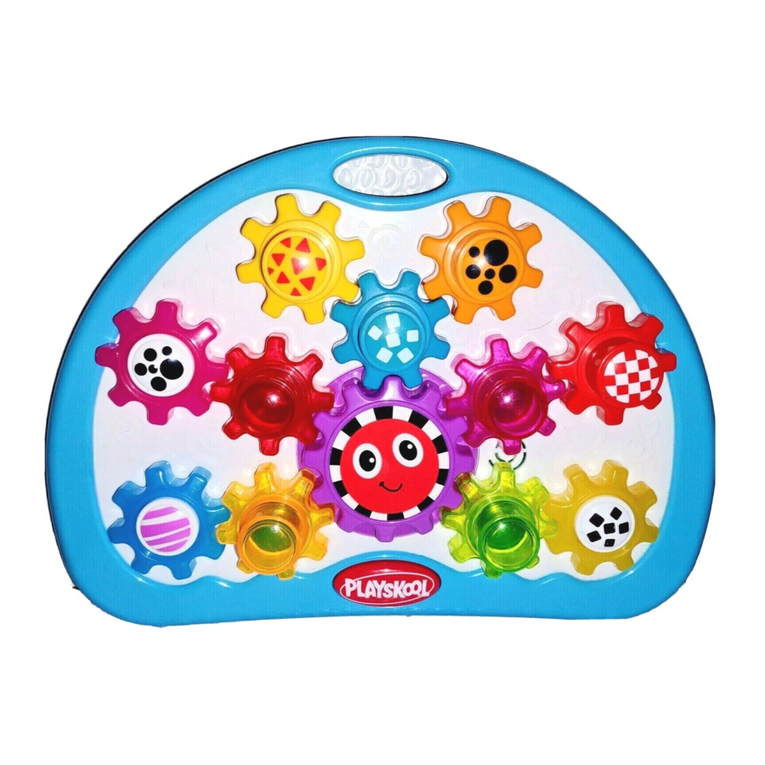
Playskool Busy Gears User manual

Playskool

Playskool Busy Gears User manual

Playskool Magic Screen Learning Pal 03488 User manual

Playskool

Playskool Magic Screen Learning Pal 03488 User manual

Playskool Free Style 50520 User manual

Playskool

Playskool Free Style 50520 User manual

Playskool Air-tivity Ball Popper 6104 User manual

Playskool

Playskool Air-tivity Ball Popper 6104 User manual

Playskool Sit n Spin 34676 User manual

Playskool

Playskool Sit n Spin 34676 User manual

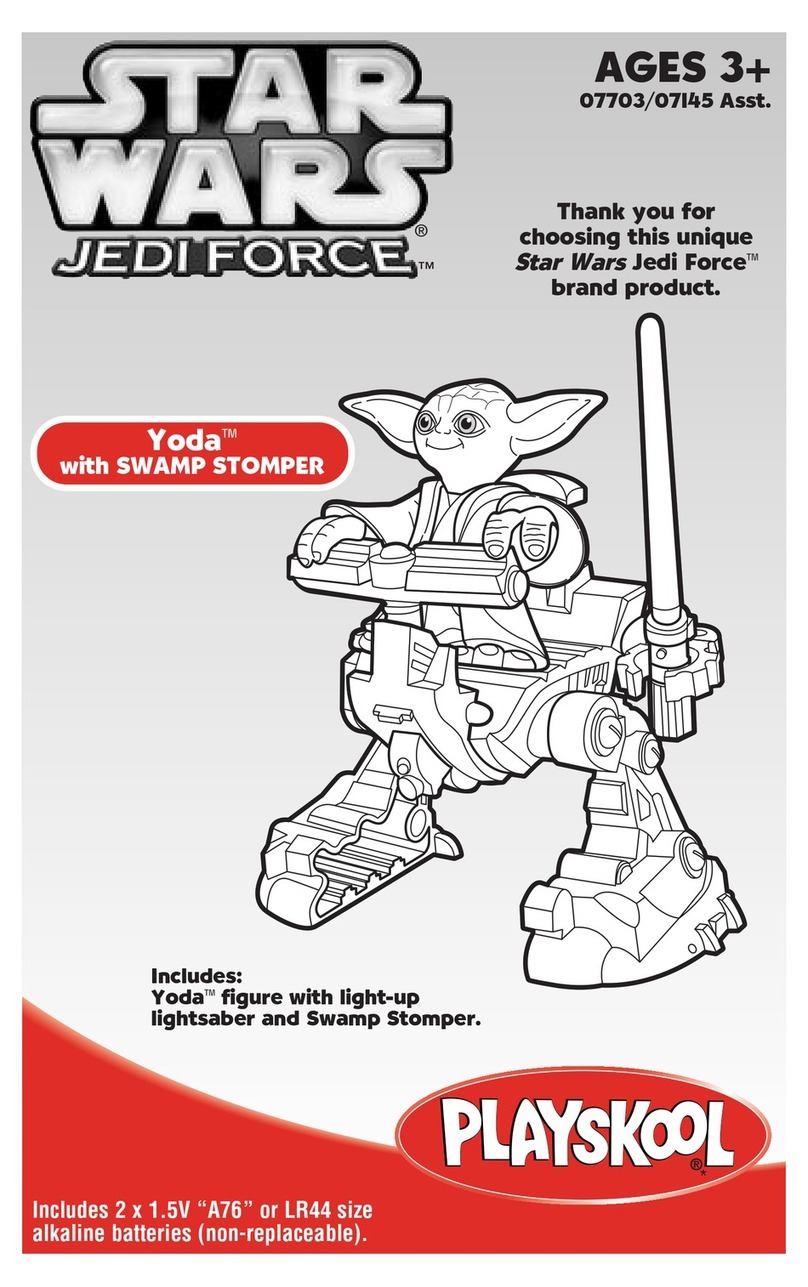
Playskool Star Wars Yoda with Swamp Stomper 07703 User manual

Playskool

Playskool Star Wars Yoda with Swamp Stomper 07703 User manual

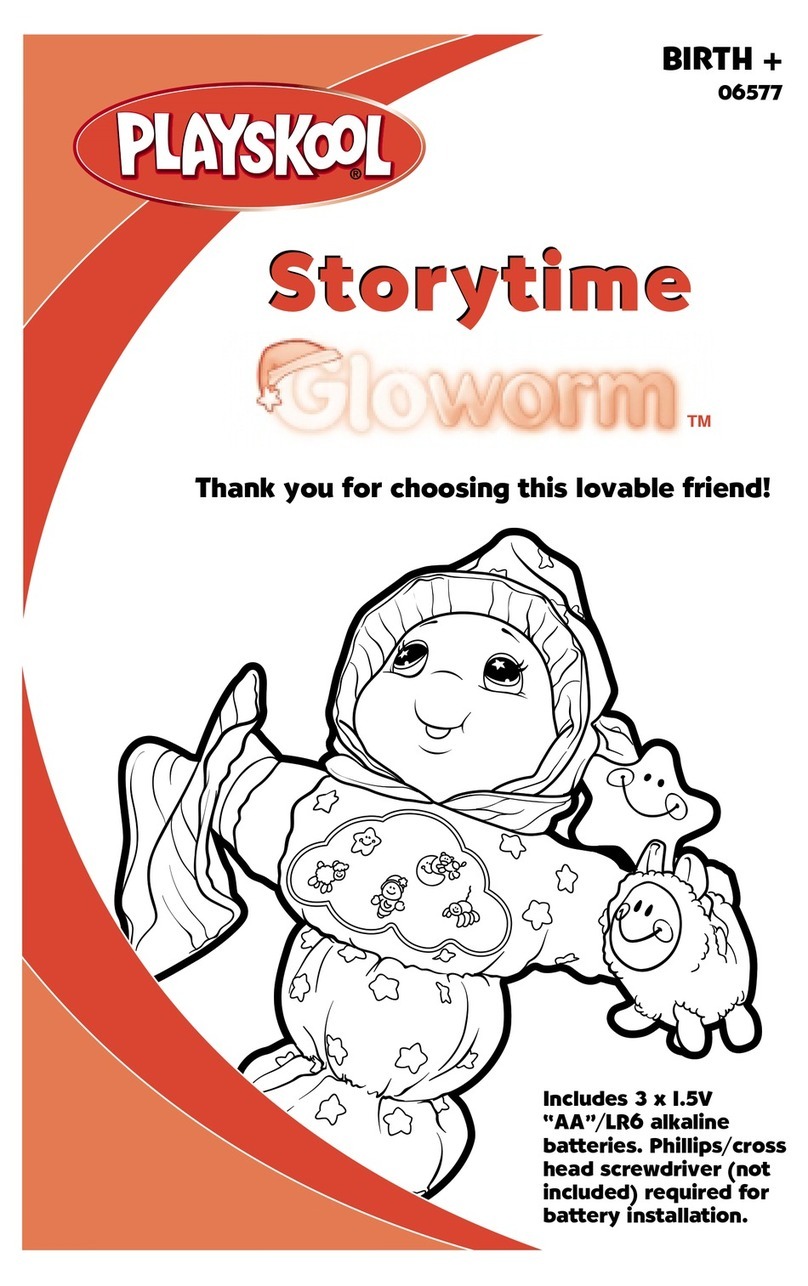
Playskool Lullaby Gloworm 06552 User manual

Playskool

Playskool Lullaby Gloworm 06552 User manual

Playskool Little Adventure Water Rescue 66390/66389 User manual

Playskool

Playskool Little Adventure Water Rescue 66390/66389 User manual

Playskool Busy Playhouse Ride-On 5482 User manual

Playskool

Playskool Busy Playhouse Ride-On 5482 User manual

Playskool Race Car User manual

Playskool

Playskool Race Car User manual

Playskool 08991/08132 User manual

Playskool

Playskool 08991/08132 User manual

Popular Toy manuals by other brands

marklin 37321 instruction manual

marklin

marklin 37321 instruction manual

Canon PAPER CRAFT Assembly instructions

Canon

Canon PAPER CRAFT Assembly instructions

GREAT PLANES Pitts M-12S instruction manual

GREAT PLANES

GREAT PLANES Pitts M-12S instruction manual

NOCH 14261 manual

NOCH

NOCH 14261 manual

Hausler 450 SE V2 quick start

Hausler

Hausler 450 SE V2 quick start

Dynaflite Daydream instruction manual

Dynaflite

Dynaflite Daydream instruction manual

Kenner Batman 63651 instructions

Kenner

Kenner Batman 63651 instructions

LEGO 8527 instructions

LEGO

LEGO 8527 instructions

Multiplex EasyStar II Building instructions

Multiplex

Multiplex EasyStar II Building instructions

iKarus ECO 8 Assembly instruction

iKarus

iKarus ECO 8 Assembly instruction

Walkera 38 User handbook

Walkera

Walkera 38 User handbook

Hasbro TRANSFORMERS BUMBLEBEE manual

Hasbro

Hasbro TRANSFORMERS BUMBLEBEE manual

MD MXION SWD user manual

MD

MD MXION SWD user manual

Mattel Disney Pixar Cars Cozy Cone Spiral Rampway instructions

Mattel

Mattel Disney Pixar Cars Cozy Cone Spiral Rampway instructions

marklin 39671 user manual

marklin

marklin 39671 user manual

LEGO TECHNIC 8735 instructions

LEGO

LEGO TECHNIC 8735 instructions

Mattel HOTWHEELS DWL04 instructions

Mattel

Mattel HOTWHEELS DWL04 instructions

REVELL Bristol Beaufighter TF.X Assembly manual

REVELL

REVELL Bristol Beaufighter TF.X Assembly manual

https://manuals.online logo
https://manuals.online logoBrands
  • About & Mission
  • Contact us
  • Privacy Policy
  • Terms and Conditions

Copyright 2026 Manuals.Online. All Rights Reserved.

AGES 2+
556
© 2002 Hasbro. All Rights Reserved.
® denotes Reg. U.S. Pat. & TM Office.
0556 P/N 61723700000000
PLAYSKOOL.COM
FOR NEW PRODUCTS AND OFFERS
PLAYSKOOL.COM
FOR NEW PRODUCTS AND OFFERS
Questions? Call: 1-800-PLAYSKL
LLiigghhtt ’’nn PPllaayy
KKeeyy RRiinngg
KKeeyy RRiinngg
TTOO RREEPPLLAACCEE BBAATTTTEERRIIEESS
1. The PLAYSKOOL LIGHT ’N PLAY Key
Ring comes equipped with 2 "AA"
batteries. The battery
compartment is located in the
back of the sound unit. When the
original batteries are exhausted,
use a Phillips screwdriver to loosen
the screw that secures the battery
compartment door. Loosen (but do
not remove) the screw, and
remove the door.
2. Insert 2 new "AA" alkaline batteries
into the compartment, following direction indicators inside compartment.
Replace door and re-fasten with the screwdriver.
CAUTION: TO AVOID BATTERY LEAKAGE
1. Be sure to insert the batteries correctly and always
follow the toy and battery manufacturers’ instructions;
2. Do not mix old and new batteries or alkaline, standard
(carbon-zinc) or rechargeable (nickel-cadmium)
batteries;
3. Always remove weak or dead batteries from the
product.
FCC Statement
This equipment has been tested and found to comply with the limits for a Class B digital device,
pursuant to Part 15 of the FCC Rules. These limits are designed to provide reasonable
protection against harmful interference in a residential installation. This equipment generates,
uses, and can radiate radio frequency energy and, if not installed and used in accordance with
the instructions, may cause interference to radio communications. However, there is no
guarantee that interference will not occur in a particular installation. If this toy does cause
harmful interference to radio or television reception, which can be determined by turning the
equipment off and on, the user is encouraged to try to correct the interference by one or more
of the following measures:
* Reorient or relocate the receiving antenna.
* Increase the separation between the equipment and the receiver.
* Consult the dealer or an experienced radio/TV technician for help.
Changes or modifications not expressly approved by the party responsible for compliance could
void the user’s authority to operate the equipment.
TThhaannkk yyoouu ffoorr bbuuyyiinngg tthhiiss PPllaayysskkooooll®pprroouucctt!!
Includes 2 "AA" batteries. Phillips
screwdriver (not included) required for
battery replacement.
™