manuals.online logo
Brands
  1. Home
  2. •
  3. Brands
  4. •
  5. Point Source Audio
  6. •
  7. Microphone
  8. •
  9. Point Source Audio 8 Series User manual

Point Source Audio 8 Series User manual

This manual suits for next models

2

Other Point Source Audio Microphone manuals
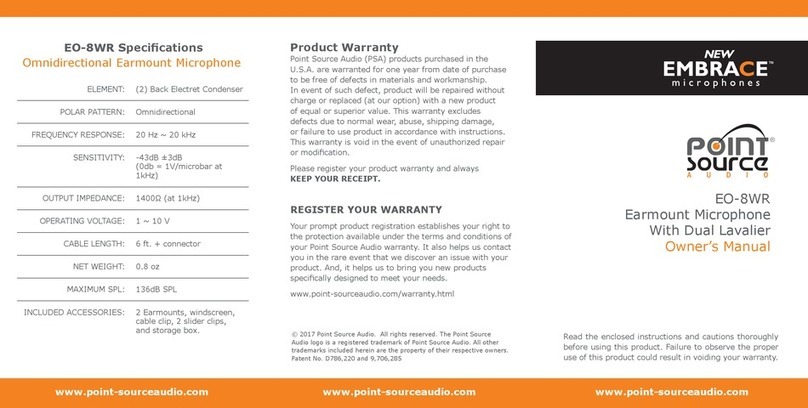
Point Source Audio Embrace EO-8WR User manual
Point Source Audio

Point Source Audio Embrace EO-8WR User manual

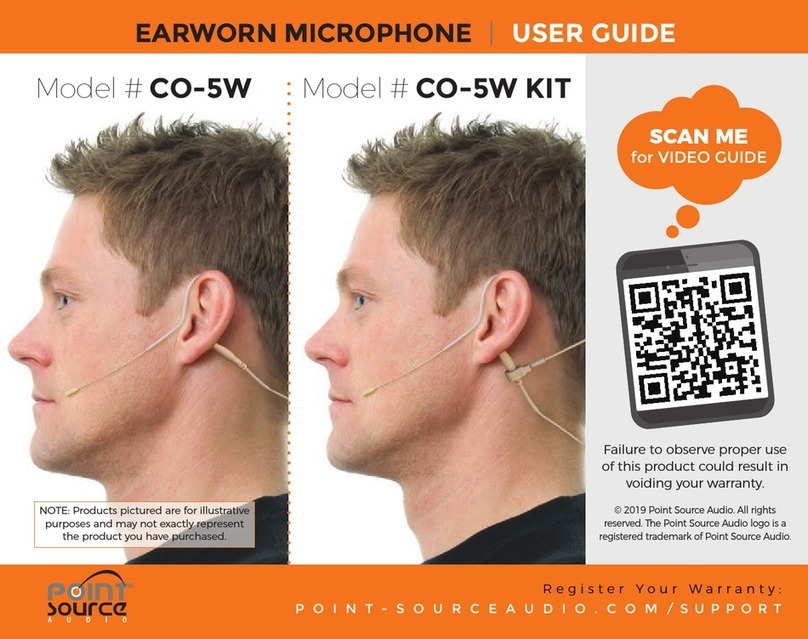
Point Source Audio CO-5W User manual

Point Source Audio

Point Source Audio CO-5W User manual

Point Source Audio Endure GO-8WL-SK User manual
Point Source Audio

Point Source Audio Endure GO-8WL-SK User manual

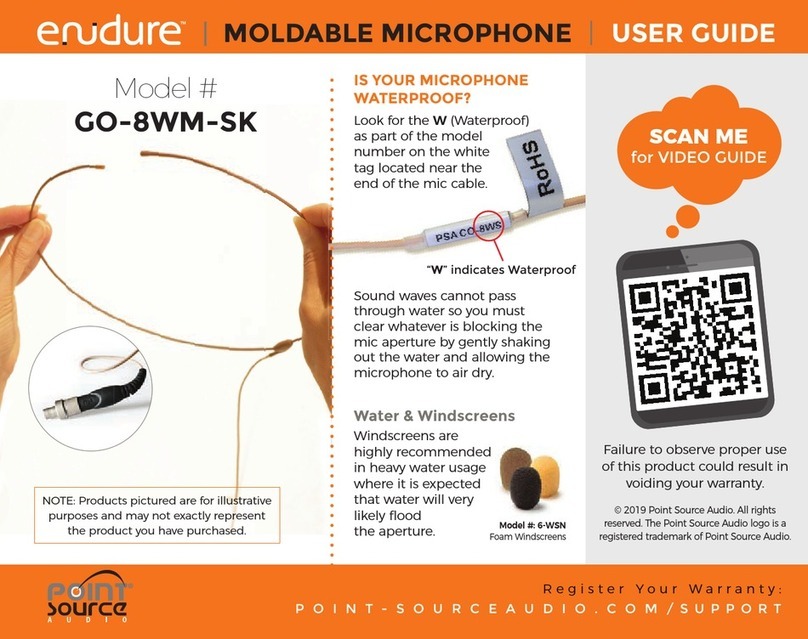
Point Source Audio 8 Series User manual
Point Source Audio

Point Source Audio 8 Series User manual

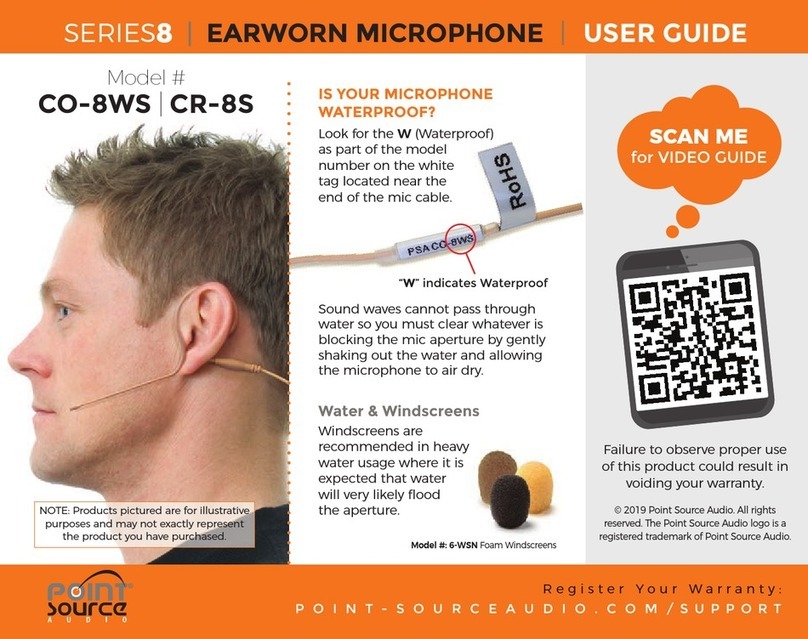
Point Source Audio Endure GO-8WM-SK User manual
Point Source Audio

Point Source Audio Endure GO-8WM-SK User manual

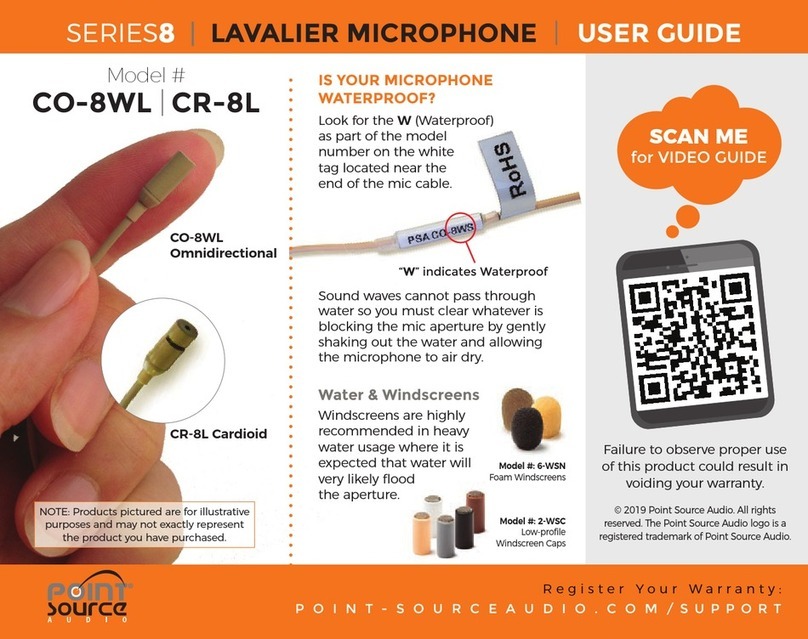
Point Source Audio 8 Series User manual
Point Source Audio

Point Source Audio 8 Series User manual

Point Source Audio 8 Series User manual

Point Source Audio

Point Source Audio 8 Series User manual

Point Source Audio CO-6 User manual

Point Source Audio

Point Source Audio CO-6 User manual
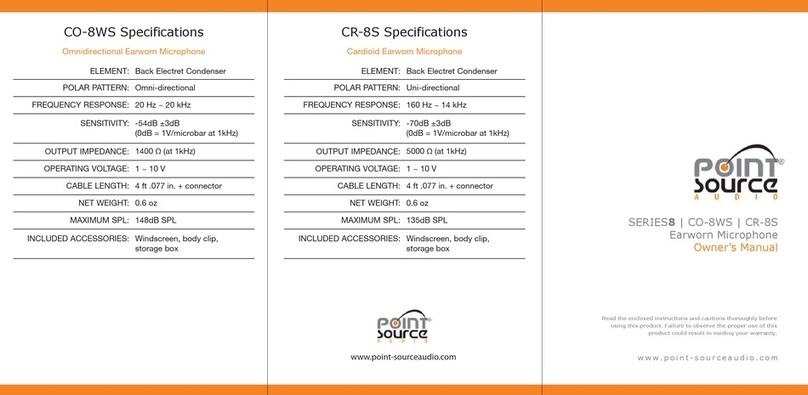
Point Source Audio 8 Series User manual
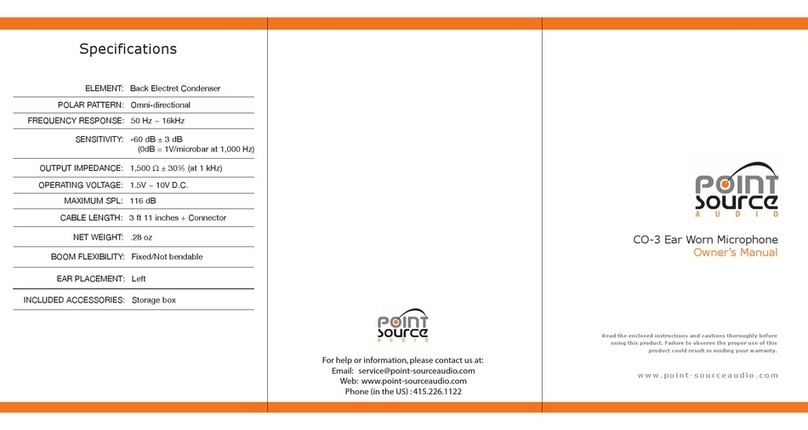
Point Source Audio

Point Source Audio 8 Series User manual

Point Source Audio CO-3 User manual

Point Source Audio

Point Source Audio CO-3 User manual

Point Source Audio CO-3 User manual

Point Source Audio

Point Source Audio CO-3 User manual
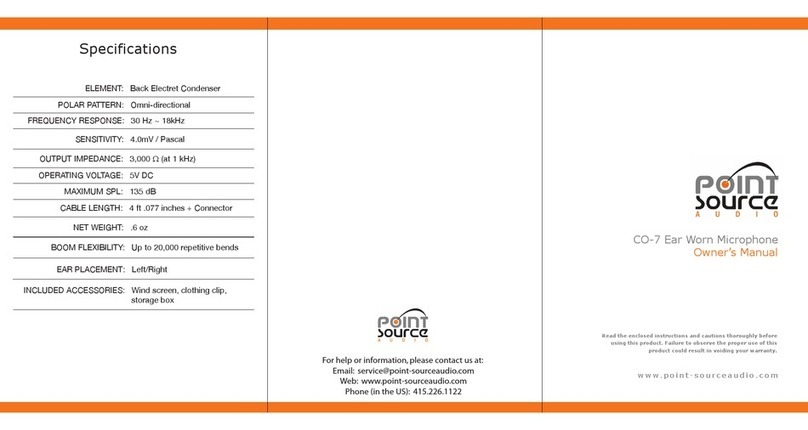
Point Source Audio CO-7 User manual

Point Source Audio

Point Source Audio CO-7 User manual

Point Source Audio 8 Series User manual

Point Source Audio

Point Source Audio 8 Series User manual

Popular Microphone manuals by other brands

Betzold 760932 operating instructions

Betzold

Betzold 760932 operating instructions

Shure A88SM user guide

Shure

Shure A88SM user guide

JTS UF-10TH/12 instruction manual

JTS

JTS UF-10TH/12 instruction manual

Shure BETA 58A User giude

Shure

Shure BETA 58A User giude

Shure SM7 user guide

Shure

Shure SM7 user guide

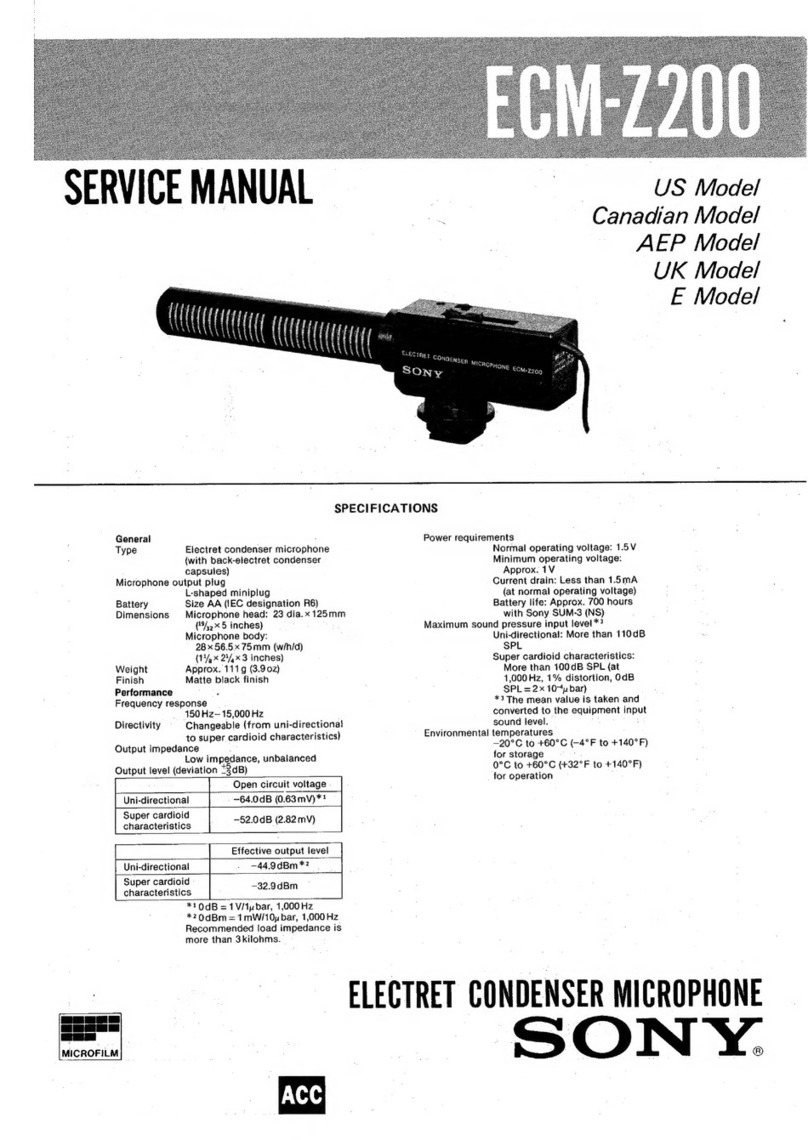
Sony ECM-Z200 Service manual

Sony

Sony ECM-Z200 Service manual

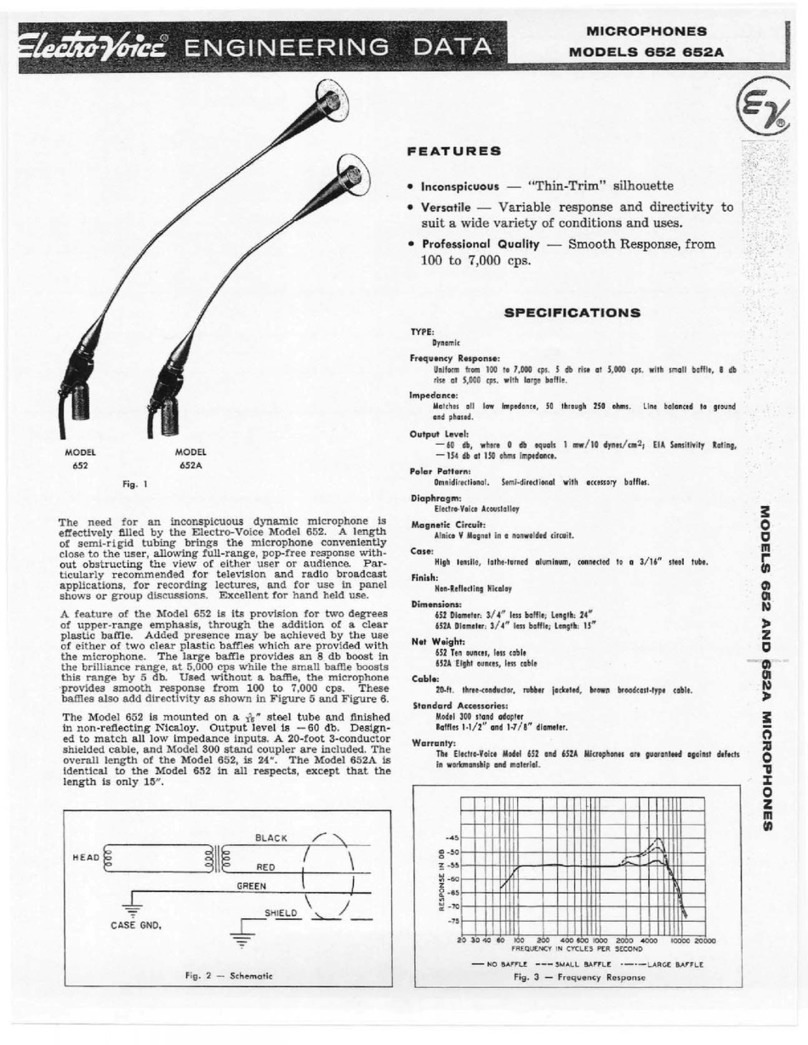
Electro-Voice 652 engineering data

Electro-Voice

Electro-Voice 652 engineering data

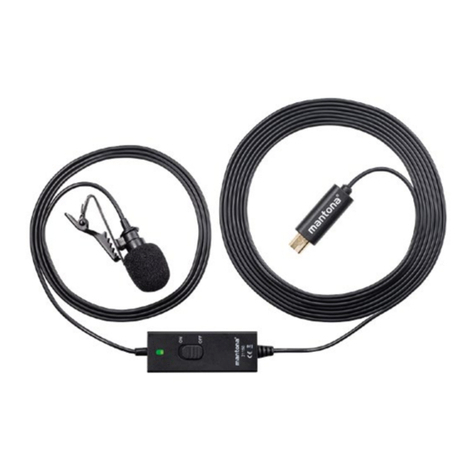
mantona 21150 instruction manual

mantona

mantona 21150 instruction manual

Loewe We. SEE 55 user manual

Loewe

Loewe We. SEE 55 user manual

IK Multimedia iRig Stream MIC PRO user manual

IK Multimedia

IK Multimedia iRig Stream MIC PRO user manual

DAPAudio RM-101 user manual

DAPAudio

DAPAudio RM-101 user manual

AKG CHM 21 User instructions

AKG

AKG CHM 21 User instructions

Sennheiser evolution wireless series EM 100 instruction manual

Sennheiser

Sennheiser evolution wireless series EM 100 instruction manual

Sony C-48 operating instructions

Sony

Sony C-48 operating instructions

GIGAMEDIA GGM PAMICUHFG user manual

GIGAMEDIA

GIGAMEDIA GGM PAMICUHFG user manual

Shure WH30TQG user guide

Shure

Shure WH30TQG user guide

auna PRO MIC-900 manual

auna PRO

auna PRO MIC-900 manual

Shure MV51 manual

Shure

Shure MV51 manual

manuals.online logo
manuals.online logoBrands
  • About & Mission
  • Contact us
  • Privacy Policy
  • Terms and Conditions

Copyright 2025 Manuals.Online. All Rights Reserved.

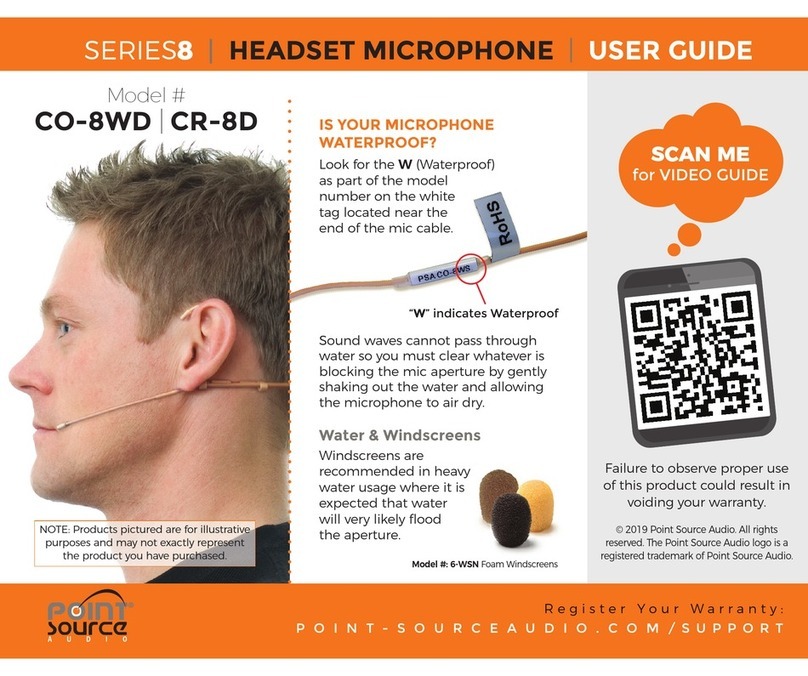
“W” indicates Waterproof
SERIES8|HEADSET MICROPHONE |USER GUIDE
Water & Windscreens
Windscreens are
recommended in heavy
water usage where it is
expected that water
will very likely fl ood
the aperture.
Model #: 6-WSN Foam Windscreens
Failure to observe proper use
of this product could result in
voiding your warranty.
© 2019 Point Source Audio. All rights
reserved. The Point Source Audio logo is a
registered trademark of Point Source Audio.
IS YOUR MICROPHONE
WATERPROOF?
Sound waves cannot pass through
water so you must clear whatever is
blocking the mic aperture by gently
shaking out the water and allowing
the microphone to air dry.
Look for the W (Waterproof)
as part of the model
number on the white
tag located near the
end of the mic cable.
Model #
CO-8WD |CR-8D
NOTE: Products pictured are for illustrative
purposes and may not exactly represent
the product you have purchased.
SCAN ME
for VIDEO GUIDE
Register Your Warranty:
POINT-SOURCEAUDIO.COM/SUPPORT
1 2 34 5
SERIES8|HEADSET MICROPHONE |USER GUIDE
CUSTOMIZING YOUR HEADSET
For the CARDIOID model (CR-8D)
microphone, adjust as directed above
and place the microphone element
tight to the corner (not in front)
of the mouth to acheive optimal
signal-to-noise ratio while
minimizing popping and
breath noise. Continue
to test mic placement
until acheiving
desired result.
Model #: 6-WSNx
Large Windscreens for Cardioid Mics
Turn ear hook into
upright position to
snap lock in place.
Slide headband on
both sides to adjust
for a proper fi t.
Attach cable to the
clip and secure to an
area near the neck.
Lock the boom
in place using
the S-Hook
Bend cable on the
boom side to avoid
cable stress.
CABLE CARE
Use care when storing your microphone;
coil the cable so that it rests fl at.
DO NOT wrap the cable around the
body pack or coil the cable in any way
that creates serious bends or strain on
the cable.
Register Your Warranty: POINT-SOURCEAUDIO.COM/SUPPORT