4. Key Operation Instruction
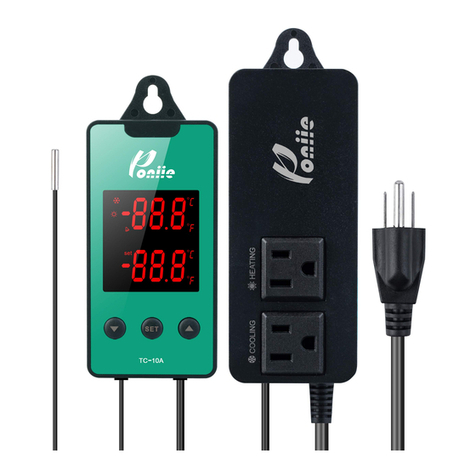
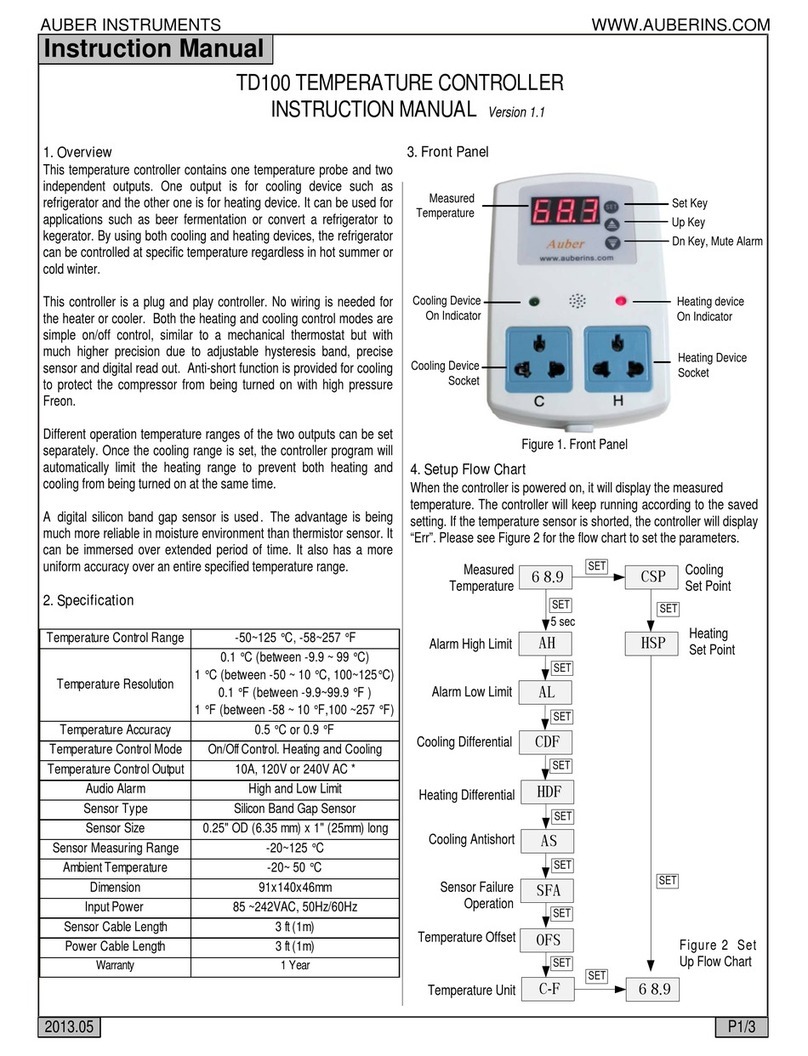
The upper window, in working mode, displays current environment
temperature and working status; in setting mode, displays menu code.
ON: Refrigeration is in working state;
FLASHING: Refrigeration is in compressor delay time.
ON: Heating is in working state;
OFF: Not working.
The lower window, in working mode, displays shutdown
temperature point (TS) for both heating and cooling (It can be taken
as the central temperature point); in setting mode, displays setting value
of menu codes.
When controller working normally, press “▼” key, the setting Low
Temperature (TL) point is displayed; press “▲” key, the setting High
Temperature (TH) point is displayed. The screen will auto return to
normal display after 2 seconds.
4.2 How to set parameters?
Basic Setting Mode: Press “SET”key to enter the basic setting mode,
You only need to set three temperature points TL, TS and TH to set a
suitable control range. TL/TS/TH relationship is as follows: