English
8
NOTES ON OPERATING THE WATCH
TIME SETTING
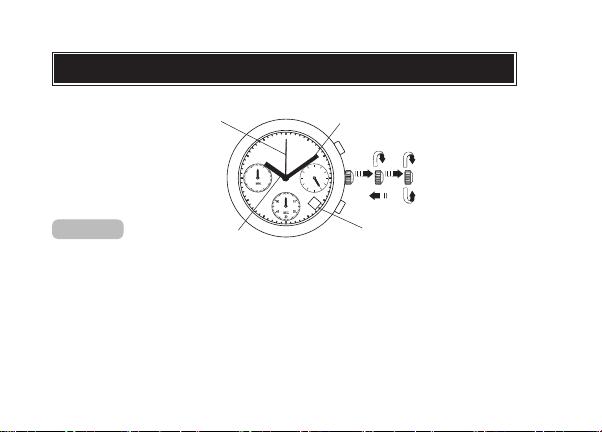
lDo not press any button when the crown is at the second click position, as this will
move the STOPWATCH hands.
lWhen the time is set, the 24-hour hand move correspondingly with the hour and
minute hands.
lWhen setting the hour hand, check that the 24-hour hand is correctly set.
lWhen setting the minute hand, first advance it 4 to 5 minutes ahead of the desired
time and then turn it back to the exact minute.
Date setting (VD53 only)
lIt is necessary to adjust the date on the first day after a 30-day month and February.
lDo not set the date between 9:00 p.m. and 1:00 a.m., as the date may not change
properly. If it is necessary to set the date during that period of time, first change the
time to any time outside of this period, set the date, and then reset to the correct
time.