manuals.online logo
Brands
  1. Home
  2. •
  3. Brands
  4. •
  5. Pyle
  6. •
  7. Car Stereo System
  8. •
  9. Pyle PLMCA40 Cycle Series User manual

Pyle PLMCA40 Cycle Series User manual

Other Pyle Car Stereo System manuals

Pyle PLCD56MP User manual

Pyle

Pyle PLCD56MP User manual

Pyle PLCD41MU User manual

Pyle

Pyle PLCD41MU User manual

Pyle PLDMN65 Quick start guide

Pyle

Pyle PLDMN65 Quick start guide

Pyle PLCD5MRBTS User manual

Pyle

Pyle PLCD5MRBTS User manual

Pyle PYLE PL90MU User manual

Pyle

Pyle PYLE PL90MU User manual

Pyle PYLE PLVSMR7 User manual

Pyle

Pyle PYLE PLVSMR7 User manual

Pyle PL97M4 User manual

Pyle

Pyle PL97M4 User manual

Pyle PLMR22BT User manual

Pyle

Pyle PLMR22BT User manual

Pyle View PLTDN70 User manual

Pyle

Pyle View PLTDN70 User manual

Pyle PLCD27 User manual

Pyle

Pyle PLCD27 User manual

Pyle View PLTDN71 User manual

Pyle

Pyle View PLTDN71 User manual

Pyle PLD182 User manual

Pyle

Pyle PLD182 User manual

Pyle View PLTNV66 User manual

Pyle

Pyle View PLTNV66 User manual

Pyle PYLE Plus Series PLCDUSB78MP3 User manual

Pyle

Pyle PYLE Plus Series PLCDUSB78MP3 User manual

Pyle PBT92 User manual

Pyle

Pyle PBT92 User manual

Pyle PLR15MUA User manual

Pyle

Pyle PLR15MUA User manual

Pyle Plus PLCD71 User manual

Pyle

Pyle Plus PLCD71 User manual

Pyle PBT9 User manual

Pyle

Pyle PBT9 User manual

Pyle PLMRKT12 User manual

Pyle

Pyle PLMRKT12 User manual

Pyle PLDVD132 User manual

Pyle

Pyle PLDVD132 User manual

Pyle PLD57MU User manual

Pyle

Pyle PLD57MU User manual

Pyle PLTWVS User manual

Pyle

Pyle PLTWVS User manual

Pyle Plus PLCD72MP User manual

Pyle

Pyle Plus PLCD72MP User manual

Pyle PLCDCS220MP User manual

Pyle

Pyle PLCDCS220MP User manual

Popular Car Stereo System manuals by other brands

Sony CDXM60UI - Marine CD Receiver MP3/WMA/AAC... Features

Sony

Sony CDXM60UI - Marine CD Receiver MP3/WMA/AAC... Features

Philips CED780/98 quick start guide

Philips

Philips CED780/98 quick start guide

Becker Online Pro 7800 installation guide

Becker

Becker Online Pro 7800 installation guide

JVC KD-LH810 instructions

JVC

JVC KD-LH810 instructions

Clarion PU-9836A Service manual

Clarion

Clarion PU-9836A Service manual

Sony RM-X7BT reference guide

Sony

Sony RM-X7BT reference guide

Mitsubishi Electric AR0M manual

Mitsubishi Electric

Mitsubishi Electric AR0M manual

Insignia NS-HD5113 user guide

Insignia

Insignia NS-HD5113 user guide

Clarion BTD3341 user manual

Clarion

Clarion BTD3341 user manual

USA SPECS PA11-VW6 owner's manual

USA SPECS

USA SPECS PA11-VW6 owner's manual

Sony MEX-N4380BT operating instructions

Sony

Sony MEX-N4380BT operating instructions

Kenwood KCD-BT6544U/UY Service manual

Kenwood

Kenwood KCD-BT6544U/UY Service manual

JVC KD-DB912BT instruction manual

JVC

JVC KD-DB912BT instruction manual

Philips CSQ405/98 user manual

Philips

Philips CSQ405/98 user manual

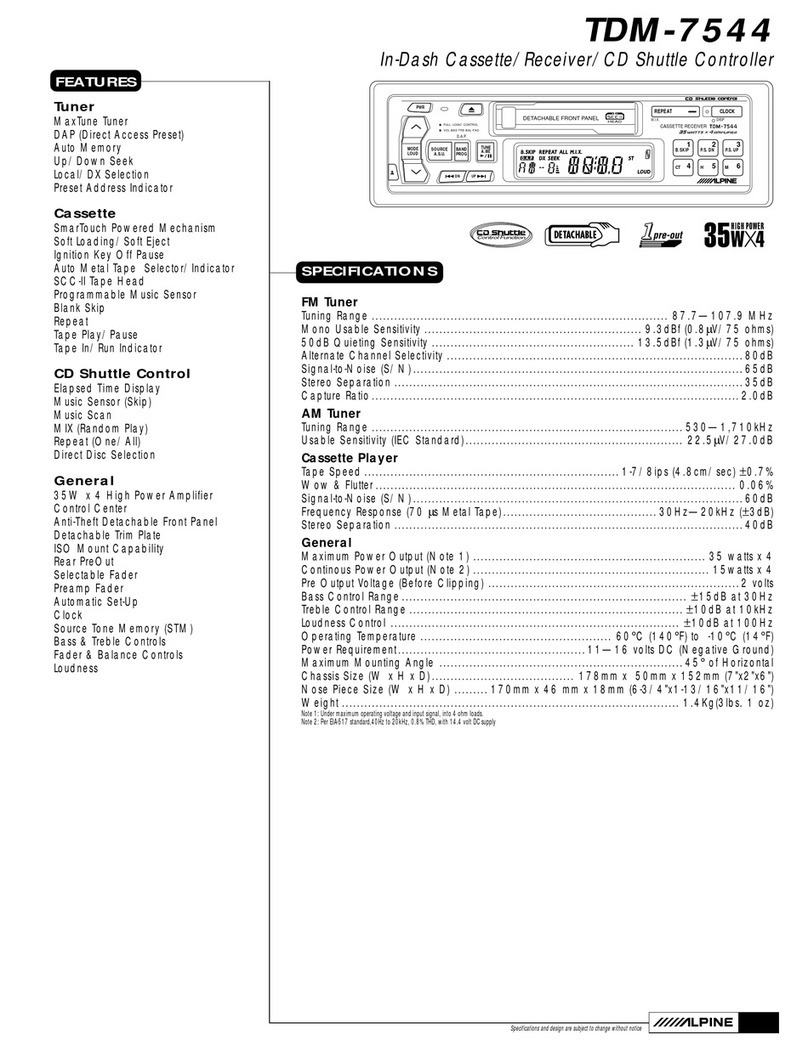
Alpine TDM-7544 Specifications

Alpine

Alpine TDM-7544 Specifications

JL Audio Stealthbox SB-CAN-G2MVX3D/10TW3 installation guide

JL Audio

JL Audio Stealthbox SB-CAN-G2MVX3D/10TW3 installation guide

Denso TEN FT0108A user manual

Denso TEN

Denso TEN FT0108A user manual

Harman Chrysler Radio Navigation System RB4 user manual

Harman

Harman Chrysler Radio Navigation System RB4 user manual

manuals.online logo
manuals.online logoBrands
  • About & Mission
  • Contact us
  • Privacy Policy
  • Terms and Conditions

Copyright 2025 Manuals.Online. All Rights Reserved.

User's Manual
SPECIFICATION
Motorcycle & Boat Stereo Audio System
Model: PLMCA40
RMS POWER:
25W×2@4 Ohm 10%THD
50W×2@2 Ohm 10%THD
FREQUENCY RESPONSE: 20Hz-20KHz
S/N: >50dB
CHANNEL BLACCE: <2dB
FM FREQUENCY RANGE: 87.5-108.0MHz
FM SENSITIVITY: 10μV @S/N 30Db
USB PORT: SUPPORT USB 2.0
SD SLOT: SUPPORT 128MB,256MB,512MB,1GB,2GB/4GB
Features
Loudspeaker Mounting Diagram
Motorcycle and Boat Audio Stereo System with
FM Auto Scan Radio/USB Port/ SD Slot/Aux Input
Loudspeaker mounting diagram
Remote control
The remote control can take place of the 4 same buttons
on the main unit*.
*Note: The key (Power) on the remote control can’t power up
the system but it can power off the system.
Remote control function diagram
LCD Display
FM Radio/AUX
USB port: support USB Flash Memory
SD slot: support 128MB,256MB,512MB,1GB,2GB/4GB.
Easy Mounting Brackets and Accessories included
Amplifier Dimensions:5.2"H X 3.15"W X1.86"D
Speaker Dimensions:4.8"H X 4.13"W X 4.13"D
Built in FM Radio Electric Auto-scan Tuning
Up/Down Auto-scab Tuning System
FM Coverage:87.5-108.0MHZ
Dot Matrix LCD FM Frequency
Volume/Digital Control /POWER Switch/Mute Function
3.5mm Stereo Input Jack ,Easy Connection to the Output of Other
Audio Devices Like CD/MD/Mp3/Ipod,etc
Wireless Remote Control
Mini Amplifier Suitable for 12 Volts Motorcycles/Scooteers/Boat/
snowmobile/ATV/Waverunner
50 Watts x2 @ 2 Ohm 10%THD
Frequency Response 20Hz-20KHz
S/N:>50dB
3" Dual weatherproof Speakers
Channel Balance:<2dB
FM Sensitivity:10uV @ S/N 30dB
FM Radio Operation
1) Press the button MODE on the front panel to select FM
Radio Mode.
2) Press button to locate a radio station. The system
will keep auto-scan tuning till catching one station.
Note: The ST worlds will be displayed on LCD screen when
catching a stereo station.
AUX Mode Operation
1) Press the button MODE to select AUX mode operation.
2) Adjust the volume control to a desired level.
Note: Words AUX will be displayed on LCD indicating the
system works in AUX mode.
Connection diagram
OPERATION INSTRUCTION
First Time to Use the System
Connect the loudspeakers to the L-SP, R-SP RCA jacks on the
rear panel.
Connect an external source to the AUX jack on the rear panel
( if there is).
Connect the power cable to 12VDC power supply and plug the
connector into the jack marked DC IN 9~16V
Turn on/Turn off the system
Pressing the button POWER on the front panel for more than
2s, the system will be turned on and ready for operation*.
Pressing the button POWER again for more than 2s will turn
off the system.
*Note: The system will memorize and recall the last state of
operating mode (FM radio /AUX/USB /SD) .
Select an Operation Mode
Pressing the button MODE on the front panel can change the
mode from one to other(FM Radio—AUX—USB--SD mode)
and select one of the mode you like.
Note: USB and SD modes are active only when a device is
connected to the USB port/SD slot.
Volume Control
Pressing the button + or – for more than 2s at any state, the
system will be ready for the volume control with the range of
0~31 displayed on the screen. Adjust it to your desired setting
without audio distortion.
Note: The worlds VOL will be displayed on LCD screen during
adjusting system volume.
MUTE Function
Pressing the button MUTE for more than 2s will mute sounds
from the outputs of the system at any state and disable it by
pressing button MUTE again for more than 2s.
Note: will be blinking on the LCD when in MUTE state.
USB/SD Mp3 Automatically Playing Function
The system will play Mp3 format songs automatically when an
USB flash memory/SD card applied to the USD port/ SD slot
on the front panel at any state.
1) Pressing the button to select last or next song.
2) Pressing the button will pause the music playing and
disable it by pressing it again.
PYLE AMPLIFIERS CAR AMPLIFIERS