manuals.online logo
Brands
  1. Home
  2. •
  3. Brands
  4. •
  5. Red Arrow
  6. •
  7. Floodlight
  8. •
  9. Red Arrow CMT50Y User manual

Red Arrow CMT50Y User manual

This manual suits for next models

3

Other Red Arrow Floodlight manuals

Red Arrow FLSMD50BPC-1 User manual

Red Arrow

Red Arrow FLSMD50BPC-1 User manual

Red Arrow FLSMD50Y-1 User manual

Red Arrow

Red Arrow FLSMD50Y-1 User manual

Red Arrow FLSMDPC10BOPI User manual

Red Arrow

Red Arrow FLSMDPC10BOPI User manual

Red Arrow LEDFL30B-RGB User manual

Red Arrow

Red Arrow LEDFL30B-RGB User manual

Red Arrow KRY10 User manual

Red Arrow

Red Arrow KRY10 User manual

Red Arrow FLSMD50Y-1 User manual

Red Arrow

Red Arrow FLSMD50Y-1 User manual

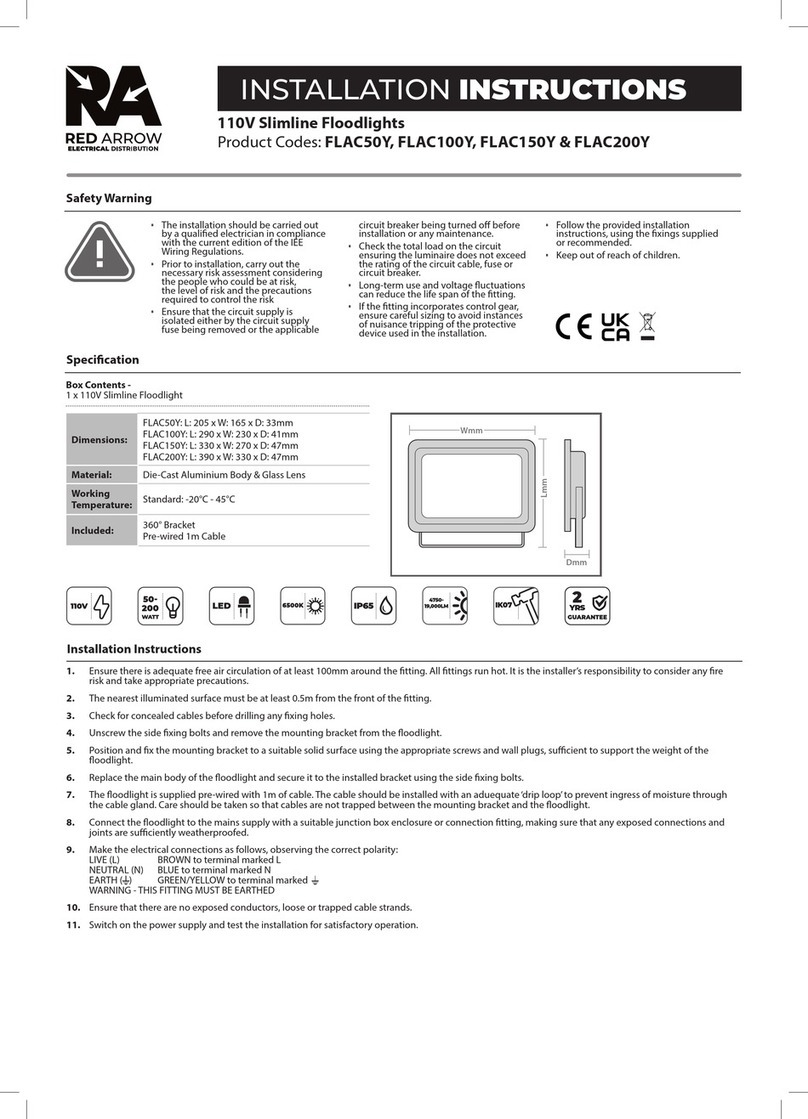
Red Arrow FLAC50Y User manual

Red Arrow

Red Arrow FLAC50Y User manual

Red Arrow FLAC50Y User manual

Red Arrow

Red Arrow FLAC50Y User manual

Red Arrow FLSMD100BPC-1 User manual

Red Arrow

Red Arrow FLSMD100BPC-1 User manual

Popular Floodlight manuals by other brands

V-TAC VT-5192S installation instructions

V-TAC

V-TAC VT-5192S installation instructions

Major tech HLF30CW instruction manual

Major tech

Major tech HLF30CW instruction manual

EuroLite LED Cube user manual

EuroLite

EuroLite LED Cube user manual

EuroLite LED IP FL-100 SMD user manual

EuroLite

EuroLite LED IP FL-100 SMD user manual

Cooper Wheelock XB12 specification

Cooper Wheelock

Cooper Wheelock XB12 specification

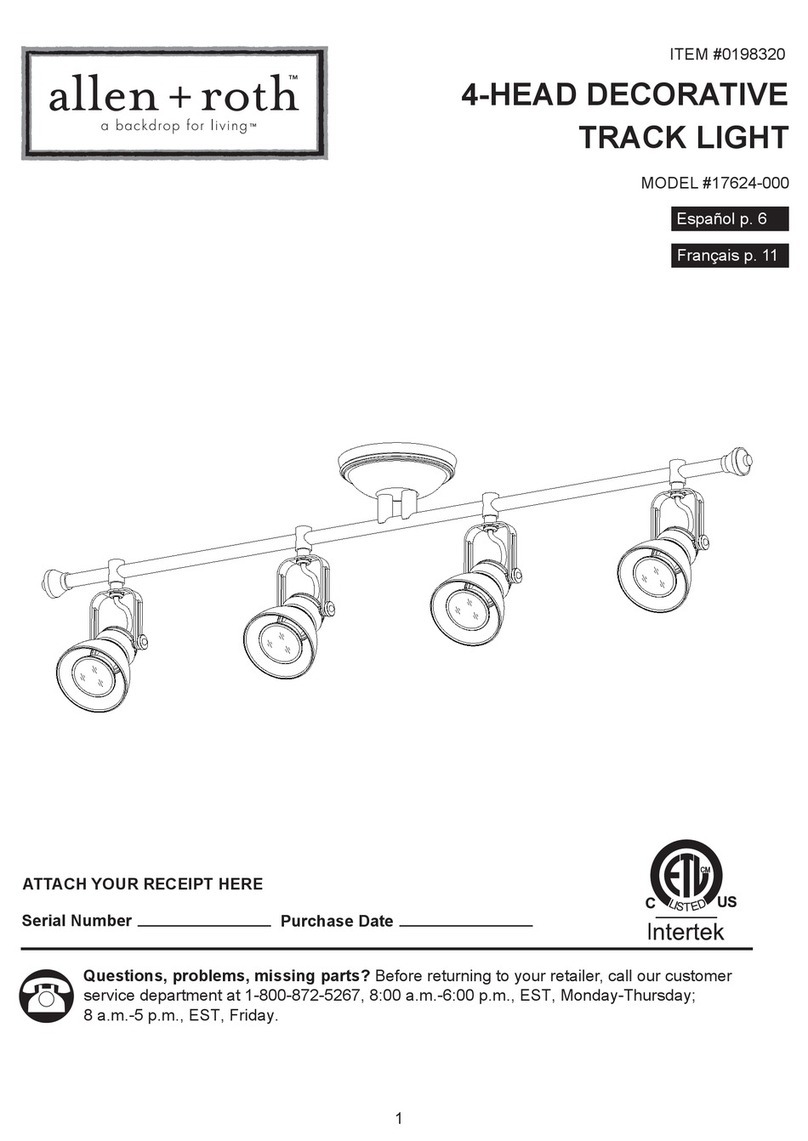
Allen + Roth 17624-000 user manual

Allen + Roth

Allen + Roth 17624-000 user manual

ADJ 4 STAGE PAK User instructions

ADJ

ADJ 4 STAGE PAK User instructions

Cooper Lighting EGL91SW233 Specification sheet

Cooper Lighting

Cooper Lighting EGL91SW233 Specification sheet

Max 37496 instruction manual

Max

Max 37496 instruction manual

BEGA 85 143 Instructions for use

BEGA

BEGA 85 143 Instructions for use

Cameo CLPST64Q8W user manual

Cameo

Cameo CLPST64Q8W user manual

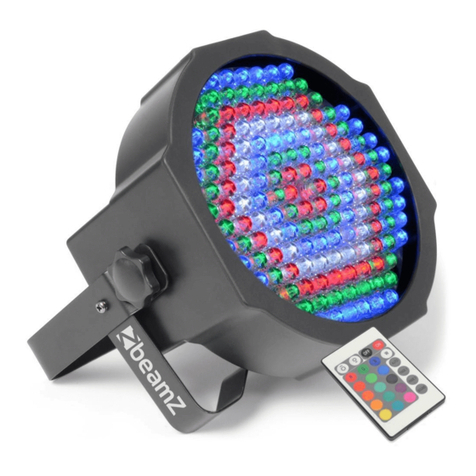
Beamz 151.226 user manual

Beamz

Beamz 151.226 user manual

EuroLite LED IP FL-8 user manual

EuroLite

EuroLite LED IP FL-8 user manual

Ledj PERFORMER 36 RGB user manual

Ledj

Ledj PERFORMER 36 RGB user manual

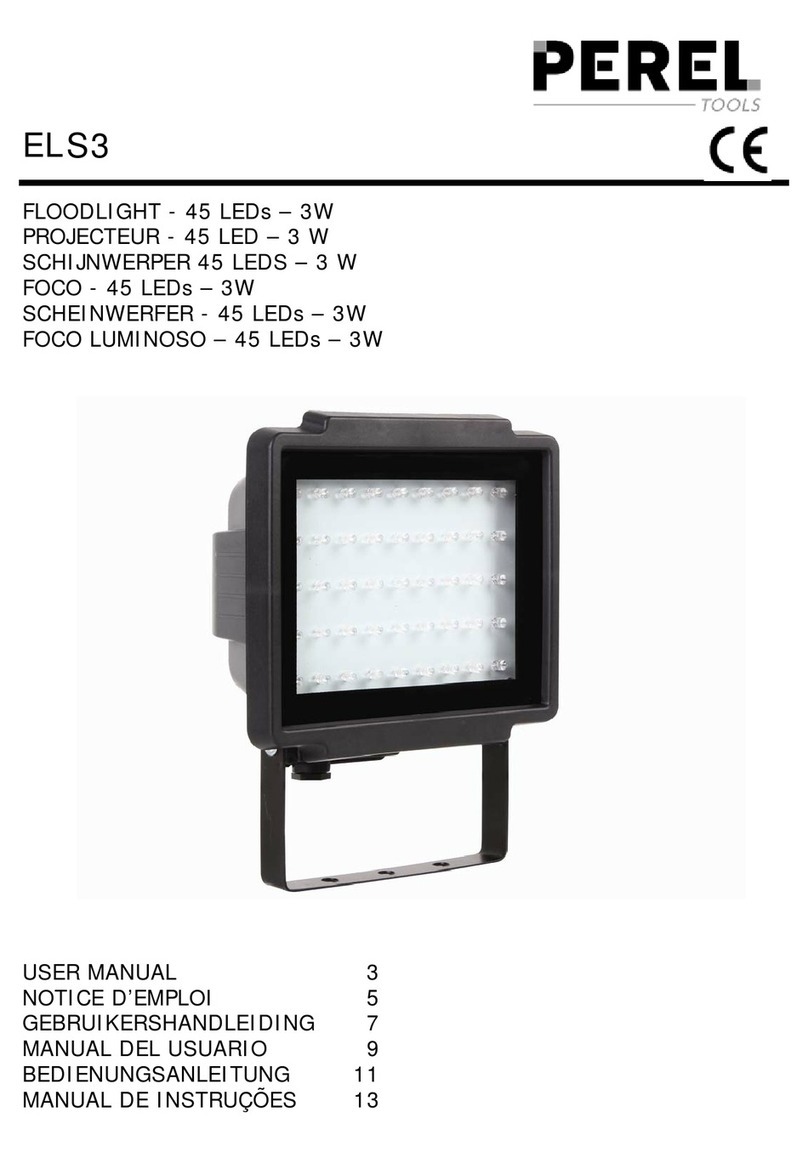
Perel ELS3 user manual

Perel

Perel ELS3 user manual

Perel ELS3WD user manual

Perel

Perel ELS3WD user manual

Xtricity 4-80053 instructions

Xtricity

Xtricity 4-80053 instructions

Stahl 6521/4 Series operating instructions

Stahl

Stahl 6521/4 Series operating instructions

manuals.online logo
manuals.online logoBrands
  • About & Mission
  • Contact us
  • Privacy Policy
  • Terms and Conditions

Copyright 2025 Manuals.Online. All Rights Reserved.

PAGE 2 (TWO - INSIDE DPS)
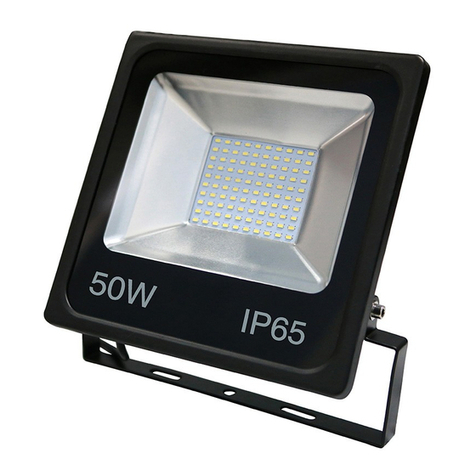
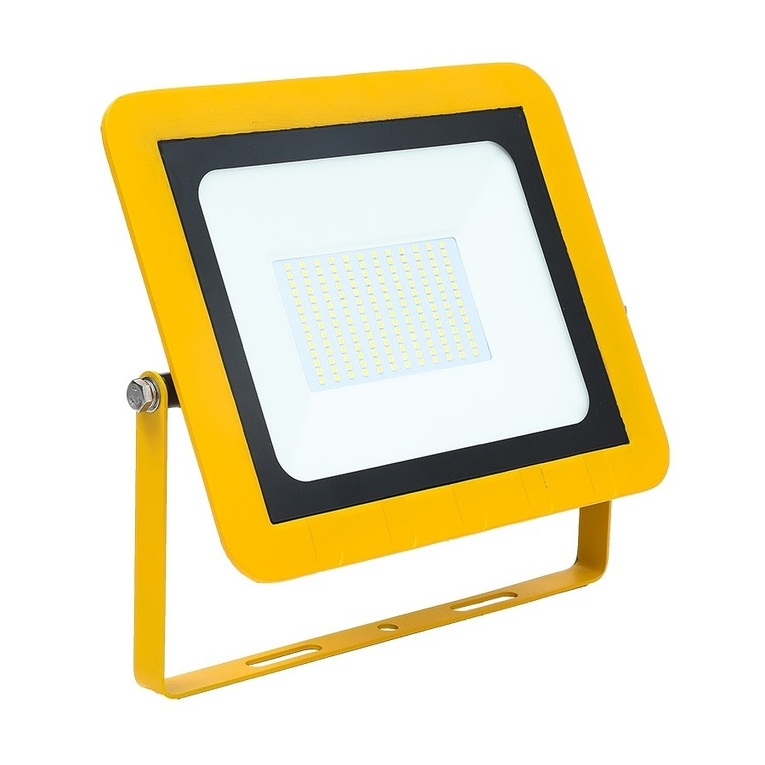
Comet Site Slim Floodlights
Product Codes: CMT50Y, CMT100Y, CMT150Y, CMT200Y
Box Contents -
1 x Comet Site Floodlight and mounting bracket
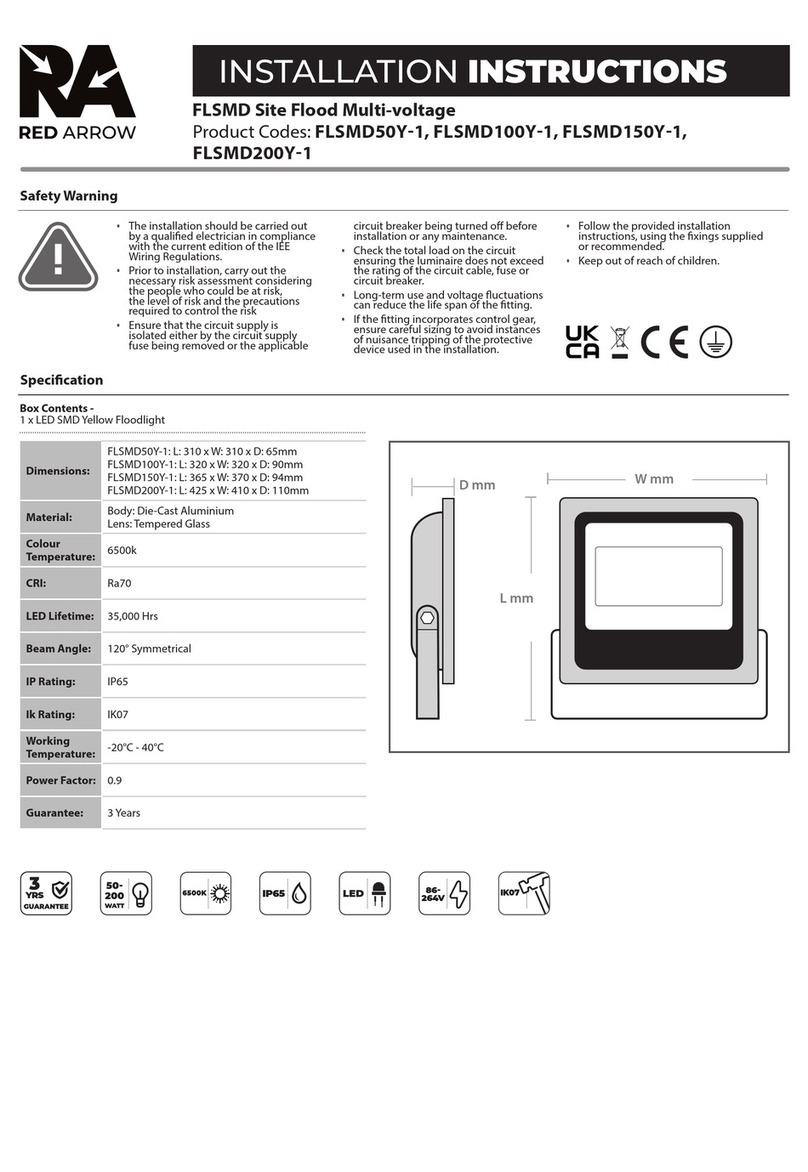
Dimensions:
CMT50Y: L: 216 x W: 212 x D: 32mm. Weight: 0.846kg. Max Projected Area: 0.0284m
CMT100Y: L: 251 x W: 290 x D: 37mm. Weight: 1.445kg. Max Projected Area: 0.0459m
CMT150Y: L: 311 x W: 348 x D: 40mm. Weight: 2.12kg. Max Projected Area: 0.0683m
CMT200Y: L: 374 x W: 414 x D: 41mm. Weight: 3.09kg. Max Projected Area: 0.1014m
Material: Body: Die-Cast Aluminium
Lens:Tempered Glass
Working
Temperature: Standard: -30°C - 45°C
Guarantee: 3 Years
Safety Warning
• The installation should be carried out
by a qualied electrician in compliance
with the current edition of the IEE
Wiring Regulations.
• Prior to installation, carry out the
necessary risk assessment considering
the people who could be at risk,
the level of risk and the precautions
required to control the risk
• Ensure that the circuit supply is
isolated either by the circuit supply
fuse being removed or the applicable
circuit breaker being turned o before
installation or any maintenance.
• Check the total load on the circuit
ensuring the luminaire does not exceed
the rating of the circuit cable, fuse or
circuit breaker.
• Long-term use and voltage uctuations
can reduce the life span of the tting.
• If the tting incorporates control gear,
ensure careful sizing to avoid instances
of nuisance tripping of the protective
device used in the installation.
• Follow the provided installation
instructions, using the xings supplied
or recommended.
• Keep out of reach of children.
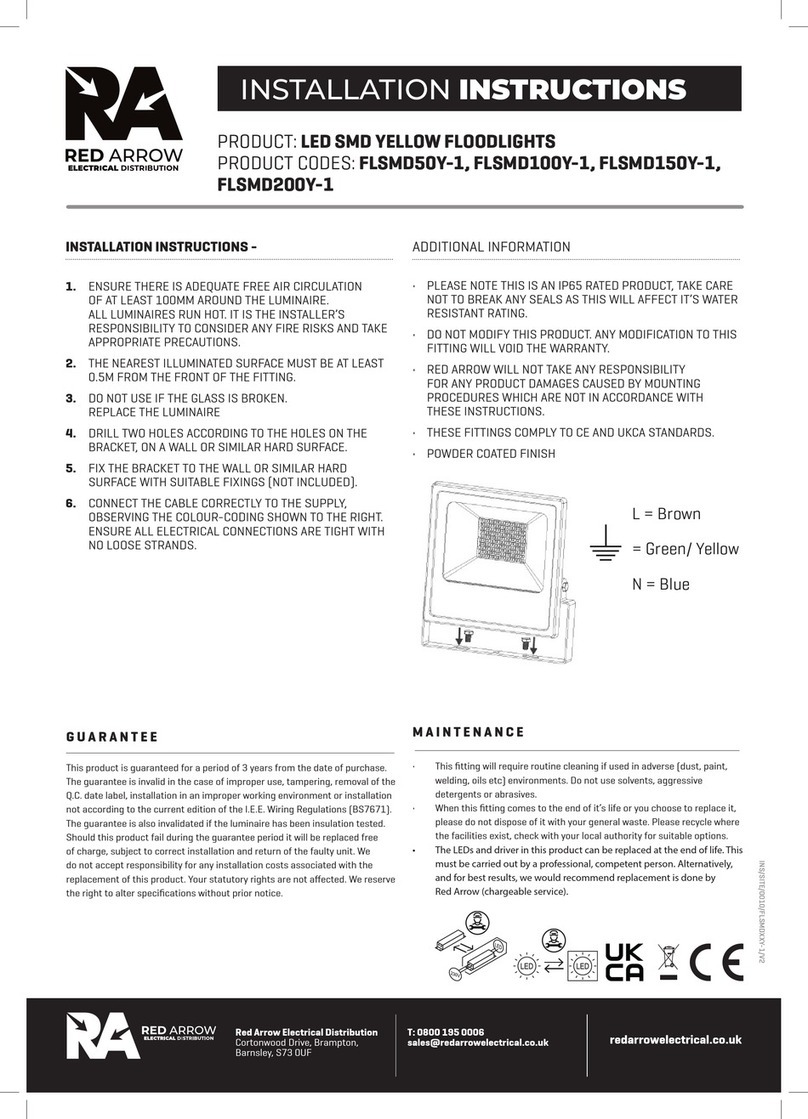
INSTALLATION INSTRUCTIONS
PAGE 1 (FRONT PAGE)
Specication
110V
IP65
3
YRS
GUARANTEE
IK06
/IK07
50-200
WATT LED
4000K
Automatic Circuit Breaker Type: B6 B10 B13 B16 B20 C10 C13 C16 C20
Rated Current: 6A 10A 13A 16A 20A 10A 13A 16A 20A
Cable (mm): 1.5 1.5 1.5 2.5 2.5 1.5 1.5 2.5 2.5
CMT50Y 8 13 17 21 25 16 21 25 25
CMT100Y 4 6 8 10 13 8 10 13 16
CMT150Y 2 4 5 7 8 5 7 8 10
CMT200Y 2 3 4 5 6 4 5 6 8
MAXIMUM FITTINGS PER CIRCUIT
Note: This is a Class I Luminaire - Earth connection is required
This is an IP65 rated product. Do not break or loosen any seals as this will aect the IP rating and will render the warranty void.
1. Isolate the mains supply before commencing the installation.
2. Ensure there is adequate free air circulation of at least 100mm around the luminaire. All luminaires run hot. It is the installer’s responsibility to consider any
re risks and take appropriate precautions.
3. The nearest illuminated surface must be at least 0.5m from the front of the tting.
4. Do not install or use if the glass is broken. Replace the luminaire. The pre-wired cable is not replaceable. If it is damaged, replace the luminare.
5. Select a suitable, solid mounting surface and xings that are capable of holding the weight of the luminaire. Maximum installation height is ≤ 5m.
Installation Instructions
5000-
20000LM
Lmm
Wmm
Dmm

PAGE 2 (TWO - INSIDE DPS)
PAGE 1 (FRONT PAGE)
• Red Arrow will not take any responsibility for any product damage caused by mounting procedures which are not in accordance with these instructions.
Additional Information
INS/SITE/0028/CMTY/V1
This product is guaranteed for a period of 3 years from the date of purchase. The guarantee is invalid in the case of improper use, tampering, removal of the Q.C.
date label, installation in an improper working environment or installation not according to the current edition of the I.E.E. Wiring Regulations (BS7671). The
guarantee is also invalidated if the luminaire has been insulation tested. Should this product fail during the guarantee period it will be replaced free of charge,
subject to correct installation and return of the faulty unit. We do not accept responsibility for any installation costs associated with the replacement of this
product. Your statutory rights are not aected. We reserve the right to alter specications without prior notice.
Guarantee
• This tting will require routine cleaning if used in adverse (dust, paint, welding, oils etc) environments. Do not use solvents, aggressive detergents or
abrasives.
• The light source & driver in this luminaire are not replaceable. When either reaches end of life, the whole luminaire must be replaced.
Maintenance
• The pre-wired supply cable on this luminaire is not replaceable. If the cable is damaged, the whole luminaire must be replaced
• When this tting comes to the end of it’s life or you choose to replace it, please do not dispose of it with your normal waste. Please recycle where the
facilities exist, check with your local authority for suitable options.
T: 0800 195 0006
sales@redarrowelectrical.co.uk
Red Arrow Electrical Ltd
Cortonwood Drive, Brampton,
Barnsley, S73 0UF redarrowelectrical.co.uk
6. Mark the xing positions using the bracket as a template or use the dimension‘d’ in the table shown. Drill holes to match suitable wall plugs/xings.
7. Fit the bracket to the wall using suitable xings. The base of the bracket is angled, permitting xing without removing the bracket from the luminaire.
8. Connect the cable correctly to the supply using a suitable IP rated connector or junction box (not supplied), observing the colour-coding shown below.
Ensure all electrical connections are tight with no loose strands:
Live = Brown
Earth = Green / Yellow
Neutral = Blue
9. To adjust the oodlight aiming angle, loosen the screws holding the bracket to the body, adjust and re-tighten the screws when the desired angle is
achieved. The tting can be mounted in a number of orientations. See illustration for guidance.
10. Restore the mains power supply and check for correct operation.
6
Wattage
7 8
9