manuals.online logo
Brands
  1. Home
  2. •
  3. Brands
  4. •
  5. Redarc
  6. •
  7. Automobile Accessories
  8. •
  9. Redarc SBI12KIT User manual

Redarc SBI12KIT User manual

Other manuals for SBI12KIT

4

Other Redarc Automobile Accessories manuals

Redarc EBRH-ACCV3-NA User manual

Redarc

Redarc EBRH-ACCV3-NA User manual
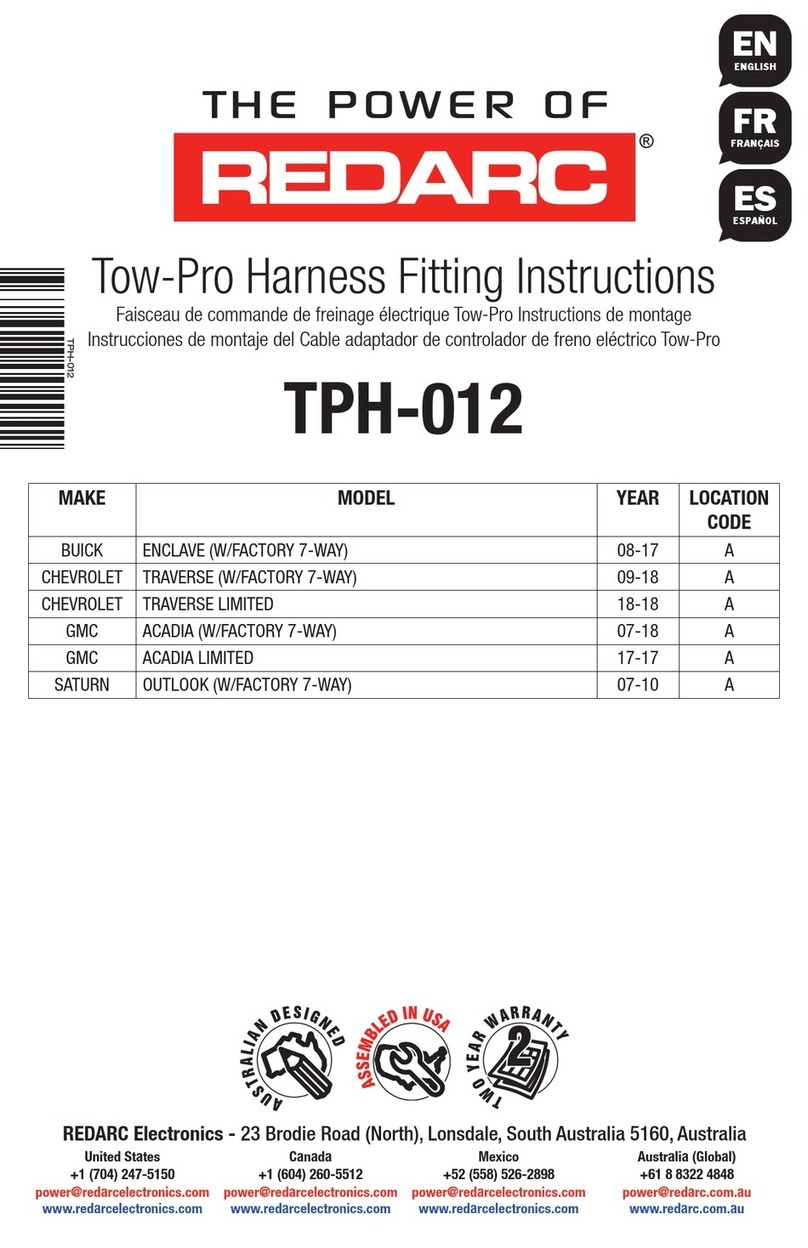
Redarc Tow-Pro User manual

Redarc

Redarc Tow-Pro User manual
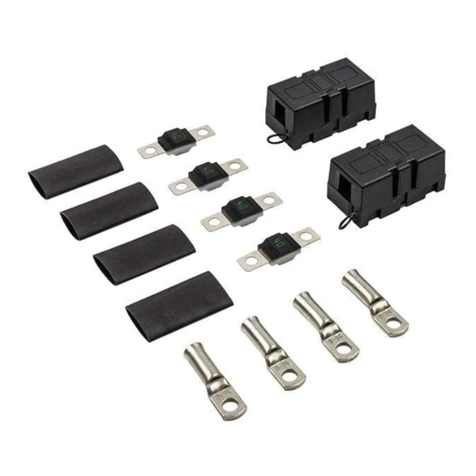
Redarc FK40 User manual

Redarc

Redarc FK40 User manual

Redarc TPH-007 User manual

Redarc

Redarc TPH-007 User manual

Redarc Redvision TVMS1280 User manual

Redarc

Redarc Redvision TVMS1280 User manual

Redarc TPH-020 User manual

Redarc

Redarc TPH-020 User manual

Redarc TPH-021 User manual

Redarc

Redarc TPH-021 User manual
Redarc 50A MIDI Fuse Kit User manual

Redarc

Redarc 50A MIDI Fuse Kit User manual
Redarc Redvision TVMS1280 User manual

Redarc

Redarc Redvision TVMS1280 User manual
Redarc TPH-004 User manual

Redarc

Redarc TPH-004 User manual
Redarc TPH-013 User manual

Redarc

Redarc TPH-013 User manual

Redarc RedVision TVMS1280-NA User manual

Redarc

Redarc RedVision TVMS1280-NA User manual

Redarc TPH-006 User manual

Redarc

Redarc TPH-006 User manual

Redarc Tow-Pro Liberty EBRH-ACCNA User manual

Redarc

Redarc Tow-Pro Liberty EBRH-ACCNA User manual

Redarc BCDCMB-009 User manual

Redarc

Redarc BCDCMB-009 User manual

Popular Automobile Accessories manuals by other brands

Magneti Marelli AC161 Installation instruction

Magneti Marelli

Magneti Marelli AC161 Installation instruction

FDI uEZ GUI Start here

FDI

FDI uEZ GUI Start here

JCROffroad JT Install instructions

JCROffroad

JCROffroad JT Install instructions

Rostra VOXXElectronics 250-1930 owner's guide

Rostra

Rostra VOXXElectronics 250-1930 owner's guide

TOP VEHICLE TECH GR3FORD5 installation manual

TOP VEHICLE TECH

TOP VEHICLE TECH GR3FORD5 installation manual

Safe Fleet PRIME DESIGN AR-2000-BLK manual

Safe Fleet

Safe Fleet PRIME DESIGN AR-2000-BLK manual

Skoda Fabia Combi 5J Fitting instructions

Skoda

Skoda Fabia Combi 5J Fitting instructions

Camcar 40077 Al Mounting instructions

Camcar

Camcar 40077 Al Mounting instructions

Camcar 40089 AL Mounting instructions

Camcar

Camcar 40089 AL Mounting instructions

Impac Tradesman 2000 installation manual

Impac

Impac Tradesman 2000 installation manual

DVB OFFROAD BRSB-01 installation manual

DVB

DVB OFFROAD BRSB-01 installation manual

Safari Snorkel SS385HF installation guide

Safari Snorkel

Safari Snorkel SS385HF installation guide

ULTIMATE SPEED 279746 Assembly and Safety Advice

ULTIMATE SPEED

ULTIMATE SPEED 279746 Assembly and Safety Advice

SSV Works DF-F65 manual

SSV Works

SSV Works DF-F65 manual

ULTIMATE SPEED CARBON Assembly and Safety Advice

ULTIMATE SPEED

ULTIMATE SPEED CARBON Assembly and Safety Advice

Witter F174 Fitting instructions

Witter

Witter F174 Fitting instructions

WeatherTech No-Drill installation instructions

WeatherTech

WeatherTech No-Drill installation instructions

TAUBENREUTHER 1-336050 Installation instruction

TAUBENREUTHER

TAUBENREUTHER 1-336050 Installation instruction

manuals.online logo
manuals.online logoBrands
  • About & Mission
  • Contact us
  • Privacy Policy
  • Terms and Conditions

Copyright 2025 Manuals.Online. All Rights Reserved.

FUNCTION
The Smart Start®Dual Battery Isolator & Wire Kit (part number
SBI12KIT) comes with everything required to install your Smart
Start®Dual Battery Isolator, including the Smart Start®itself.
Perfectly suited to the Do-It-Yourself installer, the SBI12KIT
requires no crimping or soldering, it’s just plug and play.
The SBI12KIT features high quality MTA 60 Amp fuses and fuse
holders with the corresponding ring terminals already attached to
the wires.
Please refer to the Smart Start®SBI Manual for more info.
WIRING INSTRUCTIONS
1. REMOVE Main Battery Earth *
2. Place fuses in fuse holders and attach red cables as shown in diagram A.
12V Dual Battery Isolator & Wire Kit
SBI12KIT
KIT CONTENTS
1. 200mm Battery Positive
cable (red)
2. 1800mm Battery Positive
cable (red)
3. Fuses (60A)
4. Fuse holders (incl.
mounting nuts)
5. Battery Terminals
6. Isolator Terminal protectors
7. SBI12 Battery Isolator
8. 750mm Auxiliary battery
ground cable (black)
9. Battery terminal protector
for Auxiliary Battery
Positive Terminal.
×2
×2
×2
×2
×2
×2
×1
×1
×1
1
2
4
3
Numbers refer to
the contents list
8
7
6
5
4
3
2
1
9
WIRING INSTRUCTIONS
3. Connect a Battery Positive cable (Cable 1) to one of the battery terminals as shown in
diagrams B, C & D. This terminal will attach to your Auxiliary Battery positive terminal.
4. Remove the Start Battery positive terminal from your Start Battery. Connect the other Battery
Positive cable (Cable 1) into the existing Battery Terminal from your Start Battery. Reconnect
the existing Battery Terminal to your Start Battery positive terminal.
5. Insert the crimped ends of the Battery Positive cables into the isolator terminal protectors
provided as per diagrams E, F & G.
6. Mount the SBI unit in a convenient location, as shown in diagram K. Redarc recommends
connecting the SBI as close as possible to the start battery.
7. Connect the SBI ground wire to chassis earth as shown in diagram L. Ensure a good
connection is made and any paint has been removed from the mounting location.
8. Connect the Ground terminal of the Auxiliary battery to chassis earth, using the 750mm
Auxiliary Battery ground cable and the other battery terminal provided as per diagrams
H, I & J.
1Strip wire
11
5
Insert wire
into battery
terminal
8Strip wire
88
5
Insert wire
into battery
terminal
2
6
2
6
2
6
WIRING INSTRUCTIONS
9. Wire the SBI12 as shown in diagrams M,N & O. Ensure that all connections are tight and that
the provided spring washers are used.
10. * RECONNECT MAIN BATTERY EARTH *
Nuts, Bolts and
Mounting Plate
not provided.
7
* MOUNT THE SBI12 *
7
Ensure ground
point makes a
good electrical
connection to
the negative
terminal of both
batteries.
* ATTACH THE EARTH WIRE *
7
6
6
2
27
6
6
6
6
WARSBI12KIT-3 EN
WARRANTY
LIMITED WARRANTY
For full warranty terms and conditions, visit the Warranty page of the REDARC website.
Refer to the web address and contact details applicable to your region.
AUSTRALIA, NEW ZEALAND & EUROPE
www.redarc.com.au/warranty
REDARC Electronics Pty Ltd
23 Brodie Road (North),
Lonsdale SA 5160
Australia
NORTH AMERICA
www.redarcelectronics.com/warranty
REDARC Corporation
c/o Shallco, Inc.
308 Component Dr.
Smithfield, NC 27577
USA
Australia +61 8 8322 4848
New Zealand +64-9-222-1024
UK & Europe +44 (0)20 3930 8109
USA +1 (704) 247-5150
Canada +1 (604) 260-5512
Mexico +52 (558) 526-2898
IMPORTER CONTACT INFORMATION
UK
Ozparts UK Ltd
1 Prospect Place
Pride Park
DE24 8HG, Derby
UK
Europe
Ozparts Pl sp. z o. o.
ul. Slowackiego 32/5
87−100 Torun
Poland
Design and specifications are subject to change without notice | Copyright © REDARC Electronics Pty Ltd. All rights reserved
REDARC®, THE POWER OF REDARC®, and BCDC® are trademarks of REDARC Electronics Pty Ltd.