Recalling Data
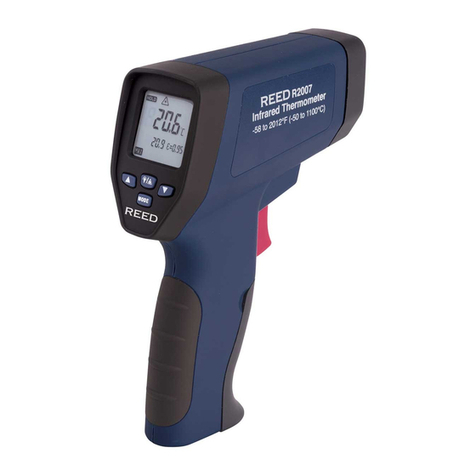
To recall stored data after the unit shuts off, press the MODE button until
LOG appears in the lower left corner. A LOG location number will be shown
below LOG, and the stored temperature for that location will be displayed.
To move to another LOG location, press the UP and DOWN keys.
Log Clear Function
The “Log clear” function allows you to quickly clear all logged data points.
This function can only be used when the unit is in LOG mode. It can be
used when the user has any number of LOG locations stored.
You should only use the “LOG clear” function if you want to clear all the
Log location data that is stored in unit’s memory. The “LOG clear” function
works as follows:
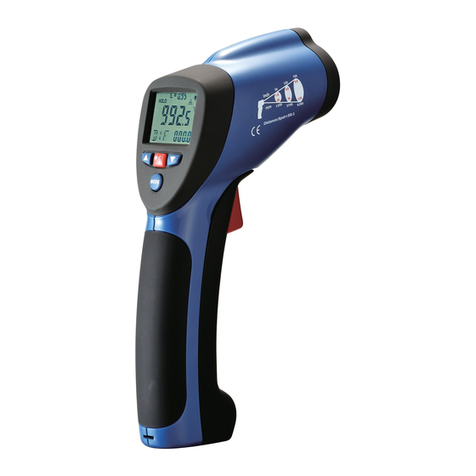
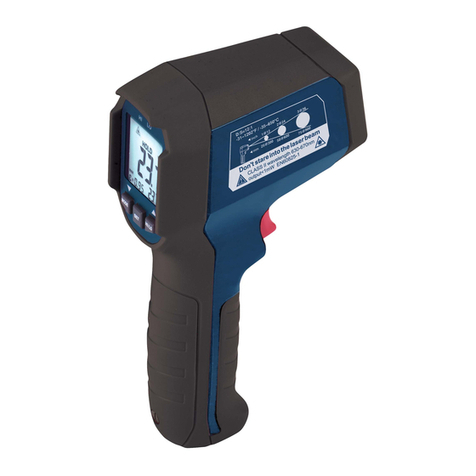
1. While in LOG mode, press the trigger, and then press the “down” arrow
button until you reach LOG location “0”. This can only be done when
the trigger is pulled. LOG location “0” cannot be accessed by using the
“up” arrow button.
2. When LOG location “0” shows in the display, press the laser/back-
light button. A tone will sound, and the LOG location will automatically
change to “1”, signifying that all data locations have been cleared.
3. Measurement considerations:
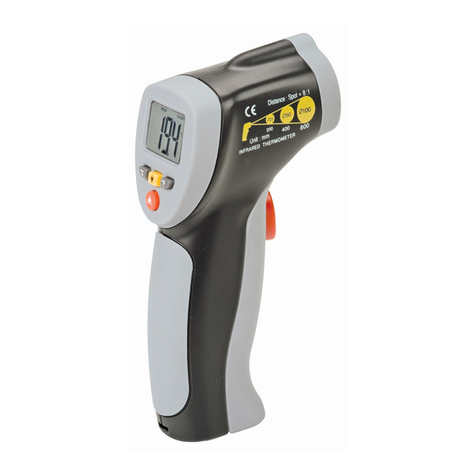
Holding the meter by its handle, point the IR sensor toward the object
whose temperature is to be measured. The meter automatically com-
pensates for temperature deviations from ambient temperature. Keep
in mind that it will take up to 30 minutes to adjust to wide ambient
temperatures being measured followed by high temperature measure-
ments, some time (several minutes) is required after the low (and before
the high) temperature measurements are made. This is a result of the
cooling process, which must take place for the IR sensor.
Battery Replacement
1.Whenbatterypowerisnotsufcient,LCDwilldisplay“
Replacement with one new 9V battery is required.
2.
Open battery cover, take out the battery from the instrument and replace
with a new 9V battery and place the battery cover back into place.