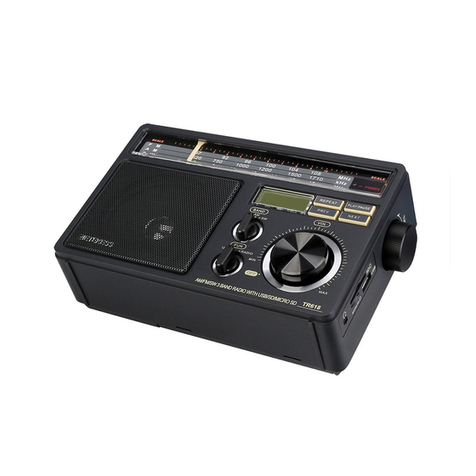
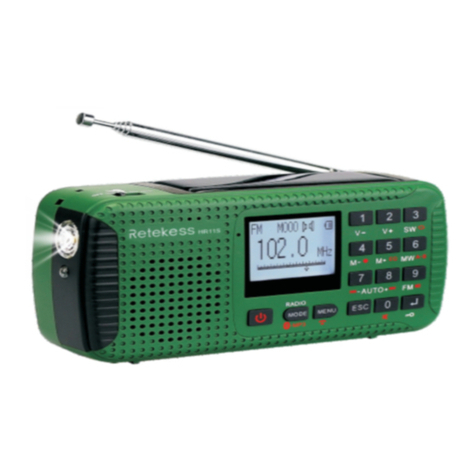
Select FM-W:Mainly used for receiving campus radio /TV TV sound
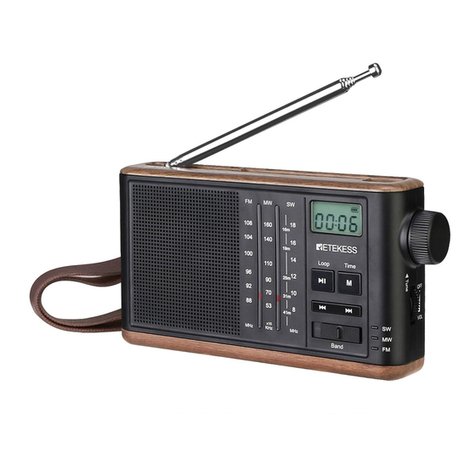
11 SET:FOR setting time/setting SQ function:
Setting time operation instruction:
On the clock state or connect external DC5v power.the radio on clock
state,long press 11 SET button,hour digital flashing,press 13
TUNING+/ 14 TUNING- for adjusting the correct hours.After adjusted
the correct hour,press the 11 SET button again,the minute digital
flashing,it is the same with adjust hour method,press 13 TUNING+/ 14
TUNING- for adjust correct minutes.
Finished the correct time.short press the 11 SET button again or wait
about two second.the radio will default the adjusted time (setting time
is in the case of backlight in the LCD.)
Setting SQ(SQUELCH) function:
POWER-ON state,on CB,AIR bands,long press 11 SET button for
operation SQ function,Long press 11 SET button exchange
SQ-ON/SQ-OFF. About Wait 3 seconds, radio system default mode.
LCD display “SQ ON” indicates that the squelch function setting is
enabled LCD display “SQ OF”indicates that the squelch function
setting is closed.
12 Band:(Setting alarm/bands exchange)
5.Setting alarm operation instruction:
On clock state,short press 12 BAND button,LCD display alarm
symbol“ “,long press 11 SET button for setting alarm clock.the
method is same with the setting color.after long press 11 SET
button,the hour digital flashing,press the 13 TUNING+/ 14 TUNING-
button for adjust the alarm clock hour, short press 11 SET button,the
minute digital is flashing,press 13 TUNING+/ 14 TUNING- button for
adjust the alarm clock minute.wait about 1second,the system default
set time. If press the 11 SET button the third time,LCD will display
“ ” or “ ”, there are two models of the radio setting turned on
automatically and setting alarm model.
Please pressing the radio on the right side of 13 TUNING + / 14
TUNING - to swap. “ ”this symbol is mean setting the radio turned
on automatically “ ”this symbol is mean setting alarm model.be
setting alarm model,it is time to alarm time. The radio will ring and
7