2. Transmitter set-up
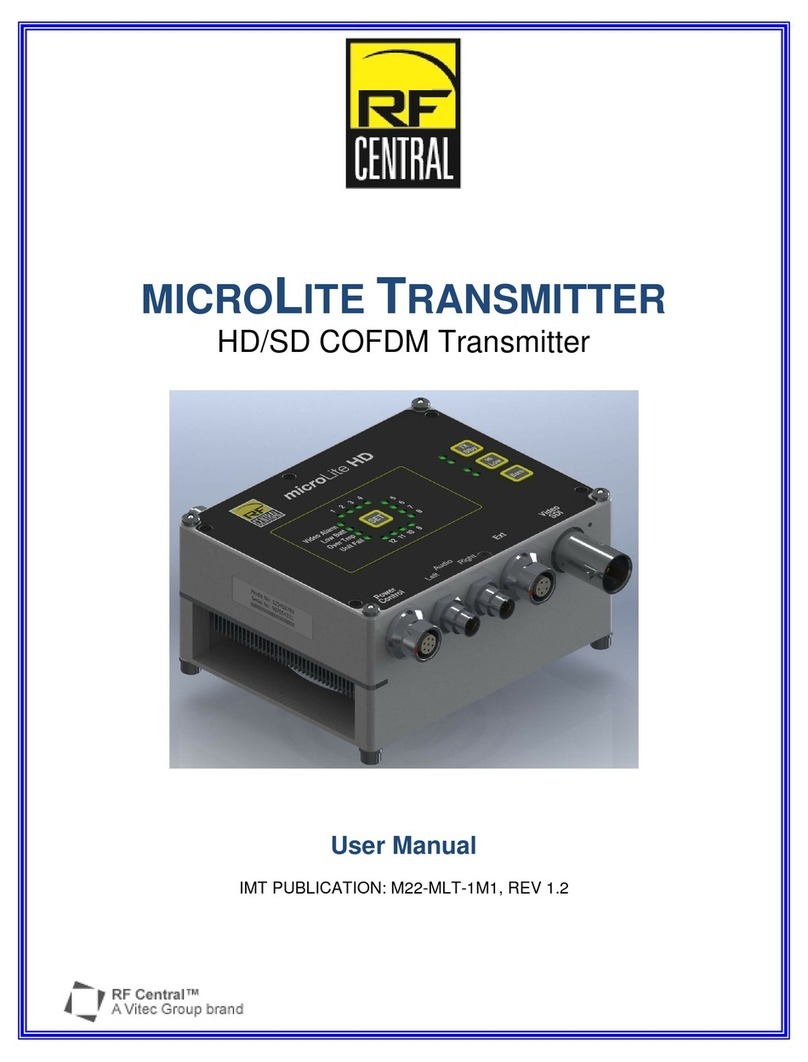
2.1. Remove microLite Transmitter (MLT) from the case. Mounting bracket and Litepanels kit is preassembled. Attach
assembly to camera.
2.2. Connect video source to the Video/SDI Input (BNC jack) using a 75Ω cable.
2.3. Connect analog audio source (Telocate to XLR) to the transmitter using the 2 provided audio cables (if not using embedded
audio).
2.4. Connect TX antenna (small omni directional) to the RF output (SMA).
2.5. Connect the power source to the MLT using the supplied transmitter power cable.
2.6. Select the desired preset using the set button.
2.7. Transmit signal using the MLT Tx/Standby button.
2.8. Hi/Low button will control the power output level.
2.9. microLite Transmitter will have one of the following button controls:
2.9.1.1. BARS –Will turn internal Bars on and off.
2.9.1.2. FAN –Will turn the internal fan on and off
3. Receiver set-up
3.1. Remove microLite Receiver (MLR) from the case. The mounting bracket with MLR is preassembled.
3.2. Attach MLR to the Magic Arm using tripod mount bracket.
3.3. Connect SDI output as needed (BNC connector).
3.4. Connect audio output as needed (RCA jacks).
3.5. Connect RX antennas (larger sector directional) to the RF Inputs (N-Type).
3.6. Aim directional sector antennas in the general area of MLT operation.
3.7. Connect power source to the MLR using the power cable supplied.
3.8. Select MLR preset using the set button.