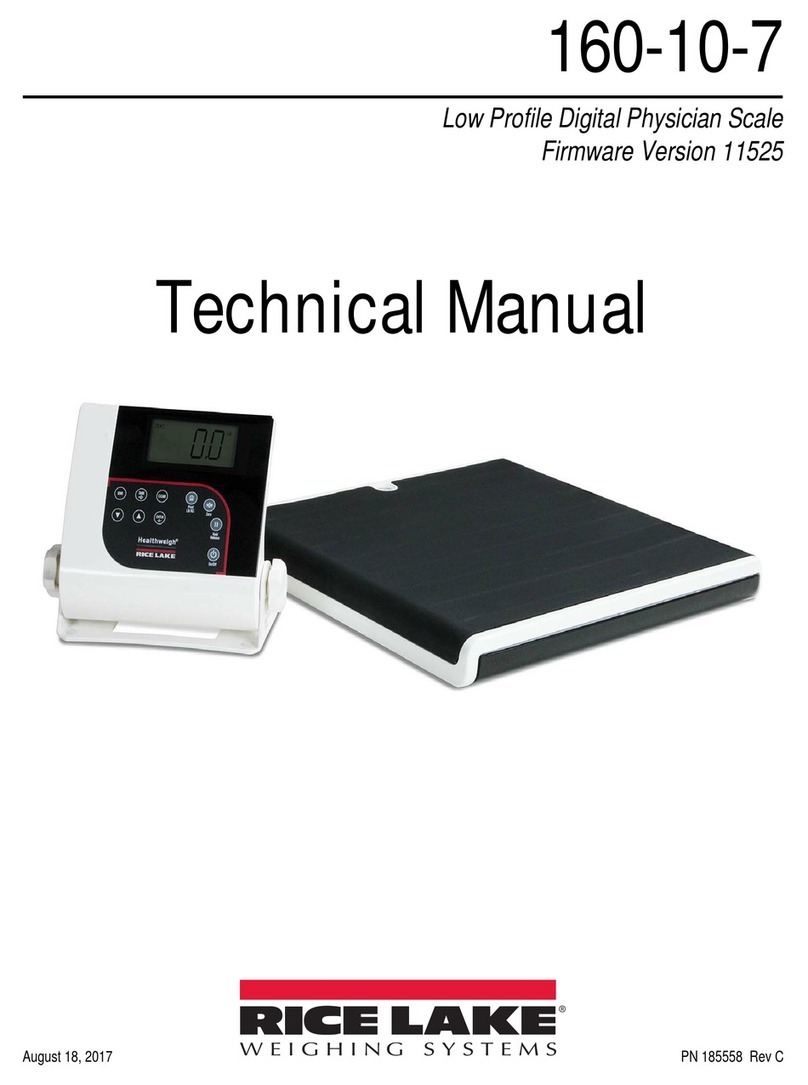
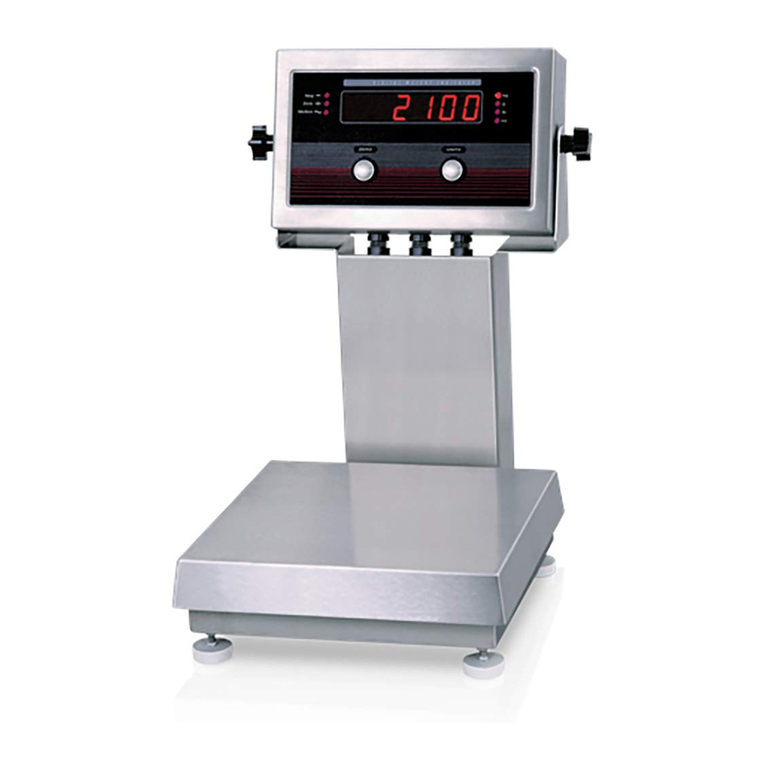
BenchMark LP Low-Profile Bench Scale
6 Visit our website www.RiceLake.com
3.0 Calibration
This section provides an overview of BenchMark LP Low-Profile Bench Scale calibration instructions.
3.1 Mechanical Adjustments
To accommodate minor floor unevenness, scale feet can be used to adjust scale height up or down a fraction of an inch.
Carefully lift each corner of the scale and adjust the feet by hand until all feet are contacting the floor equally. Be sure to support
the scale while adjusting the feet. Jam nuts are supplied for locking the feet in place.
When height adjustments are complete, recheck the level of the deck with a spirit level. The deck must be level within 1/4''.
3.2 Corner Correction
All assembled BenchMark LP scales are delivered with the summing board corner-trimmed. Corner trimming is only necessary
after replacing a load cell.
To calibrate the scale, the output from each load cell must be matched by adjusting the signals with potentiometers at the
summing board—a process known as trimming.
1. Remove the summing board cover and identify the correct load cell terminal corresponding to each corner.
See Figure 4-3 on page 10 for scale deck corner numbering.
2. Calibrate the indicator (it does not need to be exact) using a test weight that is 25% of the scale capacity.
Example: Use a 25 lb test weight for 100 lb models, or a 250 lb test weight for 1000 lb models.
3. Remove weight from the scale.
4. Zero the indicator.
5. Turn all four potentiometers fully clockwise (shaded areas of Figure 3-1) to increase the reading until a clicking sound
is heard from each potentiometer. This ensures the maximum signal from each load cell.
Figure 3-1. Trim Potentiometers
6. Zero the indicator and place 25% of scale capacity (using calibrated test weights) over each load cell in turn.
7. Record the value displayed on the indicator after the test weight is placed on each corner (directly over the load cell)
without allowing the weight to overhang the sides. Allow scale to return to zero each time to check for friction or other
mechanical issues. Select the load cell which has the lowest value as the reference point. This cell will not be trimmed.
8. Replace the same test load over each cell in turn. Using the corresponding potentiometer, trim each cell down to equal
the reference load cell. As corner corrections are somewhat interactive, check all cells again for repeatability.
If necessary, repeat Step 5 and Step 6.
JP4
JP2
PT4 PT3 JP3
PT1
EXP
PT2
JP1
1
CELL4
1
CELL1
1
CELL3
1
CELL2
IND
-EX
-SI
SHD
+SI
+EX
M
R
N
I
-SI
S2C
I
A
G
+EX
+SI
-SI
SHD
-EX
I
S
G
A
L
T+SI
M
S
I
N
L
T
R
+EX
-EX
-SI
SHD
+SI
+EX
+SI
-EX
-SI
SHD
-EX
SHD
+SE
-SE
+EX
Jumper Locations JP1 and JP2 are Shaded
Jumper Locations JP3 and JP4 are Shaded
Potentiometers
Potentiometers