Security Locks SL2000E v1.2 EN Rev.A.doc 2011-09-01
Page 3of 11
LED System Input
This input is dedicated to control the LED SYSTEM (orange), shorting this input with supply minus lights up LED
SYSTEM. The LED SYSTEM can be use to any purpose required by installer (e.g. to indicate actual status of the
alarm system).
Door Open Alarm
The Door Open alarm will occur when:
·door has been opened without entering of a valid USER code
·door has been opened without pressing of the Exit Button
·door has not been closed within C5C6 time from the moment when door locking device was deactivated
The Door Open alarm is indicated by pulsed activation of the Aux output which is accompanied by a continues
acoustic signal generated by the internal buzzer. Pressing any key will cease the acoustic signal –however this
does not cancel the alarm indication on Aux output. The indication on the Aux output disappears when door
becomes closed or automatically after 60 seconds from the moment when alarm arose.
Option 1: Timed Lock-out
If this option is enabled the lock disables the keypad for 60 seconds after three attempts of entry of incorrect
code. After this time the SL2000 re-enables the keypad and is ready to accept new keypad’s entries. The end of
60 seconds lock-out time is indicated by two series of two beeps (** **).
Option 2: Disable Access in Armed mode
If this option is enabled the SL2000 grants access to a room only when it operates in Disarmed mode. With
this option active the access to the controlled door will be disabled for both all USER codes and Exit Button
unless the SL2000 will be switched to Disarmed mode.
Arming and Disarming of the Code Lock
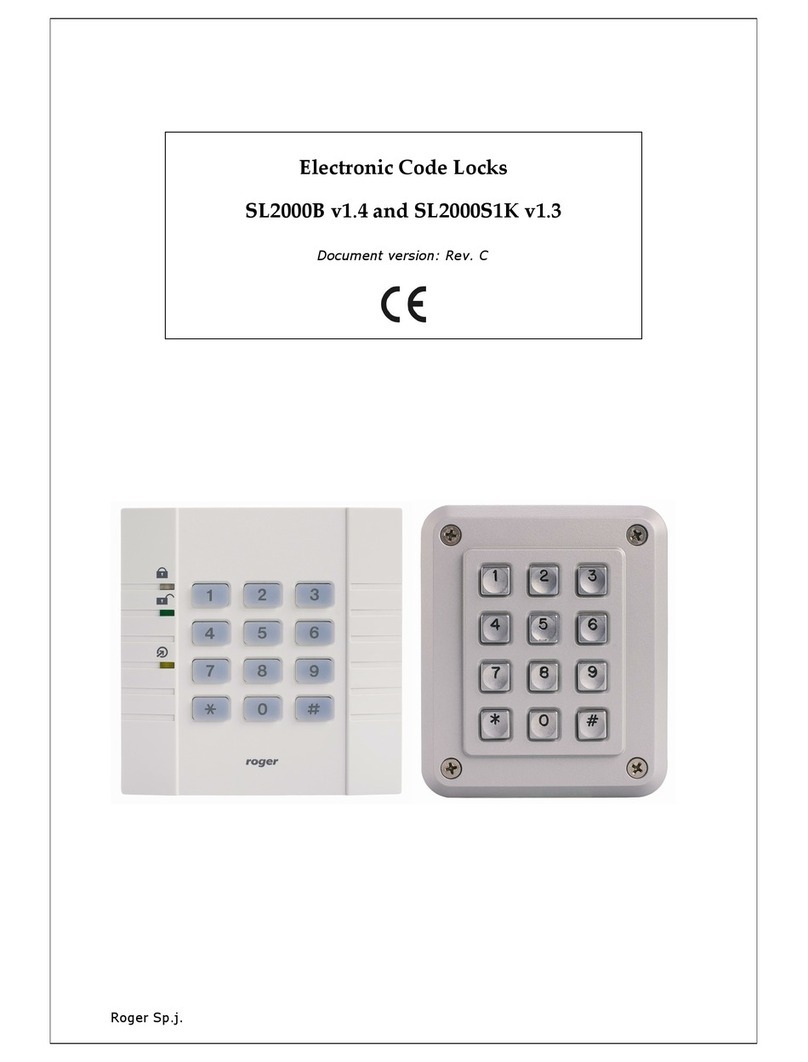
In normal operation mode the SL2000 may work either in the Armed or Disarmed mode. The Armed mode is
signalled by LED ARMED (red) whereas the Disarmed mode is signalled by LED DISARMED (green). The actual
operating mode of a lock is also indicated on the Status output line which when active indicates that unit is
Disarmed. The switching between Armed and Disarmed modes can be carried out by MASTER code only.
Whenever code lock switches to Disarmed mode is generates two series of two beeps (** **) whereas when
switches to Armedmode it generates two beeps (**) only.
Codes
The SL2000 offers three types of codes:
·MASTER Code
·INSTALLER Code
·USER Codes
Each type of code is designed for individual purpose. The length of each code can be programmed during
Memory Reset procedure. The entry of each code must be followed by the [#] key which is used to mark the
end of a code.
MASTER Code
The MASTER code is used to switch the SL2000 between Armed and Disarmed modes, it can be 4-10 digits
long.
INSTALLER Code
The INSTALLER code is required to enter the Installer Programming mode, it can be 4-10 digits long.
Note: If you are not going to use a door open sensor leave the Door Contact input unconnected. Without a door
open sensor the SL2000 will not indicate the Door Open alarm.
Note: Thanks to this option the MASTER user can disable access to the room by switching the unit to Armed
mode and vice verso, he can enable access to controlled door by switching the code lock to Disarmed mode.
The SL2000 can be switched between Armed and Disarmed modes through the MASTER code only.