EnglishDeutsch
 logo
Brands
  1. Home
  2. •
  3. Brands
  4. •
  5. Samsung
  6. •
  7. Air Conditioner
  8. •
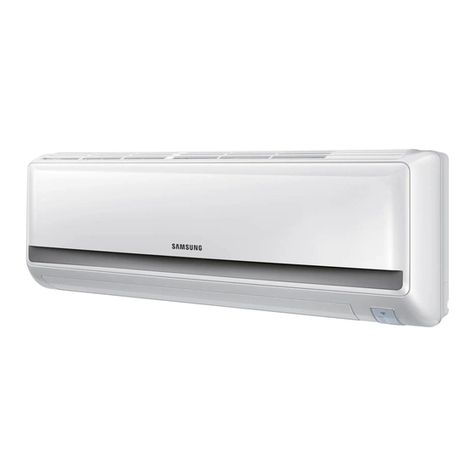
  9. Samsung AW0700B User manual

Samsung AW0700B User manual

Other manuals for AW0700B

1

This manual suits for next models

7

Other Samsung Air Conditioner manuals

Samsung MC18AC2-09 User manual

Samsung

Samsung MC18AC2-09 User manual

Samsung AM022FN1DEH/TK User manual

Samsung

Samsung AM022FN1DEH/TK User manual

Samsung MWR-TH00 User manual

Samsung

Samsung MWR-TH00 User manual

Samsung AQV09EWAN User manual

Samsung

Samsung AQV09EWAN User manual

Samsung AC026KNADEH User manual

Samsung

Samsung AC026KNADEH User manual

Samsung AVMWH020CA0 User manual

Samsung

Samsung AVMWH020CA0 User manual

Samsung AR FQSS Series Guide

Samsung

Samsung AR FQSS Series Guide

Samsung AJ NBNDEH Series User manual

Samsung

Samsung AJ NBNDEH Series User manual

Samsung AM140JNPDKH User manual

Samsung

Samsung AM140JNPDKH User manual

Samsung AJ MBLDEH Series User manual

Samsung

Samsung AJ MBLDEH Series User manual

Samsung AC035MNADKH/EU User manual

Samsung

Samsung AC035MNADKH/EU User manual

Samsung AW0700B User manual

Samsung

Samsung AW0700B User manual

Samsung Slim 1 Way User manual

Samsung

Samsung Slim 1 Way User manual

Samsung AS18A1QC User manual

Samsung

Samsung AS18A1QC User manual

Samsung AWT18S1WDCG User manual

Samsung

Samsung AWT18S1WDCG User manual

Samsung AW08FANAA User manual

Samsung

Samsung AW08FANAA User manual

Samsung AVXWNH022EE User manual

Samsung

Samsung AVXWNH022EE User manual

Samsung SH09AI8RD User manual

Samsung

Samsung SH09AI8RD User manual

Samsung AS09P8GD/XSV User manual

Samsung

Samsung AS09P8GD/XSV User manual

Samsung MWR-WW00 User manual

Samsung

Samsung MWR-WW00 User manual

Samsung AQV12NSA User manual

Samsung

Samsung AQV12NSA User manual

Samsung MH026FAEA User manual

Samsung

Samsung MH026FAEA User manual

Samsung AJ CXS CH Series User manual

Samsung

Samsung AJ CXS CH Series User manual

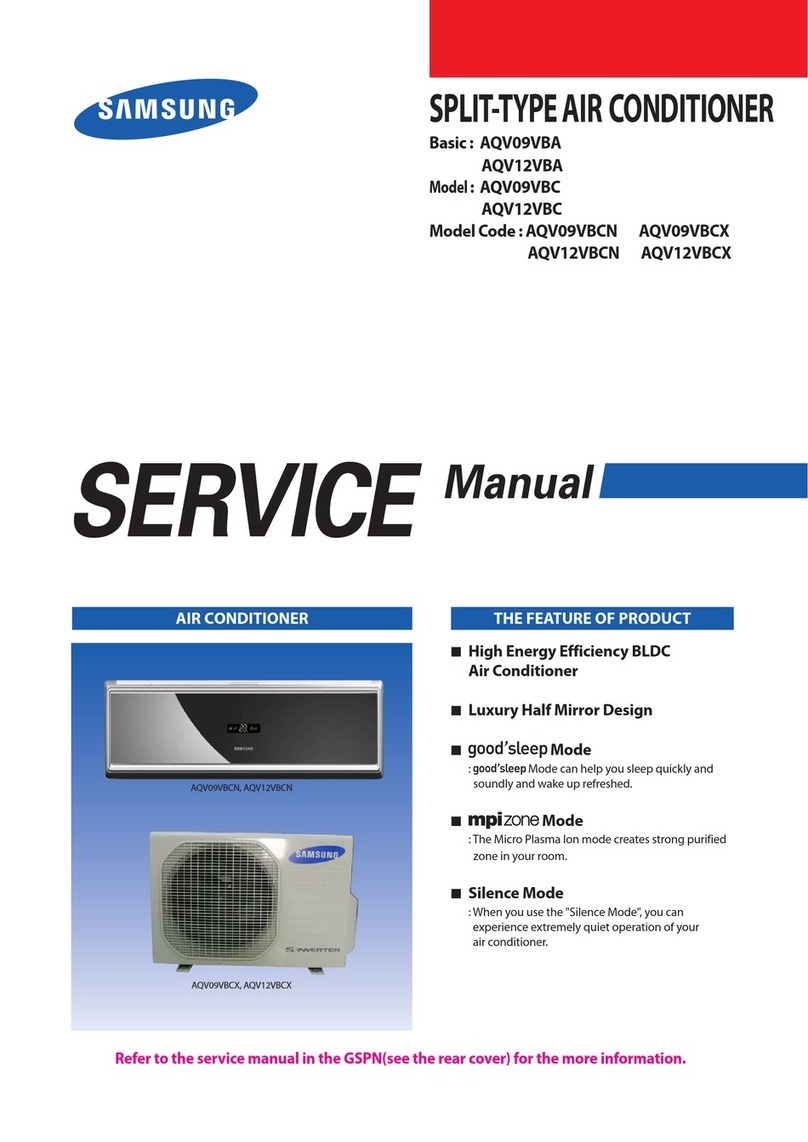
Samsung AQV09VBA Series User manual

Samsung

Samsung AQV09VBA Series User manual
Popular Air Conditioner manuals by other brands

Panasonic CS-E12HKEW operating instructions

Panasonic

Panasonic CS-E12HKEW operating instructions

Mitsubishi Electric MSZ-GE60VA null

Mitsubishi Electric

Mitsubishi Electric MSZ-GE60VA null

Haier HSU-09H03/R null

Haier

Haier HSU-09H03/R null

Haier HSU-24C03 null

Haier

Haier HSU-24C03 null

Mitsubishi Electric MSZ-GE22VA null

Mitsubishi Electric

Mitsubishi Electric MSZ-GE22VA null

nedis ACMB1WT7 quick start guide

nedis

nedis ACMB1WT7 quick start guide

Daikin FCFV50A Operation manual

Daikin

Daikin FCFV50A Operation manual

Fujitsu Inverter ASBA30JFC operating manual

Fujitsu

Fujitsu Inverter ASBA30JFC operating manual

Toshiba RAS-M10SMUV-E installation manual

Toshiba

Toshiba RAS-M10SMUV-E installation manual

Daikin FXLQ20MAVE Operation manual

Daikin

Daikin FXLQ20MAVE Operation manual

CIAT Magister 2 Series Installation, Operation, Commissioning, Maintenance

CIAT

CIAT Magister 2 Series Installation, Operation, Commissioning, Maintenance

Bestron AAC6000 instruction manual

Bestron

Bestron AAC6000 instruction manual

Frigidaire FFRE0533S1E0 Use & care guide

Frigidaire

Frigidaire FFRE0533S1E0 Use & care guide

Frigidaire CRA073PU11 use & care

Frigidaire

Frigidaire CRA073PU11 use & care

Soleus Air GB-PAC-08E4 operating instructions

Soleus Air

Soleus Air GB-PAC-08E4 operating instructions

McQuay MCK020A Technical manual

McQuay

McQuay MCK020A Technical manual

Webasto Frigo Top 25 DS Instructions for use

Webasto

Webasto Frigo Top 25 DS Instructions for use

Frigidaire FAZ12ES2A installation instructions

Frigidaire

Frigidaire FAZ12ES2A installation instructions

https://manuals.online logo
https://manuals.online logoBrands
  • About & Mission
  • Contact us
  • Privacy Policy
  • Terms and Conditions

Copyright 2026 Manuals.Online. All Rights Reserved.

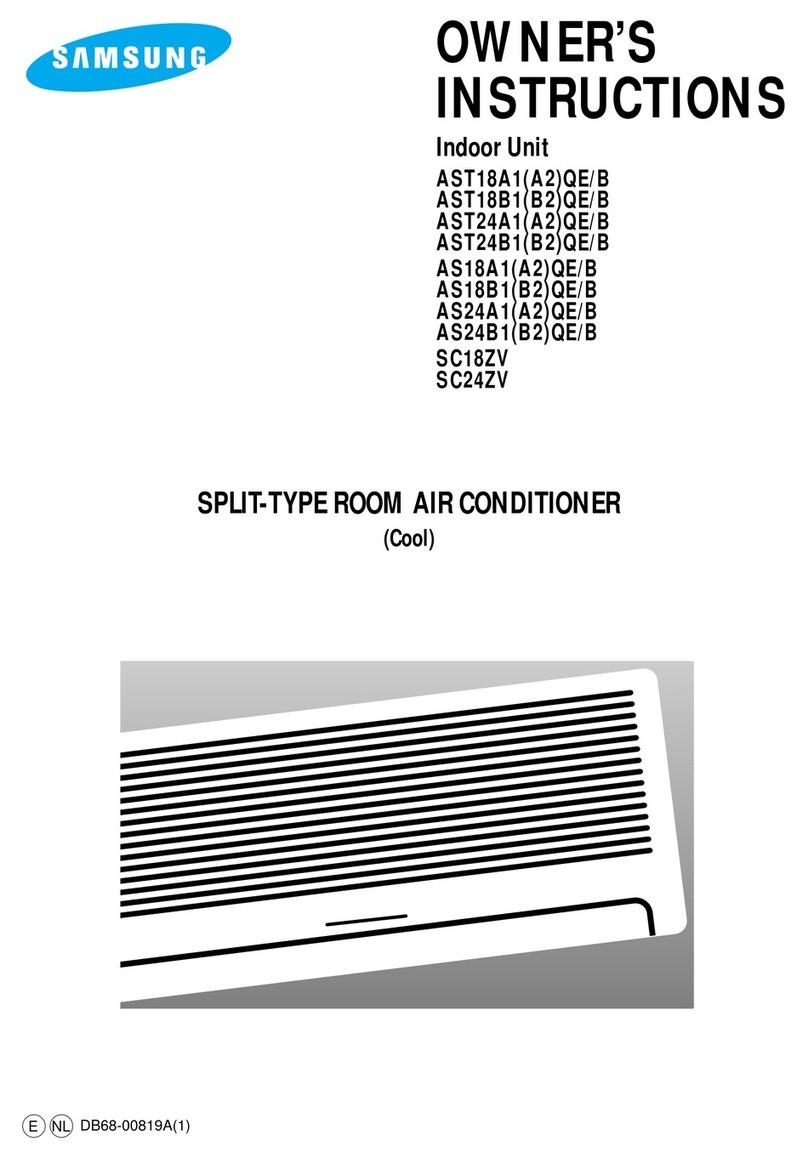
OWNER’S
INSTRUCTIONS
AW0700A
AW0700B
AW0800A
AW1000A
AW1010A
AW1200A
AW1210A
AW1800A
WINDOW-TYPE
ROOM AIR CONDITIONER
( Cool )
E
DB68-01926A(2)
S
The following safety precautions must be taken when using your air conditioner.
Safety Precautions
1 The unit must be plugged into an independent circuit.
The air conditioner must be installed in accordance with national wiring regulations and
safety regulations wherever applicable.
2 Some installation locations may require installation of a short circuit breaker or grounding.
4 MAKE sure that the unit is correctly ventilated at all times :
do NOT place clothing or other materials over it.
5 NEVER spill any kind of liquid into the unit. Should this happen, unplug the unit and contact
an authorized service center.
6 Do NOT insert anything between the air outlet blades because the inner fan may be damaged
and could cause injury. Keep children away from the unit.
7 Do NOT place any obstacles in front of the unit.
8 Users of this product are cautioned not to attempt repairs.
Instead, they are requested to directly contact a designated service center or the outlet
at which the product was purchased.
9 Do not use an extension cord with this product.
10 The appliance is not intended for use by young children without supervision ;
young children should be supervised to ensure that they do not play with the appliance.
11 Never store or ship the air conditioner upside down or sideways to avoid damage to the
compressor.
3 If the supply cord is damaged, it must be replaced by a special cord or assembly available
from the manufacturer or its service agent.
The manufacturer does not assume responsibility for accidents or injury
caused by an incorrectly installed air conditioner. If you are unsure about
installation, contact an installation specialist.
CC
CCAA
AAUU
UUTT
TTII
IIOO
OONN
NN
E-2
Contents
◆PREPARING YOUR AIR CONDITIONER
■Safety Precautions ......................................................................................... 2
■Description of Eac Component .................................................................... 4
■Getting Started ............................................................................................... 5
◆OPERATING YOUR AIR CONDITIONER
■Cooling Your Room ........................................................................................ 6
■Ventilating Your Room .................................................................................... 7
■Switc ing t e Air Conditioner Off .................................................................... 8
■Selecting Energy Saving Mode ...................................................................... 8
■Adjusting t e Air Flow Direction Horizontally .................................................. 9
■Adjusting t e Air Flow Direction Vertically ...................................................... 9
◆RECOMMENDATIONS FOR USE
■Power Failure ................................................................................................. 10
■Temperature and Humidity Ranges ................................................................ 10
■Cleaning Your Air Conditioner ........................................................................ 11
■Solving Common Problems ............................................................................ 13
■Tec nical Specifications ................................................................................. 13
E-3
Air filter
(T e air filter is
located in inside.)
Air inlet (Inside)
Air outlet
T ermostat control
Operating mode
selection dial
Operating mode
selection dial
T ermostat control
Energy Saver switc
Swing switc
Outer air flow blades
(up/down orientation)
Air inlet (Outside)
Ventilation lever
Power plug (T e type of
power plug may
differ, depending on t e
local power supply.)
Inner air flow blades
(rig t/left orientation)
AW0700A/AW0700B/
AW0800A/AW1000A/
AW1200A/AW1800A
AW1010A/AW1210A
Description of Each Component
E-4
❄T e design and s ape are subject to
c ange, depending on t e model.
Gettin Started
You have just purchased a Samsung window-type room air conditioner which should be
installed following your Owner’s Instructions.
Your Owner's Instructions contain much valuable information on using your air conditioner.
Please take the time to read them as they will help you take full advantage of the unit's
features.
The illustrations in the step-by-step procedures use four different symbols:
E-5
PRESS PUSH IMPORTANT NOTE
☛
➢
Coolin Your Room
To control t e direction of t e air flow, refer to page 9.3
Turn t e operating mode selection dial and set it to “ HI COOL ” ,
“ MED COOL ” or “ LOW COOL ”.
Result: ◆ T e air conditioner starts up in cool mode.
➢
◆You can c ange modes at any time.
Turn t e THERMOSTAT control to t e desired position.
You must select the COOL mode if you wish to adjust the:
◆ Cooling temperature
◆ Fan speed when Cooling
1
2
Possible temperatures: Can be set between 64°F and 84°F.
Result: T e air conditioner starts cooling if t e room temperature is
ig er t an t e selected temperature.
E-6
81˚F ~ 73˚F
73˚F
~ 64˚F
84˚F
~ 81˚F
Ventilatin Your Room
If the air in your room is stale, you can ventilate the room using the
Fan feature.
1
Turn t e operating mode selection dial and set it to “HI FAN” or “LOW FAN”
position.
Result: ◆ T e air conditioner starts up in fan mode.
➢
◆ HI FAN : T e fan turns rapidly.
◆ LOW FAN : T e fan turns slowly.
◆ You can c ange modes at any time.
2
To control t e direction of t e air flow, refer to page 9.
3
If you wis to disc arge stale air, pus t e ventilation lever on t e front
of t e unit to t e rig t and open position ( ).
Result:
T e air inside t e room circulates and stale air is disc arged
outside.
Ot erwise, pus t e ventilation lever to t e left and closed position ( ).
Result:
T e air simply circulates inside t e room.
E-7
Switchin the Air Conditioner Off
To switc t e unit off, simply set t e operating mode selection dial to t e
OFF position.
Result: T e air conditioner stops operating.
You can switch the air conditioner off whenever you want.
1
If you wish to save energy when using the air conditioner,
select the energy saving mode by using the Energy Saver switch.
This feature is normally used when the room is unoccupied.
1
To turn off t e energy saving feature, set t e Energy Saver switc to t e
OFF position.
Result:
T e fan runs at all times, w ile t e compressor cycles on and off.
2
To select t e energy saving mode, set t e Energy Saver switc to t e ON
position.
Result:
T e fan and compressor cycle on and off simultaneously.
T is results in wider variations of room temperature and umidity.
If you want to run t e air conditioner in Fan mode, do not turn t e
Energy Saver switc on. T e Fan mode will not operate w en t e
Energy Saver switc is in t e ON position.
➢
Selectin Ener y Savin Mode (AW1010A/AW1210A)
E-8
1
To stop t e blades moving left and rig t, set t e Swing switc to t e
position.
2
Set t e Swing switc to t e position.
Result:
T e inner blades swing automatically left and rig t.
To stop t e blades in a specific position and orient t e air flow in t e
corresponding direction, simply set t e switc to t e position w en
t e blades are in t e desired position.
➢
Adjustin the Air Flow Direction Horizontally
Adjustin the Air Flow Direction Vertically
The inner air flow blades on the rigth side of the unit can be adjusted to direct the air
flow to the left, right or straight, thus increasing the efficiency of the air conditioner.
T e side by side air direction louvers are controlled by a lever.
T ey regulate air disc arge to t e left, rig t or straig t.
The outer air flow blades can be adjusted to control the vertical air
flow direction.
RECOMMENDATION When...
Cooling
Adjust the blades to face...
Upwards.
AW1010A/AW1210A
AW0700A/AW0700B/AW0800A/AW1000A/AW1200A/AW1800A
Adjust t e air flow blades to t e desired position, by pus ing t em
upwards or downwards.
◆
If you orient t e air flow blades downwards and t e unit operates
in Cool mode for long periods of time, dew may:
-
Form on t e surface of t e blades
-
Drip from t e blades
➢
E-9
Power Failure
Temperature and Humidity Ran es
If the air conditioner is used at... Then...
Hig er temperature T e automatic protection feature may be triggered
and t e air conditioner stopped.
Lower temperature A water leakage or some ot er malfunction may appen
if t e eat exc anger freezes.
Hig er umidity levels Water may condense on and drip from t e surface of t e unit
if it is used for long periods.
The following table indicates the temperature and humidity ranges
within which the air conditioner can be used.
Mode Indoor
Temperature Outdoor
Temperature Indoor Humidity
Cooling 70°F to 90°F approx. 70°F to 110°F approx. 80% or less
If a power failure occurs, t e air conditioner is switc ed off.
W en t e power comes back on, t e air conditioner starts up again
automatically.
E-10