Installation and Operating Instructions
Samsung Electronics 3-3
3-2-4 Sleep operation mode
1. Enable to sleep operation only when cooling operation.
2. First, 7-SEG LED displays “SLEEP” while 15 second, Second, 7-SEG LED display “8Hr”
And, automatically SET OFF after operated while 8 Hour.
3. In sleep operation, setting Temperature rise 1˚C after 1 Hour.
4. In ON TIMER operation, sleep operation is unavailable.
Key operational function Key Type
Operation start and stop MEMBRANE
POWER *First ON = operation start, second ON = operation stop KEY PAD
*Continuous operation is not available.
Operation mode change
MEMBRANE
*at every ON
KEY PAD
Mode - Selected as "COOL –> HEAT –> FAN (Default=COOL)
*If operation is OFF, it is considered as an invalid key.
*Continuous operation is not available.
*At every ON –> Selected as “HIGH –> MED –> LOW –> HIGH”(DEFAULT=HIGH). MEMBRANE
Fan speed *If operation is OFF, it is considered as an invalid key. KEY PAD
*Continuous operation is not available.
Currently displayed set temperature increase/decrease
*At every pressing, the set temperature is changed by 1˚C, (1˚F) (Cooling oepration.)
(increase(▲) : 18˚C -> 19˚C -> ... -> 29˚C -> 30˚C), (64˚F –> 65˚F –> ... –> 85˚F –> 86˚F).
Temperature (decrease(▼) : 24˚C -> 23˚C -> ... -> 19˚C -> 18˚C), (86˚F –> 84˚F –> ... –> 65˚F –> 64˚F). MEMBRANE
(▲,▼)*At every pressing, the set temperature is changed by 1˚C, (1˚F) (Heating oepration.) KEY PAD
(increase(▲) : 16˚C -> 17˚C -> ... -> 29˚C -> 30˚C), (61˚F –> 65˚F –> ... –> 85˚F –> 86˚F).
(decrease(▼) : 24˚C -> 23˚C -> ... -> 17˚C -> 16˚C), (86˚F –> 84˚F –> ... –> 62˚F –> 61˚F).
3-2-5 LED display indication in case of error detection
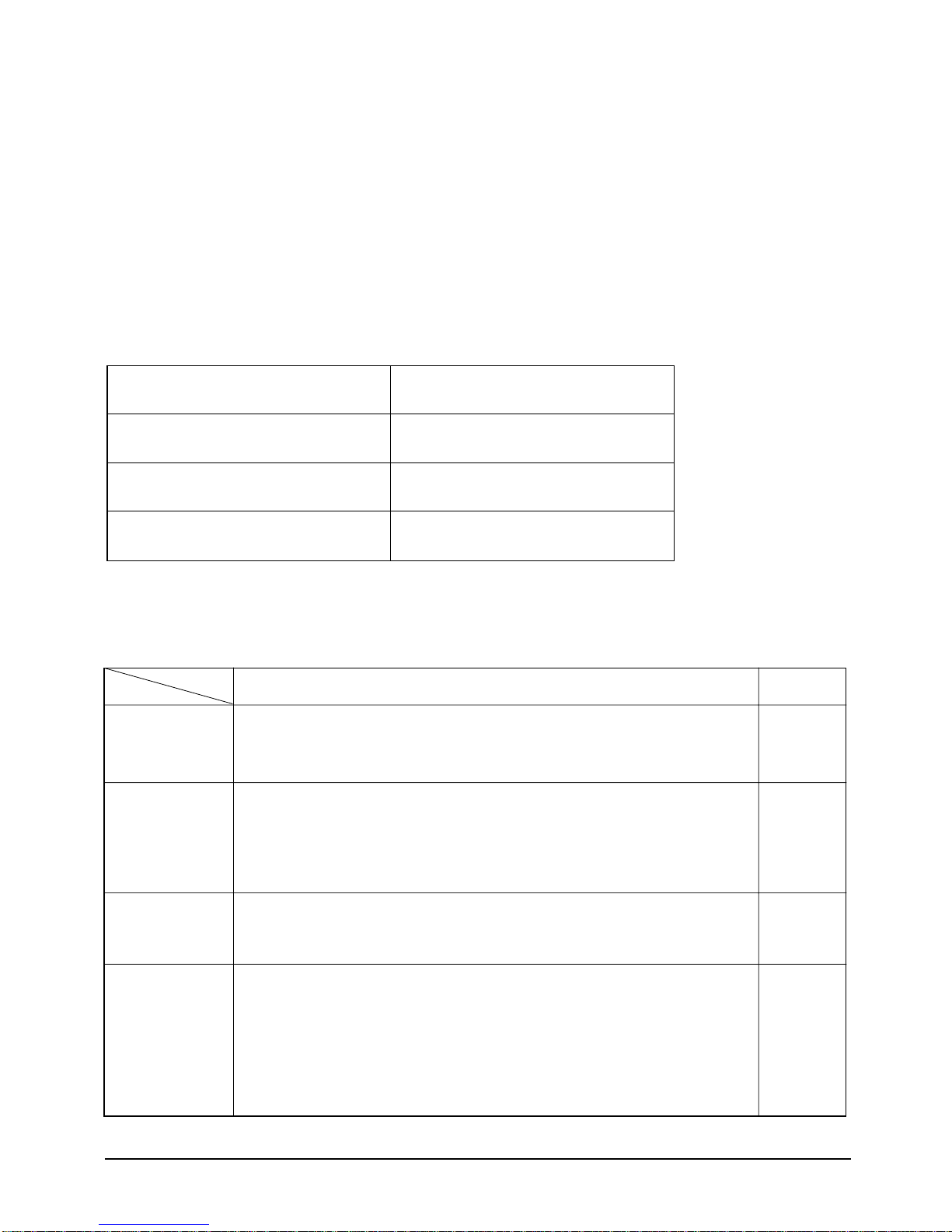
ERROR OPERATION
ROOM THERMISTOR
(OPEN or SHORT)
INDOOR PIPE THERMISTOR
(OPEN or SHORT)
OUTDOOR PIPE THERMISTOR
(OPEN or SHORT)
7-SEG
LED DISPLAY
E1 displayed
E5 displayed
E6 displayed
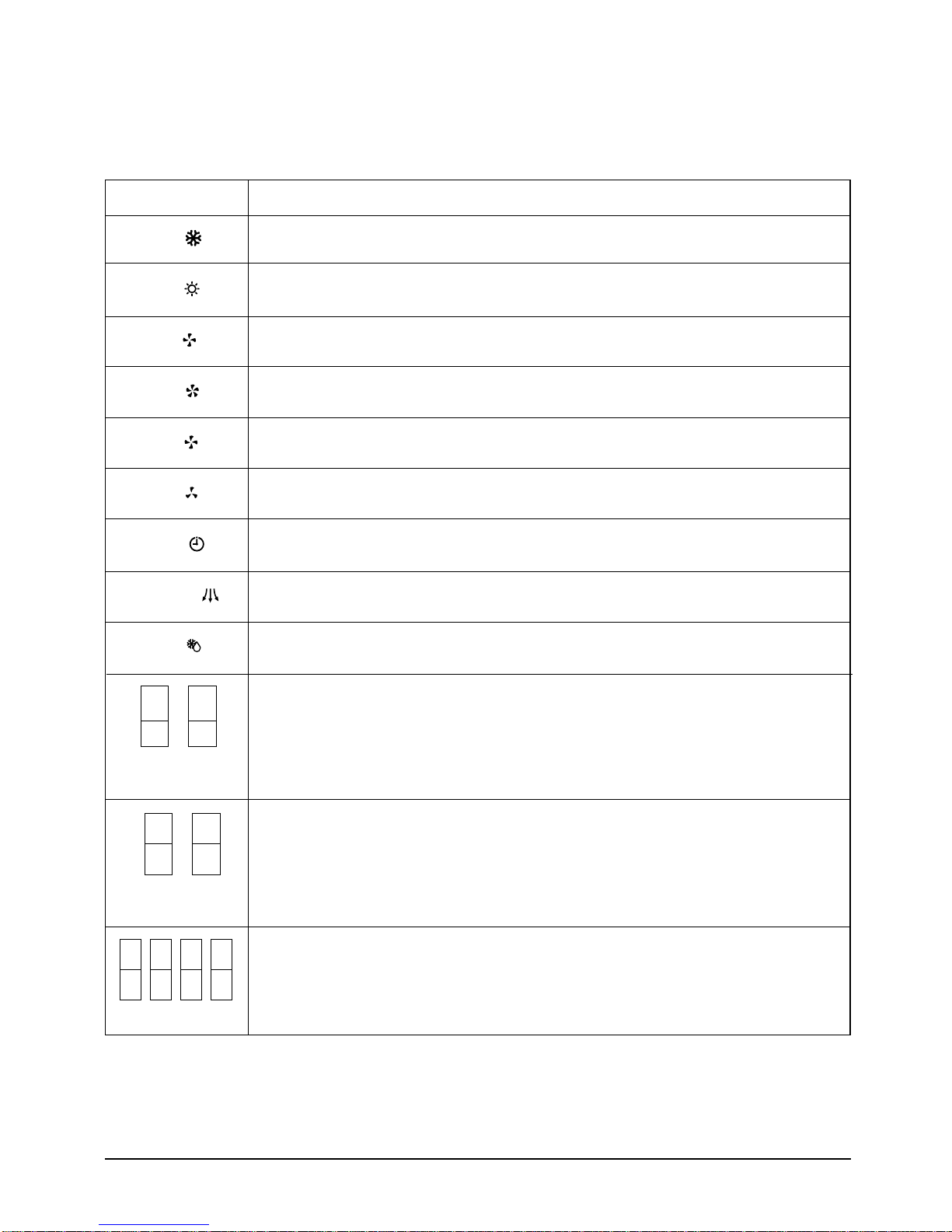
3-2-6 Panel key operation
Key discription
Key name
(J)DB98-03455A(1)-1 9/12/01 1:24 PM Page 3-3