8
Auto clock set mode
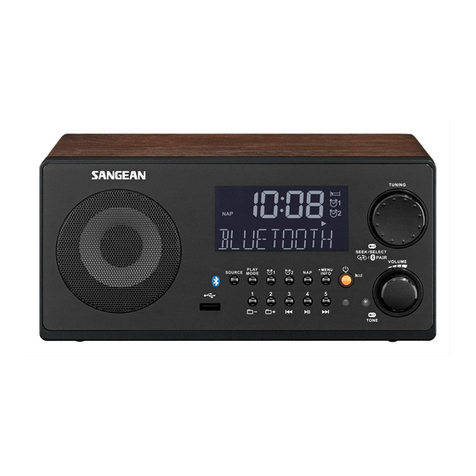
1. Press the Power button to switch on your radio.
2. Press the Band button to select FM radio mode.
3. Press and hold the Menu button to enter the menu
setting and then press the Tuning up/down button to
select “RBDS Auto CT”. Press the Select button to
enter the setting.
4. Press the Tuning up/down button to select “Auto”
or “Manual”. With “Auto” selected, press the
Select button to conrm the setting. Your radio will
synchronize its clock time whenever it tunes to a
radio station using RDS/RBDS with CT signals. The
symbol “CT” will appear on the display indicating the
radio time is RDS/RBDS clock time.
5. If you wish to cancel the “RBDS Auto CT” function,
select “Manual” and press the Select button to
conrm the setting. Please refer to the later section
“Setting the clock manually” to set the clock time
and date.
Note:
1) If the clock time was not auto adjusted within 24
hours, the symbol “CT” will disappear on the display.
2) If clock time from local RDS/RBDS station is not
correct, you should consider disabling the “RBDS
Auto CT” function.
3) Please note that at times the RDS/RBDS signal
may broadcast the wrong time, this is the fault of the
radio station and not your radio.
Setting the clock manually
When choosing manual setting as the clock time setting
of your radio, the “RBDS Auto CT” function will be
disabled.
1. Press and hold the Menu button to enter the menu
setting and then press the Tuning up/down button to
select “Clock”.
2. Press the Select button to enter the time setting. The
hour digit will ash on the display.
3. Press the Tuning up/down button to set the desired
hour. Then press the Select button to confirm the
setting. The minute digit will ash on the display.
4. Press the Tuning up/down button to set the desired
minute and press the Select button to confirm the
setting. Now the month digit will ash on the display.
5. Follow the steps above to set the month/day/year.
When the time and date setting is completed, the
display will show “Saved”.