logo
Brands
  1. Home
  2. •
  3. Brands
  4. •
  5. Sanyo
  6. •
  7. Projector
  8. •
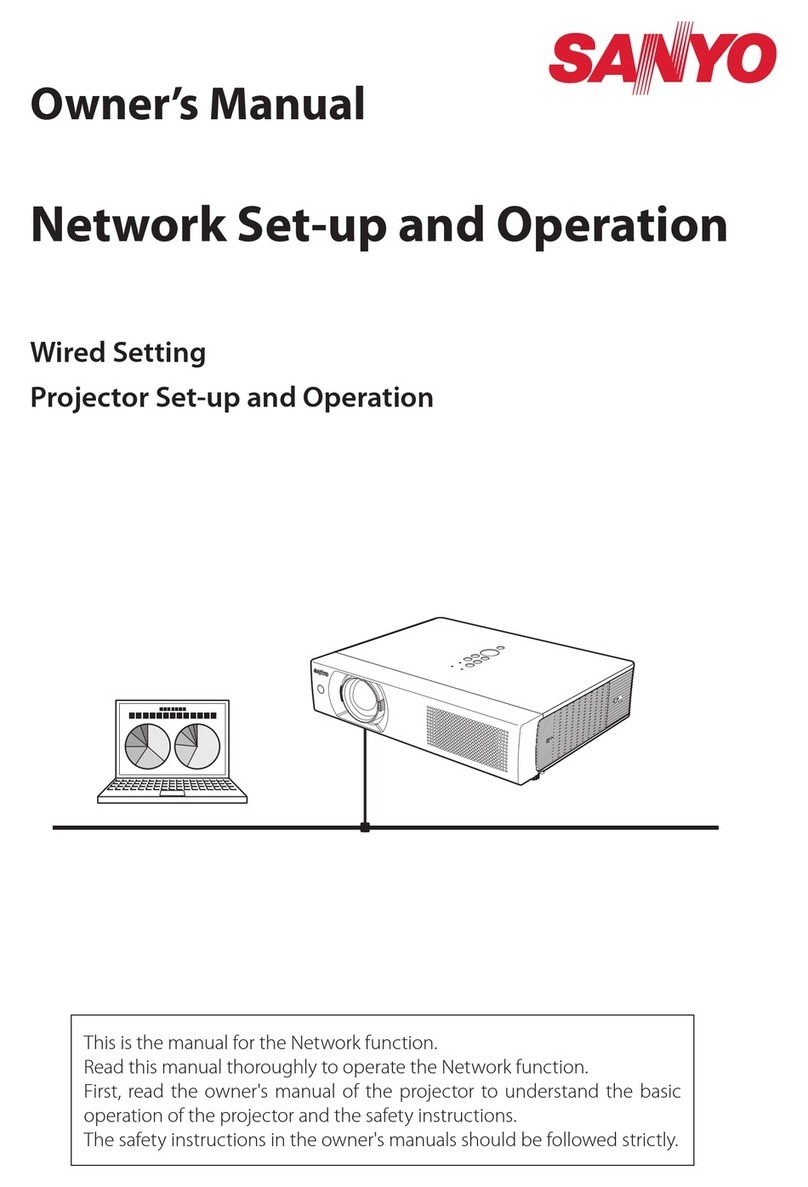
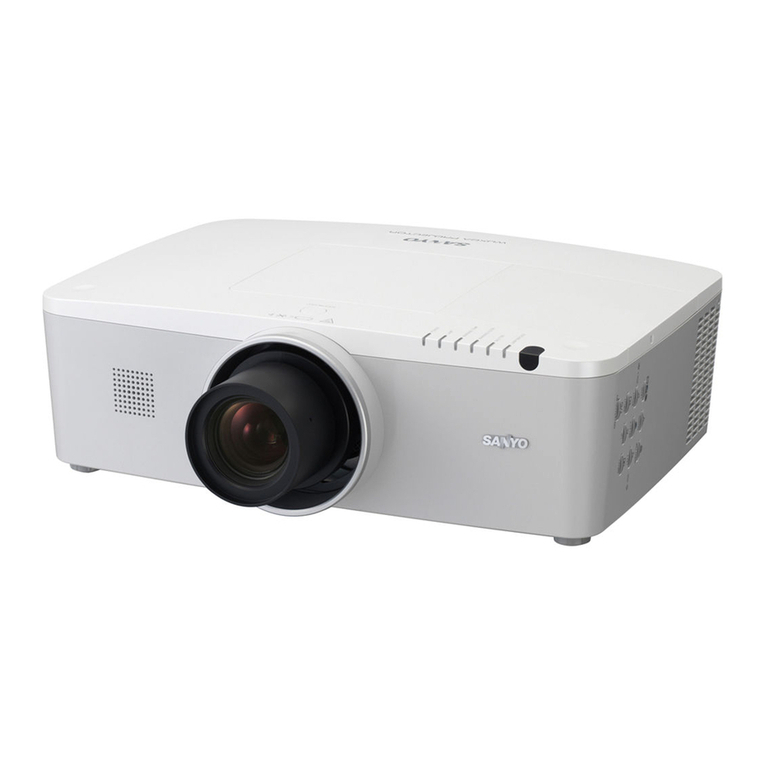
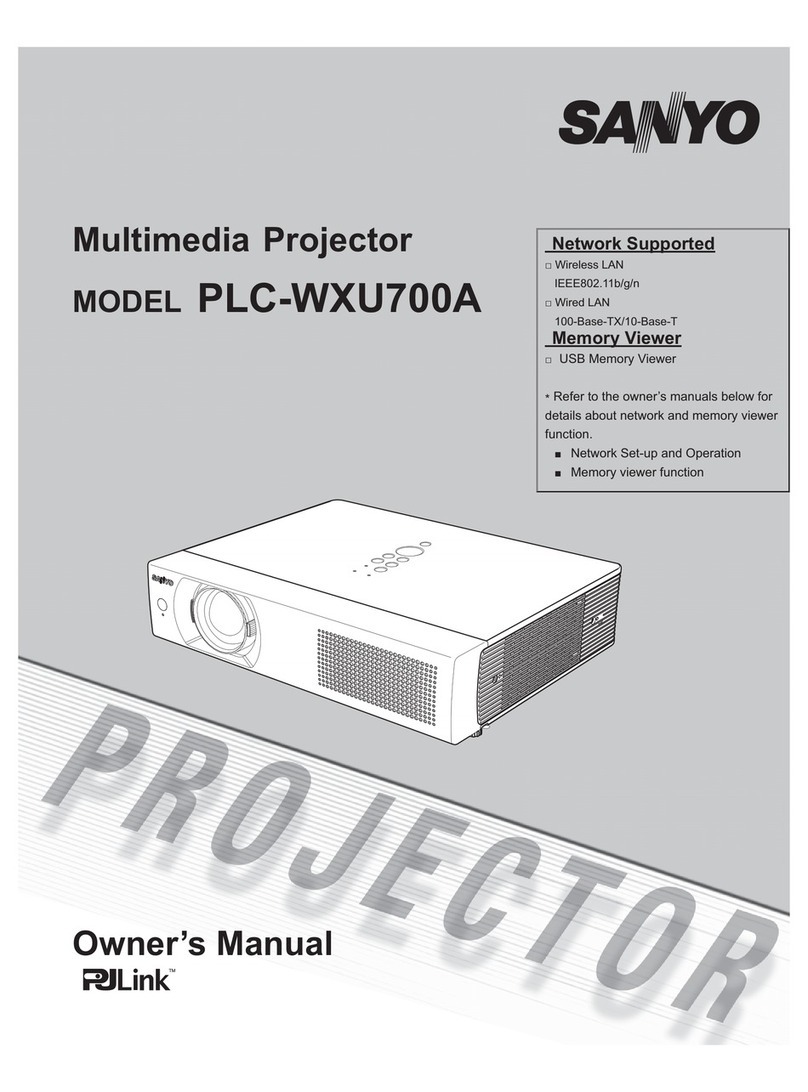
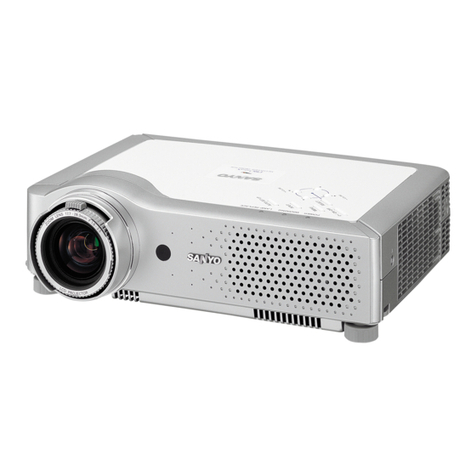
  9. Sanyo PLC-XL50A User manual

Sanyo PLC-XL50A User manual

Other manuals for PLC-XL50A

6

Other Sanyo Projector manuals

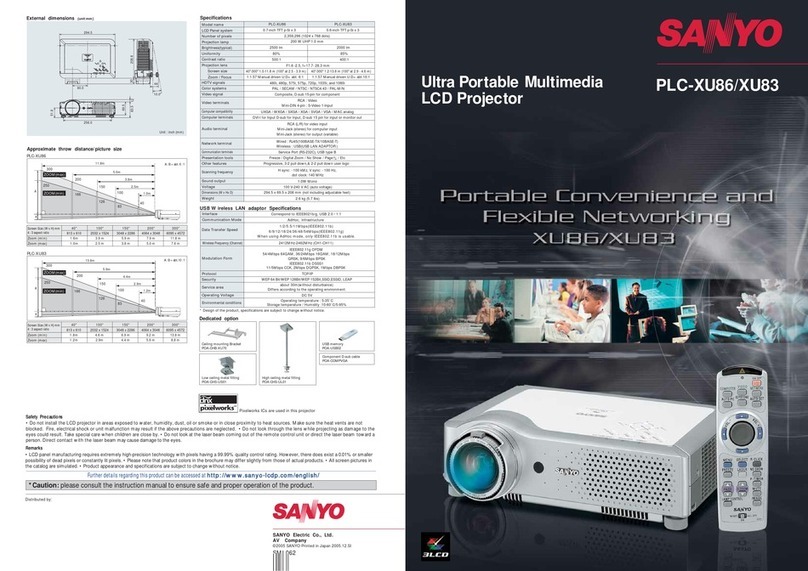
Sanyo PLC-XU30 User manual

Sanyo

Sanyo PLC-XU30 User manual

Sanyo PLC-XT11 User manual

Sanyo

Sanyo PLC-XT11 User manual

Sanyo PLC-WL2500 User manual

Sanyo

Sanyo PLC-WL2500 User manual

Sanyo PLV-Z4 User manual

Sanyo

Sanyo PLV-Z4 User manual

Sanyo PLC-XM150 User manual

Sanyo

Sanyo PLC-XM150 User manual

Sanyo PLC-WXL46 Configuration guide

Sanyo

Sanyo PLC-WXL46 Configuration guide

Sanyo PLC-XT35L User manual

Sanyo

Sanyo PLC-XT35L User manual

Sanyo PLC-WM4500 Installation manual

Sanyo

Sanyo PLC-WM4500 Installation manual

Sanyo PLC-WL2503 User manual

Sanyo

Sanyo PLC-WL2503 User manual

Sanyo PLV-30 User manual

Sanyo

Sanyo PLV-30 User manual

Sanyo PLC-XU45 User manual

Sanyo

Sanyo PLC-XU45 User manual

Sanyo PLC-XU32 User manual

Sanyo

Sanyo PLC-XU32 User manual

Sanyo SU40 - PLC SVGA LCD Projector User manual

Sanyo

Sanyo SU40 - PLC SVGA LCD Projector User manual

Sanyo PLC-XL50A Guide

Sanyo

Sanyo PLC-XL50A Guide

Sanyo PDG-DSU21 User manual

Sanyo

Sanyo PDG-DSU21 User manual

Sanyo PLC-XF1000 - 12000 Lumens User manual

Sanyo

Sanyo PLC-XF1000 - 12000 Lumens User manual

Sanyo PLC-XF31N User manual

Sanyo

Sanyo PLC-XF31N User manual

Sanyo PLC-XU305A User manual

Sanyo

Sanyo PLC-XU305A User manual

Sanyo POA-SR-140 User manual

Sanyo

Sanyo POA-SR-140 User manual

Sanyo PLC-EF1EA User manual

Sanyo

Sanyo PLC-EF1EA User manual

Sanyo PLC-WL2503A User manual

Sanyo

Sanyo PLC-WL2503A User manual

Sanyo PLC-WL2500 - 2500 Lumens User manual

Sanyo

Sanyo PLC-WL2500 - 2500 Lumens User manual

Sanyo PLC-ZM5000 User manual

Sanyo

Sanyo PLC-ZM5000 User manual

Sanyo PLC-XW20 User manual

Sanyo

Sanyo PLC-XW20 User manual

Popular Projector manuals by other brands

iEmmet MP-312 user manual

iEmmet

iEmmet MP-312 user manual

Epson VS400 Specifications

Epson

Epson VS400 Specifications

Sony VPL-HS10 Marketing Specifications & Features manual

Sony

Sony VPL-HS10 Marketing Specifications & Features manual

Sony VPL-HW65ES Quick reference manual

Sony

Sony VPL-HW65ES Quick reference manual

Toshiba TLP-791U Specifications

Toshiba

Toshiba TLP-791U Specifications

Philips LC1341 Declaration of conformity

Philips

Philips LC1341 Declaration of conformity

NEC NP600S EDU Specifications

NEC

NEC NP600S EDU Specifications

BenQ SH753P user manual

BenQ

BenQ SH753P user manual

Eiki EK-623U series quick start guide

Eiki

Eiki EK-623U series quick start guide

Epson PowerLite Pro Cinema 6020UB user guide

Epson

Epson PowerLite Pro Cinema 6020UB user guide

Epson PowerLite Home Cinema 705HD user guide

Epson

Epson PowerLite Home Cinema 705HD user guide

Christie LHD700 user manual

Christie

Christie LHD700 user manual

Navitar FX instruction manual

Navitar

Navitar FX instruction manual

InFocus LitePro 560 user guide

InFocus

InFocus LitePro 560 user guide

Sony SRX-R815P operating instructions

Sony

Sony SRX-R815P operating instructions

Vivitar DP1500 X specification

Vivitar

Vivitar DP1500 X specification

Asus ZenBeam Latte user manual

Asus

Asus ZenBeam Latte user manual

Epson PowerLite 810p specification

Epson

Epson PowerLite 810p specification

https://manuals.online logo
https://manuals.online logoBrands
  • About & Mission
  • Contact us
  • Privacy Policy
  • Terms and Conditions

Copyright 2025 Manuals.Online. All Rights Reserved.

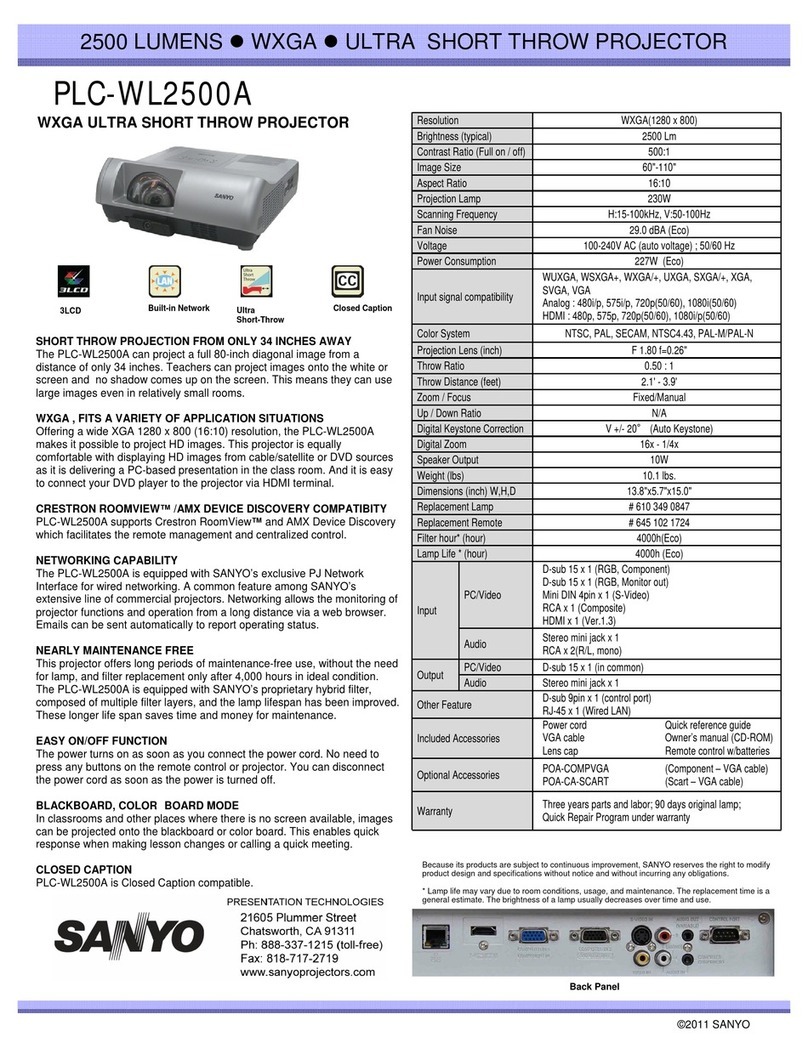
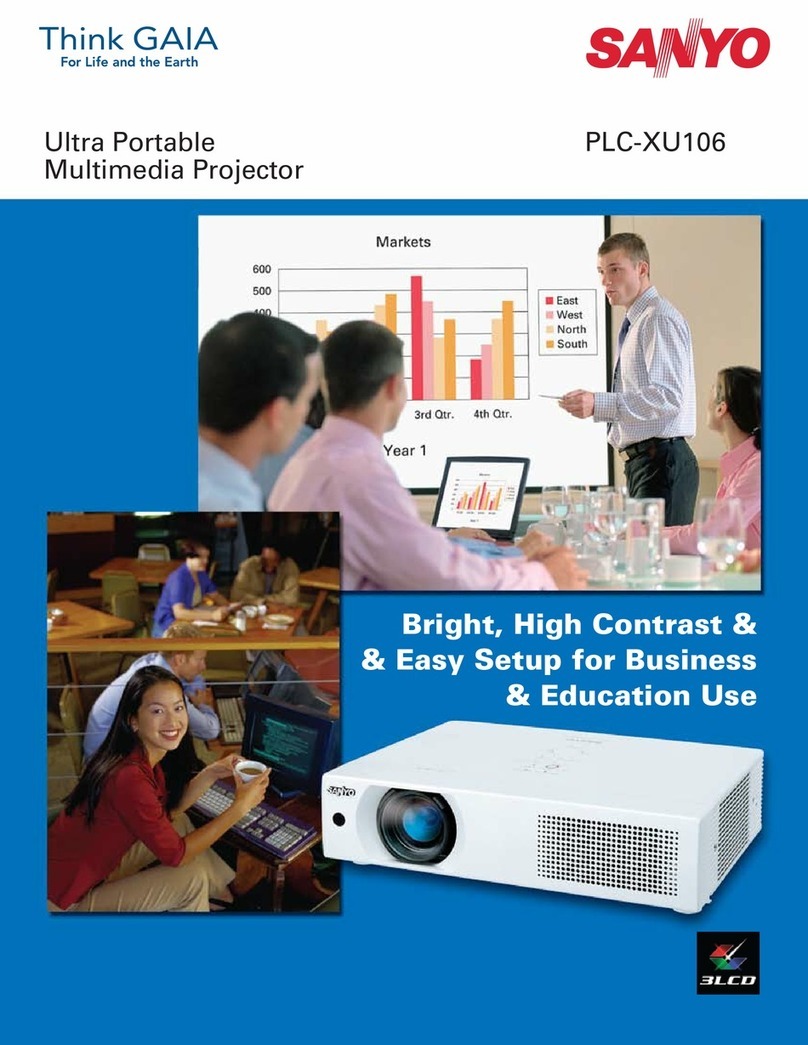
PLCPLC--XL50AXL50A
2000 LUMENS zXGA zULTRA SHORT-THROW PROJECTOR
ULTRA SHORT-THROW PROJECTOR Resolution XGA (1024 x 768)
Brightness(typical) 2000Lm
Contrast Ratio (Full on/ off)
700:1
Contrast Ratio (Full on/ off)
700:1
Image Size 60"-80“
Aspect Ratio 4:3
Projection Lamp 230W
Scanning Frequency H:15-100kHz, V:50-100Hz
Fan Noise 29.0 dBA (Eco)
Voltage 100-240VAC (auto voltage); 50/60 Hz
Power Consumption 259W (Eco)
Input signal compatibility UXGA/WXGA/SXGA+/SXGA/XGA/SVGA/VGA/MAC
Color System NTSC/PAL/SECAM/NTSC4.43/PAL-M/PAL-N
Projection Lens (inch) F1.85 f=0.19"
ThrowRatio N/A
Throw Distance (feet) N/A
Zoom / Focus Fixed/Manual
Up / Down Ratio N/A
Digital KeystoneCorrection V +/- 5°
Digital Zoom 16x- 1x
SkOtt
2
W
3LCD Ultra
Short-Throw
ULTRA SHORT-THROW PROJECTOR
To shorten the projection distance of the PLCXL50A, a large
diameter aspheric (non-spherical) lens and high precision aspheric
mirror technology was developed. A optical engine was also
developed, which enables an 80-inch projection from the ultra-short
distance of approximately 3-inches. This creates an opportunity to
project extremely large images in any room or space.
OPTICAL ENGINE FOR VERTICAL AND HORIZONTAL
PROJECTION
S
pea
k
er
O
u
t
pu
t
2
W
Weight (lbs) 15.9lbs
Dimensions (inch) W,H,D 14.7x 7.8 x 19.5 inch
Replacement Lamp 610 347 8791
Replacement Remote 645 093 7248
Lamp Life * (hours) 3000h (Eco)
PC/Video
D-sub 15 x 2 (RGB, S-Video)
Mini DIN 4pin x 1 (S-Video)
RCA x 3
(
Com
p
onent
)
The proprietary optical and cooling technologies used in the PLC-
XL50A allow both vertical and horizontal projection. The optical
engine was created with a high-precision mirror combined with a
distortion correction mechanism lens, enabling large magnification
without distortion, even from ultra-short distances.
PROJECTOR ALLOWING VERSATILE APPLICATIONS
By shortening the distance for projection, the options for installation
are greatly improved, including floor, tabletop and wall mount
p
ro
j
ection. The variet
y
of a
pp
lications is almost limitless
,
p
rovidin
g
Input
(
p)
RCA x 1 (Composite)
Audio Stereo mini jack x 1
RCA x 2
Output PC/Video D-sub 15 x 1 (Monitor out)
Audio Stereo mini jack x 1
Other Feature Mini DIN 8pin x 1 (RS232C)
AC power cord x 1
VGA cord x 1
pj y pp ,p g
effective, quick and easy presentations or displays. The PLC-XL50A
presents a new avenue for education/instruction, “edutainment,”
specialized business viewing and informational attention-getting
signage.
EASILY ADAPTS TO DIFFERENT PROJECTION SURFACES
Projection surface-oriented features include top and bottom keystone
correction for proper alignment of the projector and a Color Board
Mode, which allows adjustment of the hue when projecting an image
on a color (non
-
white) surface so that it appears to be projected on a
Included Accessories
VGA cord x 1
Quick reference guide
Owner’s manual x 1 (CD-ROM)
Quick manual x 1
CD-ROM read me note x 1
Remote control x 1 (AA battery x 2)
PIN codeLabel

Warranty Three yearsparts and labor; 90 days original lamp;

Quick Repair Program under warranty
on
a
color
(non
white)
surface
so
that
it
appears
to
be
projected
on
a
white surface. The additional Black Board Mode enables educational
institutions to use the projector with all standardized educational
boards. Because its products are subject to continuous improvement, SANYO reserves the right to modify
product our design and specifications without notice and without incurring any obligations.
* Lamp life may vary due to room conditions, usage, and maintenance. The replacement time is a
general estimate. The brightness of a lamp usually decreases over time and use.
©2009 SANYO
Back Panel