Plug & Play . . . . . . . . . . . . . . . . . . . . 3
Aerial Connection . . . . . . . . . . . . . . 3
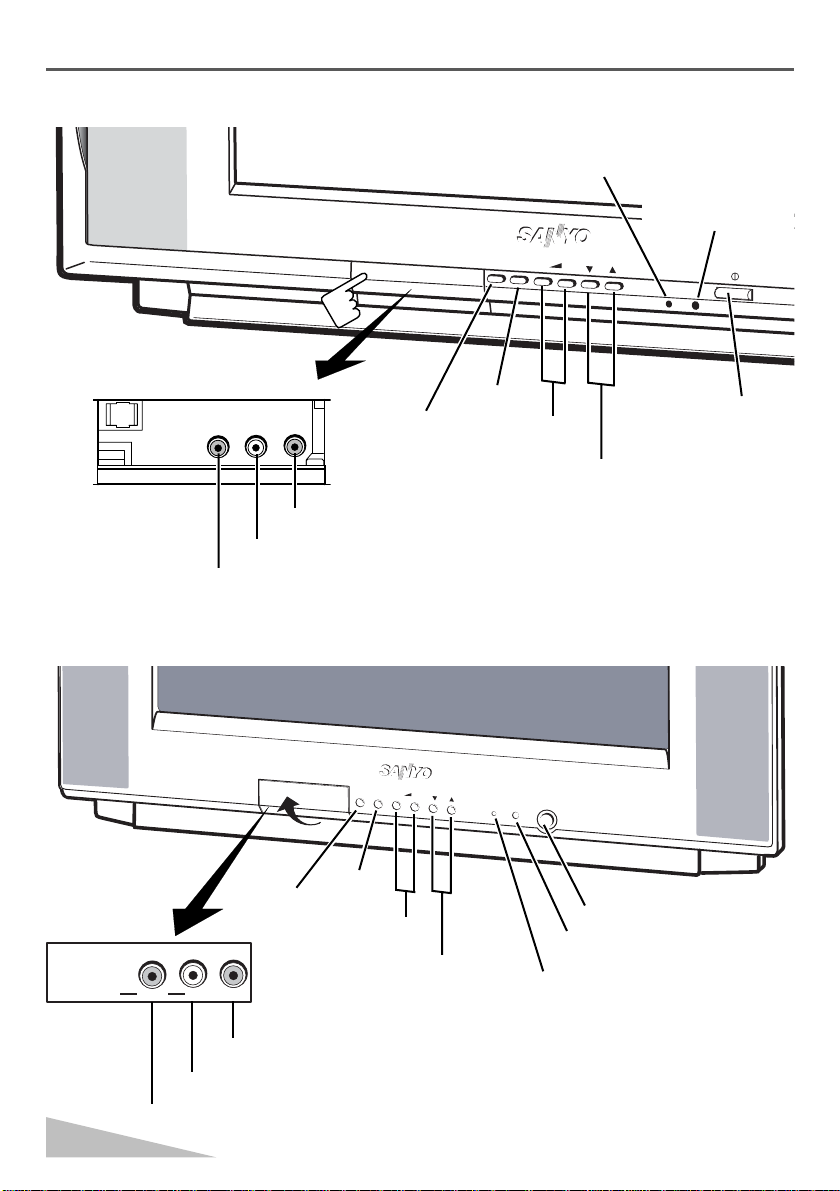
Front Controls . . . . . . . . . . . . . . . . . 4-5
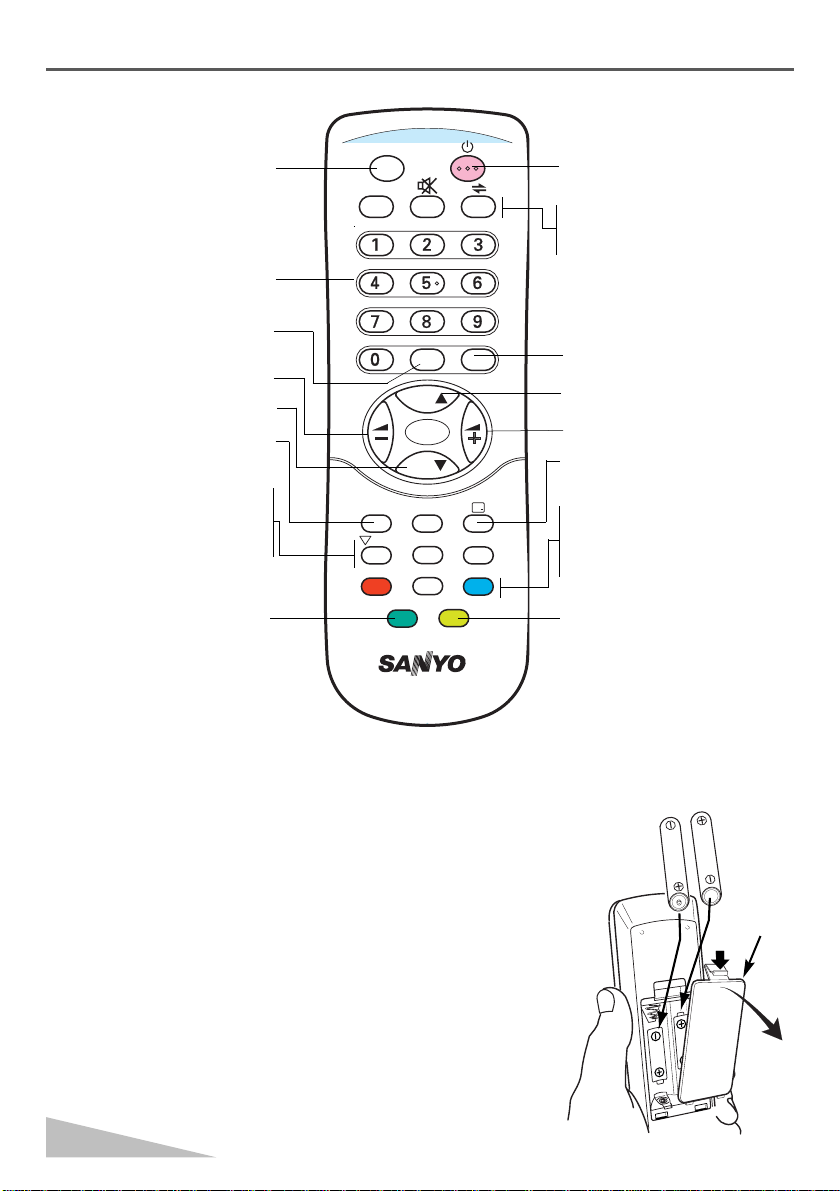
Remote Control Transmitter . . . . . . 6
Battery Installation of
the Remote Control Transmitter . . . 6
Warnings and Cautions . . . . . . . . . . 7
General Operation
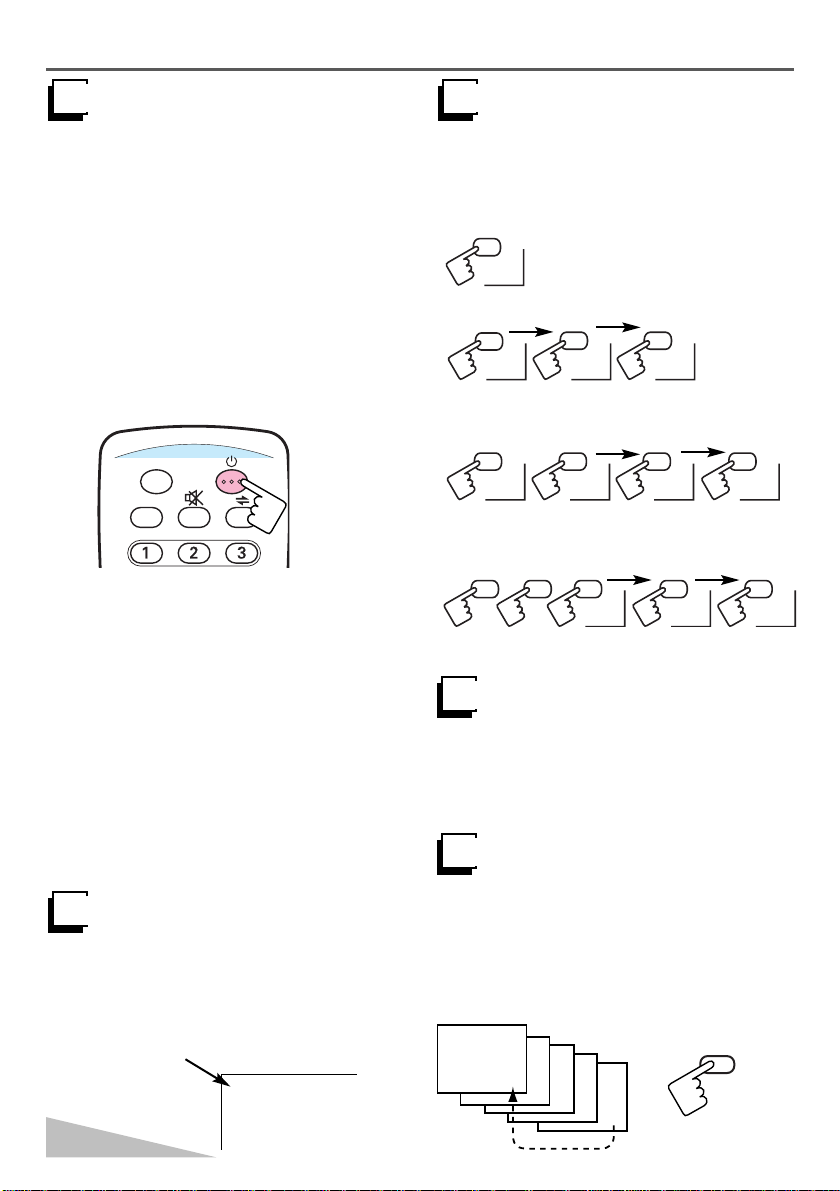
Power ON/OFF . . . . . . . . . . . . . . 8
Auto Shut Off Function . . . . . . . . 8
Direct Programme Selection . . . . 8
Programme UP and Down . . . . . 8
Channel Scanning . . . . . . . . . . . 8
Volume Control . . . . . . . . . . . . . . 9
Recall . . . . . . . . . . . . . . . . . . . . . 9
Sound Mute . . . . . . . . . . . . . . . . 9
Alternate . . . . . . . . . . . . . . . . . . . 9
Quick Picture Controls . . . . . . . . 10
Bass Expander . . . . . . . . . . . . . . 10
Wofeer ON/OFF . . . . . . . . . . . . . 10
Surround ON/OFF . . . . . . . . . . . 10
Off Timer . . . . . . . . . . . . . . . . . . 11
On Timer . . . . . . . . . . . . . . . . . . 11
Colour and Sound System
Setting of the Colour System . . . . 12
Setting of the Sound system . . . . 12
Picture Adjustment . . . . . . . . . . . . . 13
Audio Adjustment . . . . . . . . . . . . . . 14
Tuning of the Channels
Automatic Tuning . . . . . . . . . . . . 15
Semi-auto Tuning and Manual Tuning .
16
Channel Copy . . . . . . . . . . . . . . . 17
Channel Swapping . . . . . . . . . . . 17
Skip Channel Set and Cancel . . . 18
Setting of the Private Position . . . . . 19
Setting of the OSD Language . . . . . 20
Game (Air Tennis) . . . . . . . . . . . . . . 21
Connecting other Equipment
Connecting to the Rear AV1 Input Jacks
.22
S-VHS VCR/DVD Player Connection
. . . . 23
Connecting to the Front AV2 Input Jacks
. . 24
Selecting the Colour System in AV mode
.24
Connecting to the Monitor Output Jacks
.25
AV Connection to the Aerial Socket
. . . . 25
Care and Cleaning . . . . . . . . . . . . . . 26
Specifications . . . . . . . . . . . . . . . . . . 27
Helpful
Hints-Problems/Solutions . . . Last Page
Contents
2
Note: Model CP21AF1V(A) and CP29AF2X(A)
are not equipped with the Multi
Personal Preference Level Function.
For position 1 through to position 30, the
picture settings (Colour, Brightness and
Contrast) and the volume level that you
choose can be stored separately in memory
for each position. Thus you can enjoy
watching TV channels with optimum picture
and volume settings, even if you change
from one channel to another.
Multi Personal Preference Level Function
INST. M_C5GE-A 6/22/04 9:34 AM Page 2