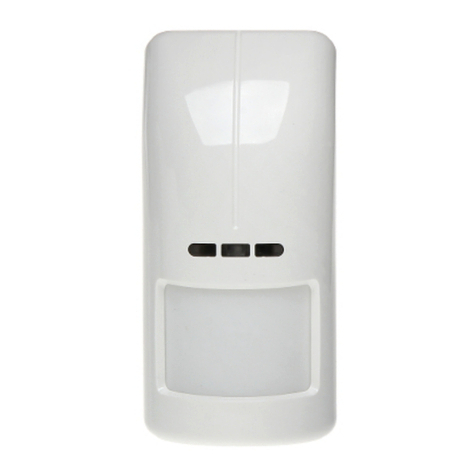
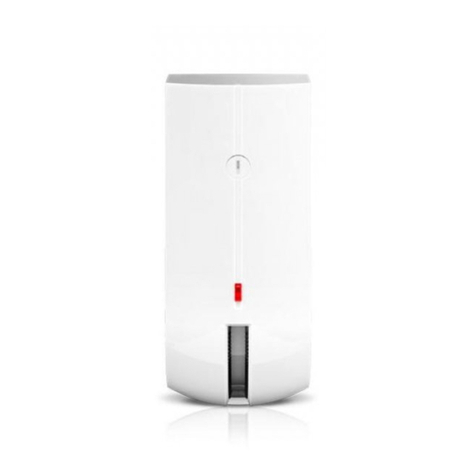
SATEL AOD-200 5
2. Install the battery and secure it with the clip you will find in the package.
3. Add the detector to the wireless system (see the ACU-120 / ACU-270 controller manual or
the INTEGRA 128-WRL / VERSA / VERSA Plus / VERSA IP control panel installer
manual). The sticker with 7-digit serial number which shall be entered when registering
the detector in the system can be found on the electronics board.
4. Replace the cover.
5. Fasten the detector temporarily at the place of its future installation.
6. Check the level of signal received from the detector by the ACU-120 / ACU-270 controller
or the INTEGRA 128-WRL control panel. If the signal level is lower than 40%, select
another place for installation. Sometimes, it is sufficient to shift the device ten or twenty
centimeters to obtain a considerable improvement in the signal quality.
7. Remove the front cover (Fig. 4).
8. Remove the electronics module (Fig. 5).
9. If the detector is to be mounted on angle bracket or ball bracket, make a hole in the
enclosure base for the additional tamper switch cables.
10.Mount the enclosure base to the wall, to the angle bracket (see: “Angle bracket
mounting”) or to the ball bracket (see: “Ball bracket mounting”). Use screw anchors
suitable for the mounting surface (concrete wall, drywall, etc.). The screw anchors should
guarantee required mechanical strength. In Figure 6 possible ways of mounting the
detector are shown.
11.Having secured the detector, mount the electronics module and replace the cover.
12.Configure the detector settings:
– sensitivity of PIR sensor,
– sensitivity of microwave sensor,
– sensitivity of dusk sensor (detection threshold).
For description on how to configure the detector, refer to the ACU-120 / ACU-270
controller manual or the INTEGRA / VERSA / VERSA Plus / VERSA IP control panel
programming manual.
If the detector is to be pet immune, for the infrared and microwave sensors do not set
the detection sensitivity higher than default.
13.Start the test mode and check that the motion within the detector area will light up the
LED. Fig. 11 shows: - the maximum coverage area, - creep zone.
14.End the test mode.