7 • Schlage • WPR400 user guide
Link to a PIM400 (reader mode only)
Each time it is turned on, the WPR400 will check the quality of its link to a PIM400, if a link
had previously been made. If the previous link to a PIM400 cannot be re-established or it
does not exist, the WPR400 will automatically attempt to link to a PIM400.
Only one WPR400 or other WAPM can be linked at a time. Ensure that no other PIM400s
are in link mode during this process.
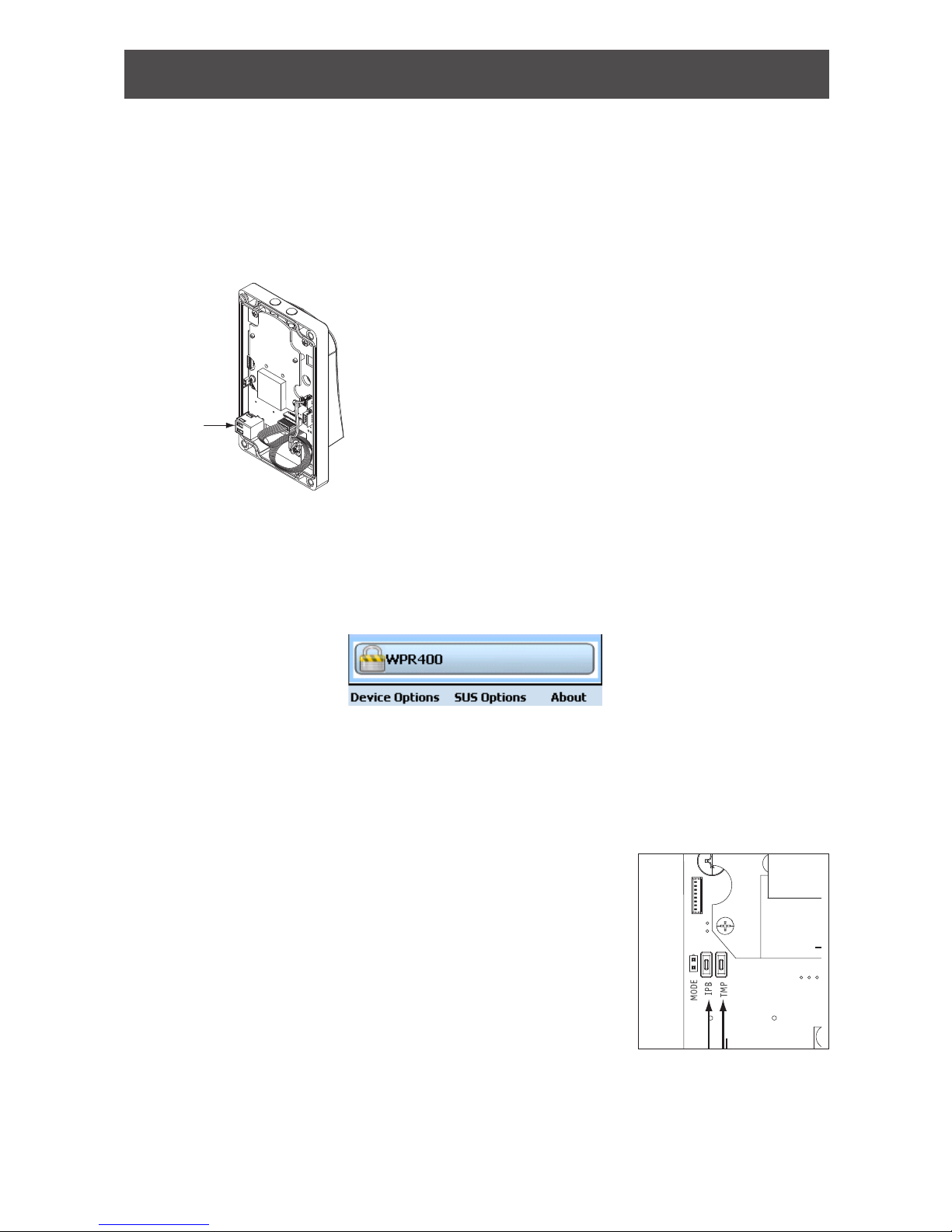
1. Make sure that new batteries are installed in the WPR400. See Batteries on page 13 for
more information and instructions on replacing batteries, if necessary.
2. Turn off the WPR400.
3. Make sure that the PIM400 is in link mode. See “Link Mode” in the PIM400 User Guide
for more information.
4. Turn on the WPR400. The WPR400 will go through a power-on initialization and then
automatically attempt to link to a PIM400.
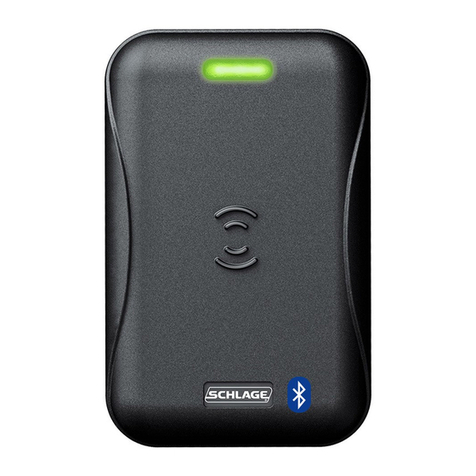
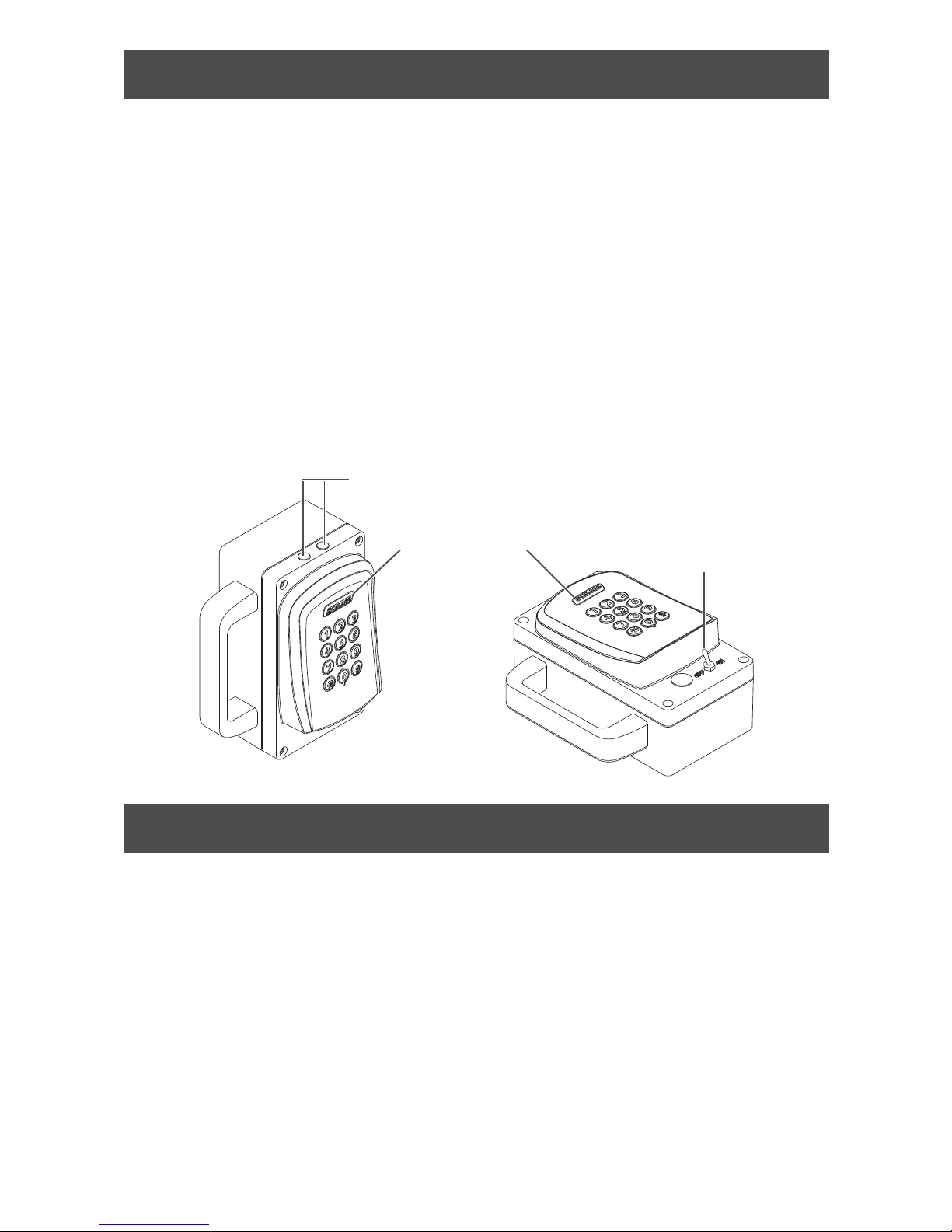
5. If the link is successful, the Schlage button will blink green, and the beeper will
sound. The number of green blinks/beeps indicates the RF channel number.
6. If the link fails, the WPR400 Schlage button will blink red three (3) times and ve
(5) short beeps will sound. The PIM400 will remain in link mode, so the link may be
attempted again.
LThe WPR400 will fail to link if the PIM400 is not properly set to link mode. The
LEDs on the PIM400 will alternately blink red and green.
LThe WPR400 will fail to link if it is not in RF range of the PIM400. Move the
WPR400 closer to the PIM400 location. (With standard construction, do not
exceed 200 feet (61 meters) distance between the WPR400 and the PIM400. Do not
locate the WPR400 and the PIM400 on separate oors of a building.)
7. Test the WPR400 for normal operation by presenting a valid credential. The Schlage
button will light green.
Re-link the WPR400
The WPR400 requires re-link:
• When the WPR400 or PIM400 is moved out of range or replaced
• When the RF channel is manually changed in the PIM400. See Change the RF channel
on page 8 for more information.
• When Dynamic Channel Switching is activated in the PIM400. See Enable dynamic
channel switching on page 8 for more information.
• After the WPR400 or PIM400 has been factory default reset.
To re-link, repeat the link procedure shown above.