9
2-3.
Measuring in Radio Multiple (Cumulative) Flash Mode
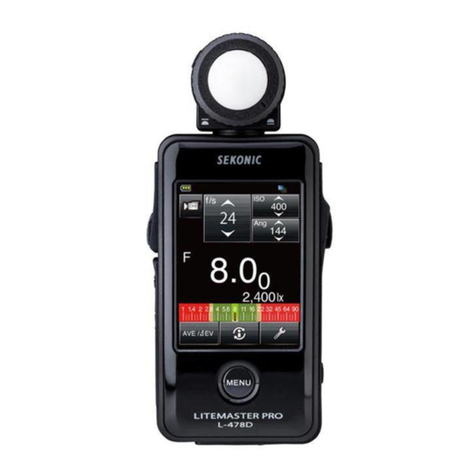
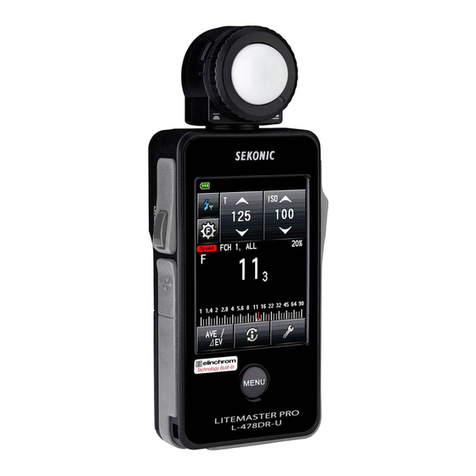
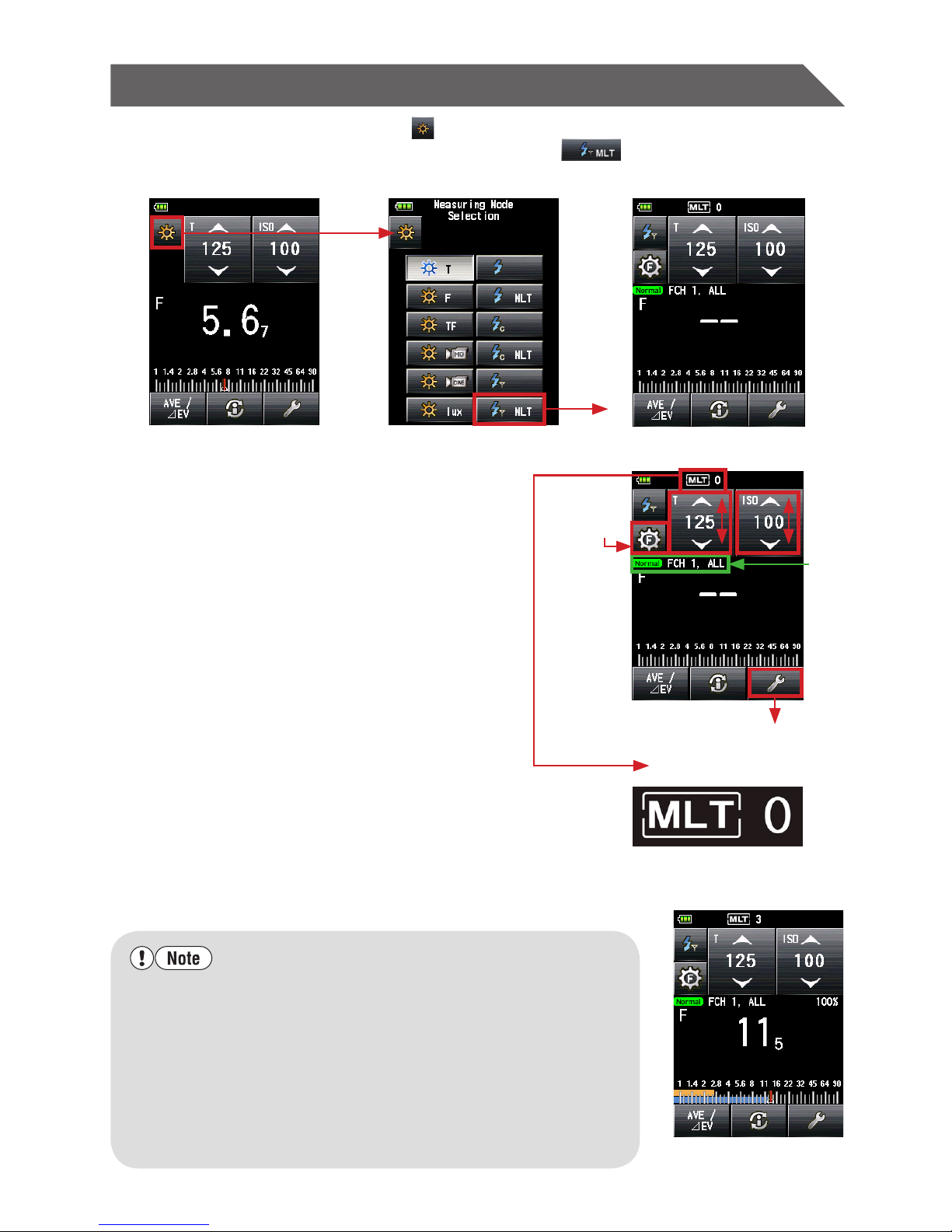
1) Touch the Measuring mode icon ( ) at the top left of the Measuring screen and then
select the Radio Multiple (Cumulative) Flash Mode ( ).
Measuring screen Measuring Mode Selection screen Measuring screen
2) Set ISO sensitivity on the ISO icon.
3) Set shutter speed on the T (shutter speed)
icon.
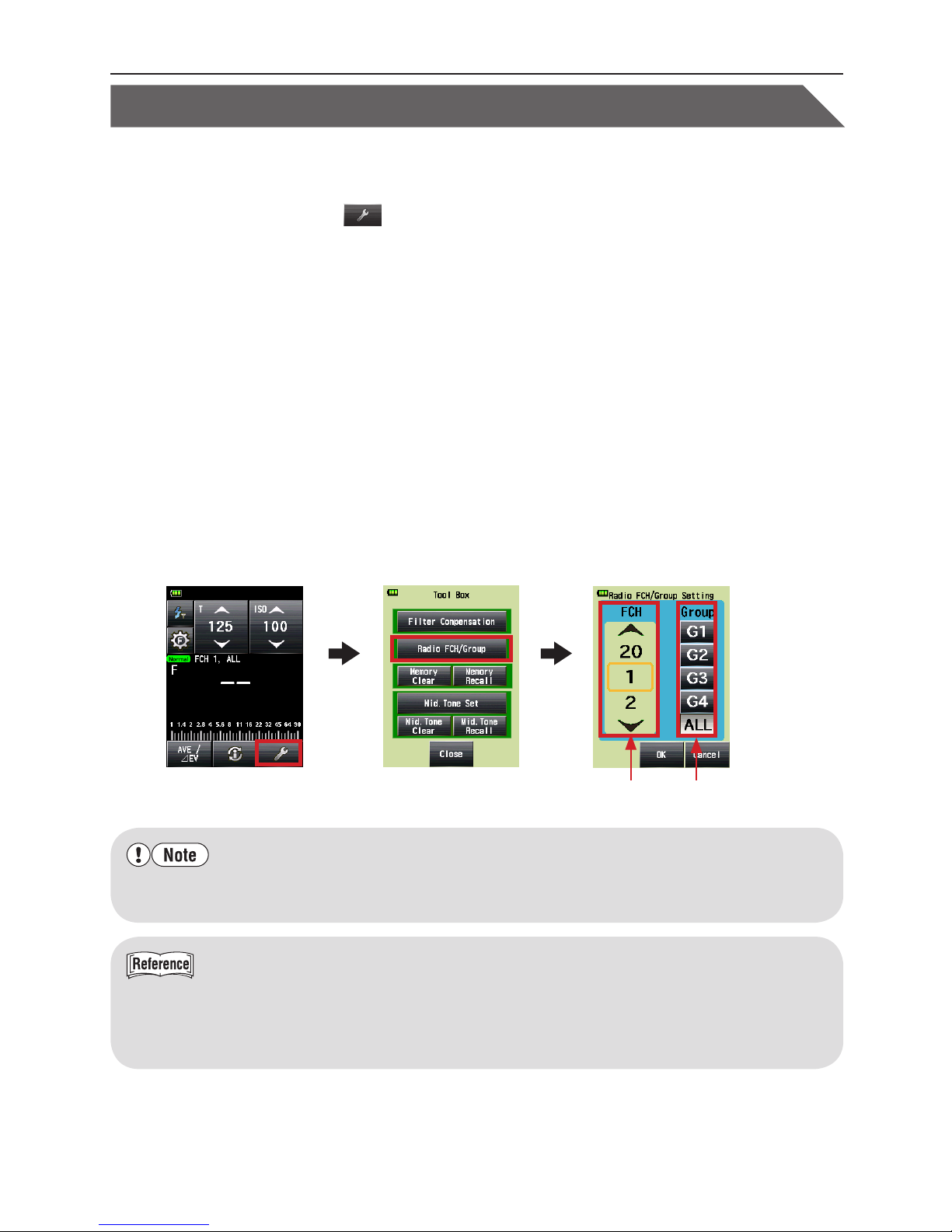
4) Make sure that the channel and Group are the
same for the meter and receivers in use.
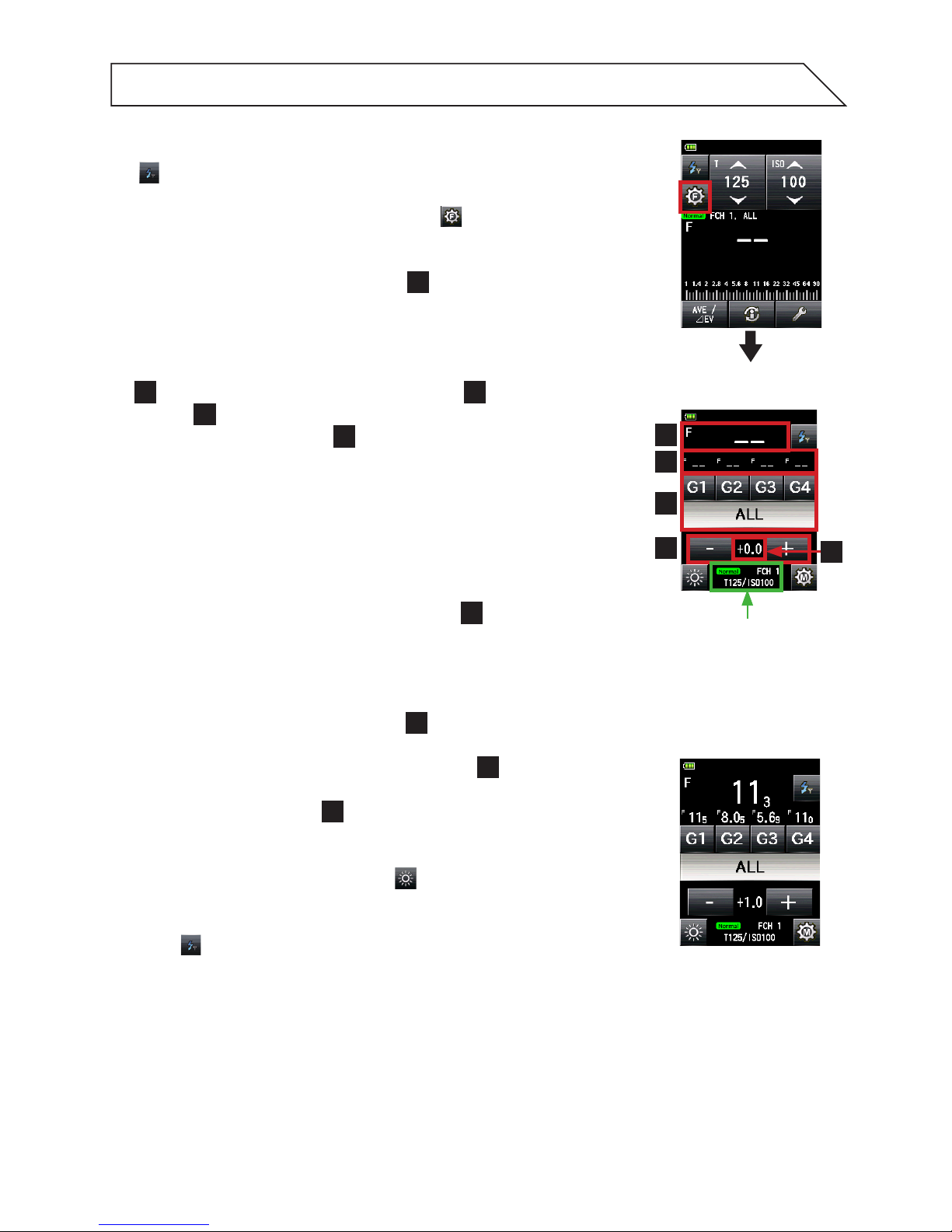
* Select the Group to trigger from the Flash Power
Control screen (See below) or Tool Box. Then return to
the Measuring screen to take the ash measurement.
5) Press the Measuring button to trigger the
ash units. The measured value (f-stop) is
displayed.
6)
Repeat 5) above until you get the accumulated
measured value (f-stop) you want to use.
The number of cumulative ashes is displayed at
the top of screen.
* It is not possible to take cumulative ash measurements
while the meter displays the Flash Power Control screen.
Be sure to set the meter to display the main Measuring screen
when taking cumulative ash measurements. The measured
value will be cleared when going from the Measuring screen
to the Flash Power Control screen when in Radio Multi (Cumulative)
Flash Mode.
•
Whenringtheash,iftheashbrightnessis8EVlowerthantheambientlight,the
metermayfailtodetecttheashlight.Inthiscase,makemeasurementsusingthe
Cord(PC)FlashMode(SeeL-478SeriesCommonOperatingManualfordetails).
•
Rapidstartuorescentlampsandspeciallightingaresometimesmistakenfor
ash,andaccidentallymeasured.Inthiscase,makemeasurementsusingtheCord
(PC)FlashMode(SeeL-478SeriesCommonOperatingManualfordetails)
•
Thewaveformofaashbulbhasaslightslopeandthereisapossibilitythatthe
lightmetercannotrecognizetheashbulbinCordlessFlashMode.Inthiscase,
makemeasurementsusingtheCord(PC)FlashMode(SeeL-478SeriesCommon
OperatingManualfordetails).
Measuring screen
(After measurement)
Measuring screen
The number of
cumulative ashes
Set
channel
number
and
Group
Tool Box
Go to Flash
Power Control
screen