manuals.online logo
Brands
  1. Home
  2. •
  3. Brands
  4. •
  5. Sena
  6. •
  7. Motorcycle Accessories
  8. •
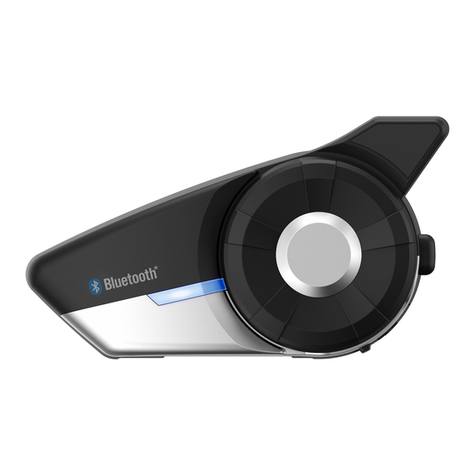
  9. Sena 50S User manual

Sena 50S User manual

Other manuals for 50S

3

This manual suits for next models

3

Other Sena Motorcycle Accessories manuals

Sena SP38 User manual

Sena

Sena SP38 User manual

Sena C1 User manual

Sena

Sena C1 User manual

Sena OUTRUSH R User manual

Sena

Sena OUTRUSH R User manual

Sena 50R User manual

Sena

Sena 50R User manual

Sena SRL3 User manual

Sena

Sena SRL3 User manual

Sena Latitude SR User manual

Sena

Sena Latitude SR User manual

Sena Momentum User manual

Sena

Sena Momentum User manual

Sena OUTSTAR User manual

Sena

Sena OUTSTAR User manual

Sena SMH10 User manual

Sena

Sena SMH10 User manual

Sena OUTSTAR User manual

Sena

Sena OUTSTAR User manual

Sena 5S User manual

Sena

Sena 5S User manual

Sena 50C User manual

Sena

Sena 50C User manual

Sena Latitude SR User manual

Sena

Sena Latitude SR User manual

Sena MOMENTUM inc User manual

Sena

Sena MOMENTUM inc User manual

Sena SAVAGE User manual

Sena

Sena SAVAGE User manual

Sena 50R User manual

Sena

Sena 50R User manual

Sena 5R Lite User manual

Sena

Sena 5R Lite User manual

Sena 10C User manual

Sena

Sena 10C User manual

Sena R2 EVO User manual

Sena

Sena R2 EVO User manual

Sena Latitude SR User manual

Sena

Sena Latitude SR User manual

Sena 20S EVO User manual

Sena

Sena 20S EVO User manual

Sena R2X User manual

Sena

Sena R2X User manual

Sena M1 User manual

Sena

Sena M1 User manual

Sena 5S User manual

Sena

Sena 5S User manual

Popular Motorcycle Accessories manuals by other brands

SRC B-TRK502-01-01-SL quick start guide

SRC

SRC B-TRK502-01-01-SL quick start guide

hepco & becker 6307520 00 01 manual

hepco & becker

hepco & becker 6307520 00 01 manual

HOMCOM AA0-077 user manual

HOMCOM

HOMCOM AA0-077 user manual

hepco & becker 6307558 00 01 manual

hepco & becker

hepco & becker 6307558 00 01 manual

Wunderkind Custom 106503-F15 Installation and safety

Wunderkind Custom

Wunderkind Custom 106503-F15 Installation and safety

Dräger HPS 3500 Instructions for use

Dräger

Dräger HPS 3500 Instructions for use

M-WAVE SKI manual

M-WAVE

M-WAVE SKI manual

Kuryakyn 6212 installation instructions

Kuryakyn

Kuryakyn 6212 installation instructions

hepco & becker 6507504 00 01 installation instructions

hepco & becker

hepco & becker 6507504 00 01 installation instructions

Tool it PROMAX LCD 9.13G manual

Tool it

Tool it PROMAX LCD 9.13G manual

Custom Dynamics TruWrapz installation instructions

Custom Dynamics

Custom Dynamics TruWrapz installation instructions

Roof RO200 CARBON How to use and maintain

Roof

Roof RO200 CARBON How to use and maintain

Kabuto Japan IBUKI instruction manual

Kabuto

Kabuto Japan IBUKI instruction manual

PUIG 5051 Mounting instructions

PUIG

PUIG 5051 Mounting instructions

rizoma ZTH050 user manual

rizoma

rizoma ZTH050 user manual

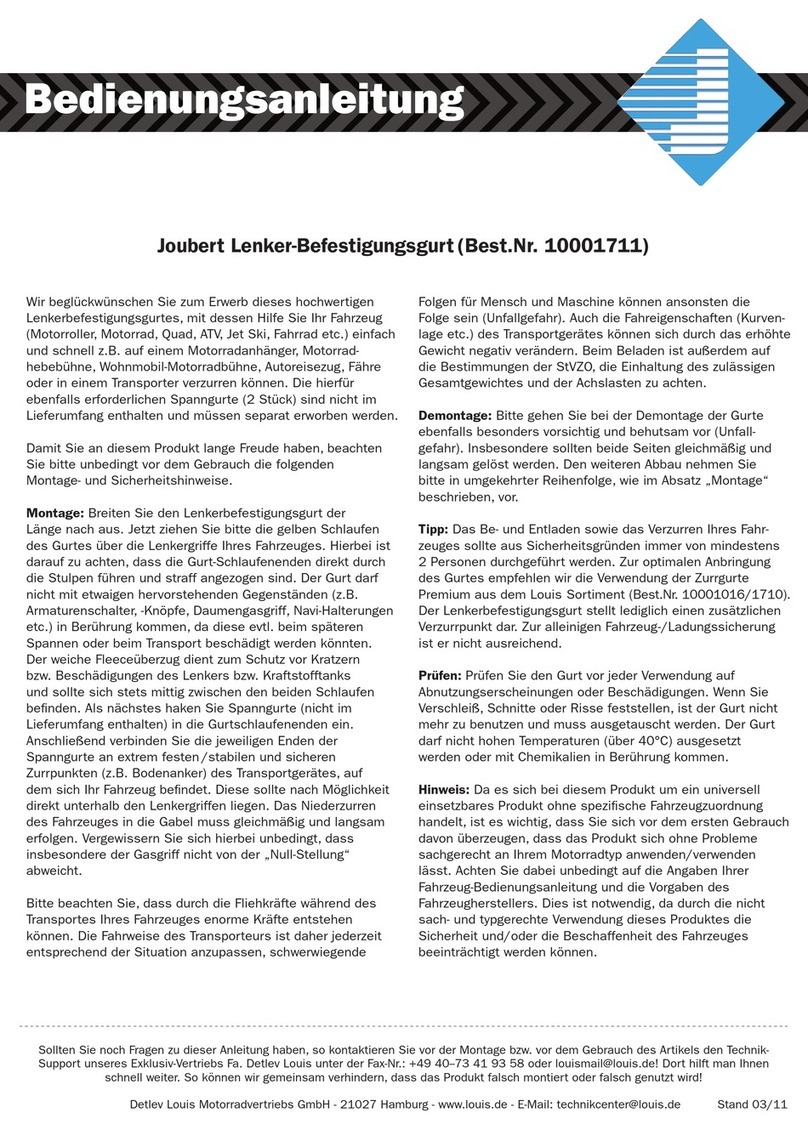
Joubert 10001711 instruction manual

Joubert

Joubert 10001711 instruction manual

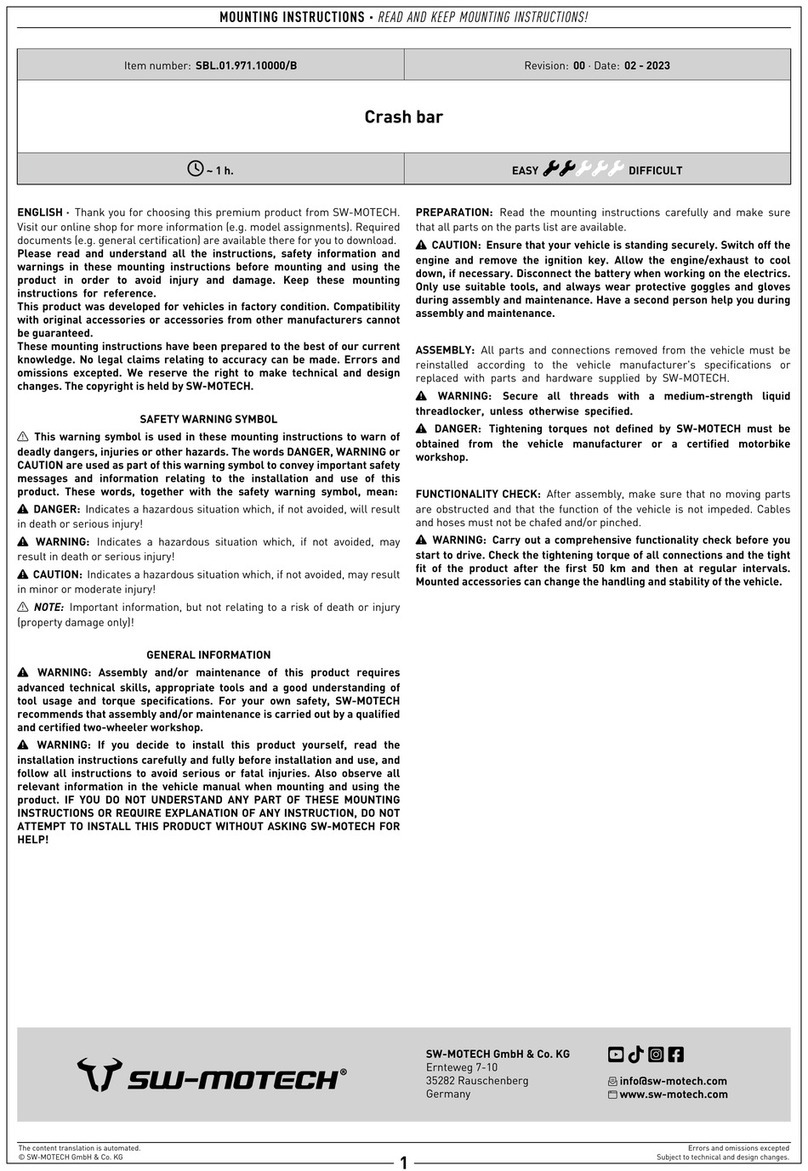
SW-Motech SBL.01.971.10000/B Mounting instructions

SW-Motech

SW-Motech SBL.01.971.10000/B Mounting instructions

GÜDE GSH 180-TC-2 Translation of the original instructions

GÜDE

GÜDE GSH 180-TC-2 Translation of the original instructions

manuals.online logo
manuals.online logoBrands
  • About & Mission
  • Contact us
  • Privacy Policy
  • Terms and Conditions

Copyright 2025 Manuals.Online. All Rights Reserved.

50S
MESH 2.0 INTERCOM SYSTEM
MSRP: $339.00
Part Number: 50S-01
FEATURE LIST & DESCRIPTION
Learn more at
Sena.com/product/50s
@SenaBluetooth
Mesh 2.0 brings a host of
new features and significant
improvements to the original
Mesh algorithm. It delivers
robust, reliable connections and
intelligent routing management
to an adaptive and autonomous
network. Overall, riders enjoy an
intercom system with boosted
sound quality and stable
communication.
Mesh 2.0 Intercom
REDEFINED
COMMUNICATION NETWORK
KEY MESH 2.0 FEATURES:
Three Intercom Modes
WiFi Connectivity
Rapid Charge
Premium HD Speakers
Digital Assistant Access
Multi-Channel Open Mesh Intercom features
9 channels, and allows any number of users,
within range, to easily communicate. Group
Mesh Intercom supports up to 24 riders in a
private group. Bluetooth Intercom allows up to
4 participants.
The included WiFi Adapter both charges and
automatically installs firmware updates. The
adapter can be programmed to download the
latest firmware via WiFi.
The 50S has an all-new battery with a 30%
faster charge time. The device is charged in
an hour, but a 20-minute charge provides
3.5 hours of Mesh Intercom™ or six hours of
Bluetooth Intercom.
Optimized audio with boosted volume, bass,
and clarity. Redesigned speakers have a
beveled taper for a comfortable fit.
“Hey Siri / Hey Google” voice commands are
recognized, allowing you to tap into your
smartphone’s features while riding.
Bluetooth 5 Multi-Language
Voice Commands
One-Click-to-Connect Smartphone App
The device pairs to
a smartphone to
access features on
the go
Supports 8 languages:
EN, FR, DE, ES, IT, CN,
JP, RU
With one button press,
join a limitless number
of riders in Open Mesh
Intercom
The 50 Utility App allows
control of the 50S’
functions and includes
audio equalizer presets
Robust, reliable connections
*min. 6 riders at 1 mi / 1.6 km
intervals
Superior intercom audio
quality
Communicate with other riders
within a range of up to 5 mi /
8 km
Open Mesh Intercom features
9 comm channels, with a near-
limitless number of users
Group Mesh Intercom supports
up to 24 nearby participants in
a private session

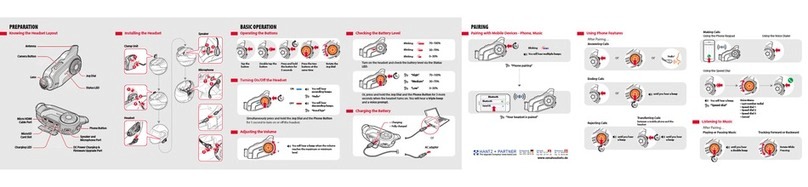
QUICK START GUIDE
50S
Power on Power off Volume up Volume down
BASIC OPERATIONS
Press and Hold for 1 second 1-Click Rotate Clockwise Rotate Counter-clockwise
Pair to mobile phone Answer phone call End phone call Reject phone call
MOBILE PHONE
Press and Hold for 5 seconds 1-Click 1-Click
Play/Pause music Track forward Track backward
MUSIC
Press and Hold for 1 second Rotate Clockwise While Pressing the Jog Dial Rotate Counter-Clockwise While Pressing the Jog Dial
Press and Hold for 2 seconds
Open Mesh On/Off
Create Group Mesh Enable/Disable MicrophoneJoin Existing Group Mesh Reset Mesh
Toggle Open Mesh/Group Mesh
Enter Channel Selection Navigate Channels Confirm Channel

INTERCOM
1-Click
Press and Hold for 5 seconds Press and Hold for 8 seconds
2-Clicks
Press and Hold for 5 seconds
Rotate Clockwise or Counter-Clockwise
Press and Hold for 1 second
1-Click
Press and Hold for 3 seconds
Learn more at
Sena.com/product/50s
@SenaBluetooth
Note:
•
This action enters Mesh Grouping mode
•
Creating a Group Mesh requires a minimum of
two Open Mesh users

•
Each Open Mesh user must perform the above
action within 30 seconds of each other to create
the Group Mesh
Note:
•
This action enters Mesh Grouping mode
•
Joining an existing Group Mesh requires one
current Group Mesh user and at least one Open
Mesh user
•
A current Group Mesh user must perform the
above action to allow an Open Mesh user to join
•
An Open Mesh user must perform the above
action while in any Open Mesh channel within
30 seconds of the Group Mesh member
allowing another user to join