8 / 26
SiemensRWDPrimaryControls Modbus InterfaceCB1P3099en_01
Building TechnologiesCommissioning SEZ50MB 27.10.2009
3Commissioning SEZ50MB
BeforeconnectinganyRWD productstoSEZ50MB, theRWD devicemust be
configured tooneofitsavailableapplicationsmanuallyor viaRWD SWconfiguration
tool(Pleaserefer toRWD documentationfor moreinformation).
The RWDdeviceconnectedwithSEZ50MBmust beconfiguredtoa selected
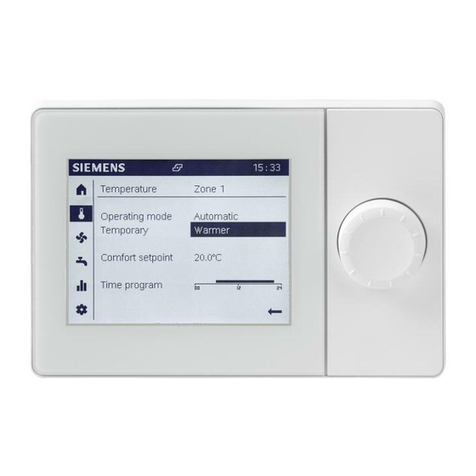
applicationfirst.Various applicationsfor eachRWDcanbe selected viakeybuttons
withthehelpoftheLCD displayonthe RWD.Thestepsordetailsabouthow to
configure RWDdeviceshouldbereferredtoRWDdatasheet and itsInstallationand
CommissioningGuide.
Apart from manualconfigurationfor RWD,aRWDSW configurationtoolisavailable. It
isaSWprogramto run on aPCfor configuringRWD viatheRS232connection.More
information about the SW tool,pleasecontactyourlocal salesofficefor furthersupports.
Beforeturningon the powersupply, pleaseMAKE SUREthe followingsare checked:
•Check allrequiredconnectionsontheRWD device;
•ConfigureRWD device toadesired applicationmanuallyor viatheRWD SW tool
and checkifthestandalone operation of thisRWD isworkingproperly(Pleaserefer
toRWD Installation and Commissioning Guideor datasheet for moredetails);
•InstallSEZ50MBaccording totheinstallation manualCB1M3099;
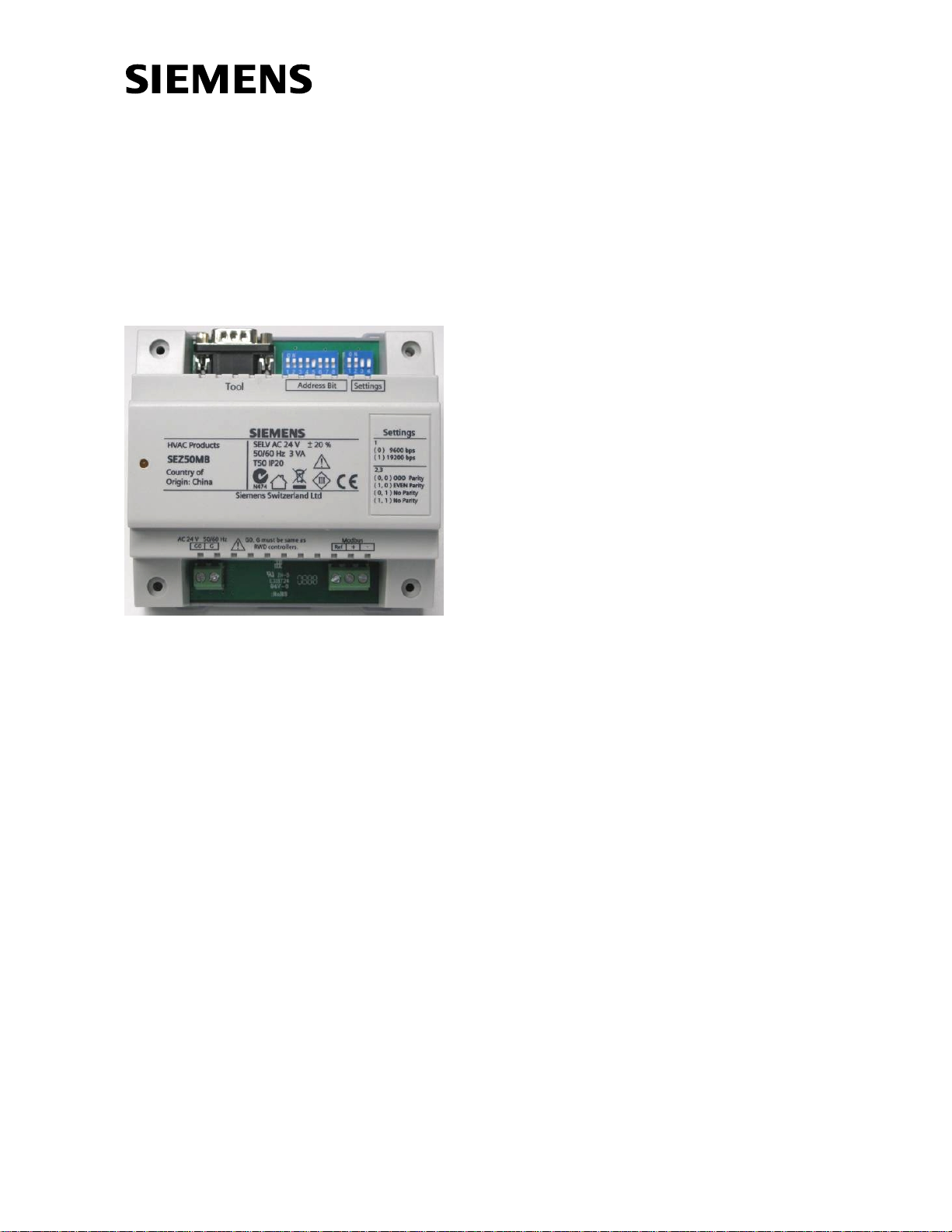
•Set the8-wayDIPswitchfor SEZ50MB address(1 to247). If morethanone
SEZ50MBsareusedwithinthesameModbus network,differentDIPswitch
combinationsshouldbeused forother SEZ50MBs;
•Set the4-wayDIPswitchon SEZ50MBdevice for communication settingsand the
same communicationsettingsshouldbe applied to allSEZ50MBsconnected tothe
same Modbusnetwork;
•Connectthe RS232 cable(provided)between RWDdeviceand SEZ50MB;
•For theModbusnetwork,connectthe3-wireModbusterminals(+,-,Ref) of the
SEZ50MBdevicetoeitherthe RS232 COMportor USBport ofaPC via aRS232-
TO-RS485ora USB-TO-RS485converter(Please refer to “Modbus connection”of
next page);
•If multipleSEZ50MBsareusedinthesameModbusnetwork, itis recommended to
useasingleBUS typetopology (repeatersrequiredif >32 xSEZ50MBs)and to
terminatethe Modbusnetworkatbothendswith150 Ωresistorsfor best
performance.However,itisnot allowed toplacemorethan 2lineterminations on
one passive balanced pairand neverplace any linetermination on aderivation
cable;
•Connectpowersupply asper diagramson next page “Powersupplies”. Special
caresshouldbe taken inthereferenceground of eachpowersupply.The SEZ50MB
deviceisrecommendedtouse aSELVAC 24V supplyvoltage when connecting
withaAC 230 V RWD device.
Inordertoshorten the troubleshootingtime, itisrecommended to testtheModbus
connection withjust one RWD and one SEZ50MB device first.Then, checkifthe
remotemonitoringfunctions viaPCcan be executed properly, and thenconnectall
SEZ50MBstothe samenetwork.
Due topotential highsurge currentsalong thenetwork cable, itishighlyrecommended
touseRS485 converterswithgoodelectricalisolationforprotectingthe PC.
Configuring RWD
Manually
Configuring RWD
ViaSW TOOL
Power up
Recommendations: