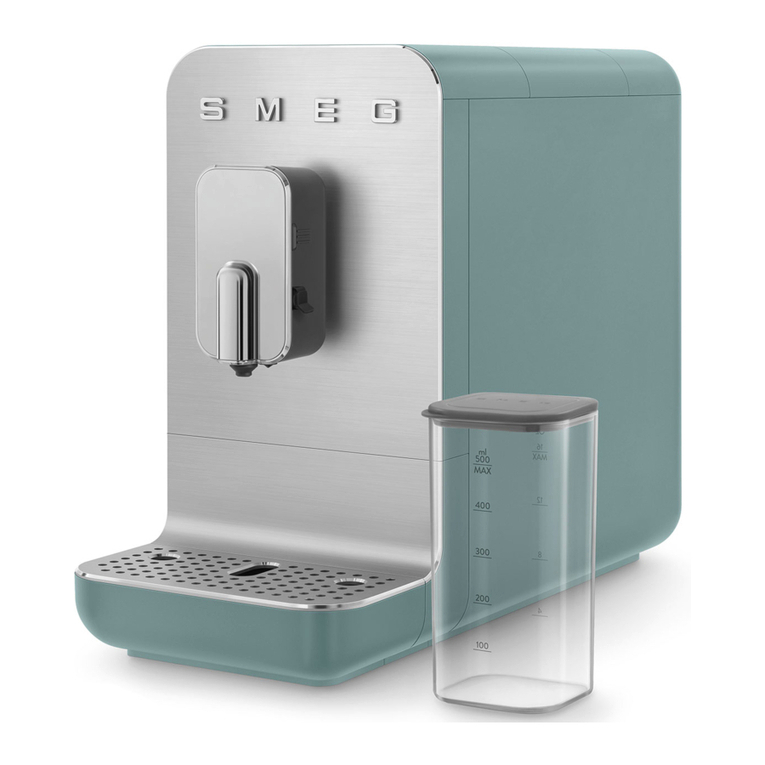
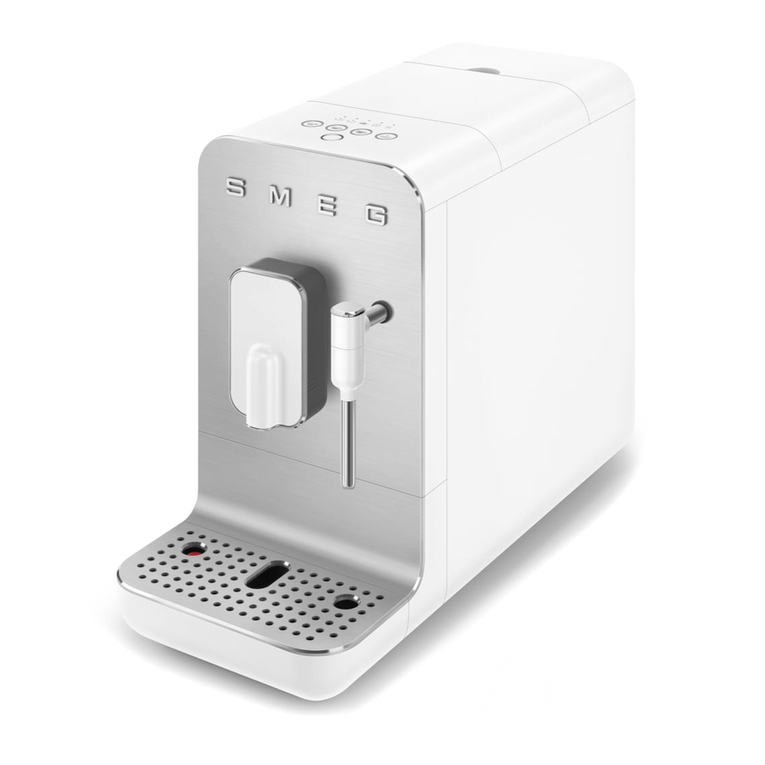
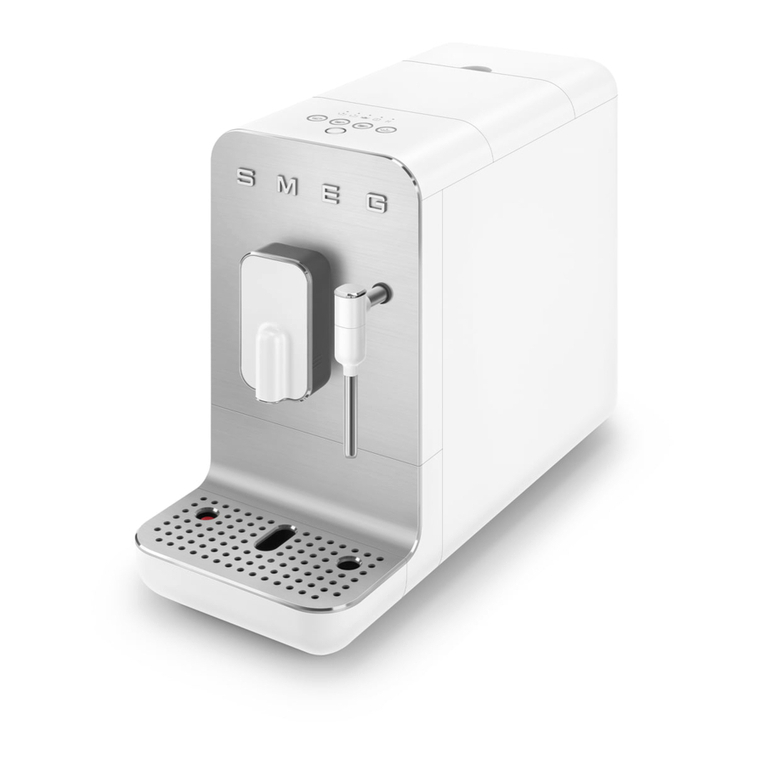
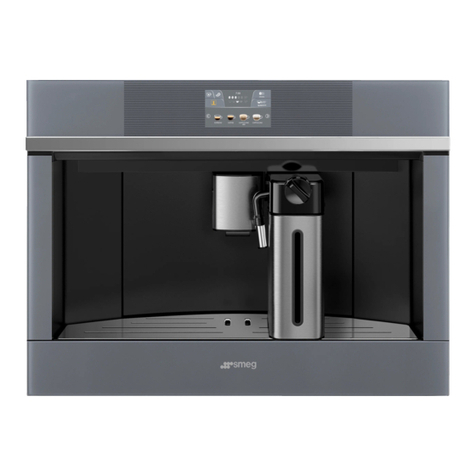
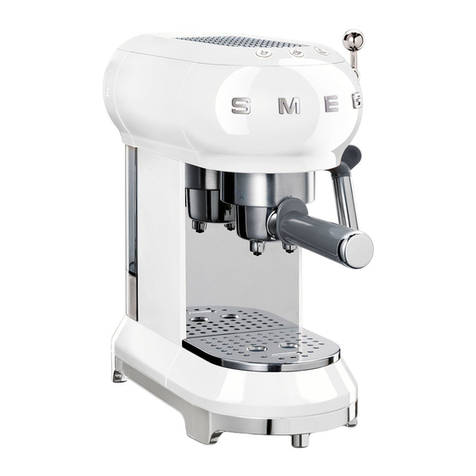
Smeg CMS4604NX User manual

INSTRUCTION MANUAL
AUTOMATIC BUILT-IN COFFEE MACHINE
EN

2
A4
A1
A14
A13 A18
A3A2 A5 A6A8
A10
A7
A9
A11
A22
A16 A21A15
A12
A
A20
A19
A17
A23
A24

D4
B
D
D3
D6
C1
C4
C
C5C2
00:00
PROFILE 1 QUANTITY
AROMA
SELECT BEVERAGE
ESPRESSO COFFEE CAPPUCCINO LATTE
MACCHIATO
B2 B4 B6
B5B3 B7
B1
B11
B10
B9
B8
D1
D7
D2
D5
C7
C6
C3

4
1
4 5
7
13 15
2 3
6
89
10
12
14
16
30
17 18
23 24
25
29
20
22
28
34
45
33
36
38 39
40
42
44
35
37
41
43
31
A
B
AB
11
27
32
26
2119

1
4 5
7
13 15
2 3
6
89
10
12
14
16
30
17 18
23 24
25
29
20
22
28
34
45
33
36
38 39
40
42
44
35
37
41
43
31
A
B
AB
11
27
32
26
2119

6
34
45
33
36
38 39
40
42
44
35
37
41
43
31
A
B
AB
32

7
EN
CONTENTS
INTRODUCTION .....................................................................8
Symbols used in these instructions ................................8
Letters in brackets..........................................................8
Troubleshooting and repairs ..........................................8
Instructions for use ........................................................8
DESCRIPTION OF THE APPLIANCE .........................................8
Description of the appliance ..........................................8
Description of homepage...............................................8
Description of the accessories ........................................8
Description of milk container.........................................8
PRELIMINARY OPERATIONS ..................................................9
Checking the appliance..................................................9
SETTING UP THE APPLIANCE.................................................9
TURNING THE APPLIANCE ON................................................9
TURNING THE APPLIANCE OFF ..............................................9
MENU SETTINGS..................................................................10
Rinsing.........................................................................10
De-scaling....................................................................10
Water lter...................................................................10
Beverage settings ........................................................10
Set time .......................................................................10
Auto -start ...................................................................10
Auto-o (standby).......................................................11
Cup warmer .................................................................11
Energy saving...............................................................11
Coee temperature......................................................11
Water hardness............................................................11
Selecting the language................................................11
Sound notication .......................................................11
Light ............................................................................11
Demo mode .................................................................12
Default values..............................................................12
Statistics ......................................................................12
MAKING COFFEE..................................................................12
Selecting the coee aroma ..........................................12
Selecting the coee quantity.......................................12
Making coee using coee beans................................13
Making coee using pre-ground coee .......................13
Adjusting the coee mill..............................................13
Tips for a hotter coee .................................................14
MAKING MILKBASED HOT DRINKS.....................................14
Filling and attaching the milk container ......................14
Adjusting the amount of froth .....................................14
Making milk based hot drinks automatically ...............14
Cleaning the milk container after use ..........................15
DELIVERING HOT WATER .....................................................15
STEAM DELIVERY.................................................................15
Tips for using steam to froth the milk...........................16
Cleaning the hot water/steam spout after use.............16
CUSTOMISING BEVERAGES..................................................16
MEMORISING YOUR PERSONAL PROFILE............................16
CLEANING............................................................................16
Cleaning the machine..................................................16
Cleaning the appliance internal circuit.........................17
Cleaning the coee grounds container.........................17
Cleaning the drip tray ..................................................17
Cleaning the inside of the coee machine ...................17
Cleaning the water tank...............................................17
Cleaning the coee spouts...........................................17
Cleaning the pre-ground coee funnel .......................18
Cleaning the infuser.....................................................18
Cleaning the milk container.........................................18
Cleaning the hot water/steam connection nozzle........18
DESCALING..........................................................................18
PROGRAMMING WATER HARDNESS....................................19
Measuring water hardness...........................................19
Setting water hardness................................................20
WATER SOFTENER FILTER....................................................20
Installing the lter.......................................................20
Replacing the lter ......................................................20
Removing the lter......................................................20
TECHNICAL DATA.................................................................21
DISPLAYED MESSAGES........................................................22
TROUBLESHOOTING ............................................................27

8
INTRODUCTION
Symbol used in these Instructions
Important warnings are identied by these symbols. Failure to
observe the Instructions for Use could result in electric shock,
serious injury, burns, re or damage to the appliance
Danger!
Failure to observe the warning may result in life threatening in-
jury by electric shock.
Important!
Failure to observe the warning could result in injury or damage
to the appliance.
Danger of burns!
Failure to observe the warning could result in scalds or burns.
Please note:
This symbol identies important advice or information for the
user.
Letters in brackets
The letters in brackets refer to the key in the Description of the
appliance.
Troubleshooting and repairs
In the event of problems, follow the information given in the
sections "Displayed messages" and "Troubleshooting".
If this does not resolve the problem, you should consult customer
services. For repairs, contact customer services only.
Instructions for use
Read these Instructions for Use carefully before using the appli-
ance.
• Keep these Instructions for Use carefully.
• Failure to follow these Instructions for Use may result in
injury or damage to the appliance. The manufacturer is not
liable for damage deriving from failure to respect these In-
structions for Use.
Please note: The appliance is equipped with a fan. It
activates when necessary.
DESCRIPTION OF THE APPLIANCE
Description of the appliance
(page 3 - A)
A1. Cup holder tray
A2. Service door
A3. Coee guide
A4. Coee grounds container
A5. Infuser
A6. Lighting to illuminate interior compartment
A7. On/stand-by button
A8. Control panel
A9. Tray for objects
A10. Hot water/steam connection nozzle
A11. IEC connector
A12. Water tank
A13. Coee spouts (adjustable height)
A14. Drip tray
A15. Beans container lid
A16. Beans container
A17. Grinding adjustment dial
A18. Lights to illuminate cup
A19. Main ON/OFF switch
A20. Measure holder
A21. Ground coee funnel
A22. Power cord
A23. Pre-ground door
A24. Cup warming ledge
Description of homepage (page 3 - B)
B1. : menu to customise beverages settings
B2. : appliance settings menu
B3. Selected aroma
B4. Clock
B5. Selected quantity
B6. : aroma selection
B7. : quantity selection
B8. : scroll arrow
B9. Selectable drinks (press on the scrolling arrow or
to see all the drinks
B10. : scroll arrow
B11. Customisable proles (see“Memorising your personal pro-
le”)
Description of the accessories
(page 3 - C)
C1. "Total Hardness Test" indicator paper
C2. Ground coee measure
C3. De-scaler
C4. Water softener lter (certain models only)
C5. Cleaning brush
C6. Hot water/steam spout
C7. Connection nozzle cover
Description of the milk container
(page 3 - D)
D1. Froth adjustment and CLEAN function dial

9
EN
D2 Lid with milk frother
D3. Milk container
D4. Milk intake tube
D5. Adjustable frothed milk spout
D6. Thermal casing
D7. Lid release buttons
PRELIMINARY OPERATIONS
Checking the appliance
After removing the packaging, make sure the product is com-
plete and undamaged and that all accessories are present. Do
not use the appliance if it is visibly damaged. Contact customer
services Technical Assistance.
SETTING UP THE APPLIANCE
Please note:
• Coee has been used to factory test the appliance and it is
therefore completely normal to nd traces of coee in the
mill.The machine is, however, guaranteed to be new.
• You should customise water hardness as soon as possible
following the instructions in section “Setting water hard-
ness”.
1. Connect the appliance to the mains electricity supply
(g.1) and make sure the main switch (A19) on the side of
the appliance is pressed down (g.2);
2. SELECT LANGUAGE (setting language): press (B10) or
(B8) until the ag corresponding to the required lan-
guage appears on the display (B), then press the ag;
To proceed follow the instructions indicated on the appliance
display:
1. FILL WATER TANK WITH FRESH WATER: remove the water
tank (A12) (g.3), open the lid (g.4), ll to the MAX line
(marked on the inside of the tank) with fresh water (g.5);
close the lid and put the tank back into the appliance
(g.6);
2. INSERT WATER OUTLET: Check that the hot water/steam
spout (C6) is inserted on the connection nozzle (A10)
(g.7) and place a container with a minimum capacity of
100 ml underneath (g.8);
3. WATER CIRCUIT EMPTY PRESS OK TO START FILLING PRO-
CESS is shown on the display;
4. Press to conrm: the appliance delivers water from
the spout (g.8) then goes o automatically.
The coee machine is now ready for normal use.
Please note:
• The rst time the appliance is used, it needs to make 4-5
cappuccinos before it starts to give satisfactory results.
• On rst use the water circuit is empty, the machine could
therefore be very noisy: the noise will lessen as the circuit
lls up.
• When making the rst 5-6 cappuccinos, it is normal to hear
the noise of boiling water: after this the noise will lessen.
• To improve the performance of the appliance, we recom-
mend installing a water softener lter (C4) as described in
section“Water softener lter”. If your model is not equipped
with a lter, it is possible to request one from Authorised
Customer Service Centres.
TURNING THE APPLIANCE ON
Please note:
Before turning the appliance on, make sure the main switch
(A23) is pressed (g.2). Each time the appliance is turned on, it
performs an automatic preheat and rinse cycle which cannot be
interrupted. The appliance is ready for use only after completion
of this cycle.
Danger of burns!
During rinsing, a little hot water comes out of the coee spouts
(A13) and is collected in the drip tray (A14) underneath. Avoid
contact with splashes of water.
• To switch the appliance on, press the button (A7-
g.9): message HEATING UP PLEASE WAIT, is shown on the
display.
• When heating is complete, the message changes to: RINS
ING HOTWATER RUNNING; As well as heating the boiler, the
appliance also continues to allow hot water to run in the
internal pipework as they also heat up.
The appliance is at the desired temperature when the main
screen, homepage, appears.
TURNING THE APPLIANCE OFF
Every time the appliance is turned o, it automatically carries
out a rinse if it has made a coee.
Danger of burns!
During rinsing, a little hot water ows from the coee spouts
(A13). Avoid contact with splashes of water.
• To turn the appliance o, press the button (A7-g.9).
• The message TURNING OFF PLEASE WAIT is shown on the
display: if needed the appliance performs a rinse cycle and
then goes o (standby).
Please note:
If the appliance is not used for long periods, disconnect from the
electricity supply as follows:

10
• rst turn the appliance o by pressing the button
(g.9);
• release the main switch (A23) situated on the side of the
appliance (g.2).
Important!
Never press the main switch while the appliance is on.
MENU SETTINGS
Rinsing
Use this function to supply hot water from the coee spouts
(A13) to clean and heat the appliance’s internal circuit. Place a
container with a minimum capacity of 100ml under the coee
and hot water spouts (g.8).
To enable the function, proceed as follows:
1. Press (B2) to enter the menu;
2. Press (B10) or (B8) until the display shows (B)
RINSING;
3. Press to start rinsing.
Danger of burns!
Do not leave the appliance unattended while hot water is being
delivered.
1. After a few seconds, hot water comes out of the coee
spout which cleans and heats the internal circuit of the
appliance: the following message is shown on the display
RINSING HOT WATER RUNNING as well as a progress bar
which lls up as the preparation progresses;
2. To stop the rinsing cycle, press or wait for rins-
ing to stop automatically.
Please note:
• If the appliance is not used for more than 3-4 days, when
switched on again, we strongly recommend doing 2/3 rins-
es before use;
• After rinsing, it is normal that there is some water in the
grounds container (A10).
De-scaling
For instructions on de-scaling, see section“De-scaling”.
Water lter
For instructions on how to install the lter (C4), see section
“Water softener lter”.
Beverages settings
In this section, you can consult your customised settings and, if
you wish, reset the default values for each beverage.
1. Press (B2) to enter the menu;
2. Press (B10) or (B8) until DRINKS SETTINGS
appears on the display (B);
3. Press : The values for the rst beverage appear on the
display;
4. The reference user prole is highlighted on the display. The
values are shown on the vertical bars: the manufacturer de-
fault value is indicated by the symbol while the cur-
rent set value is highlighted by the lled part of the vertical
bar;
5. To go back to the settings menu, press .
To scroll and display the beverages, press ;
6. To return to the default manufacturer values for the bever-
age shown on the display, press RESET;
7. CONFIRM RESET?: to conrm, press (to cancel,
press );
8. RETURN TO FACTORY: press .
The beverage has been reset to the default values. Continue with
the other beverages, or go back to the settings menu.
Please note:
• To change the beverages for another prole, go back to the
homepage, select the required prole (B11) and repeat the
procedure.
• To reset all the beverages in the prole to the default val-
ues, see paragraph“Manufacturer Default values”.
Set time
To adjust the time on the display (B), proceed as follows:
1. Press (B2) to enter the menu;
2. Press (B10) or (B8) until the display (B) shows
SET TIME;
3. Press : The time setting panel appears on the screen;
4. Press or corresponding to the hours and minutes
until the current time is displayed;
5. To conrm, press (to cancel, press ), then
press to go back to the homepage.
The time is now set.
Auto-start
The auto-start time can be set in order to have the appliance
ready at a certain time (for example in the morning) so that it
can immediately make coee.
Please note:
To enable this function, the time must already be set correctly,
see paragraph“Set time ”.
This manual suits for next models
2
Table of contents
Other Smeg Coffee Maker manuals

Smeg
Smeg BCC02WHMAU User manual

Smeg
Smeg ECF01 User manual

Smeg
Smeg BCC02FBMUK User manual

Smeg
Smeg LAVAZZA User manual

Smeg
Smeg DOLCE& GABANNA CGF01DGBEU User manual

Smeg
Smeg BCC01EGMEU User manual

Smeg
Smeg DCF02BLUS User manual

Smeg
Smeg SCM1 System manual

Smeg
Smeg ECF02WHEU User manual

Smeg
Smeg ECF01 User manual