manuals.online logo
Brands
  1. Home
  2. •
  3. Brands
  4. •
  5. Sony
  6. •
  7. Cassette Player
  8. •
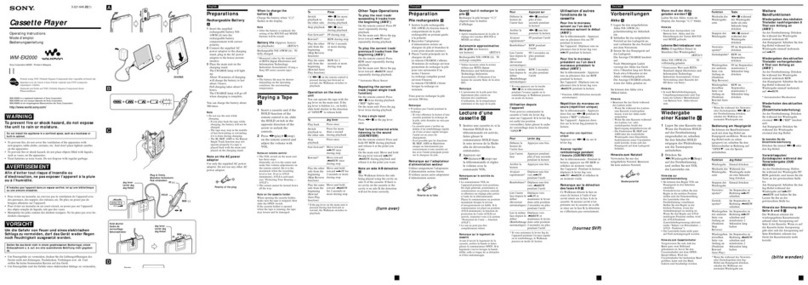
  9. Sony WM-EX50 User manual

Sony WM-EX50 User manual

Other manuals for WM-EX50

1

This manual suits for next models

1

Other Sony Cassette Player manuals

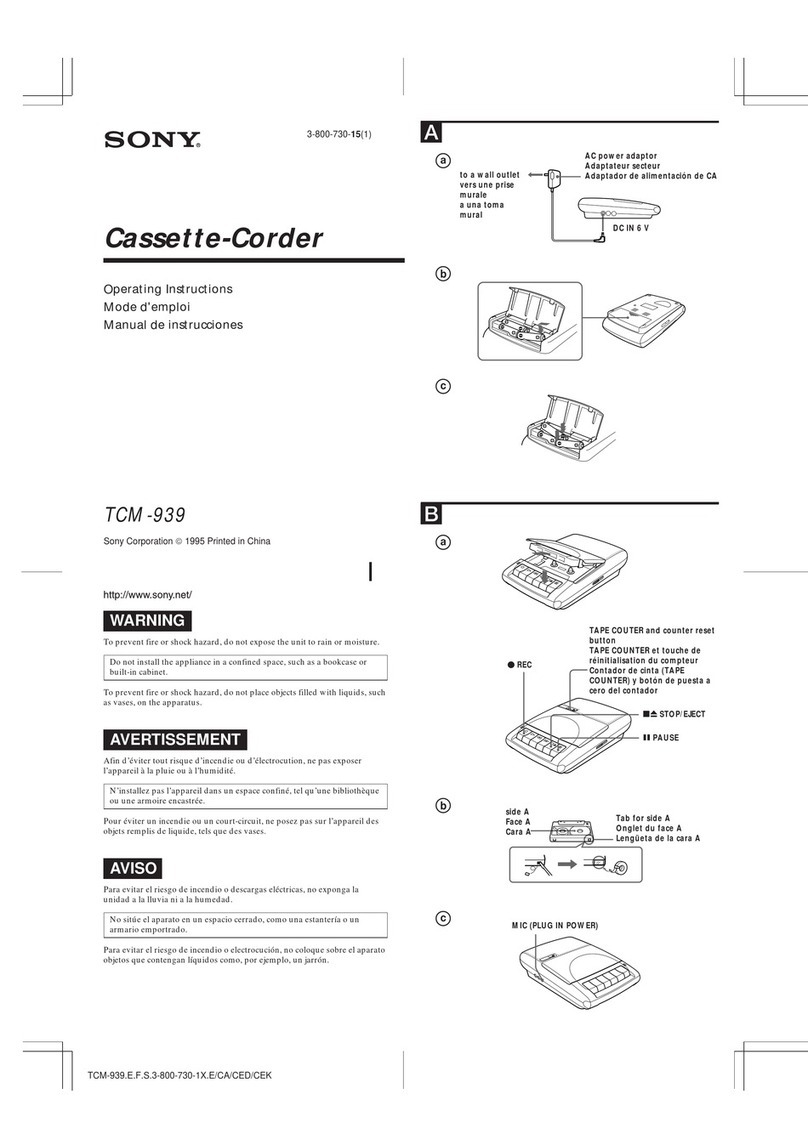
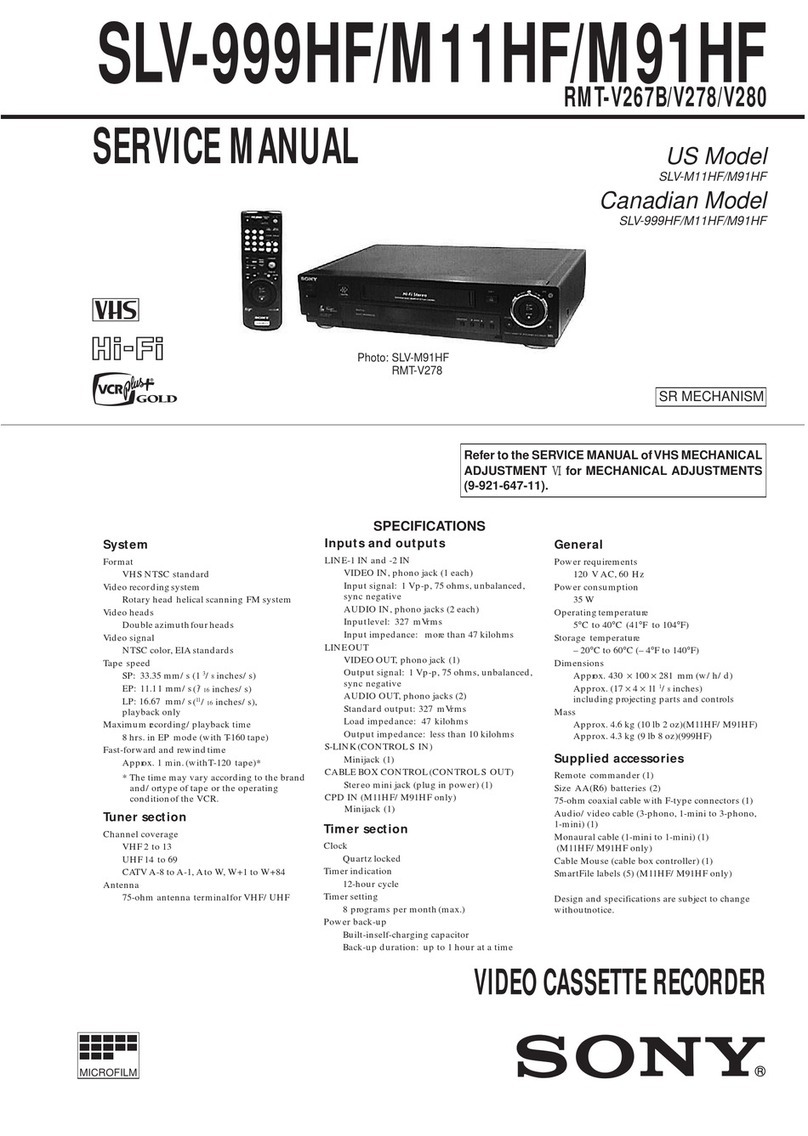
Sony SVP-9020 User manual

Sony

Sony SVP-9020 User manual

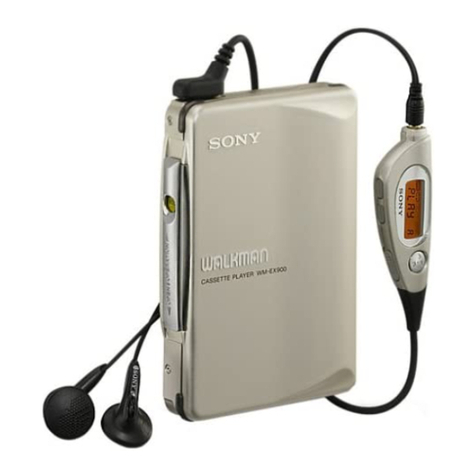
Sony WM-AF22 User manual

Sony

Sony WM-AF22 User manual

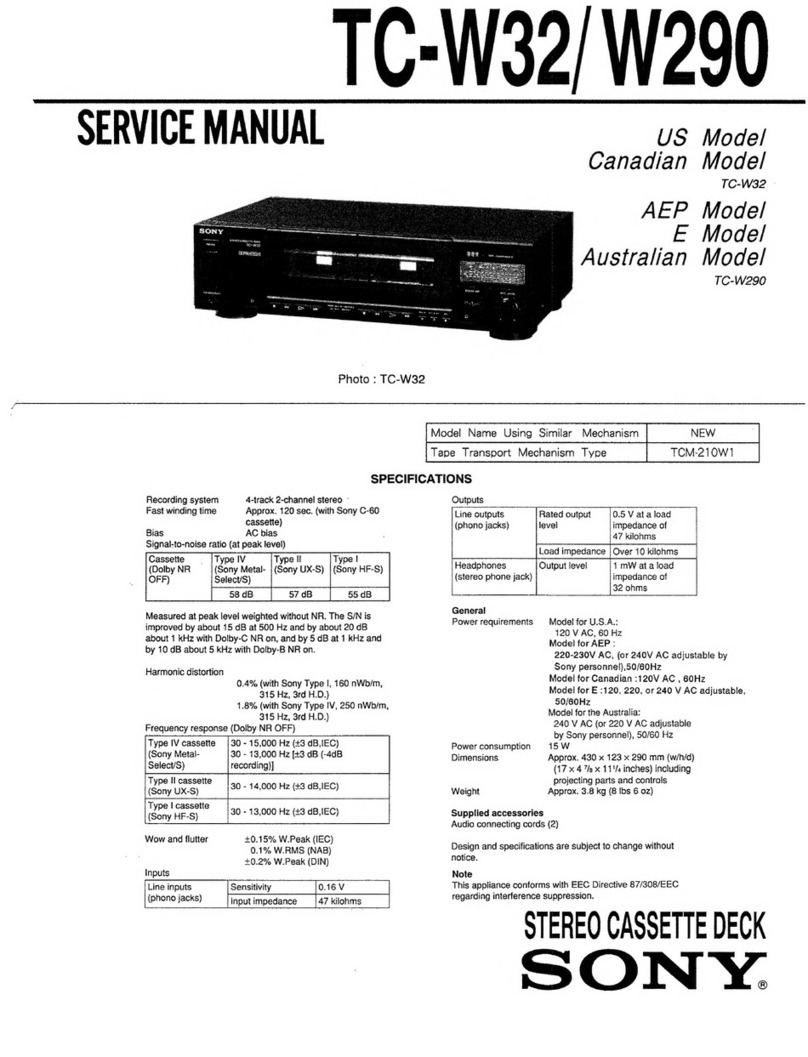
Sony TC-W32 User manual

Sony

Sony TC-W32 User manual

Sony Walkman WM-FX488 User manual

Sony

Sony Walkman WM-FX488 User manual

Sony WM-FX673 User manual

Sony

Sony WM-FX673 User manual

Sony CFS-B15 - Am/fm Stereo Cassette Recorder User manual

Sony

Sony CFS-B15 - Am/fm Stereo Cassette Recorder User manual

Sony WM-FX494 Operating instructions

Sony

Sony WM-FX494 Operating instructions

Sony Pressman TCM-465V User manual

Sony

Sony Pressman TCM-465V User manual

Sony M-530V User manual

Sony

Sony M-530V User manual

Sony Sports Walkman WM-ES392 User manual

Sony

Sony Sports Walkman WM-ES392 User manual

Sony CFS-B15 - Am/fm Stereo Cassette Recorder User manual

Sony

Sony CFS-B15 - Am/fm Stereo Cassette Recorder User manual

Sony Pressman TCM-465V User manual

Sony

Sony Pressman TCM-465V User manual

Sony XR-C9100R User manual

Sony

Sony XR-C9100R User manual

Sony MEGA BASS CFD-DW83 User manual

Sony

Sony MEGA BASS CFD-DW83 User manual

Sony WM-EX368 User manual

Sony

Sony WM-EX368 User manual

Sony CFD-20 User manual

Sony

Sony CFD-20 User manual

Sony TCM-200DV/150 User manual

Sony

Sony TCM-200DV/150 User manual

Sony TC-SP55 User manual

Sony

Sony TC-SP55 User manual

Sony TCW-E475 User manual

Sony

Sony TCW-E475 User manual

Sony CFS-B15 - Am/fm Stereo Cassette Recorder User manual

Sony

Sony CFS-B15 - Am/fm Stereo Cassette Recorder User manual

Sony CFM-A50 User manual

Sony

Sony CFM-A50 User manual

Sony Walkman WM-GX670 User manual

Sony

Sony Walkman WM-GX670 User manual

Sony CFS-W505 User manual

Sony

Sony CFS-W505 User manual

Sony WM-GX90 User manual

Sony

Sony WM-GX90 User manual

Popular Cassette Player manuals by other brands

Ahuja CPA-360 Operation manual

Ahuja

Ahuja CPA-360 Operation manual

Philips AQ6485/14 Product information

Philips

Philips AQ6485/14 Product information

Nakamichi BX-300 Service manual

Nakamichi

Nakamichi BX-300 Service manual

Panasonic RQ-E25V operating instructions

Panasonic

Panasonic RQ-E25V operating instructions

Aiwa TP-VS535 operating instructions

Aiwa

Aiwa TP-VS535 operating instructions

Yamaha MT8X Operation manual

Yamaha

Yamaha MT8X Operation manual

Sherwood Newcastle D-480 operating instructions

Sherwood

Sherwood Newcastle D-480 operating instructions

Manta MA408 user manual

Manta

Manta MA408 user manual

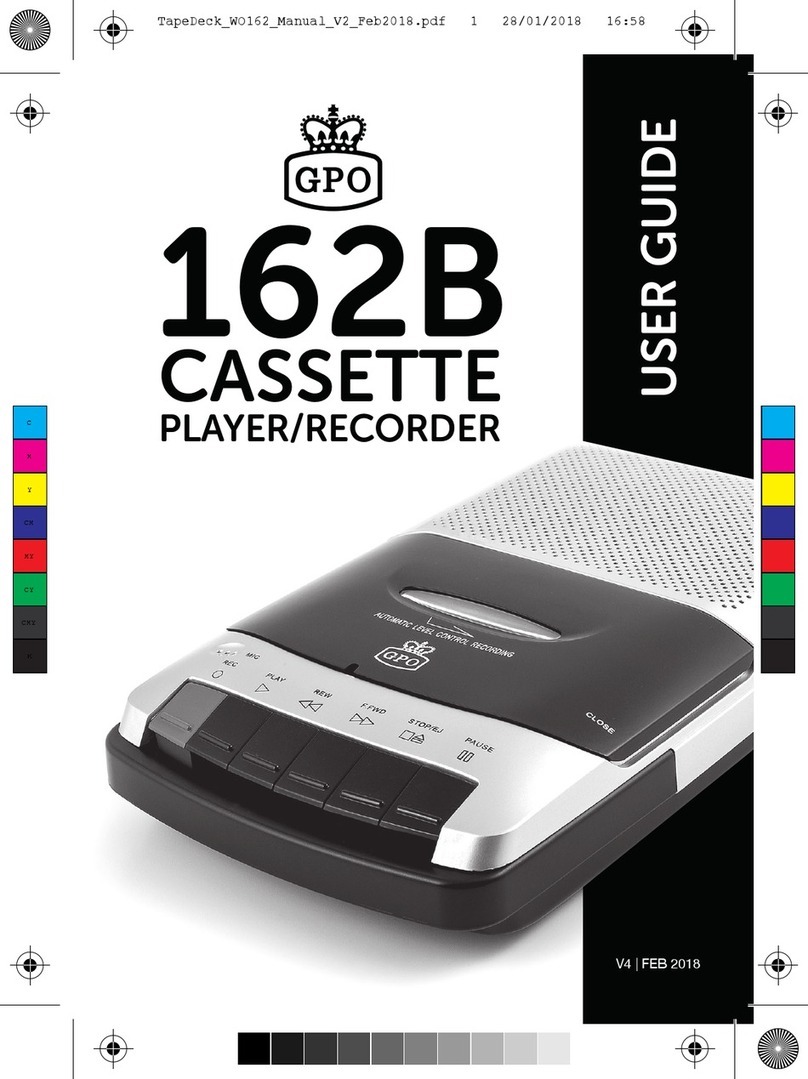
GPO W0162B user guide

GPO

GPO W0162B user guide

Marantz CP230 Service manual

Marantz

Marantz CP230 Service manual

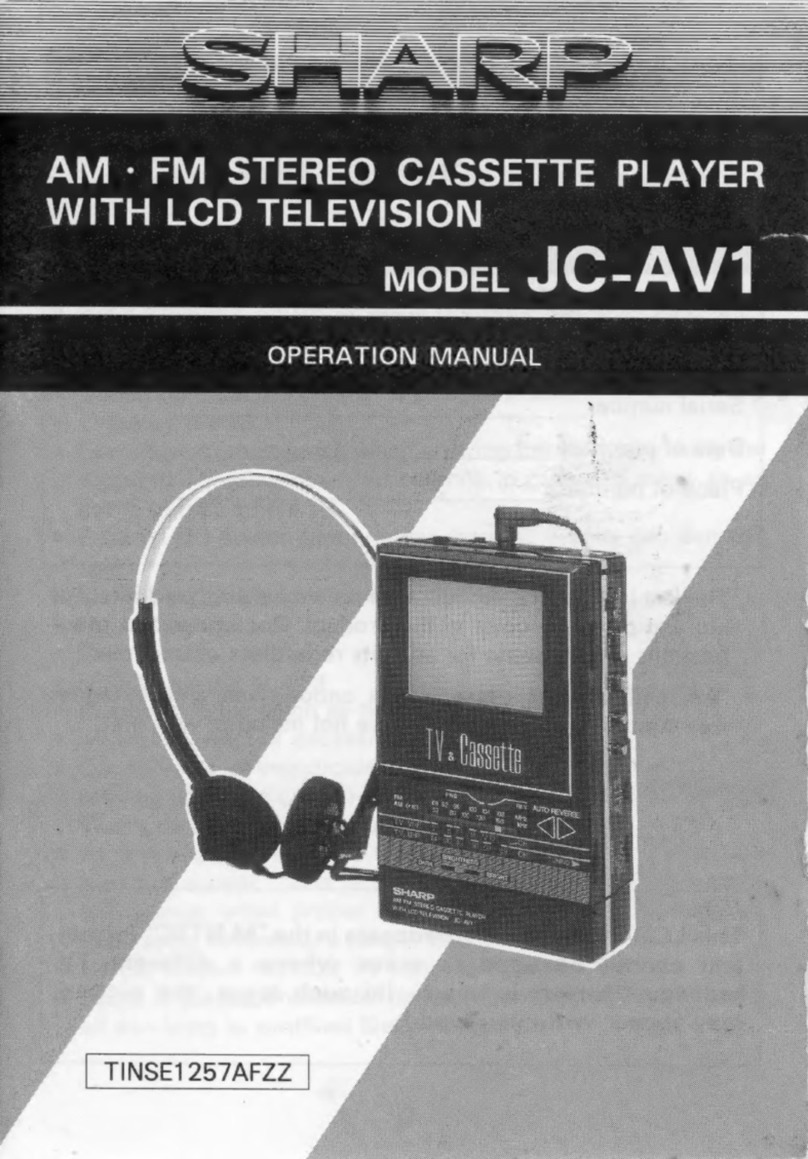
Sharp JC-AV1 Operation manual

Sharp

Sharp JC-AV1 Operation manual

Pioneer CT-W103 Service manual

Pioneer

Pioneer CT-W103 Service manual

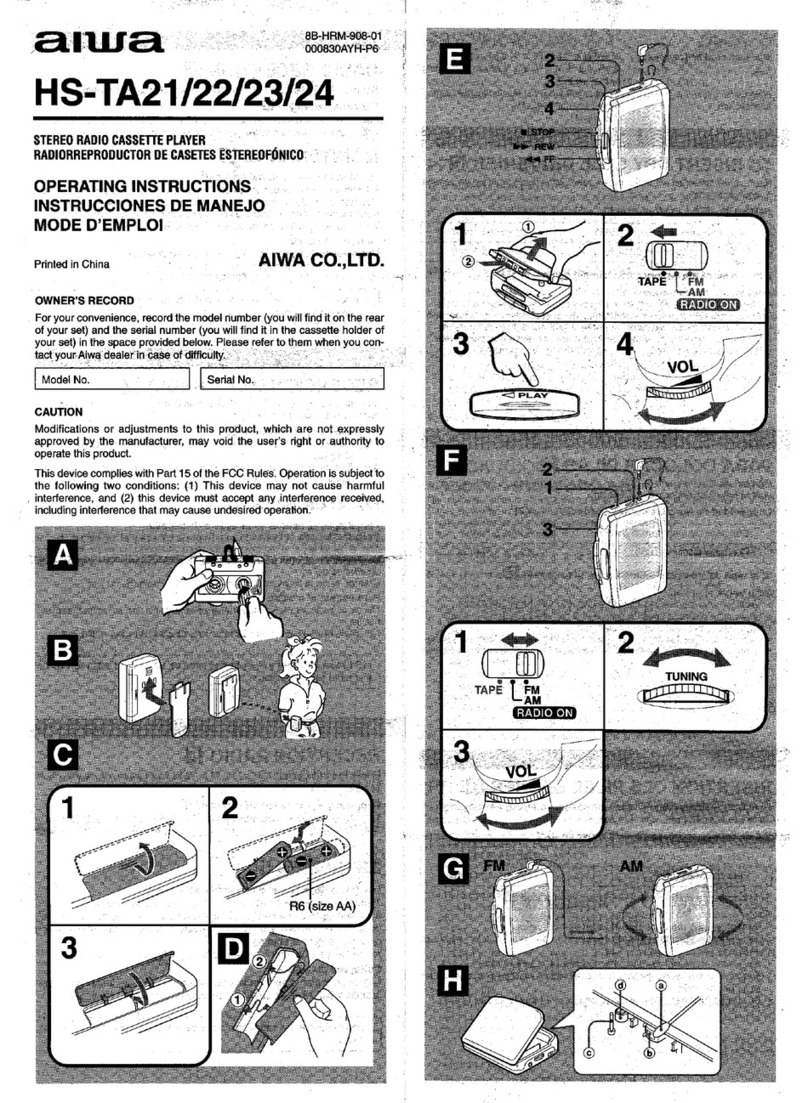
Aiwa HS-TA21 operating instructions

Aiwa

Aiwa HS-TA21 operating instructions

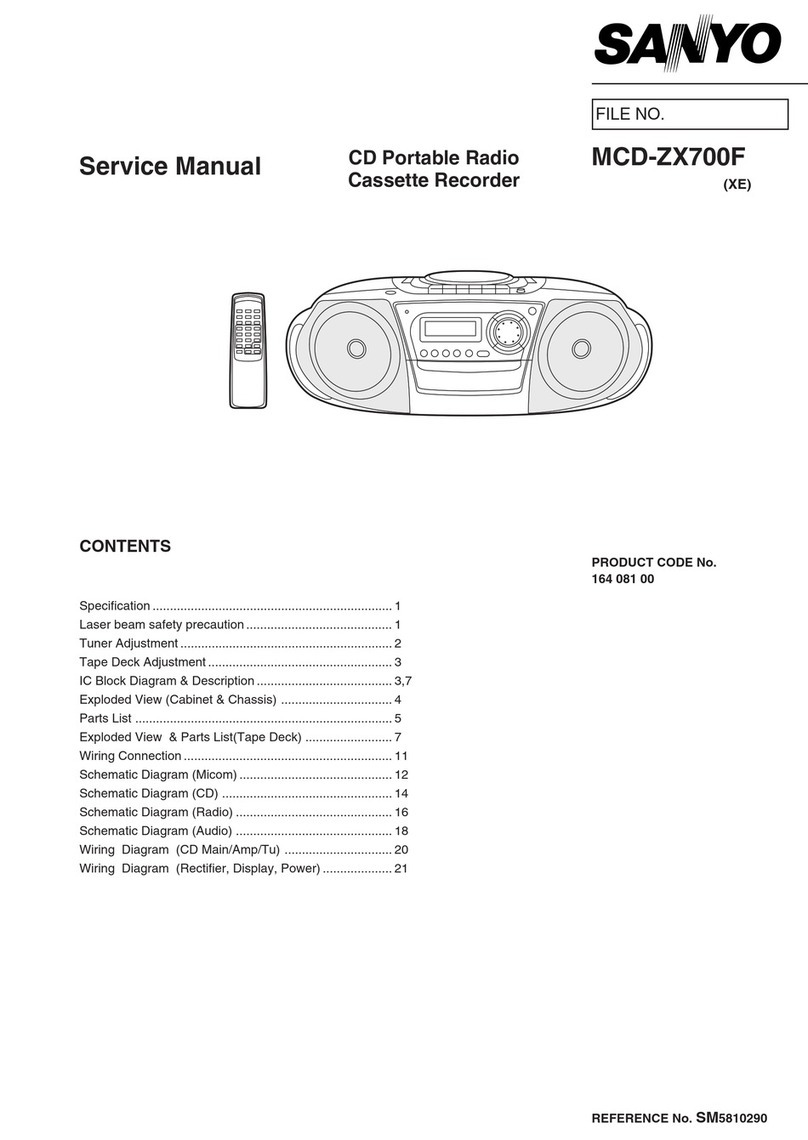
Sanyo MCD-ZX700F Service manual

Sanyo

Sanyo MCD-ZX700F Service manual

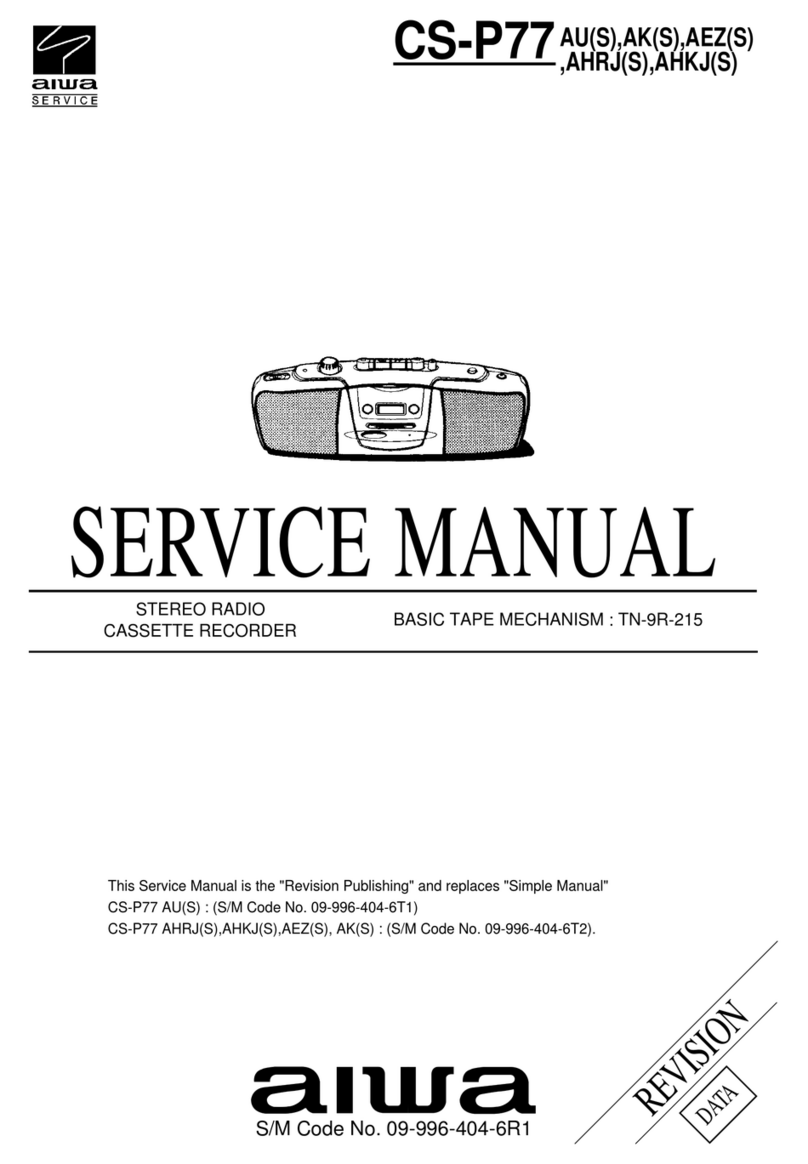
Aiwa CS-P77 Service manual

Aiwa

Aiwa CS-P77 Service manual

THOMSON RK101CD operating instructions

THOMSON

THOMSON RK101CD operating instructions

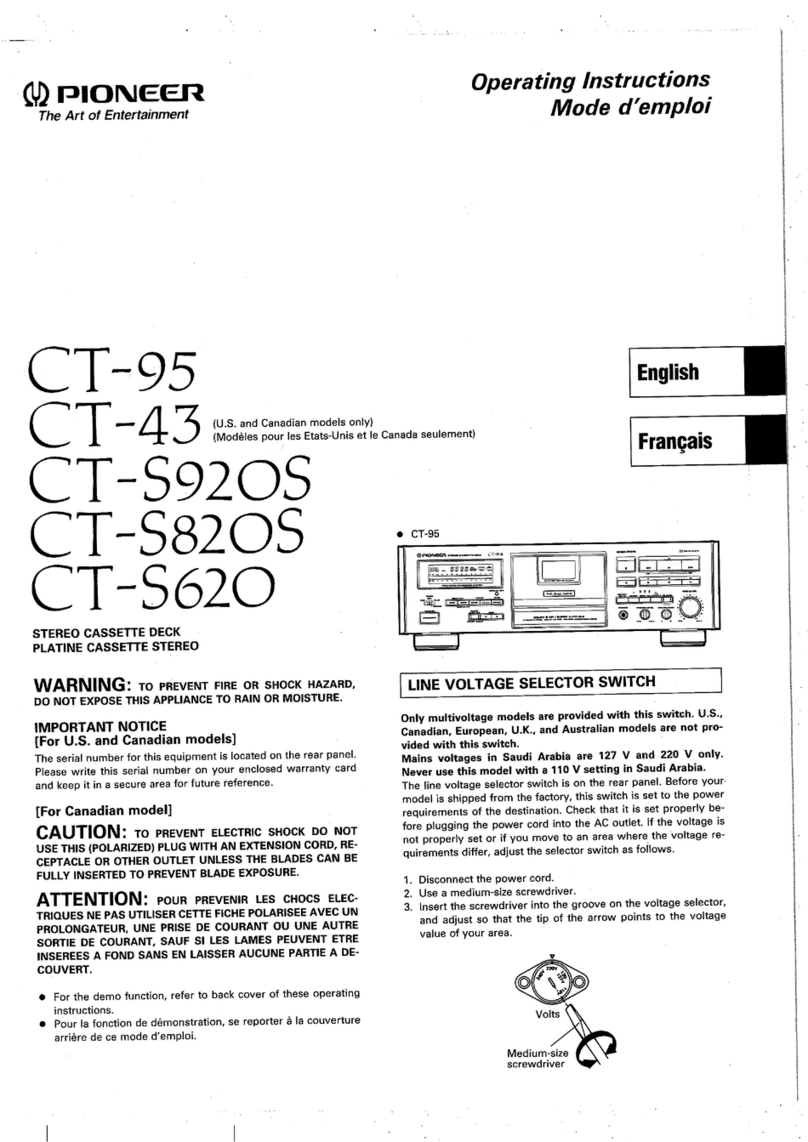
Pioneer CT-S920S operating instructions

Pioneer

Pioneer CT-S920S operating instructions

Pioneer KEH-P7035 Service manual

Pioneer

Pioneer KEH-P7035 Service manual

manuals.online logo
manuals.online logoBrands
  • About & Mission
  • Contact us
  • Privacy Policy
  • Terms and Conditions

Copyright 2025 Manuals.Online. All Rights Reserved.

WM-EX90/FX90
SERVICE
MANUAL
WM-EX50
TABLE
OF
CONTENTS
GENERAL:
.
westecsstinpiessiniiocntetcncetasanueiaenenaarmnes
2-
6
Messages,
warnings
and
tipS.........ccsssccccessessseeeeeees
2
Test
equipment,
Jigs
and
material
.................006
3
PCAGURG:
Gls
si4
sup
cehnetabaaashovecaevuusenisasoucieen
erseemaacmorses
3
Location
and
function
of
controls
...................0ee
4
User’s
instruction
(WM-EX50
only)
..............
5-
6
DET
VICE
MOLES:
ivivavelpesgbadvortabecsieesstianvbocecoussJemeeveee
6
FRE
MOV
AT
ccsccrcvasticsrest
titers
cueviausdestandivscnutanne
nus
eews
ri
LCD
BLOCK
INFORMATION(WM-EX50
only)....
8
Data
code
chart
and
indication
mode
.................
8
BLOCK.
DIAGRAMS
xeiisssct
sasccnssmunsacchietearlinss
ees
9-10
SCHEMATICS
AND
BOARD
DIAGRAMS
.......
11-19
Semiconductor
layouts
...........cccccsssssssecceeeeeeeeeeenes
14
POC
Fey
GUE
Ses
haces
neve
veteh
cen
on
eshite
ce
baesios
cau
Qaeusecesncenrcnsawents
19
SPARE
PARTS
LIB
DE
ncdGuteecokecetitiaiacs
20-28
Exploded
views
and
mechanical
parts............
20-22
Electrical
parts
cctusctascnctiicenitiaciintivacewsn
23-28
ADUOSTIMERINGS:
sites.
dsSieoessaints
ceuurelstecbentetedecaines
29-32
Mechanical
measurements
...........ceeeeeseeeeeeeeeeneeees
29
Mechanical
adjustments
...............ceeeeeeeseseeneeeeeeeeee
29
Electrical
alignments
........cccesscceseeeeeeeeeeeetees
30-32
Adjustment
location
s...cicccccicccasscnvsessicnorersseness
29-30
SPECIE
IC
A
TIONS
s.fius
pe
coccedecteadeceeccinusavedsvsperasniohs
34
US
Model
AEP
Model
E
Model
WM-EX50/FX50
UK
Model
WM-EX50
Canadian
Model
WM-FX50
WWN-FX50
WM-EX50
:
MT-WMEX50-01
Tape
Transport
Mechanism
WM-FX50
:
MT-WMFX50-01
Dolby
noise
reduction
manufactured
under
license
from
Dolby
Laboratories
Licensing
Corporation.
*DOLBY”
and
the
double-D
symbol
OO
are
trade-
marks
of
Dolby
Laboratories
Licensing
Corporation.
CASSETTE
PLAYER
WM-EX50
RADIO
CASSETTE
PLAYER
WM-FX50
SONY.

GENERAL
Messages,
warnings
and
tips
CAUTION
Danger
of
explosion
if
battery
is
incorrectly
replaced.
Replace
only
with
the
same
or
equivalent
type
recommended
by
the
equipment
manufacturer.
Discard
used
batteries
according
to
manufacture’s
instructions.
ADVARSEL!
Lithiumbatteri
-
Eksplosionsfare
ved
fejlagtig
handtering.
Udskiftning
ma
kun
ske
med
batteri
af
samme
fabrikat
og
type.
Lever
det
brugte
batteri
tilbage
til
leverand¢ren.
ADVARSEL
Lithiumbatteri
-
Eksplosjonsfare.
Ved
utskifting
benyttes
kun
batteri
som
anbefalt
av
apparatfabrikanten.
Brukt
batteri
retuneres
apparatleverand¢ren.
VARNING
Explosionsfara
vid
felaktigt
batteribyte.
Anvand
samma
batterityp
eller
en
ekvivalent
typ
som
rekommenderas
av
apparattillverkaren.
Kassera
anvant
batteri
enligt
fabrikantens
instruktion.
VAROITUS
Paristo
voi
rajahtaa,
jos
se
on
virheellisesti
asennettu.
Vaihda
paristo
ainoastaan
laitevalmistajan
suosittelemaan
tyyppiin.
Havita
kaytetty
paristo
valmistajan
ohjeiden
mukaisesti.
SAFETY-RELATED
COMPONENT
WARNING!!
COMPONENTS
IDENTIFIED
BY
MARK
A\
OR
DOTTED
LINE
WITH
MARK
/\
ON
THE
SCHEMATIC
DIAGRAMS
AND
IN
THE
PARTS
LIST
ARE
CRITICAL
TO
SAFE
OPERATION.
REPLACE
THESE
COMPONENTS
WITH
SONY
PARTS
WHOSE
PART
NUMBERS
APPEAR
AS
SHOWN
IN
THIS
MANUAL
OR
IN
SUPPLEMENTS
PUBLISHED
BY
SONY.
ATTENTION
AU
COMPOSANT
AYANT
RAPPORT
A
LA
SECURITE!
LES
COMPOSANTS
IDENTIFIES
PAR
UNE
MARQUE
/\
SUR
LES
DIAGRAMMES
SCHE-
MATIQUES
ET
LA
LISTE
DES
PIECES
SONT
CRITIQUES
POUR
LA
SECURITE
DE
FONCTION-
NEMENT.
NE
REMPLACER
CES
COMPOSANTS
QUE
PAR
DES
PIECES
SONY
DONT
LES
NUMEROS
SONT
DONNES
DANS
CE
MANUEL
OU
DANS
LES
SUPPLEMENTS
PUBLIES
PAR
SONY.
Precautions
Notes
on
battery
*
Romove
the
battrey
when
you
will
not
use
the
unit
for
a
long
time
to
prevent
damage
from
battery
leakage
and
corrosion.
*
When
the
sound
becomes
unstable,
try
a
new
battery.
External
power
sources
The
following
external
power
sources
can
be
con-
nected
through
the
DC
IN
1.5V
jack.
*
House
current
using
an
AC-E15L
AC
_
power
adaptor.
The
illustration
shows
the
polarity
of
DC
IN
1.5V
jack.
Use
only
a
power
cord
having
the
same
polarity.
oy,
Test
equipment,Jigs
and
Material
Test
equipment
Digital
multimeter
FM
RFF
signal
generator
AM
RF
signal
generator
Stabilized
power
supply
Speed
checker
Wow
and
Flutter
Frequency
counter
VTVM
Spectrum
analyzer
SONY
Digital
tuning
radio
ICF-2001
or
equivalents
Feature
¢
Double
Super
heterodyne
FM
receiver
for
WM-F
X50
The
FM
receiver
is
used
the
double
super
hetero-
dyne
system
which
is
superior
in
FM
sensitivity
and
image
sprious
rejection.
System
comparison
chart
|
WM-FX50
WM-F702
Doubl
Sing]
a3
ouble
super
ingle
super
BC
Systm
heterodyne
(FM)
|
heterodyne
Detector
Double
pulse
count
|
Quadrature
AM
IF
55kHz
450kHz
28.6MHz
(1st
IF)
10.7MHz
EMR
150kHz
(2nd
IF)
Filter
element
__|
Monolisic
Ceramic
Method
of
calculation
NOTE:
fs
=
Tuned
frequency
*
FM
local
oscillator
frequency
1st
stage
local
oscillator
frequency
(fo)
(cad
(284
=
OSC
)
[For
Example]
Tuned
at
100MHz
—
150kHz
57.5
fo
=
100
+
a)
—
150kHz
=
128.6MHz
2nd
stage
local
oscillator
frequency
57.5MHz
(fixed)
Jigs
Test
tape
Part
Number
-
WS-48A
(3kHz,
0dB)
7-819-032-11
Cassette
type
torque
meter
-
CQ-102C
(normal
direction)
8-909-708-22
-
CQ-102RC
(reverse
direction)
8-909-708-26
-
CQ-201B
(FF
and
REW)
8-909-708-41
Cassette
type
Tension
meter
-
CQ-403A
(normal
direction)
8-909-708-92
-
CQ-403R
(reverse
direction)
8-909-708-95
Screw
locking
compound
Neji
lock
G
(1401B)
7-432-114-11
Greases
and
Oil
Machine
oil
Hydro
Fruid
NT-68
7-661-018-18
Sankol
FG-84M
7-662-001-36
*
FM
image
frequency
foil
=
fs
+(
S13MHa
=
150kH2)
x
2
pi
oro
[For
Example]
Tuned
at
100OMHz
foil
=
100MHz
+
(
SEM
=
150k)
x2
+
150kHz
=
28.9MHz
=
157.2MHz
foi2
=
28.9MHz
(Fixed)
*
AM
local
oscillator
frequency
(fo)
fo
=
(fs
+
55kHz)
X
2
[For
Example]
Tuned
at
1000kHz
fo
=
(1000kHz
+
55kHz)
X
2
=
2110kHz
*
AM
image
frequency
(foi)
fol
=
fs
+
55kHzX
2
[For
Example]
Tuned
at
1000kHz
foi
=
1000kHz
+
55kHzX
2
=
1110kHz
Location
and
Function
of
Controls
DIR
To
listen
to
the
other
side
of
the
tape
~
MEGA
BASS
Listening
to
powerful
and
heavy
sound
Set
MEGA
BASS
to
the
desired
position.
aon.
Bass
is
boosted
in
the
order
of
NORM,
MID
and
(C
]
MAX.
oes
MAX
MID
NORM
While
playing
back
hard
and
stressed
sound
with
MEGA
BASS
set
to
MAX,
the
sound
may
be
distorted.
In
this
case,
set
MEGA
BASS
to
NORM
or
MID.
DOLBY
NR
Getting
the
best
performance
from
your
tape
For
Dolby
NR
processed
tapes
[IMW-FX50_ONLY|
LOCAL
enna)
Ox
FM
SENS
For
normal
reception
~
—
If
a
very
strong
station
signal
causes
noise
Loca,
CLES
OF
FM
SENS
The
noise
will
be
reduced.
—
<<
/
>>
To
wind
the
tape
rapidly
m@
STOP
To
stop
the
tape
MODE
On
playback
operation
When
the
playback
starts
from
the
reverse
side
of
the
cassette,
the
unit
will
be
shut
off
at
the
end
of
that
side.
Playing
back
both
sides
of
the
cassette
once
MODE
Ce
0D
Playing
back
both
sides
of
the
cassette
hmm
repeatedly
CO
|
MODECD*
*~)D
woe
METAU
**
NORM
Oy
a)
For
normal
(TYPE
|)
tapes
For
CrOz
(TYPE
II)
or
metal
(TYPE
IV)
tapes
METALS
**
NORM
CO,
TAPE
RADIO
CEM
MONO
TAPE
ARO
For
normal
reception
=o
RADIOL
EMMONS
TAPE
Huot
CoD)
lf
it
is
hard
to
hear
the
broadcast
due
to
noise,
the
noise
will
be
reduced.
In
this
mode,
there
is
no
stereo
effect.
ae
User’s
Instruction
Setting
the
Cl
ck
Before
setting
the
clock,
be
sure
that
the
clock
indication
appears
in
the
LCD
display
window.
Ex:
Tosetto
1:15p.m.
1
Press
the
OPEN
button.
2
Press
the
CLOCK
button
for
1.5
seconds
or
more.
3
Set
the
hour.
Press
the
+
button
repeatedly
until
you
get
the
desired
setting.
4
Press
the
CLOCK
button.
5
Set
the
minute.
Press
the
+
button
repeatedly
until
you
get
the
desired
setting.
6
Press
the
CLOCK
button.
Notes
©
The
hour
display
is
in
the
12-hour
system.
*
If
you
keep
pressing
the
+
button,
the
digits
advance
in
sequence.
¢
The
hour
display
does
not
advance
even
when
the
minute
indication
returns
to
“00”
after
‘'59”’.
To
change
the
hour
only
Follow
steps
1
-
3,
then
press
the
CLOCK
button
twice.
(During
this
operation
the
minutes
and
the
seconds
do
not
advance.)
To
change
the
minute
only
Follow
steps
1
-
6
but
skip
step
3.
(During
this
operation
the
seconds
advance.)
Inserting
a
Lithium
Battery
With
the
+
(plus)
mark
facing
out
Avec
le
repére
+
(plus)
vers
l’ex-
térieur
Con
la
marca
+
(positiva)
hacia
afuera
Como
0
lado
+
(positivo)
voltado
parao
exterior.
Note
If
the
lithium
battery
compartment
lid
is
detached
by
an
accidental
drop,
etc.
attach
it
as
illustrated.
Before
operation,
be
sure
to
install
a
lithium
battery
(supplied).
With
the
lithium
battery
installed,
this
unit
powers
the
clock
and
displays
the
tape
operation
indications
in
the
LCD
display
window
during
the
tape
playback.
Lithium
battery
life
Approximately
one
year
and
a
half
in
normal
operation.
if
the
lithium
battery
becomes
weak,
the
letters
on
the
display
will
become
indistinct.
In
this
case,
replace
the
battery
with
a
Sony
CR2025
lithium
battery.
Use
of
another
battery
may
cause
a
risk
of
fire
or
explosion.
After
replacing
the
battery,
reset
the
clock.
Cautions
*
Keep
the
lithium
battery
out
of
the
reach
of
children.
Should
the
battery
be
swallowed,
consult
a
doctor
immediately.
*
Before
use,
wipe
the
battery
with
a
dry
cloth
to
assure
a
good
contact.
¢
Be
sure
to
observe
the
correct
polarity
when
installing
the
battery.
*
Do
not
hold
the
battery
with
metallic
tweezers,
otherwise
a
short-circuit
may
occur.
*
Do
not
break
up
the
battery
or
throw
it
into
a
fire
because
it
may
explode.
Carefully
dispose
of
the
used
batteries.
Warning
Battery
may
explode
if
mistreated.
Do
not
recharge,
disassembie
or
dispose
of
in
fire.
Service
Notes
How
to
check
the
operation
When
audio
board
has
been
removed
from
mechanical
deck.
Depress
the
PLAY
(®)
button
to
turn
ON
the
S901
(POWER)
and
S902
(PLAY).
AUDIO
BOARD
-
Component
side
-
$902
(PLAY)
5901
(POWER)
Wide
mouth
clip
Flexible
Circuit
Board
Repairing
-Keep
the
temperature
of
the
soldering
iron
around
270°C
during
repairing.
-Do
not
touch
the
soldering
iron
on
the
same
con-
ductor
of
the
circuit
board
(within
3
times).
-Be
careful
not
to
apply
force
on
the
conductor
when
soldering
or
unsoldering.
Notes
on
Chip
Component
Replacement
-Never
reuse
a
disconnected
chip
component.
-Notice
that
the
minus
side
of
a
tantalum
capacitor
may
be
damaged
by
heat.
REMOVAL
Note
:
Follow
the
disassembly
procedure
the
numerical
order
given.
Tuner
unit
(WM-FX50)
@
SCREW
(M1.4x
2)
@
SCREW
(M1.4X
2)
)
COVER
TUNER
UNIT
CASSETTE
LID
ASSY
TUNER
FLEXIBLE
BOARD
(By
soldering
iron)
@
KNOB
(FUNCTION)
To
take
off
the
tuner
unit
from
cassette
lid
ass’y.
Warm
up
@
to
@
portion
by
heater
and
move
it
slowly
by
tweezers.
HEATER
Tweezers
Both
sides
adhesive
sheet
LCD
BLOCK
INFORMATION
Clock
operation
LCD
will
operate
as
a
clock
indication
with
the
following
conditions.
1.
When
the
data
code
0000
or
0100
feed
into
input
port.
(data
code
show
in
chart
1)
2.
When
the
dry
penlight
battery
(AM3/LR6)
or
Ni-Cd
battery
is
not
built-
in
the
battery
case.
Refer
to
User’s
instruction
’Setting
the
clock”
page
5.
Tape
running
indication
LCD
will
operate
as
a
tape
running
indication
mode
when
it
assembled
the
data
code
of
chart
1.
*
PLAY
(FWD)
-
FF
(FWD)
»
PLAY
(RVS)
-
FF
(RVS)
-
REW
(FWD)
brink
»
REW
(RVS)
*
Error
indication
mean’s
to
notified
to
the
customer
that
it
is
abnormal
operation
when
pushing
the
MD
button
in
same
time.
*
The
clock
will
be
reset
and
indicate
AM
12:
00
after
all
indicator
is
light.
Indicator
is
clock
mode
when
rethium
battery
take
off.
Data
code
chart
and
indication
mode
mo
(LS
OWS
OIgVY
h
ae
a
eg
440
advil
(20)
Guvog
+a
oLlany
OL
sq
WY
YE
+a
ONV@l
|
gravy
tS
Wesa
ONILNW
ED)
=
QYVO@
yoy
orany
tet
[ANT
OL
H97
aq
ONILAW
Z4Q-r70'Tt0
aONva
4°90
HOLIMS
BLOCK
BIAGRAM
Cav
ATs
EGAY
HOLIMS
ordvy
Z£9--7G90
HOLIMS
ONOW
13q
1L071Id
1937438
ONVva
WVY/W4
TOHLNOD
VAa7
QOA
s71
HOLIMS
ISVHdW
vo
Y30H09030
TOHLN
NOTLVHVd4S
00
O3H31S
tl
‘
=
dd
jon
L3aq°sI‘ANOOD
WY
AI
fue
6etbVXo
vor
TOHLNOO
H3SLYSANO9
90-90
2co
osa
TH
YALHYSANOO
9q-00
W3HQ
XdWLAG'SI
Ws'ONS-LNOWS
if
dWv
HSLLIWI1
rk
dWVv
ONI
INNL/W4
dWV_
4I/WV
dwvV
o9V
sa
9S0
Pue
H3LT1IA
sr
Wd
[SNINAZ]
SAW
XIWPue
AL/WA
||
XIW
WY
9s0
WwoO0TPUS
AL/W4
980
WOOT
WV
WNN3LNVY-GOW
18°
3LIWHS4
WV
e7
ea
OA
IA
Wi:
<<
yyed
jeuBig
-
:
Q10N
+
ordve
xa
v
qvo074
[SNaS_Wa]
ES
HoLIMS
SN3S
W4
go
LNY
AX
auvoa
C)
114
Oe*#€eS
oranv
OL
(AINO
0SX4-INM)
UolqDag
soUnL
WM-EX50/FX50
OAHAS
WeL9tG1
YOSOI
TOHLNOO
(QAVS
H3MOd)
3s0
yore
(yoeqaeld)
dd:
CK
Ag‘2
gtozuwa
O
WOIHLIA
(an
wove)
@}
AMSLLVG
NO
AW1d
HOLIMS
'
tozqg
'
Wa:
<3
ujed
jeubiS
-
:
B10N
a
SEED
+
Sho
QOA
AQOW
AV
1d
802°E020
206s
BSATYHO
G971/nN9079
cet-2SOGWsSHW
|
|
|
|
|
'
4
OQLIMS
hd
+9
e-9-9
Sore
ww
|
TViSAuS
GINOl
Ag’)
+4
AGT
NiIod
7
HOLIMS
HoLIMS
HollmMs
|!
‘INVd
AV1dSra
[AwaLLvE]
agow
ura]
|
a3
TOEND
°
Poen
io
wawod
poc'zoco|
|
.
SS
HOLIMS
[9078
Go
AGE
SOdt
S|
Pera
oe
(9H
NOILYNOISaG
931)
ae
Jane
WV,3ZIS
=
o@
+o
aaat
OSX3-WM
AHaALLV@
AWC
OTaA
|
q3aMOd
0
;
+O6S
0
SA
f
—
[°F
SAH/OM4
E06S
OSX4-WM
ae
300W
AVId
S@
HANNL
ao
:
HOLIM
or
:
dwv
Agog
WOIM
a
206s
GNVY
HOLOW
onan
Not
foaet
1080
SEO
af
(NO
_OLGVU)
L
aLnwW
+9
a
808-9090
(9)
440-—>NO
uN
Asta]
/
ecoEes
Z2o0u0/
oranyv
<
WHON
meee
EEKAN
TOES
yaLTI4
ome:
3
dddId
LOED
CH
(6)
(S)
<<
‘or
Aad
re
HN
HOw
(01)
A@7100
NSEBLZVL
(7)
CK
=
(4)
OM
V
0
HOW
(AHS
LIV)
vO
AGT
+9
a)
{>
<<
<<
+
(1)
Aad
.
TA
Trae)
\_S
Ho
CS
dWV¥
YaMOd
{2
waesr
es
N4S6ZZVL
©)
cS
£5
rp
ans
ssv@
voan
LOEDL
yvOeEaol
WS90TZOH
S3NOHdQV3H
EOQEOTL
tO6dH
ToEer
OSX4~-WM
H97
HANNL
OSX4A-WM
u01}9ag
olpny