EnglishDeutsch
 logo
Brands
  1. Home
  2. •
  3. Brands
  4. •
  5. Sony
  6. •
  7. MP3 Player
  8. •
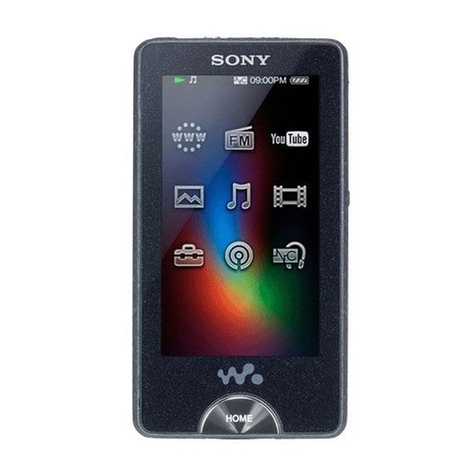
  9. Sony MP3 Walkman User manual

Sony MP3 Walkman User manual

Other manuals for MP3 Walkman

4

This manual suits for next models

1

Other Sony MP3 Player manuals

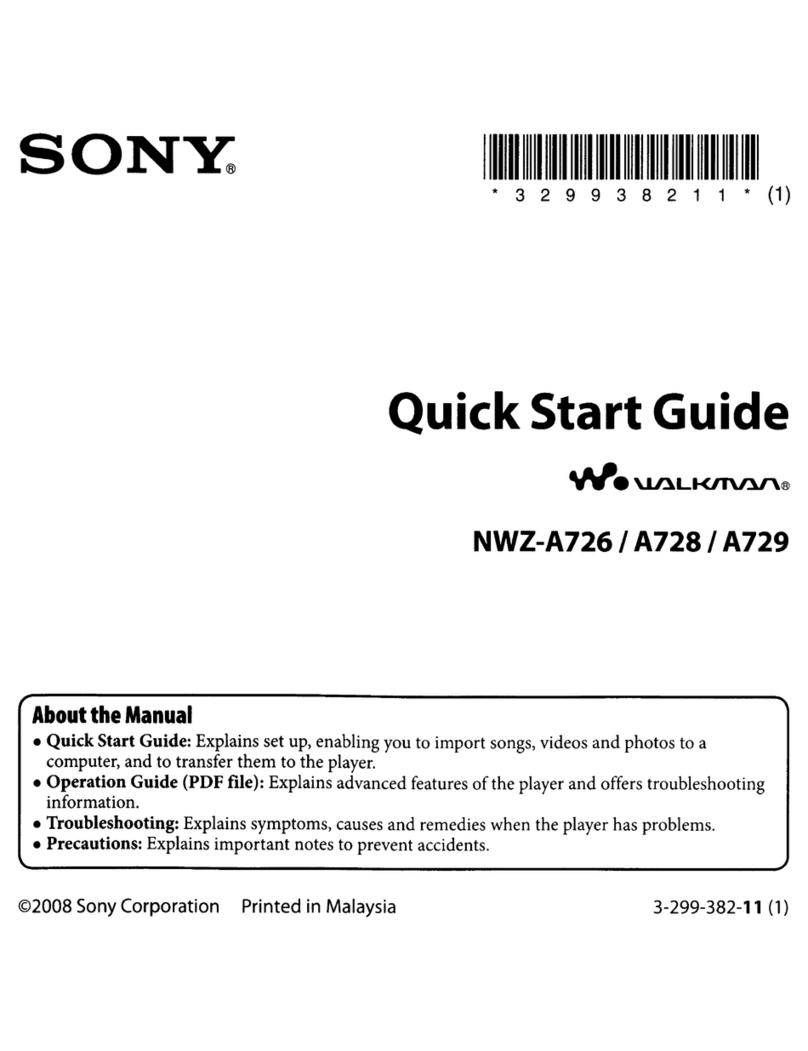
Sony Walkman NWZ-A726 User manual

Sony

Sony Walkman NWZ-A726 User manual

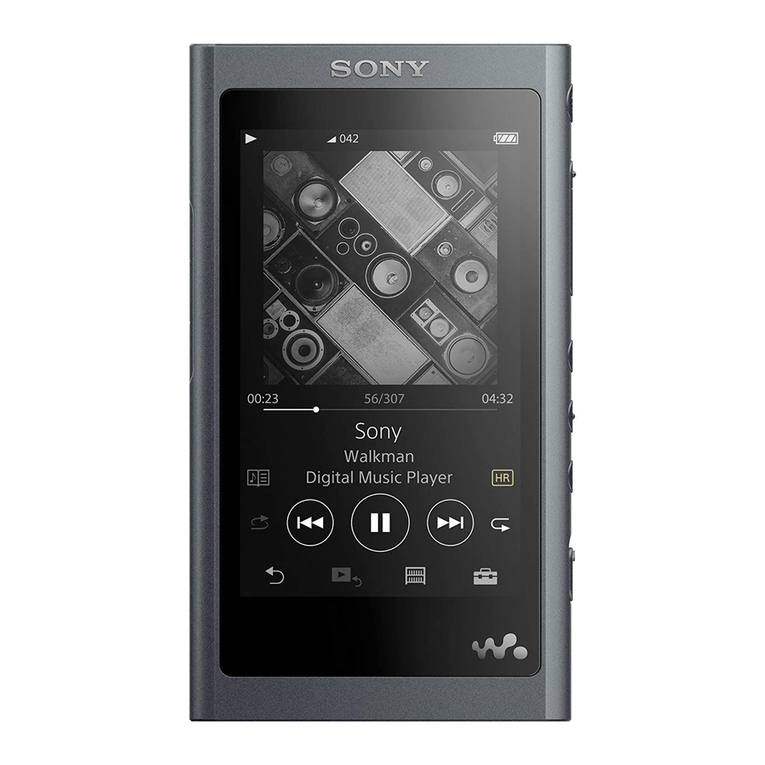
Sony NW-A55 Reference guide

Sony

Sony NW-A55 Reference guide

Sony WALKMAN NW-A55L User manual

Sony

Sony WALKMAN NW-A55L User manual

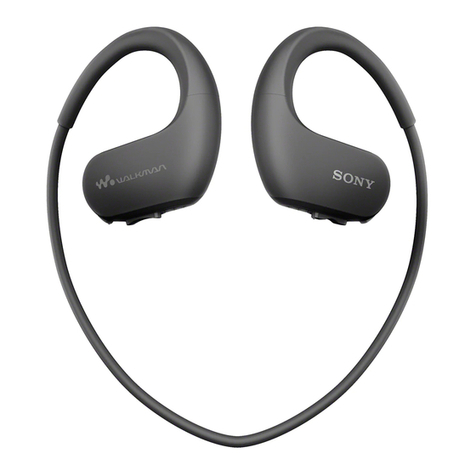
Sony Walkman NW-WS413 User manual

Sony

Sony Walkman NW-WS413 User manual

Sony NW-MS7 - Memory Stick Walkman User manual

Sony

Sony NW-MS7 - Memory Stick Walkman User manual

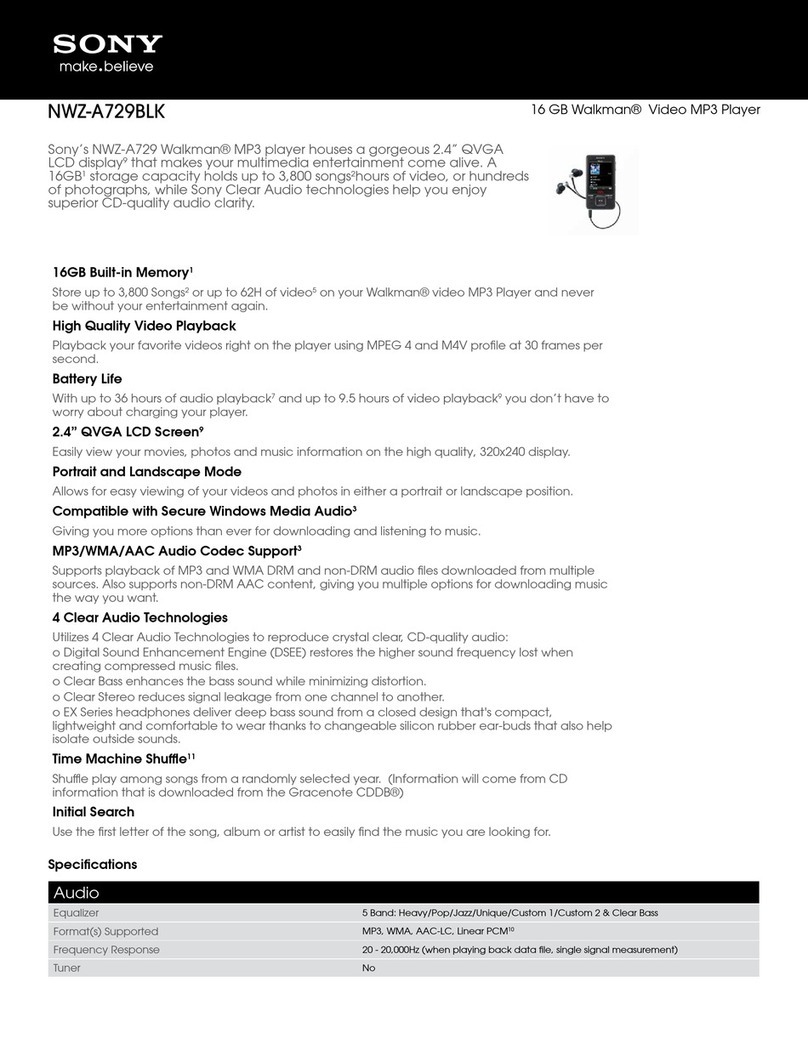
Sony Walkman NWZ-A729BLK User manual

Sony

Sony Walkman NWZ-A729BLK User manual

Sony Walkman WM-GX655 User manual

Sony

Sony Walkman WM-GX655 User manual

Sony NW-E002BLUE - Network Walkman User manual

Sony

Sony NW-E002BLUE - Network Walkman User manual

Sony Walkman NW-HD1 User manual

Sony

Sony Walkman NW-HD1 User manual

Sony Walkman NWZ-WS613 User manual

Sony

Sony Walkman NWZ-WS613 User manual

Sony Walkman NWZ-S763 Instruction and safety manual

Sony

Sony Walkman NWZ-S763 Instruction and safety manual

Sony WALKMAN NW-WM1A User manual

Sony

Sony WALKMAN NW-WM1A User manual

Sony SEP-30BT - Rolly™ Sound Entertainment... User manual

Sony

Sony SEP-30BT - Rolly™ Sound Entertainment... User manual

Sony WALKMAN NW-WM1Z User manual

Sony

Sony WALKMAN NW-WM1Z User manual

Sony Walkman NWZ-B162 User manual

Sony

Sony Walkman NWZ-B162 User manual

Sony Walkman 4-141-609-11 (1) User manual

Sony

Sony Walkman 4-141-609-11 (1) User manual

Sony NW-A1000 User manual

Sony

Sony NW-A1000 User manual

Sony Walkman NWZ-B133 Operating instructions

Sony

Sony Walkman NWZ-B133 Operating instructions

Sony NWZ-A728PNKBB Use and maintenance manual

Sony

Sony NWZ-A728PNKBB Use and maintenance manual

Sony NWZ-S545 - 16gb Walkman Digital Music Player User manual

Sony

Sony NWZ-S545 - 16gb Walkman Digital Music Player User manual

Sony Walkman WM-FX888 User manual

Sony

Sony Walkman WM-FX888 User manual

Sony WALKMAN WMC-NWP10 User manual

Sony

Sony WALKMAN WMC-NWP10 User manual

Sony Walkman NWZ-S615FPNK User manual

Sony

Sony Walkman NWZ-S615FPNK User manual

Sony NWZ-S730F Owner's manual

Sony

Sony NWZ-S730F Owner's manual

Popular MP3 Player manuals by other brands

Blaupunkt Compact Drive MP3 operating instructions

Blaupunkt

Blaupunkt Compact Drive MP3 operating instructions

Memorex MMP9008 - 8GB USB 2.0 user guide

Memorex

Memorex MMP9008 - 8GB USB 2.0 user guide

Meizu Electronic Technology E5 user manual

Meizu Electronic Technology

Meizu Electronic Technology E5 user manual

Naxa NMV-173NX user manual

Naxa

Naxa NMV-173NX user manual

Philips PSA250 Specifications

Philips

Philips PSA250 Specifications

Zipy go! Waving user guide

Zipy

Zipy go! Waving user guide

Sylvania SMPK4068 manual

Sylvania

Sylvania SMPK4068 manual

Irradio RF-42UC user manual

Irradio

Irradio RF-42UC user manual

NABAIJI SWIM MUSIC 100 user guide

NABAIJI

NABAIJI SWIM MUSIC 100 user guide

Laser MP3-A9-4GB user manual

Laser

Laser MP3-A9-4GB user manual

Samsung YP-T7F Service manual

Samsung

Samsung YP-T7F Service manual

Savant SMS-1001-00 Deployment guide

Savant

Savant SMS-1001-00 Deployment guide

Trevi XP 71 BT user guide

Trevi

Trevi XP 71 BT user guide

MobiBlu DAH-1500i user manual

MobiBlu

MobiBlu DAH-1500i user manual

Denver MPS-201 user manual

Denver

Denver MPS-201 user manual

Steren MP3-002 instruction manual

Steren

Steren MP3-002 instruction manual

Kenwood M1GD50 instruction manual

Kenwood

Kenwood M1GD50 instruction manual

RCA MC5102; MC5104 quick start guide

RCA

RCA MC5102; MC5104 quick start guide

https://manuals.online logo
https://manuals.online logoBrands
  • About & Mission
  • Contact us
  • Privacy Policy
  • Terms and Conditions

Copyright 2026 Manuals.Online. All Rights Reserved.

Notes on Water Resistant Specifications (Please read
before using your Walkman)
Scenarios*1
You can continue using your Walkman even if it gets wet with rain or perspiration.
You can use your Walkman while swimming in a pool.*2
*1Do not use your Walkman in places where inability to hear surrounding sound would be dangerous.
*2When you use your Walkman in public or private swimming facilities, follow the rules of that facility.
For swimming
Choose the best fitting earbuds. There are different size earbuds supplied inside the box.
You may need to use different sizes on the left and right.
Choose earbuds that feel quite tight if you are using them for swimming.
Fit the WALKMAN firmly.
When fitted correctly, you should notice that surrounding sounds cannot
be heard when worn in a quiet location with no music, etc. playing.
If water inside the headphones causes the sound to be muffled:
Sound may become muffled if water gets inside the (A) part of the headphones.
If this happens, hold the headphones as
shown and pat 5 to 10 times to remove
the water.
If this does not remove the water,
remove the earbuds and pat part (A) of
the headphones 5 to 10 times on a dry
cloth.

•
•

•
•

NWZ-W273
©2013 Sony Corporation
Printed in Malaysia
4-449-652-12(1)
Cleaning after use
If perspiration, sand, or dirt gets on your Walkman, rinse it off with fresh water at room
temperature or gently running tap water immediately. When you wash the Walkman, wash it
by hand without using a brush, etc. However, do not expose the headphone sections to direct
strong streames of water when doing so. Do not wash the Walkman in a washing machine or
ultrasound bath, etc. Do not use detergent, chemicals, or wet wipes.
After washing your Walkman, wipe away the water on the Walkman using a soft cloth, and
then leave the Walkman in a well-ventilated shady place to dry. Do not dry the Walkman
using hot air from a hair dryer. Doing so may cause deformation and deterioration of the
water resistant performance.
Because the headphone sections (A) on the second figure are not water-tight, sound quality
of your Walkman may deteriorate if water gets inside the headphones. If water gets in the
headphones, follow the procedures below to remove water. Do not use the Walkman until it
dries completely.
Wipe the moisture off your Walkman using a dry cloth.
Pat the headphones dry with a soft dry cloth. Repeat patting
about 20 times.
Put a dry cloth under the headphones, and leave your
Walkman at room temperature for about 2 or 3 hours.
Liquids that the water resistant performance specifications
apply to
Applicable : fresh water, tap water, perspiration, pool water
Not applicable : liquids other than those above (examples: soapy water, detergent water,
water with bath agents, shampoo, hot spring water, seawater, etc.)
The water resistant performance of your Walkman is based on our measurements under
the conditions described above. Note that malfunctions as a result of water immersion
caused by misuse by the customer are not covered by the warranty.

•
•
•


Notes on charging the battery
The USB cradle supplied with your Walkman is not water resistant.
Before charging the battery, make sure your Walkman is not wet.
If there is moisture on the Walkman, wipe it off completely, and leave the Walkman at
room temperature to dry it until no moisture remains on the Walkman before you start
charging.
Never use the USB cradle (supplied) with wet hands or with your Walkman wet. Doing so
may cause an electric shock, smoke emission, or a fire, etc.
Notes on using your Walkman
Do not pour hot water directly on your Walkman and do not blow hot air from a hair dryer,
etc., directly on the Walkman. Never use the Walkman in high temperature locations such as
in saunas or near a stove.
The earbuds seal your ears. Therefore, be aware that there is a risk of damage to your ears or
eardrums if strong pressure is applied to the earbuds, or the earbuds are suddenly removed
from your ears. Due to this risk, do not do vigorous exercise, dive into a swimming pool, etc.,
while wearing your Walkman.
Water resistant performance of this Walkman
The water resistant specifications*1of this Walkman are equivalent to IEC60529 “Degrees of
protection against ingress of water (IP Code)” IPX5/8*2, which specifies the degree of
protection provided against the entry of water.
If you use your Walkman in a swimming pool, do not exceed a depth of 2 m while wearing it.
Before use, be sure to read and understand the water resistant specifications completely.
*1The headphone sections are not water-tight.
*2IPX5 (Degrees of protection against jets of water): Your Walkman will maintain its operability even when
exposed to direct streams of water from any direction in a situation where approximately 12.5 l/min of water
is supplied for more than 3 minutes from a distance of about 3 m using a nozzle with an inner diameter of
6.3 mm. However, this does not apply with the headphone sections.
IPX8 (Degrees of protection against continual water submersion): Your Walkman will maintain its
operability even when submersed in water to a depth of 2 m for 30 minutes.


•
•

